> ## Documentation Index
> Fetch the complete documentation index at: https://notes.kodekloud.com/llms.txt
> Use this file to discover all available pages before exploring further.
# BigQuery Omni Cross Cloud Analytics Revolution
> Explains BigQuery Omni, a managed service that runs BigQuery compute in AWS and Azure to query S3 and Blob Storage in place without moving data.
Hello and welcome back.
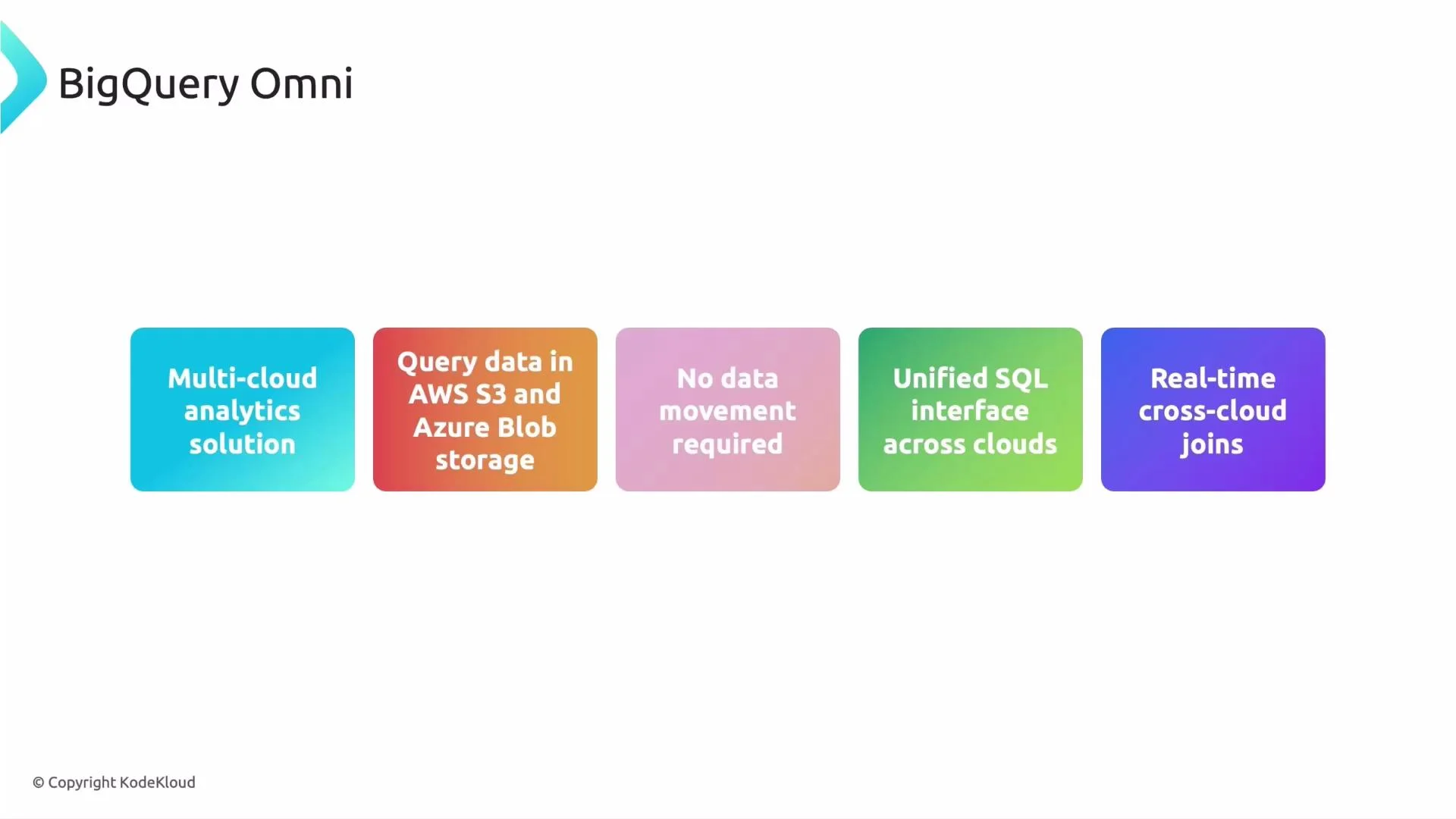
In this lesson we explore BigQuery Omni — a managed solution that enables BigQuery-style analytics across multiple cloud providers without requiring large-scale data movement. BigQuery Omni brings compute to the data so you can run BigQuery SQL against data that remains in AWS S3 or Azure Blob Storage.
Why this matters: most organizations are multi-cloud (some teams on [AWS](https://aws.amazon.com), some on [Azure](https://azure.microsoft.com), many on [Google Cloud](https://cloud.google.com)). Data frequently sits in multiple clouds; copying it for analysis is costly, slow, and risky. BigQuery Omni reduces that friction by running queries where the data lives.
* Run BigQuery SQL against data in [AWS S3](https://aws.amazon.com/s3/) and [Azure Blob Storage](https://learn.microsoft.com/en-us/azure/storage/blobs/) without migrating data.
* Perform near-real-time cross-cloud joins between datasets that live in different clouds, using the same BigQuery dialect and tooling.
* Reduce egress, improve latency, and avoid lift-and-shift migrations.
 ## What powers BigQuery Omni?
* Anthos-based runtime: Google uses Anthos to deploy a managed BigQuery compute runtime into the AWS or Azure region that hosts your data. This runtime is managed by Google — you don’t provision it.
* Local compute near data: The runtime executes inside the same cloud region as the storage (S3 or Blob), minimizing cross-cloud egress and latency.
* Unified operations and governance: Access control, auditing, and operational policies are enforced from your Google Cloud control plane so governance can remain centralized.
* Runtime optimizations: Query planning pushes processing close to the data sources and minimizes unnecessary data movement.
In short: your data stays where it lives; BigQuery brings compute to it.
## Design-time flow (planning and integration)
1. Discover: Inventory datasets and their cloud locations (AWS S3, Azure Blob, or GCP).
2. Model & optimize: Design table models and queries to reduce cross-cloud data exchange. Decide whether in-place processing is sufficient or if selective migration is needed.
3. Integrate: Connect those queries into existing orchestration and pipelines, re-using your BigQuery SQL and tools.
## Runtime flow (what happens when you run a query)
1. Submit: You run a SQL query via the BigQuery UI, CLI, or API.
2. Route: BigQuery’s control plane analyzes the query and routes parts that reference external cloud storage to the Anthos-hosted runtime in that cloud.
3. Execute: The runtime processes data in-place against S3 or Blob Storage.
4. Return & combine: Only results or minimized intermediate data are returned to BigQuery’s control plane, which combines results and delivers the final output.
This is similar to federated engines (e.g., [Presto](https://prestodb.io/)) but provides a BigQuery-native, Google-managed experience with integrated governance.
Note: Access and permissions are managed through the Google Cloud control plane. Your organization receives service account and role assignments for secure, auditable access to remote cloud storage. Always verify cross-cloud IAM and storage policies before running production queries.
## How to query external cloud data (example)
Below is a simplified example showing the pattern for creating an external table that references cloud storage and querying it. Replace placeholders with your project, dataset, connection, and URIs.
* Create an external table referencing external storage (example syntax — adapt to your environment and the connection resource created during setup):
```sql theme={null}
CREATE EXTERNAL TABLE `my_dataset.sales_external`
OPTIONS (
format = 'PARQUET',
uris = ['s3://my-bucket/path/to/*.parquet'],
connection = 'projects/PROJECT/locations/LOCATION/connections/CONNECTION_ID'
);
```
* Query and join with a native BigQuery table:
```sql theme={null}
SELECT a.order_id, a.amount, b.customer_name
FROM `my_dataset.sales_external` AS a
JOIN `my_dataset.customers` AS b
ON a.customer_id = b.customer_id
LIMIT 100;
```
For exact configuration steps (connection creation, permissions, and region specifics) see the BigQuery Omni documentation and the BigQuery Connection API.
## Why organizations adopt BigQuery Omni
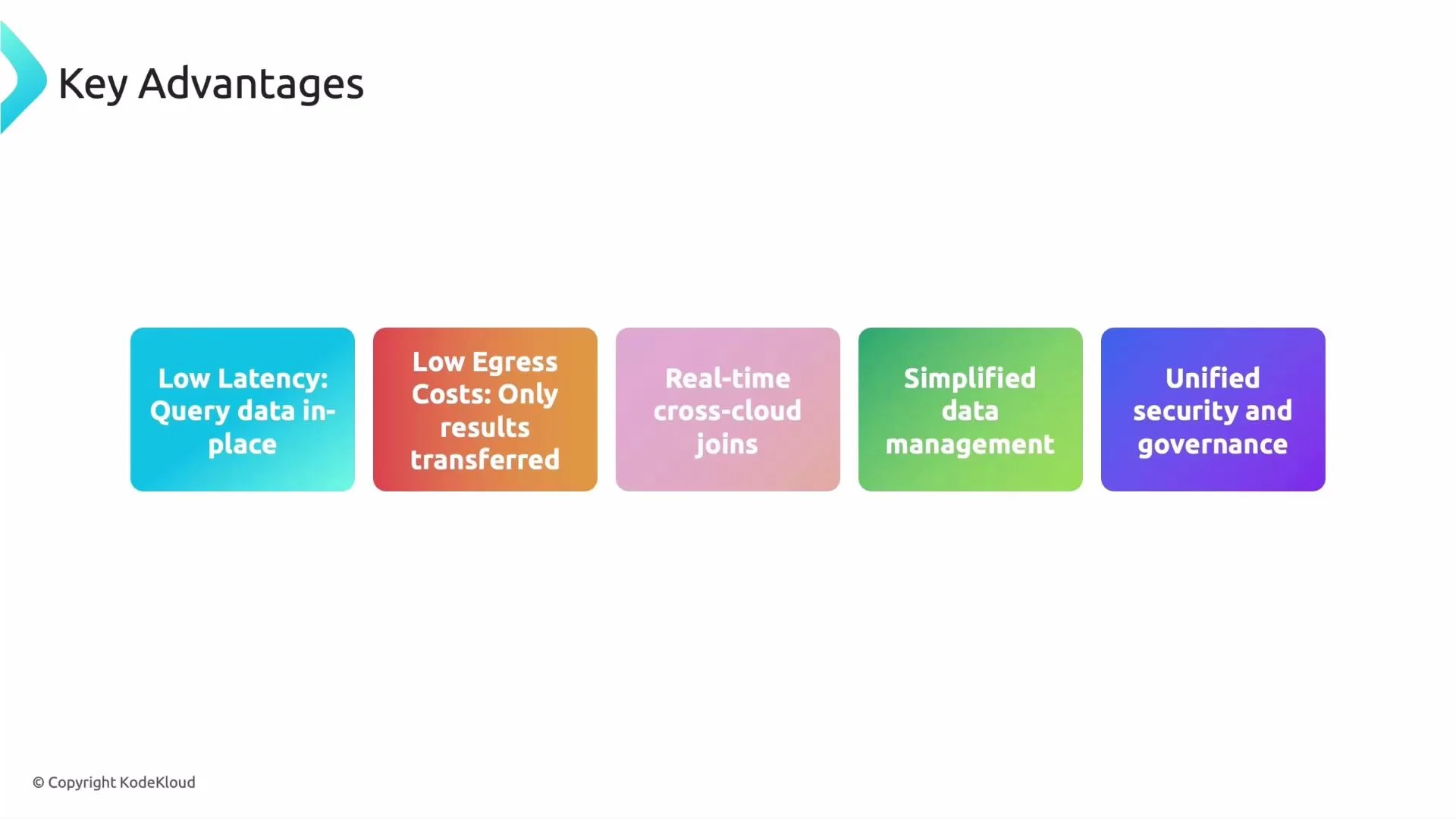
* Low latency: Processing occurs near the data, reducing round-trip delays.
* Lower egress costs: Avoid large-scale data transfer out of cloud providers by executing close to the data.
* Near-real-time cross-cloud analytics: Join and analyze across clouds without duplicating pipelines.
* Simplified operations: Reduce the need for complex ETL and synchronization workflows.
* Centralized security and governance: Enforce consistent policies and auditing from Google Cloud.
## What powers BigQuery Omni?
* Anthos-based runtime: Google uses Anthos to deploy a managed BigQuery compute runtime into the AWS or Azure region that hosts your data. This runtime is managed by Google — you don’t provision it.
* Local compute near data: The runtime executes inside the same cloud region as the storage (S3 or Blob), minimizing cross-cloud egress and latency.
* Unified operations and governance: Access control, auditing, and operational policies are enforced from your Google Cloud control plane so governance can remain centralized.
* Runtime optimizations: Query planning pushes processing close to the data sources and minimizes unnecessary data movement.
In short: your data stays where it lives; BigQuery brings compute to it.
## Design-time flow (planning and integration)
1. Discover: Inventory datasets and their cloud locations (AWS S3, Azure Blob, or GCP).
2. Model & optimize: Design table models and queries to reduce cross-cloud data exchange. Decide whether in-place processing is sufficient or if selective migration is needed.
3. Integrate: Connect those queries into existing orchestration and pipelines, re-using your BigQuery SQL and tools.
## Runtime flow (what happens when you run a query)
1. Submit: You run a SQL query via the BigQuery UI, CLI, or API.
2. Route: BigQuery’s control plane analyzes the query and routes parts that reference external cloud storage to the Anthos-hosted runtime in that cloud.
3. Execute: The runtime processes data in-place against S3 or Blob Storage.
4. Return & combine: Only results or minimized intermediate data are returned to BigQuery’s control plane, which combines results and delivers the final output.
This is similar to federated engines (e.g., [Presto](https://prestodb.io/)) but provides a BigQuery-native, Google-managed experience with integrated governance.
Note: Access and permissions are managed through the Google Cloud control plane. Your organization receives service account and role assignments for secure, auditable access to remote cloud storage. Always verify cross-cloud IAM and storage policies before running production queries.
## How to query external cloud data (example)
Below is a simplified example showing the pattern for creating an external table that references cloud storage and querying it. Replace placeholders with your project, dataset, connection, and URIs.
* Create an external table referencing external storage (example syntax — adapt to your environment and the connection resource created during setup):
```sql theme={null}
CREATE EXTERNAL TABLE `my_dataset.sales_external`
OPTIONS (
format = 'PARQUET',
uris = ['s3://my-bucket/path/to/*.parquet'],
connection = 'projects/PROJECT/locations/LOCATION/connections/CONNECTION_ID'
);
```
* Query and join with a native BigQuery table:
```sql theme={null}
SELECT a.order_id, a.amount, b.customer_name
FROM `my_dataset.sales_external` AS a
JOIN `my_dataset.customers` AS b
ON a.customer_id = b.customer_id
LIMIT 100;
```
For exact configuration steps (connection creation, permissions, and region specifics) see the BigQuery Omni documentation and the BigQuery Connection API.
## Why organizations adopt BigQuery Omni
* Low latency: Processing occurs near the data, reducing round-trip delays.
* Lower egress costs: Avoid large-scale data transfer out of cloud providers by executing close to the data.
* Near-real-time cross-cloud analytics: Join and analyze across clouds without duplicating pipelines.
* Simplified operations: Reduce the need for complex ETL and synchronization workflows.
* Centralized security and governance: Enforce consistent policies and auditing from Google Cloud.
 ## Primary use cases
* Multi-cloud enterprises that must analyze datasets spread across providers without consolidation.
* Legacy or regulated datasets that are costly or risky to migrate.
* Teams needing combined, near-real-time analytics across cloud storage systems.
* Situations where building and maintaining cross-cloud ETL pipelines is impractical or slow.
## Quick comparison: BigQuery Omni vs traditional data movement
| Aspect | BigQuery Omni | Traditional ETL / Full Migration |
| --------------- | ---------------------------------------------------------- | ----------------------------------------------------------- |
| Time to insight | Near-real-time for many queries | Days to weeks to build and run pipelines |
| Cost | Lower egress; compute-to-data model reduces transfer costs | Potentially high egress and storage duplication costs |
| Complexity | Managed runtime, fewer moving parts | Multiple pipelines, duplication, and orchestration overhead |
| Practicality | Good when immediate migration is infeasible | Preferable if long-term consolidation to GCP is planned |
## Exam tip / practical guidance
If a question describes multi-cloud data analysis where moving data is expensive or slow, BigQuery Omni is often the preferred solution. Always check details: if long-term consolidation or special processing is required, migrating data to GCP or using specialized tools might be more appropriate.
Warning: While BigQuery Omni minimizes egress, some network transfer may still occur depending on query shape (e.g., large intermediate shuffles). Estimate costs and test query plans before running large-scale workloads.
## Summary
BigQuery Omni provides a managed, BigQuery-native way to analyze data in AWS S3 and Azure Blob Storage without copying data into GCP. It uses an Anthos-based runtime to bring compute to the data, reduces egress and latency, and centralizes security and governance — making it an effective option for multi-cloud analytics.
Further reading and references
* [BigQuery Omni documentation](https://cloud.google.com/bigquery-omni)
* [Anthos overview](https://cloud.google.com/anthos)
* [BigQuery external data sources and connections](https://cloud.google.com/bigquery/docs/external-data-sources)
* [AWS S3](https://aws.amazon.com/s3/)
* [Azure Blob Storage](https://learn.microsoft.com/en-us/azure/storage/blobs/)
## Primary use cases
* Multi-cloud enterprises that must analyze datasets spread across providers without consolidation.
* Legacy or regulated datasets that are costly or risky to migrate.
* Teams needing combined, near-real-time analytics across cloud storage systems.
* Situations where building and maintaining cross-cloud ETL pipelines is impractical or slow.
## Quick comparison: BigQuery Omni vs traditional data movement
| Aspect | BigQuery Omni | Traditional ETL / Full Migration |
| --------------- | ---------------------------------------------------------- | ----------------------------------------------------------- |
| Time to insight | Near-real-time for many queries | Days to weeks to build and run pipelines |
| Cost | Lower egress; compute-to-data model reduces transfer costs | Potentially high egress and storage duplication costs |
| Complexity | Managed runtime, fewer moving parts | Multiple pipelines, duplication, and orchestration overhead |
| Practicality | Good when immediate migration is infeasible | Preferable if long-term consolidation to GCP is planned |
## Exam tip / practical guidance
If a question describes multi-cloud data analysis where moving data is expensive or slow, BigQuery Omni is often the preferred solution. Always check details: if long-term consolidation or special processing is required, migrating data to GCP or using specialized tools might be more appropriate.
Warning: While BigQuery Omni minimizes egress, some network transfer may still occur depending on query shape (e.g., large intermediate shuffles). Estimate costs and test query plans before running large-scale workloads.
## Summary
BigQuery Omni provides a managed, BigQuery-native way to analyze data in AWS S3 and Azure Blob Storage without copying data into GCP. It uses an Anthos-based runtime to bring compute to the data, reduces egress and latency, and centralizes security and governance — making it an effective option for multi-cloud analytics.
Further reading and references
* [BigQuery Omni documentation](https://cloud.google.com/bigquery-omni)
* [Anthos overview](https://cloud.google.com/anthos)
* [BigQuery external data sources and connections](https://cloud.google.com/bigquery/docs/external-data-sources)
* [AWS S3](https://aws.amazon.com/s3/)
* [Azure Blob Storage](https://learn.microsoft.com/en-us/azure/storage/blobs/)