> ## Documentation Index
> Fetch the complete documentation index at: https://notes.kodekloud.com/llms.txt
> Use this file to discover all available pages before exploring further.
# Introduction to Consul KV Store
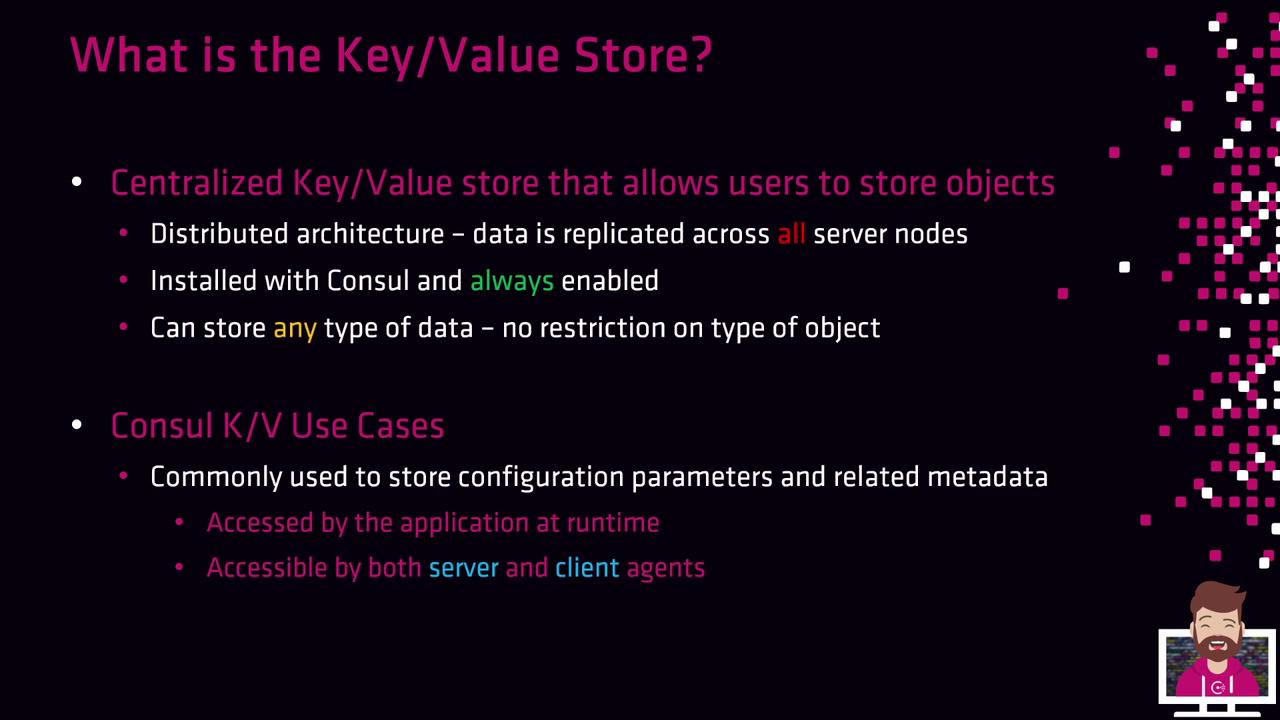
> The Consul Key/Value Store is a centralized repository for storing configuration parameters, metadata, and arbitrary data objects with high availability and fault tolerance.
The Consul Key/Value (KV) Store is a centralized repository for storing configuration parameters, metadata, and arbitrary data objects. Built into Consul, it’s always enabled and ready for use, although leveraging it remains optional. Data is replicated across all server nodes—voters, non-voters, and read replicas—ensuring high availability and fault tolerance.
## Distributed Architecture and High Availability
* Replicates data across all Consul server nodes (voting, non-voting, read replicas)
* Maintains redundancy even if one or more nodes fail
* Accessible by server and client agents, as well as external clients with a valid ACL token (when ACLs are enabled)
Consul KV Store is designed strictly for key/value operations, not as a full database or file system.
## What the Consul KV Store Is Not

| Limitation | Explanation |
| ----------------------------- | ---------------------------------------------------------------------- |
| Not a full database | Lacks complex queries and advanced features (e.g., DynamoDB) |
| Not encrypted by default | Stored in plaintext—use Vault for sensitive data |
| No directory hierarchy | Forward slashes (`/`) in keys are part of the name, not actual folders |
| Single-datacenter replication | Replicates only within one datacenter, not across regions |
Consul KV Store data is *not* encrypted by default. For secrets and sensitive information, use [HashiCorp Vault](https://www.vaultproject.io).
## Object Size Limitation
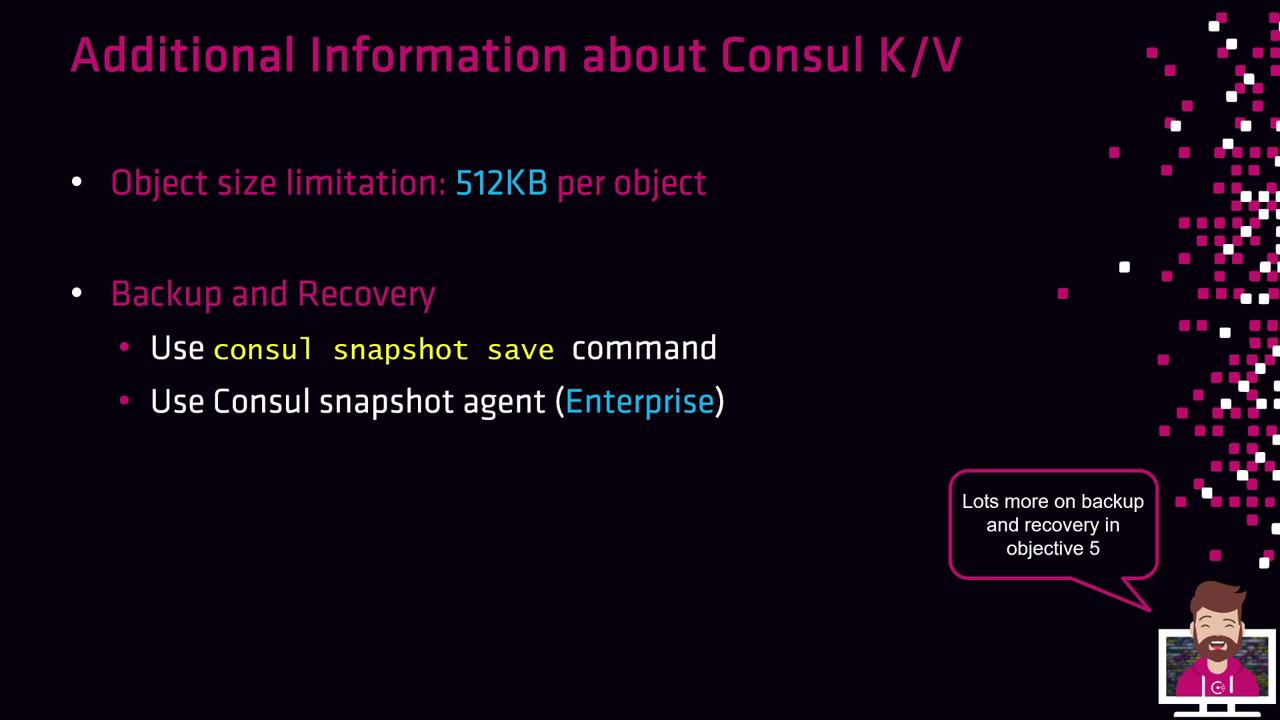
Each key/value object is limited to **512 KB**.
## Backup and Recovery
Consul supports snapshot-based backup and restore for KV data:
```bash theme={null}
# Backup all KV data
consul snapshot save backup.snap
# Restore KV data from a snapshot
consul snapshot restore backup.snap
```
In Consul Enterprise, the **Consul Snapshot Agent** provides automated, policy-driven backups.
See the [Consul Backup and Restore guide](https://www.consul.io/docs/enterprise/snapshots) for advanced options.
## Designing the KV Structure
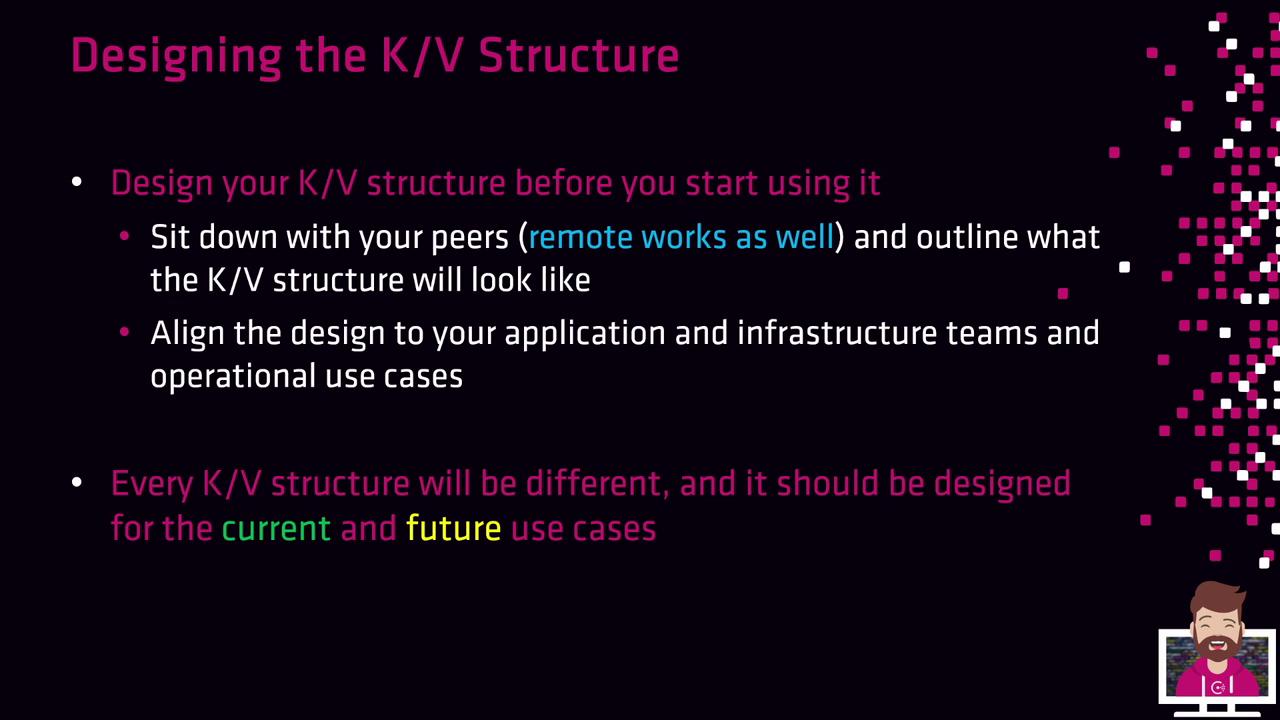
Collaborate with your teams to plan a KV hierarchy that meets current requirements and future growth.
### Example 1: SDLC-Based Structure
Organize keys by environment:
* k8s/
* dev/
* qa/
* staging/
* production/
Example keys:
* `k8s/staging/app3/api-key`
* `k8s/staging/app3/certificate`
### Example 2: Team-Based Structure
Group keys by team and service:

* **cloud/**
* `cloud/aws/account-number`
* `cloud/aws/account-name`
* **apps/**
* `apps/app1/param1`
* `apps/app2/param2`
Tailor your structure to align with application teams and infrastructure needs.
## Links and References
* [Consul Documentation](https://www.consul.io/docs)
* [Vault Documentation](https://www.vaultproject.io/docs)
* [Kubernetes Basics](https://kubernetes.io/docs/concepts/overview/what-is-kubernetes/)
* [Terraform Registry](https://registry.terraform.io/)