> ## Documentation Index
> Fetch the complete documentation index at: https://notes.kodekloud.com/llms.txt
> Use this file to discover all available pages before exploring further.
# Objective 4 Section Recap
> This section summarizes the capabilities, operations, and monitoring of the HashiCorp Consul Key/Value store.
That wraps up this section on the HashiCorp Consul Key/Value (K/V) store!
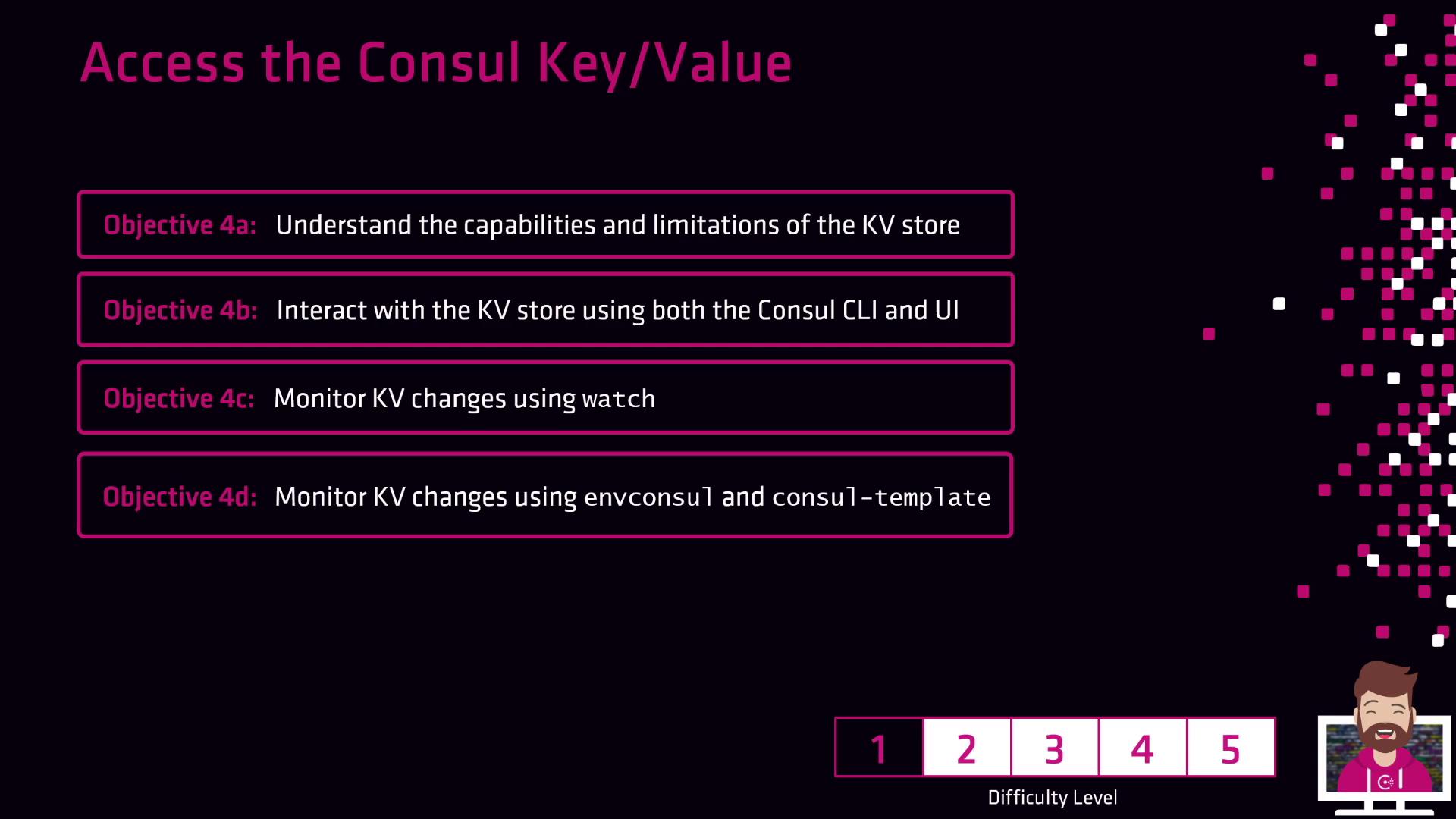
In this section, you mastered:
| Topic | Highlights |
| ----------------------------- | ---------------------------------------------------------------------------------------------------- |
| Capabilities & Limitations | Explored what the Consul K/V store is, examined its constraints, and reviewed common use cases. |
| CLI, UI & HTTP API Operations | Learned to read and write keys via the Consul CLI (`consul kv`), the UI, and the HTTP API. |
| Change Monitoring | Set up watches, integrated Envoy for automatic updates, and rendered templates with Consul-Template. |
Consul’s K/V store is ideal for dynamic configuration management and secure secret storage across microservices and distributed architectures.
With these fundamentals in place, you’re ready to start storing and managing configuration data and secrets in your organization’s Consul deployment.
## Links and References
* [Consul Key/Value Store Documentation](https://www.consul.io/docs/kv)
* [Consul Watches](https://www.consul.io/docs/observability/watches)
* [Consul Template GitHub](https://github.com/hashicorp/consul-template)