> ## Documentation Index
> Fetch the complete documentation index at: https://notes.kodekloud.com/llms.txt
> Use this file to discover all available pages before exploring further.
# Introduction to Consul Snapshots
> Consul snapshots provide atomic backups of your cluster’s Raft state for disaster recovery and data restoration.
Consul snapshots provide an atomic, point-in-time backup of your cluster’s Raft state. They are the primary mechanism for disaster recovery (DR) and allow you to restore:
* Key-value entries in the KV store
* Service catalog definitions
* Prepared queries
* Active sessions
* Access Control Lists (ACLs)
* Internal metadata
Consistent snapshots ensure that all committed log entries across the Raft quorum are captured by the leader before the archive is created.
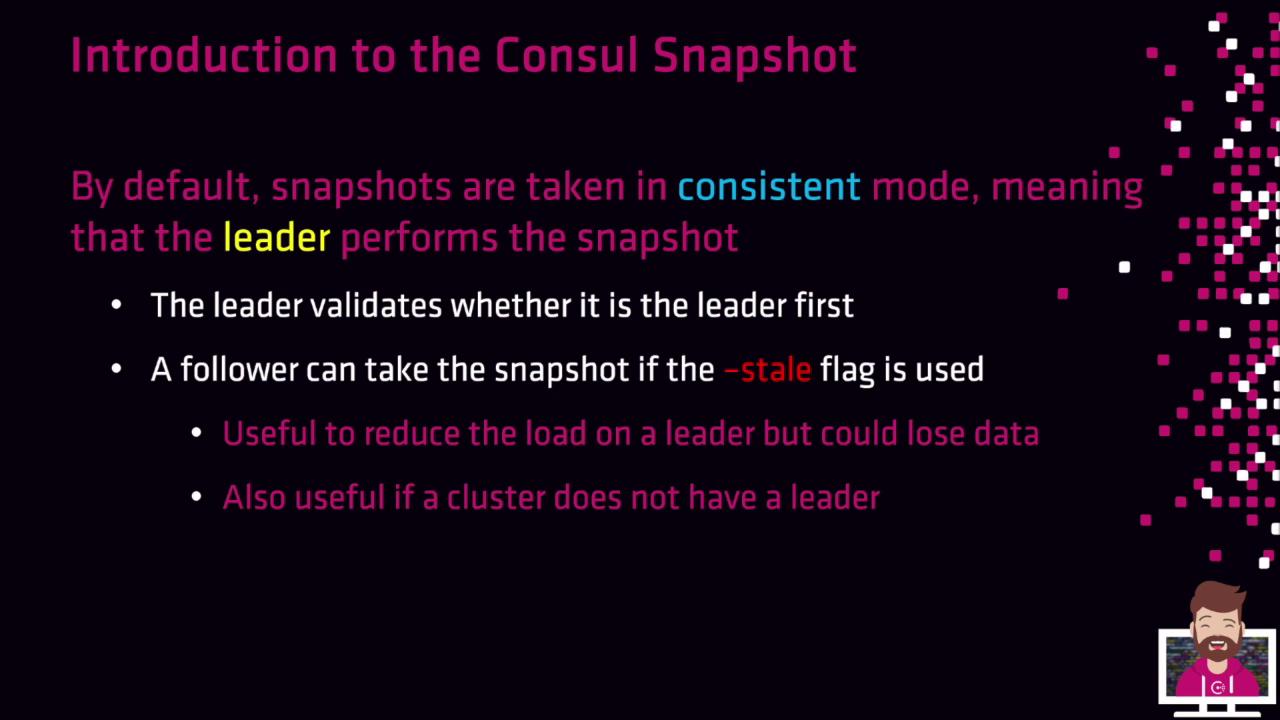
By default, snapshots run in **consistent** mode. The cluster leader coordinates the process to guarantee data integrity.
## Taking a Snapshot on the Leader
Run the following command on the current leader to save a consistent snapshot:
```bash theme={null}
consul snapshot save /path/to/consul-snapshot.gz
```
This will:
1. Verify leader status.
2. Generate a gzipped tar archive at the specified path.
## Offloading to a Follower with `-stale`
If you need to reduce load on the leader—or capture state when quorum is lost—you can offload snapshot creation to a follower:
```bash theme={null}
consul snapshot save -stale /path/to/consul-snapshot.gz
```
Using `-stale` may omit unreplicated log entries from the follower, potentially resulting in data loss. Only use this option when leader performance or cluster availability is impacted.
### When to Use Stale Snapshots
* Offload resource-intensive backup tasks from the leader
* Capture cluster state after quorum loss, to restore in a new cluster
## Snapshot Contents
| Component | Description |
| ----------------- | ----------------------------------------------------- |
| KV Store Entries | All key-value data |
| Service Catalog | Registered services and metadata |
| Prepared Queries | User-defined queries saved for repeatable lookups |
| Active Sessions | Locks and leader election sessions |
| ACLs | Access Control policies and tokens |
| Internal Metadata | Raft indexes, configuration, and other system details |
## References
* [Consul Snapshots Documentation](https://www.consul.io/docs/backup-and-restore)
* [Raft Consensus Protocol](https://raft.github.io/)
* [HashiCorp Consul Overview](https://www.consul.io/)