> ## Documentation Index
> Fetch the complete documentation index at: https://notes.kodekloud.com/llms.txt
> Use this file to discover all available pages before exploring further.
# Objective 5 Section Recap
> This article reviews the Consul snapshot lifecycle, including backup and restore methods, snapshot contents, and features of the Consul snapshot agent.
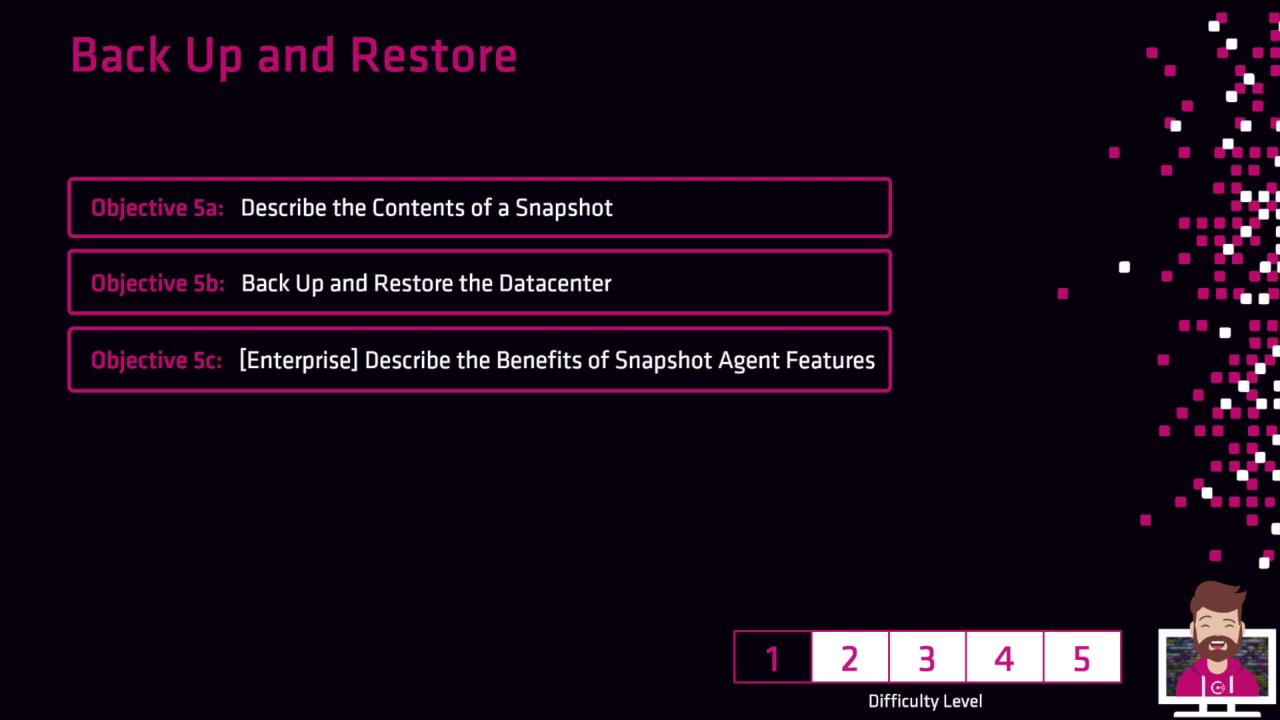
In this lesson, you practiced using the Consul snapshot agent and walked through the complete Consul snapshot lifecycle. Below is a concise review of the key topics:
## Snapshot Contents
We captured critical state data in each snapshot, including:
| Data Type | Description |
| ----------------- | ---------------------------------- |
| Key-Value Entries | All KV pairs stored in the cluster |
| ACLs | Access control policies and tokens |
| Prepared Queries | Reusable service discovery queries |
## Backup & Restore Workflows
You backed up and restored your datacenter state using two primary methods:
| Method | Backup Command | Restore Command |
| ---------- | ---------------------------------- | ------------------------------------- |
| Consul CLI | `consul snapshot save backup.snap` | `consul snapshot restore backup.snap` |
| HTTP API | `PUT /v1/snapshot` | `PUT /v1/snapshot/restore` |
The CLI approach is ideal for quick local snapshots, while the HTTP API enables automation and integration with external tools.
## Consul Snapshot Agent (Enterprise)
The Consul Enterprise snapshot agent adds automation for scheduling, retention policies, and remote storage support:
* Automated snapshot rotations
* Encryption at rest for backups
* Integration with S3, GCS, and Azure Blob Storage
The snapshot agent is available only in Consul Enterprise. Ensure your license covers agent features before deploying.
***
With these tools in hand, you can confidently back up and restore your Consul cluster state at scale. Continue to the next module for advanced recovery strategies.
## Links and References
* [Consul Snapshot CLI Documentation](https://www.consul.io/docs/commands/snapshot)
* [Consul HTTP API: Snapshot Endpoints](https://www.consul.io/api-docs/snapshot)
* [Consul Enterprise Features](https://www.consul.io/docs/enterprise)