> ## Documentation Index
> Fetch the complete documentation index at: https://notes.kodekloud.com/llms.txt
> Use this file to discover all available pages before exploring further.
# Configure Networking and Ports
> This guide explains how to configure Consuls network addresses and ports for reliable communication between internal agents and external clients.
In this guide, you’ll learn how to set up Consul’s network addresses and ports so that both internal agents and external clients can communicate reliably. Whether you have a single network interface or a complex NAT topology, these settings ensure that your Consul cluster remains accessible and secure.
## Default Consul Ports
Consul exposes several ports by default. Ensure that clients and applications can reach these ports on every node:
| Interface | Protocol | Port | Purpose |
| ------------- | -------- | ---- | ----------------------------- |
| HTTP API | TCP | 8500 | RESTful HTTP API |
| LAN gossip | TCP/UDP | 8301 | Cluster membership and gossip |
| DNS interface | TCP/UDP | 8600 | Service discovery via DNS |
## DNS Port Considerations
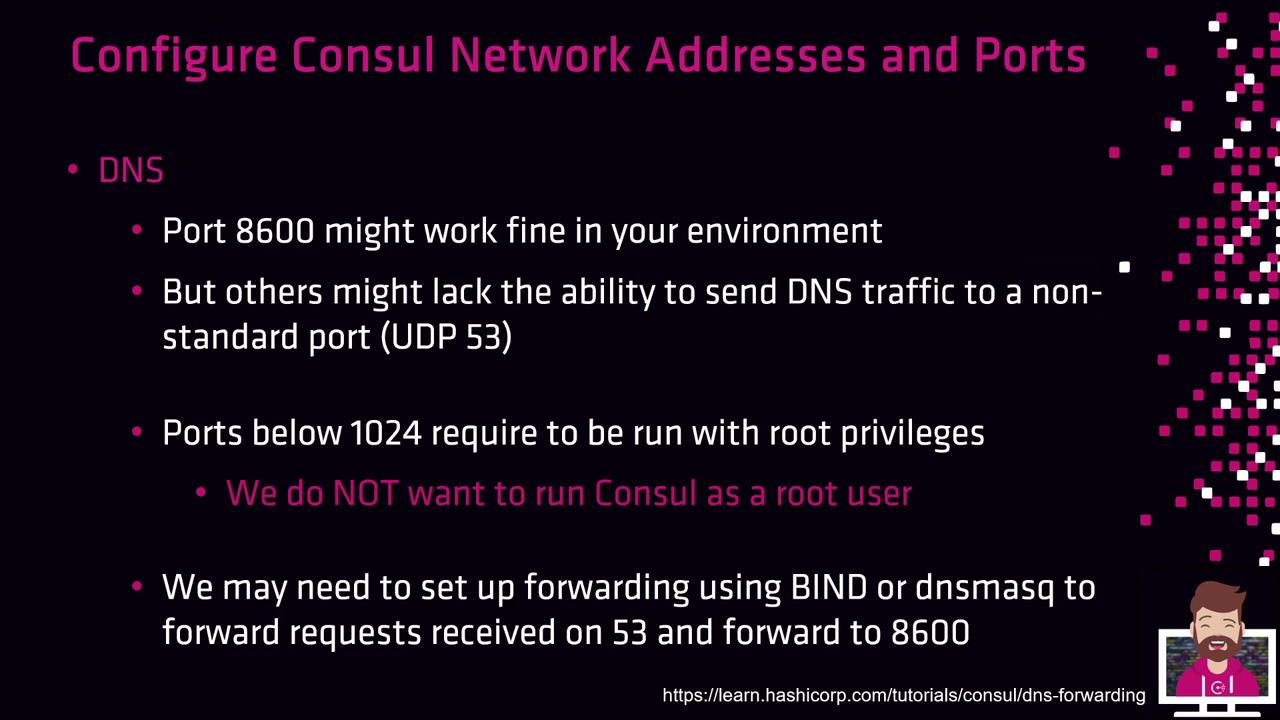
By default, Consul listens on port 8600 for DNS queries. In environments where DNS is restricted to UDP/TCP port 53, it’s better to redirect traffic rather than run Consul as root.
Binding to ports below 1024 requires root privileges. Instead, redirect DNS requests with `iptables`, `firewalld`, or `dnsmasq` to maintain security.
### Redirecting DNS Traffic with iptables
```bash theme={null}
# Redirect UDP port 53 to Consul’s 8600
sudo iptables -t nat -A PREROUTING -p udp --dport 53 -j REDIRECT --to-ports 8600
# Redirect TCP port 53 to Consul’s 8600
sudo iptables -t nat -A PREROUTING -p tcp --dport 53 -j REDIRECT --to-ports 8600
```
## bind\_addr vs. advertise\_addr
Consul uses two key settings for network configuration:
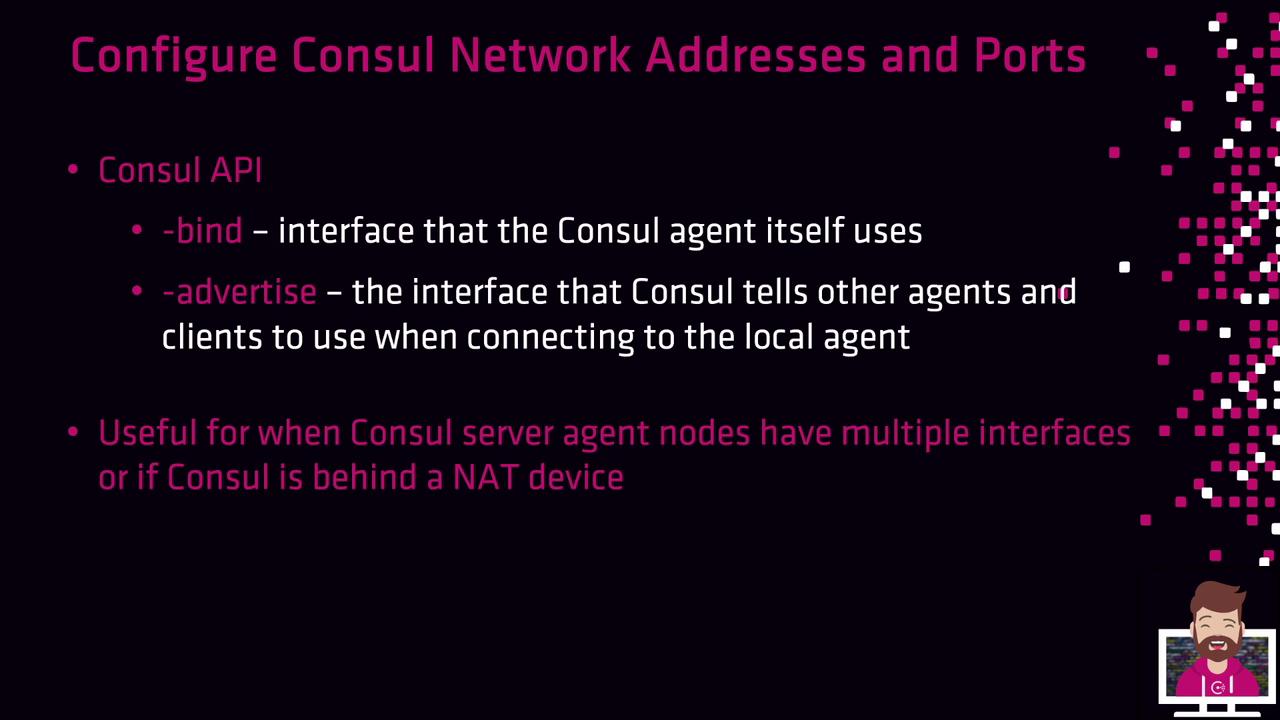
* **bind\_addr**: The local network interface on which Consul listens for cluster communications (gossip, RPC).
* **advertise\_addr**: The address other agents and external clients use to reach this node.
On a system with a single NIC, both can point to the same IP. In a multi-interface or NAT setup, bind to the private interface and advertise the public-facing IP.
### Example: NAT Scenario
Imagine a Consul server behind NAT:
* Private interface (LAN gossip/RPC): `10.0.4.56`
* Public (NAT) address: `10.0.9.32`
Use a `config.hcl` like this:
```hcl theme={null}
bind_addr = "10.0.4.56"
advertise_addr = "10.0.9.32"
```
With these settings:
* The agent listens on `10.0.4.56` for internal cluster traffic.
* Other agents and clients connect to `10.0.9.32`.
## Additional Resources
* [Consul Networking](https://www.consul.io/docs/agent/options#networking)
* [Consul Service Discovery](https://www.consul.io/docs/discovery)
* [iptables Documentation](https://linux.die.net/man/8/iptables)