> ## Documentation Index
> Fetch the complete documentation index at: https://notes.kodekloud.com/llms.txt
> Use this file to discover all available pages before exploring further.
# Consul Agent Configuration
> This article explores configuring the Consul agent using JSON or HCL, covering server/client modes and critical network, security, and cluster settings.
In this lesson, we’ll explore how to configure the Consul agent using either JSON or HCL (HashiCorp Configuration Language). Proper agent configuration determines whether Consul runs in **server** or **client** mode and controls critical network, security, and cluster membership settings.
## Sample JSON Configuration
Below is a baseline JSON file for a Consul server in `us-east-1`. You can also write this in HCL; refer to the [Consul Configuration Documentation](https://www.consul.io/docs/configuration) for HCL examples.
```json theme={null}
{
"datacenter": "us-east-1",
"client_addr": "0.0.0.0",
"bind_addr": "10.11.11.11",
"advertise_addr": "10.11.11.11",
"bootstrap_expect": 5,
"retry_join": [
"provider=aws tag_key=Environment-Name tag_value=consul-cluster region=us-east-1"
],
"enable_syslog": true,
"acl": {
"enabled": true,
"default_policy": "deny"
}
}
```
Additional examples and a hands-on practice lab follow this section.
## Understanding Configuration Sources
You can provide configuration through:
* JSON/HCL files
* Command-line flags (e.g., `-server`, `-bootstrap-expect`)
* Environment variables prefixed with `CONSUL_`
Environment variables are useful for overrides in containerized or CI/CD environments. For complex configurations, maintain a single JSON or HCL file.
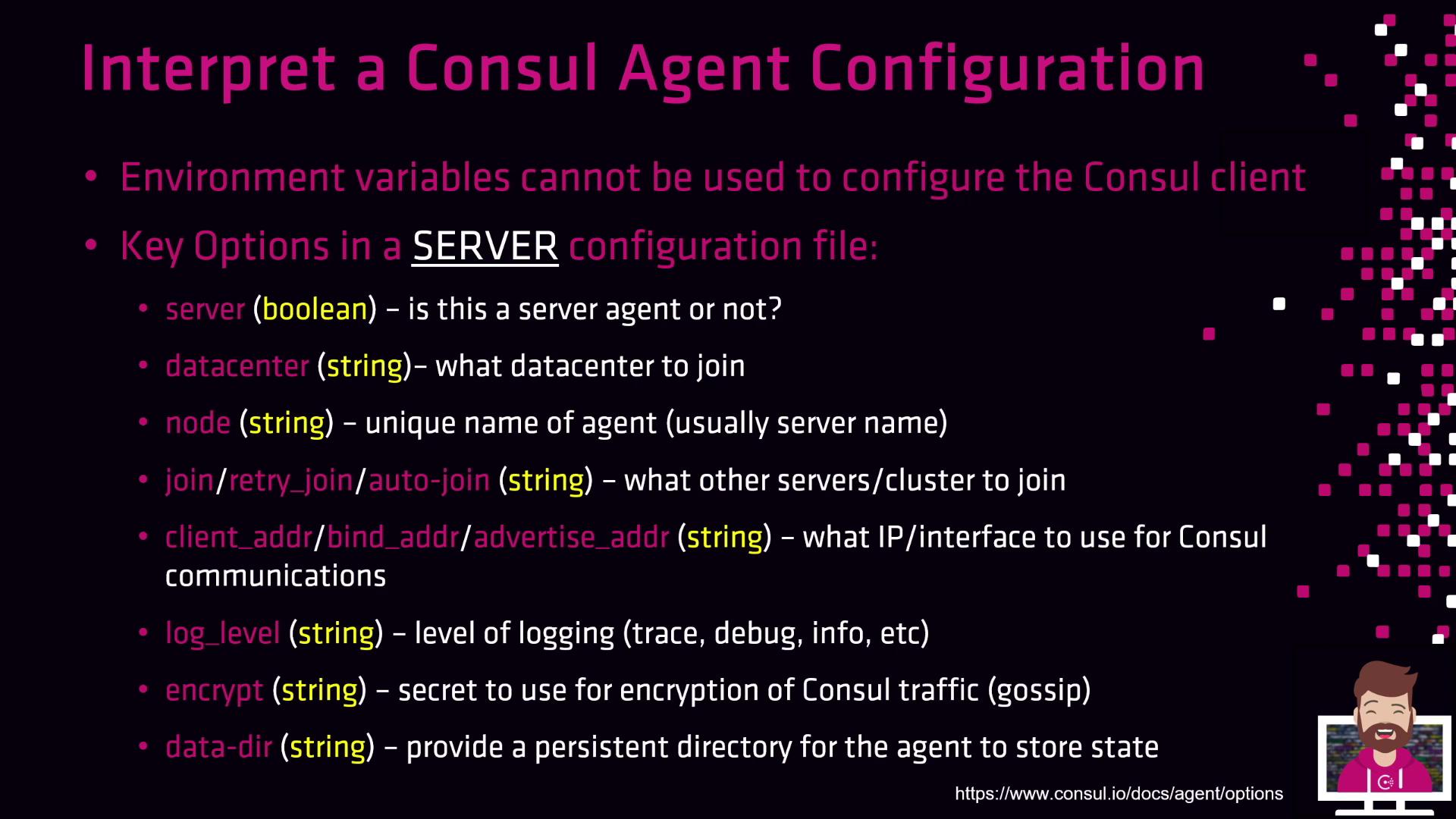
## Key Options in a Server Configuration File
Below is a summary of the most common server directives. Adjust these values to match your deployment topology and security requirements.
| Option | Type | Description |
| ------------------ | ---------------- | ---------------------------------------------------------------------------------------------- |
| `server` | Boolean | `true` for server agents; `false` for clients. |
| `datacenter` | String | Logical data center name (e.g., `us-east-1`). |
| `node` | String | Unique agent identifier (often the host name). Must be unique in the cluster. |
| `retry_join` | Array of strings | List of peers or cloud auto-join parameters to contact when forming/joining the cluster. |
| `client_addr` | IP or interface | Address for client‐facing RPC, HTTP, and DNS servers. |
| `bind_addr` | IP or interface | Address for internal gossip and serf LAN communications. |
| `advertise_addr` | IP or interface | Address broadcast to other agents for cluster membership. |
| `bootstrap_expect` | Integer | Number of servers to wait for before bootstrapping the Raft cluster (only in server mode). |
| `encrypt` | String (base64) | 32-byte key generated via `consul keygen` for gossip encryption. Must match across all agents. |
| `data_dir` | String (path) | Local filesystem path for storing agent state and metadata. |
| `log_level` | String | Verbosity level (`trace`, `debug`, `info`, `warn`, `err`). |
Keep your gossip encryption key (`encrypt`) confidential. If exposed, rotate it immediately using `consul keygen` and reconfigure all agents.
Depending on your environment, you may also configure: ACLs (`acl` block), syslog integration (`enable_syslog`), or cloud-specific auto-join settings.
## Key Options in a Service Configuration File
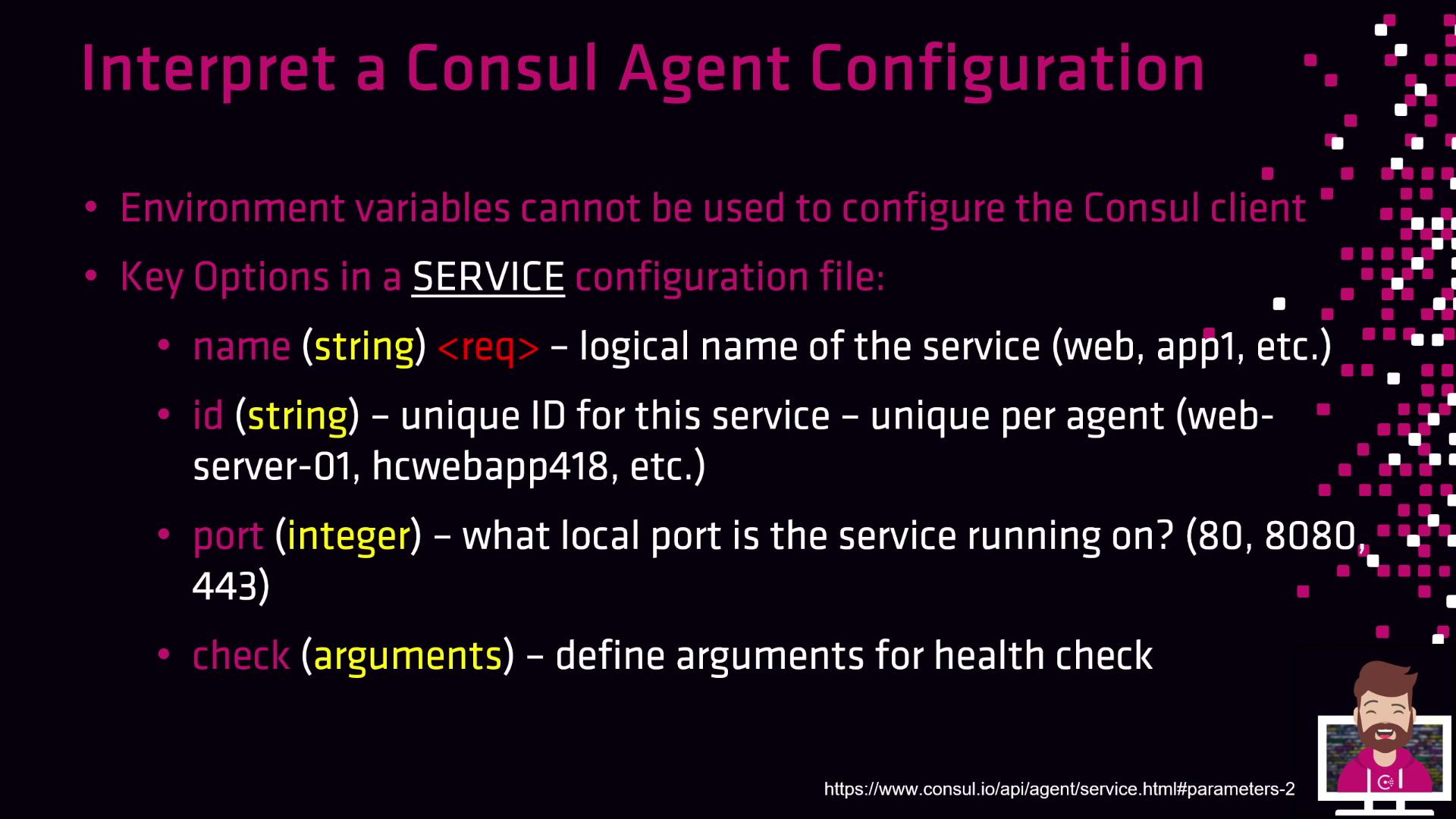
Service definitions register application endpoints with Consul for discovery and health checking. Below is an overview of essential fields:
| Option | Type | Description |
| ------- | --------------- | ---------------------------------------------------------------------------------------------- |
| `name` | String | Logical service name (e.g., `webapp1`, `database562`). |
| `id` | String | Unique instance identifier (e.g., `webserver01`). |
| `port` | Integer | Local port where the service listens (e.g., `8080`, `443`). |
| `check` | Object or Array | Health check definitions (HTTP, TCP, script). Specify `interval`, `timeout`, and `status` TTL. |
You can define multiple health checks per service. Use `deregister_critical_service_after` to automatically remove unhealthy instances.
Next, we’ll walkthrough a real-world example, explaining each setting in depth and demonstrating best practices for high-availability and secure cluster management.