> ## Documentation Index
> Fetch the complete documentation index at: https://notes.kodekloud.com/llms.txt
> Use this file to discover all available pages before exploring further.
# Objective 2 Section Overview
> This lesson covers deploying a single datacenter with Consul, including agent management, configuration interpretation, and network customization.
In this lesson, we dive into Objective 2 of the HashiCorp Certified: Consul Associate exam—deploying a single datacenter with Consul. You’ll explore how to initialize and manage agents, interpret configuration files, and customize network settings.
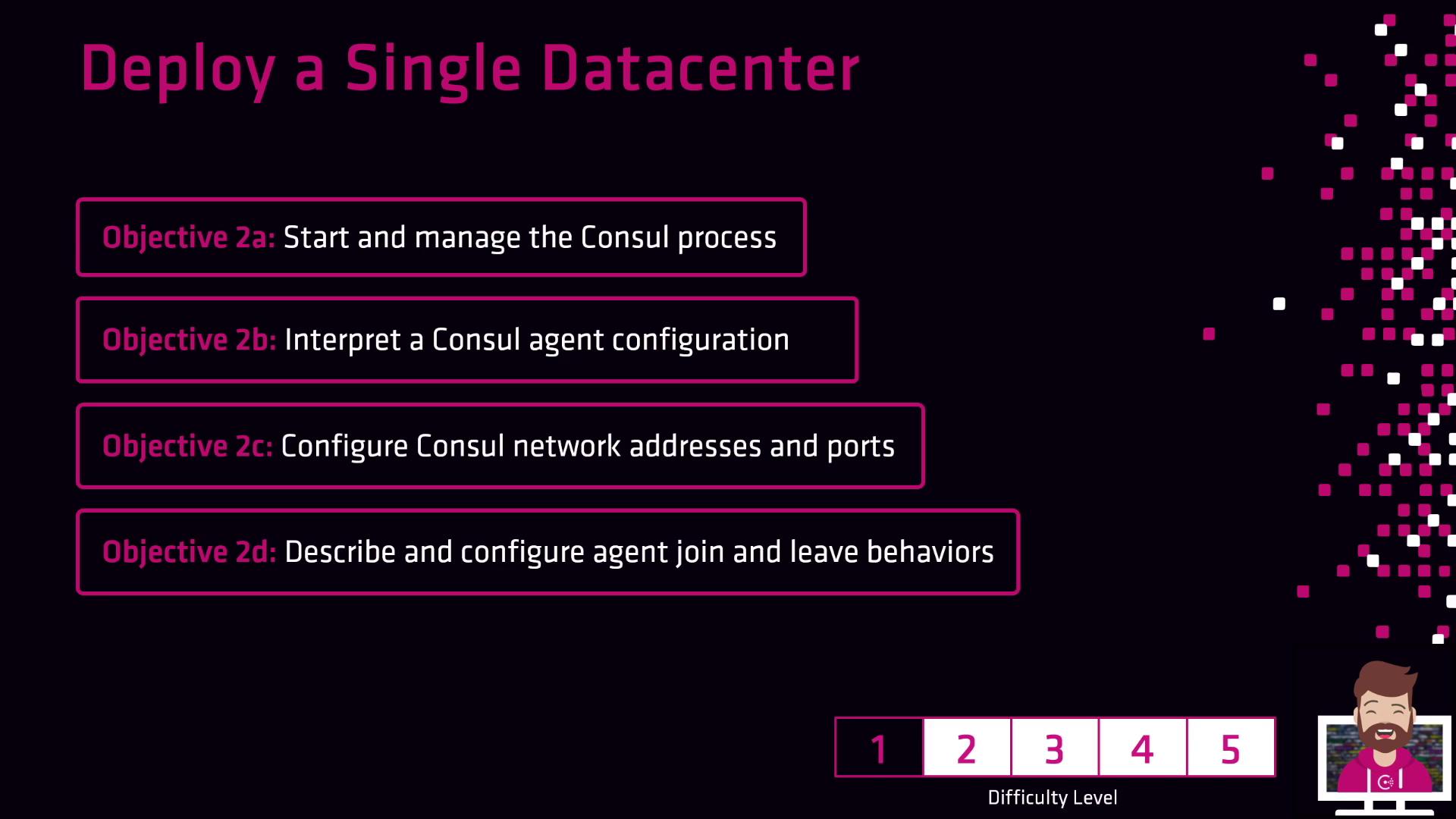
## Exam Objectives Overview
| Task | Description |
| ---------------------------------------- | ----------------------------------------------------------------- |
| Starting and managing the Consul process | Launch and supervise server and client agents with `consul agent` |
| Interpreting Consul agent configuration | Parse JSON/HCL config files to define agent behavior |
| Configuring the Consul network | Enable gossip, LAN/WAN discovery, and ACLs |
| Setting network addresses and ports | Customize `bind_addr`, `advertise_addr`, and RPC/HTTP ports |
| Managing agent join and leave behaviors | Use `consul join`, `agent leave`, and `agent shutdown` commands |
Review the official [Consul Agent CLI documentation](https://www.consul.io/docs/commands/agent) to master common flags and startup options.
## Links and References
* [Consul Agent CLI](https://www.consul.io/docs/commands/agent)
* [Consul Configuration](https://www.consul.io/docs/configuration)
* [Consul Networking](https://www.consul.io/docs/connect)