> ## Documentation Index
> Fetch the complete documentation index at: https://notes.kodekloud.com/llms.txt
> Use this file to discover all available pages before exploring further.
# Network Automation
> Learn to use Consul for resilient service traffic management, including routing, traffic splitting, and layer 7 visibility with Envoy.
Leverage Consul’s network automation to deliver resilient, observability-driven service traffic management. You’ll learn how to route requests to healthy endpoints, split traffic between service versions, and gain deep layer 7 visibility with Envoy.
## Dynamic Load Balancing & Traffic Shaping
Consul automatically routes traffic only to registered, healthy service instances. You can define advanced traffic-shaping policies—similar to a load balancer—to split and steer requests:
* **Health-aware routing**: Requests go only to passing checks.
* **Weighted splits**: Distribute traffic (e.g., 80/20) across service subsets.
* **Path-based routing**: Send specific URLs or HTTP methods to designated backends.
* **Failover & multi-cloud**: When an availability zone or cloud provider fails, traffic shifts seamlessly to healthy regions or on-premises datacenters.
Consul integrates natively with Envoy for L7 control, and you can extend to F5, NGINX, or HAProxy using built-in connectors.
### Integration Partners
| Proxy / Load Balancer | Use Case | Learn More |
| --------------------- | ------------------------------ | ----------------------------------------- |
| Envoy | Full L7 policy & observability | [Envoy Proxy](https://www.envoyproxy.io/) |
| NGINX | HTTP/S traffic management | [NGINX Docs](https://nginx.org/en/docs/) |
| HAProxy | High-performance L4/L7 routing | [HAProxy](https://www.haproxy.org/) |
| F5 | Enterprise hardware appliances | [F5 Networks](https://www.f5.com/) |
## Service Splitting Example
1. **Initial state**: All traffic routes to `v1`.
```text theme={null}
User → Consul → web-app v1
```
2. **Canary upgrade**: Deploy `v2` and validate.
3. **Traffic shift**: Apply a `service-splitter` policy.
```hcl theme={null}
Kind = "service-splitter"
Name = "web-app"
Splits = [
{
ServiceSubset = "v2"
Weight = 100
},
{
ServiceSubset = "v1"
Weight = 0
},
]
```
Ensure both versions pass health checks before shifting traffic. A misconfigured subset with `Weight > 0` and failing health checks will not receive traffic.
## Layer 7 Visibility & Metrics
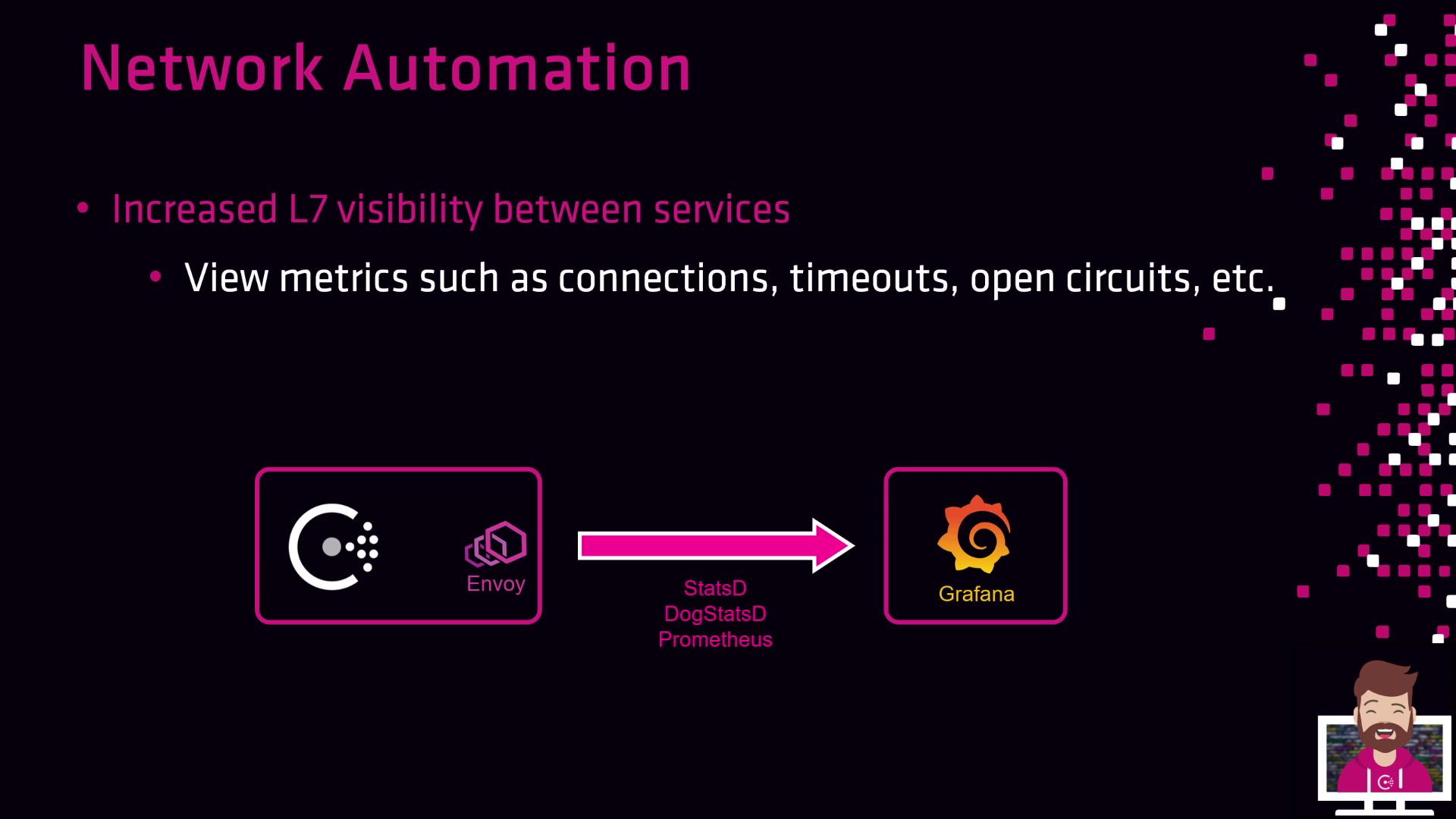
By pairing Consul’s network automation with Envoy’s built-in metrics, you gain real-time L7 insights:
* Connection counts
* Request latencies and timeouts
* Circuit breaker states
You can export these statistics via StatsD, DogStatsD, or Prometheus and visualize them in Grafana:
## Further Reading
* [Consul Network Automation](https://www.consul.io/docs/network-automation)
* [Consul Service-Splitter](https://www.consul.io/docs/configuration/service-splitter)
* [Grafana Dashboards for Envoy](https://grafana.com/grafana/dashboards/)
* [Prometheus Metrics](https://prometheus.io/docs/concepts/data_model/)
## Links and References
* [Envoy Proxy](https://www.envoyproxy.io/)
* [NGINX Documentation](https://nginx.org/en/docs/)
* [HAProxy Official Site](https://www.haproxy.org/)
* [F5 Networks](https://www.f5.com/)
* [StatsD vs DogStatsD](https://docs.datadoghq.com/developers/dogstatsd/)