> ## Documentation Index
> Fetch the complete documentation index at: https://notes.kodekloud.com/llms.txt
> Use this file to discover all available pages before exploring further.
# Introduction to Consul Service Mesh
> Consul Service Mesh provides secure service-to-service communication across various infrastructures using mutual TLS, service discovery, and policy enforcement.
Consul Service Mesh delivers secure, authenticated, and authorized service-to-service communication across dynamic, multi-platform infrastructures. Whether you’re running containers, VMs, or hybrid environments, Consul ensures:
* Encrypts traffic with mutual TLS (mTLS) by default
* Authenticates services via CA-issued certificates
* Authorizes interactions through **Intentions** policies
* Deploys transparently with a Sidecar Proxy or natively via the [Consul SDK](https://developer.hashicorp.com/consul/api-docs)
***
## Core Concepts
### Mutual TLS Certificates
mTLS is the backbone of Consul Service Mesh. A Certificate Authority (CA) issues unique certificates to each service instance, providing:
* **Authentication**: Both client and server validate each other’s certificate against the root CA bundle (“I am who I say I am”).
* **Encryption**: Standard TLS ensures all data in transit is encrypted without any application code changes.
Consul can serve as a built-in CA or integrate with external CAs such as [HashiCorp Vault](https://www.vaultproject.io/).
### Sidecar Proxy Architecture
In the Sidecar Proxy pattern, every service instance runs alongside a proxy (Envoy by default). This proxy:
* Intercepts all inbound and outbound traffic
* Handles mTLS handshakes, routing, and policy enforcement
* Keeps application code unchanged and unaware of mesh mechanics
You can also embed Consul Connect directly in your application using the Consul SDK for native integrations.
***
## Key Components of Consul Service Mesh
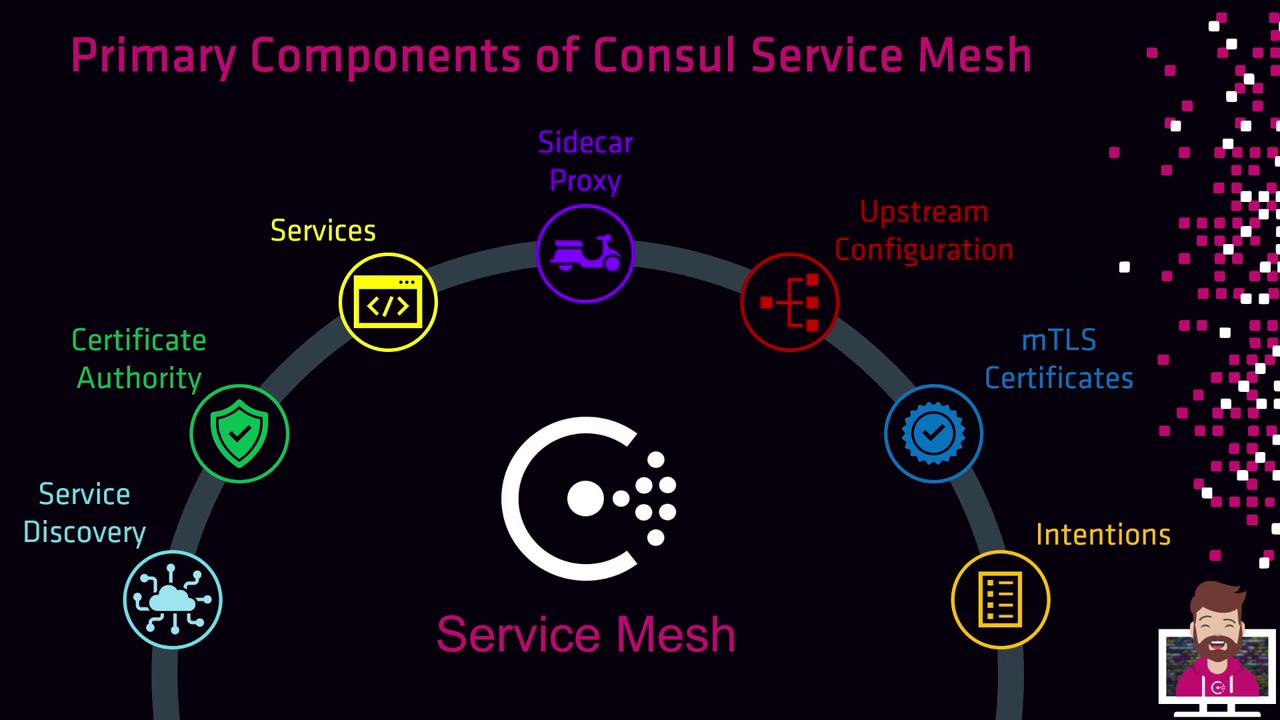
| Component | Purpose | Configuration |
| ---------------------- | ----------------------------------------------------------- | --------------------------------------------------------------- |
| Service Discovery | Registers and catalogs services for dynamic lookup | Built-in registry via `consul agent` |
| Certificate Authority | Issues and rotates mTLS certificates | Built-in or external CA ([Vault](https://www.vaultproject.io/)) |
| Services | Applications (HTTP, gRPC, TCP) registered with Consul | `consul services register` |
| Sidecar Proxy | Secures, routes, and enforces policies at the network layer | Envoy (default) or Consul’s built-in proxy |
| Upstream Configuration | Defines service-to-service routing rules | Service defaults in Consul catalog |
| mTLS Certificates | Ensure both authentication and encryption of traffic | Auto-issued by the configured CA |
| Intentions | Allow/Deny policies governing service communication | Defined via HCL, CLI, HTTP API, or UI |
***
### Diving Deeper: mTLS and Intentions
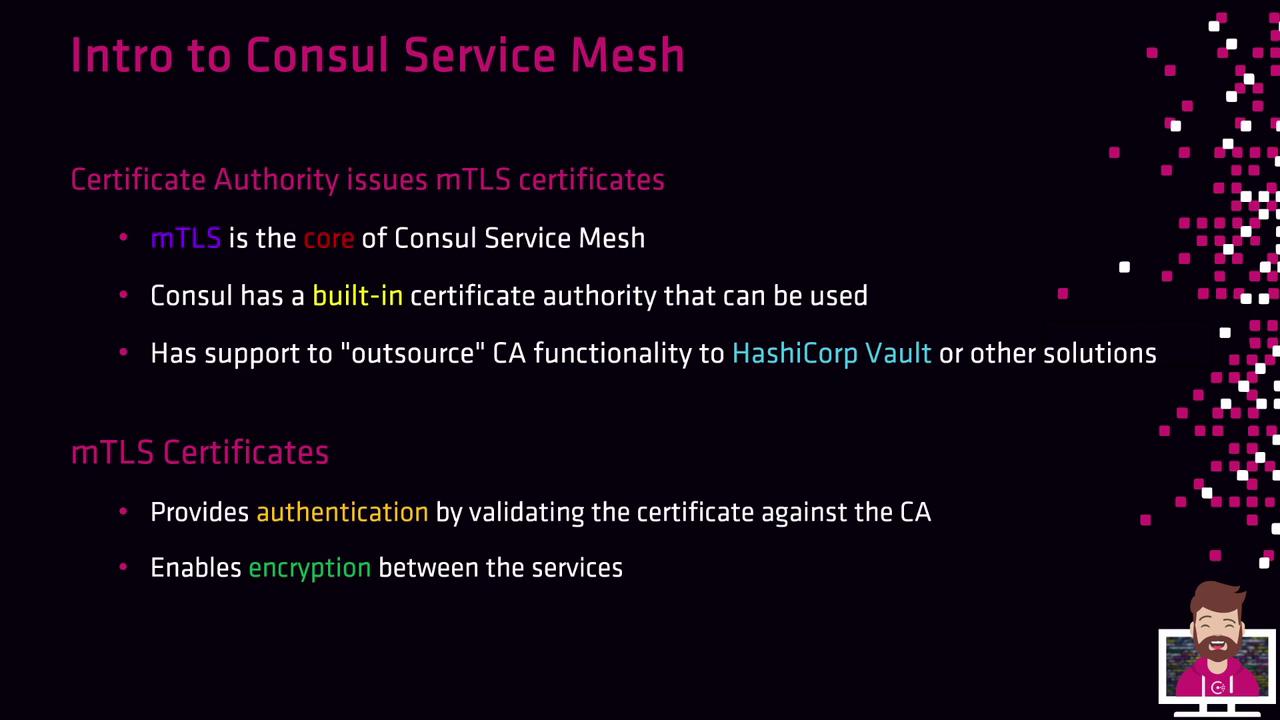
1. The **CA** issues a certificate to each service instance.
2. **mTLS certificates** are deployed to each Sidecar Proxy.
3. **Intentions** validate incoming connections against Consul’s policy store.
4. The certificates also encrypt all service-to-service traffic.
***
### Intentions & Sidecar Proxies
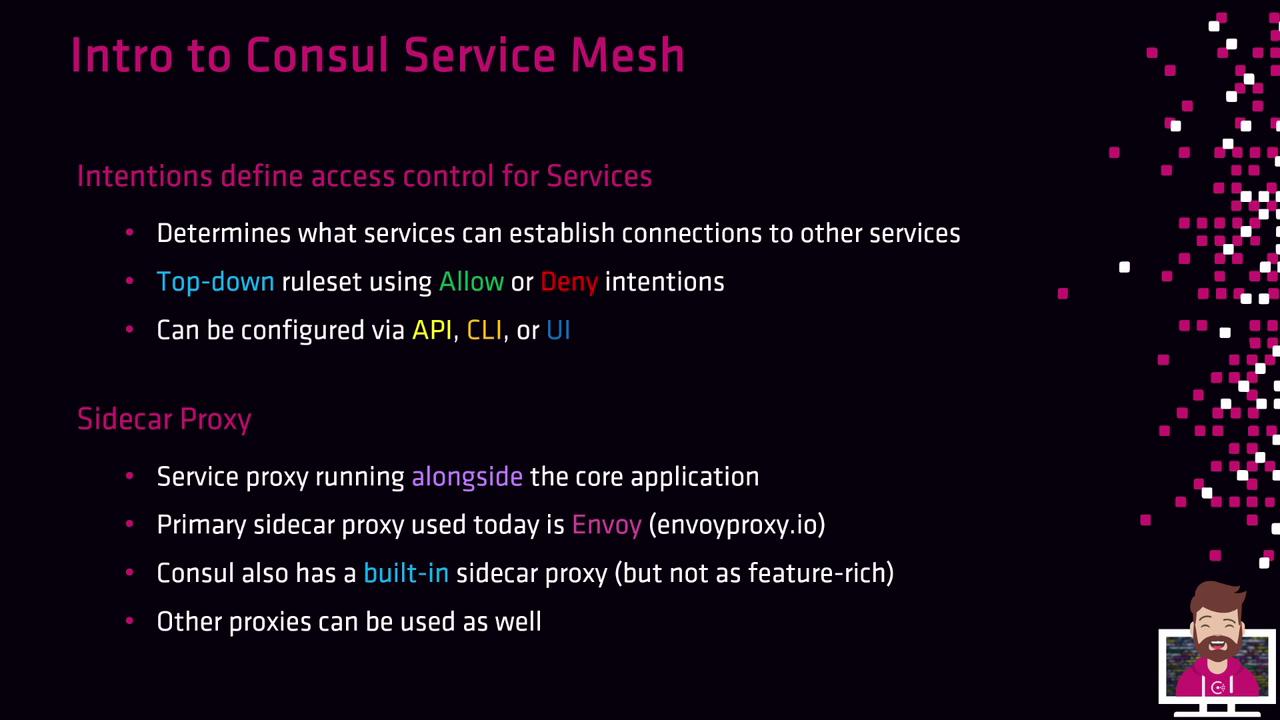
* **Intentions** are top-down Allow/Deny rules configured via CLI, API, or UI.
* A **Sidecar Proxy** intercepts traffic and enforces mTLS and Intentions.
* **Envoy** is the most common proxy; you can also use Consul’s built-in proxy or your own custom proxy.
Misconfigured Intentions can inadvertently block critical service communication. Always validate policies in a staging environment before production.
***
### Platform Agnostic & Observability
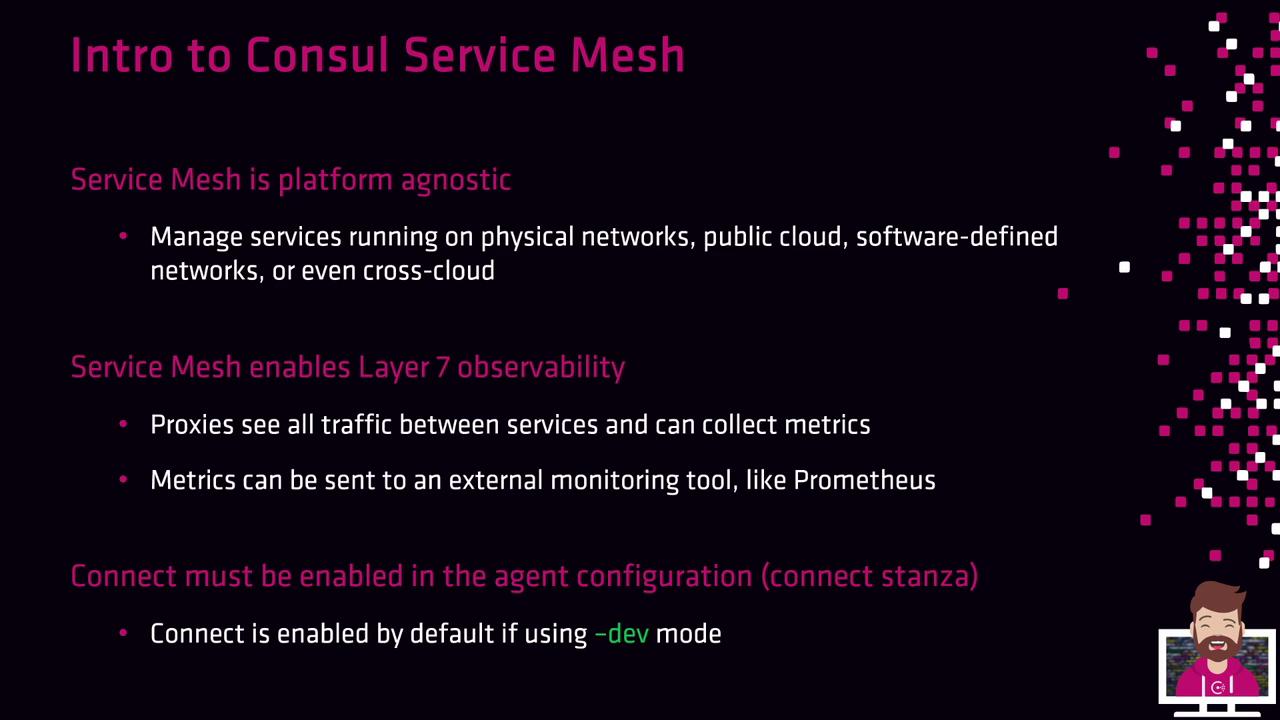
* **Platform Agnostic**: Runs on VMs, containers, public cloud, on-prem, and hybrid setups.
* **Layer 7 Observability**: Proxies capture metrics, traces, and logs—forwardable to [Prometheus](https://prometheus.io/), [Jaeger](https://www.jaegertracing.io/), and other tools.
* **Enable Connect** in the agent configuration (`dev-mode` on by default; add a `connect` stanza in production).
***
## Upstream vs. Downstream
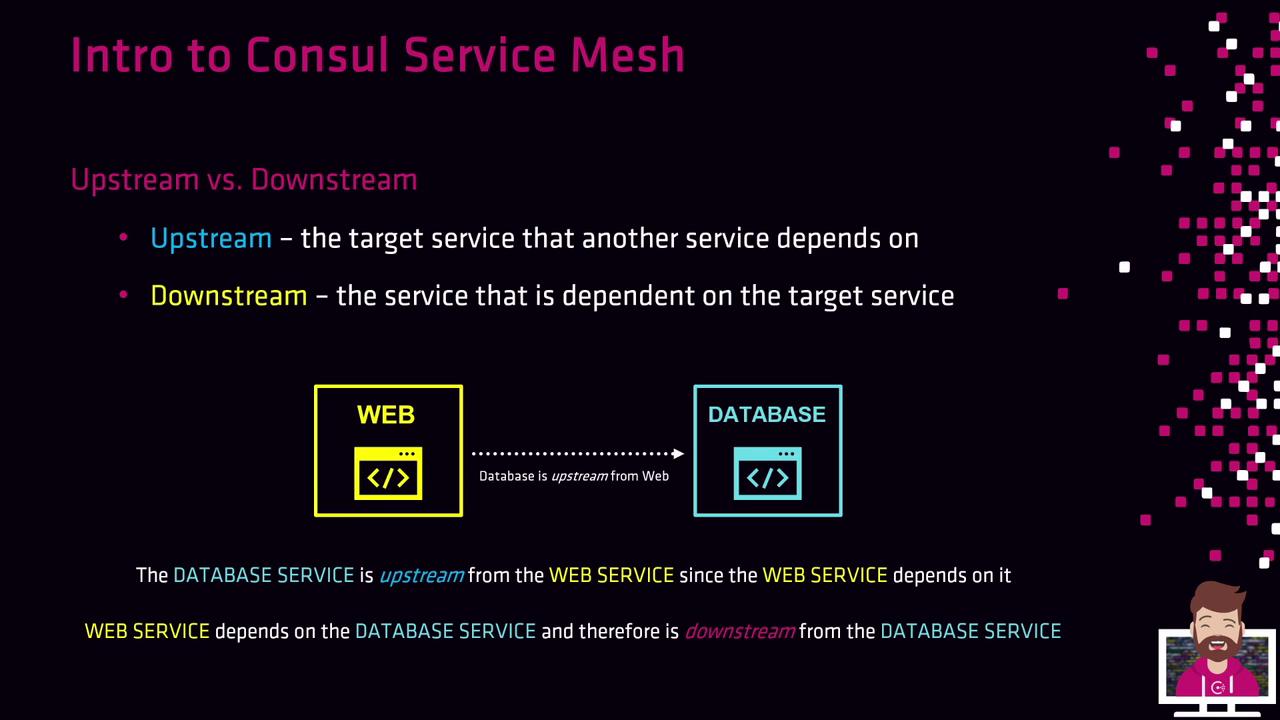
* **Upstream**: The service your application calls (e.g., a database).
* **Downstream**: The caller service that relies on an upstream (e.g., a web front end).
***
## High-Level Architecture
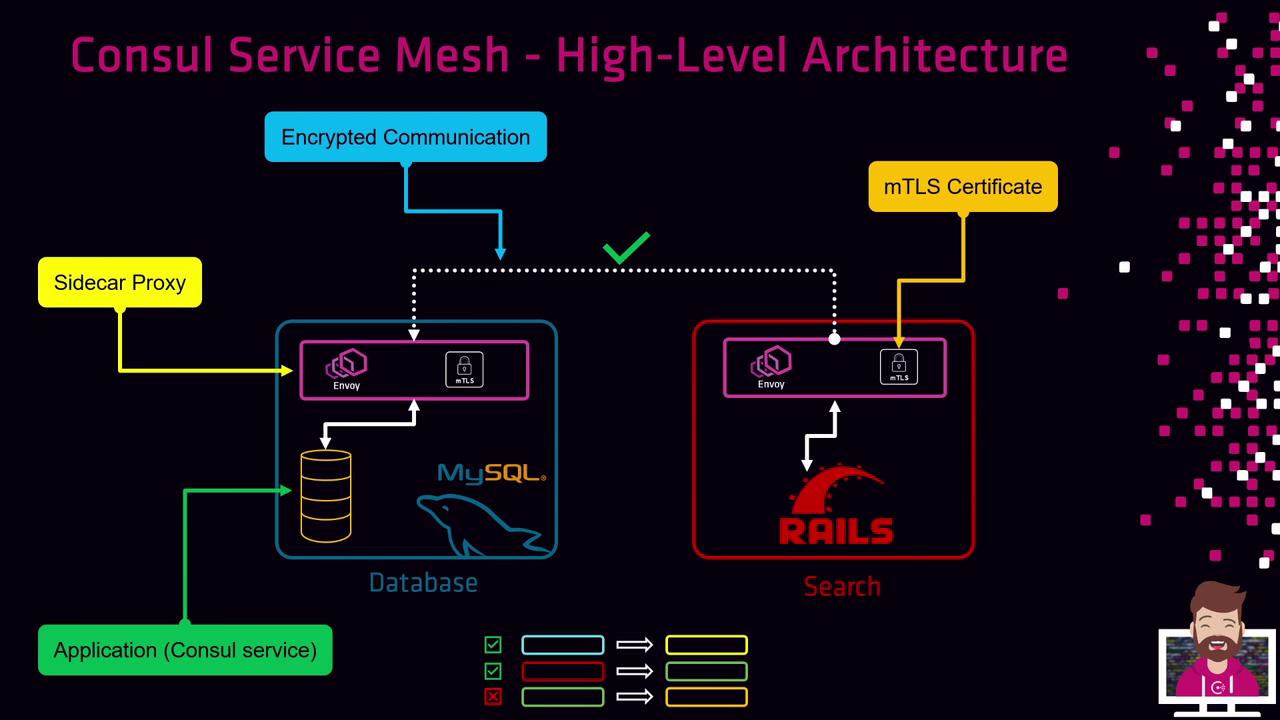
1. Each application instance registers with Consul.
2. A Sidecar Proxy (Envoy or equivalent) runs alongside the application.
3. The proxy presents an mTLS certificate issued by the CA.
4. All inter-service traffic is encrypted over mTLS without touching application code.
5. Intentions enforce allowed or denied communications.
***
## Service Mesh Workflow
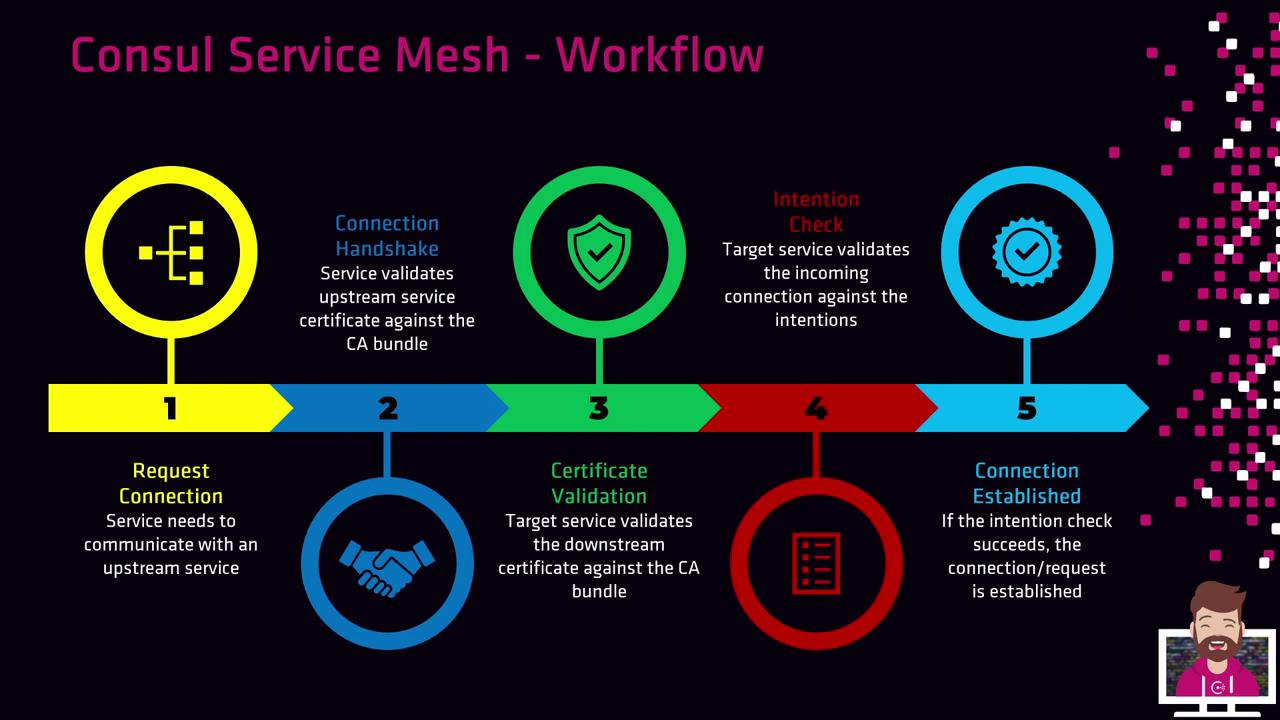
1. **Request Connection**: The source Sidecar Proxy asks for a connection to an upstream service.
2. **Handshake**: Peers perform an mTLS handshake.
3. **Certificate Validation**: Each proxy validates the peer’s certificate against the CA.
4. **Intention Check**: The destination proxy queries Consul for Intentions (Allow/Deny).
5. **Connection Established**: If permitted, traffic flows over an encrypted mTLS channel.
***
## Additional Features
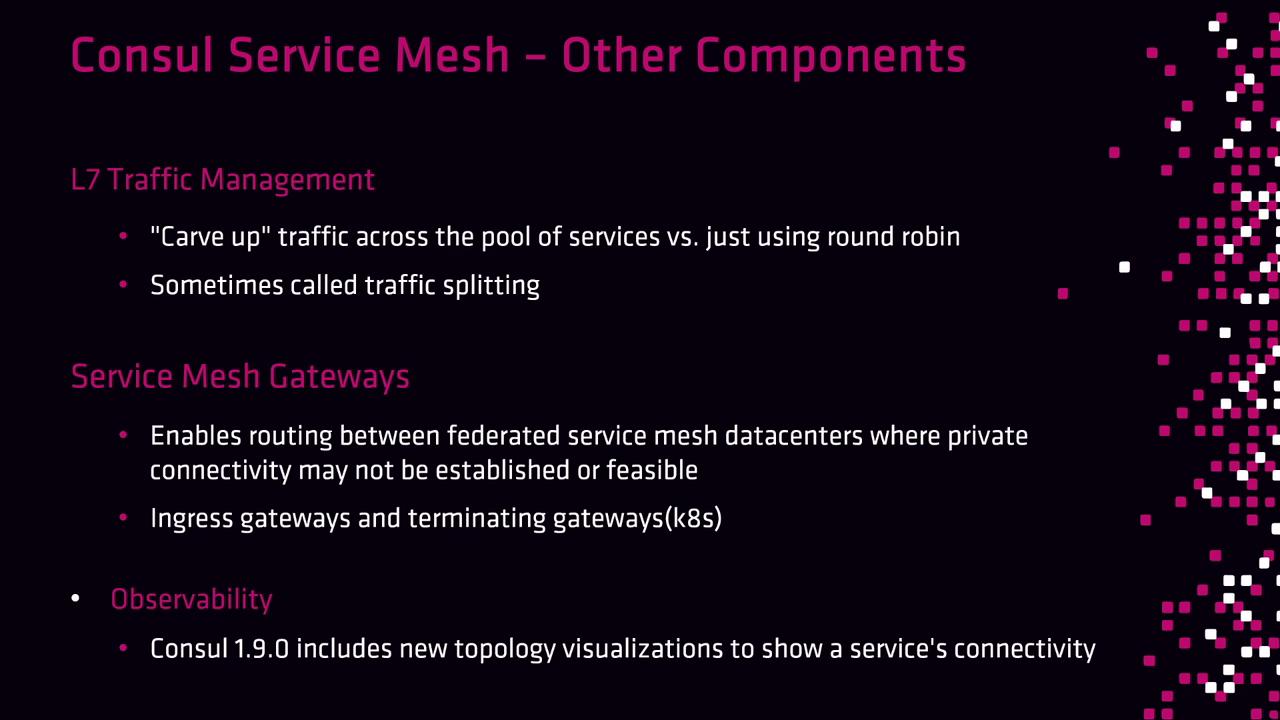
* **Layer 7 Traffic Management**: Canary, blue/green, and traffic-splitting deployments.
* **Service Mesh Gateways**:
* **Ingress Gateways**: Bring external traffic into the mesh.
* **Federation Gateways**: Connect meshes across datacenters or regions without private networks.
* **Terminating Gateways**: Streamline traffic routing in [Kubernetes](https://kubernetes.io/).
* **Topology Visualizations**: Live service maps in Consul UI (v1.9+).
***
## Links and References
* [Consul Service Mesh Overview](https://developer.hashicorp.com/consul/docs/connect)
* [HashiCorp Vault](https://www.vaultproject.io/)
* [Envoy Proxy](https://www.envoyproxy.io/)
* [Prometheus](https://prometheus.io/)
* [Jaeger Tracing](https://www.jaegertracing.io/)
* [Kubernetes Documentation](https://kubernetes.io/docs/)