> ## Documentation Index
> Fetch the complete documentation index at: https://notes.kodekloud.com/llms.txt
> Use this file to discover all available pages before exploring further.
# Certificates Required in Consul
> This guide covers the TLS certificates required for securing Consuls control plane, data plane, and HTTP APIs.
Consul relies on TLS certificates to secure its control plane, data plane, and HTTP APIs. In this guide, we’ll cover the certificates needed for:
* API and RPC encryption between clients and servers
* Mutual TLS (mTLS) in the service mesh (Connect)
* Optional HTTPS on the HTTP API endpoint
Proper certificate management ensures confidentiality, integrity, and authentication across your Consul deployment.
## Overview of TLS Certificate Requirements
| Communication Channel | Purpose | Certificates Required |
| ---------------------- | --------------------------------------------- | --------------------------------------------- |
| API & RPC | Secure HTTP API and internal RPC traffic | Server and client TLS certificates |
| Service Mesh (Connect) | mTLS for all service-to-service communication | Mutual TLS certificates issued by Consul’s CA |
| HTTPS API (Optional) | Encrypt HTTP listener on port 8500 | HTTP TLS certificate and private key |
## TLS for API and RPC
By default, Consul’s HTTP API and internal RPC talk over plain TCP/HTTP. To enable encryption:
1. Generate a server certificate (with `server.service.consul` as a SAN).
2. Generate client certificates for each agent or external client.
3. Distribute `cert_file` and `key_file` in the agent configuration.
Without TLS, all API calls and gossip traffic are unencrypted. Enable certificates to protect sensitive data in transit.
## Service Mesh (Connect) and mTLS
When Connect is enabled, Consul automatically issues and rotates certificates for every service proxy:
* Each side presents a certificate signed by the same CA.
* Identity is verified before any data exchange.
* Traffic is fully encrypted in transit.
Consul’s built-in CA handles issuance and rotation by default. You do *not* need an external CA unless you have specific compliance needs.
## HTTP API over HTTPS (Optional)
If you prefer to secure only the HTTP API (port 8500) without using Connect, configure the HTTP listener for TLS:
```hcl theme={null}
# consul.hcl
ports {
http = 8500
}
tls {
http = true
cert_file = "/path/to/consul.crt"
key_file = "/path/to/consul.key"
}
```
After restarting the agent, the API endpoint will require HTTPS.
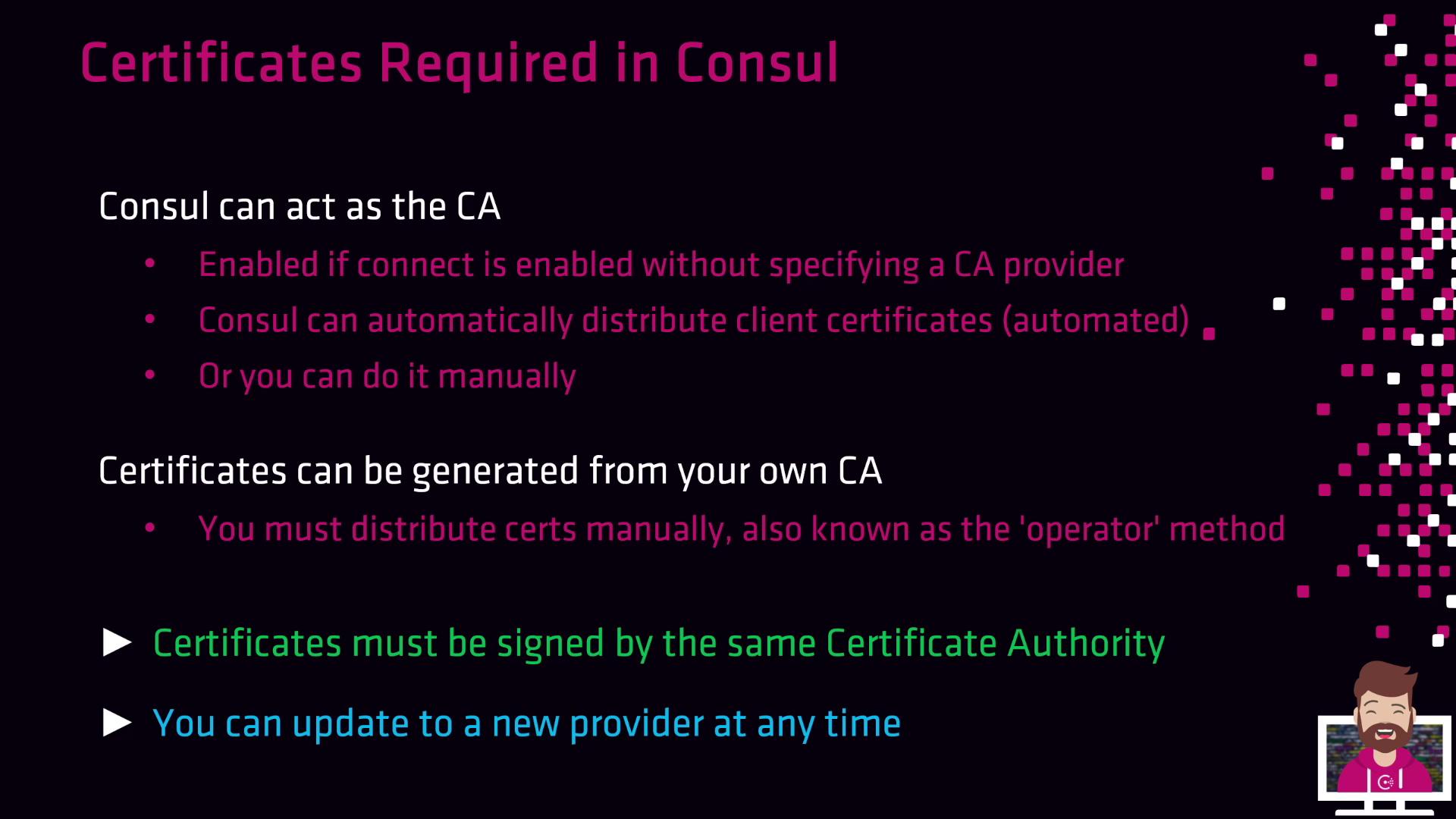
## Consul as an Integrated CA
When no external CA provider is configured, Consul’s built-in CA will:
* Issue leaf certificates for servers, clients, and Connect proxies
* Automatically distribute new certificates as agents join
* Rotate certificates based on your CA configuration
Consul’s integrated CA simplifies setup by removing manual renewal tasks. It’s ideal for most small-to-medium deployments.
## Operator Method: Manual Certificate Management
If you need full control or must integrate with an existing PKI, use the operator method:
1. Use your internal CA (or Consul’s CA) to generate server and client certificates.
2. Manually copy `*.crt` and `*.key` files to each Consul agent.
3. Update the agent configuration to point at your certificates.
This approach grants maximum flexibility but increases operational overhead.
## Signing and Trust Requirements
All certificates in your Consul cluster—server, client, and proxy—**must** be signed by the *same* CA. Consul only accepts a single root CA bundle for validation. Mixing certificates from multiple CAs will lead to trust failures.
If any certificate chain does not match the configured root CA bundle, Consul agents will refuse to connect, causing service disruptions.
## Migrating to an External CA
You can switch from the built-in CA to an external provider (e.g., Vault) without downtime:
1. Start Consul with the embedded CA.
2. Configure the external CA provider in your `consul.hcl` (e.g., Vault).
3. Restart agents one by one—Consul will re-issue certificates using the new provider.
This in-place migration ensures continuous cluster operation.
## References
* [Consul TLS Overview](https://www.consul.io/docs/security/tls)
* [Consul Connect (Service Mesh)](https://www.consul.io/docs/connect)
* [Configuring TLS for the HTTP API](https://www.consul.io/docs/agent/options#tls)
* [Vault CA Provider for Consul](https://www.consul.io/docs/enterprise/vault)