> ## Documentation Index
> Fetch the complete documentation index at: https://notes.kodekloud.com/llms.txt
> Use this file to discover all available pages before exploring further.
# Objective 7 Section Overview
> This lesson covers securing communication between Consul agents, including the security model, TLS certificate types, and encryption settings for a secure datacenter.
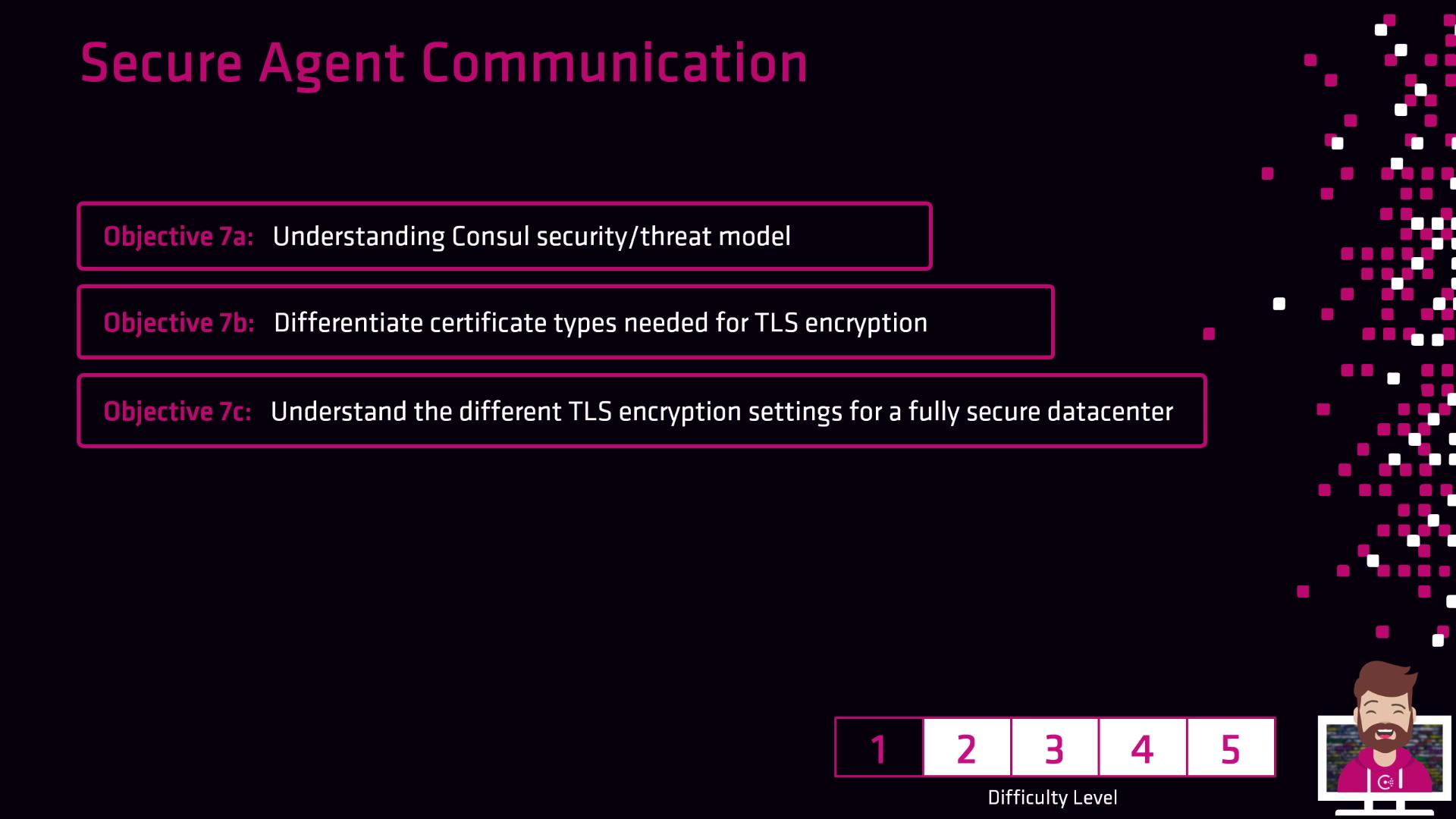
In this lesson, we’ll cover how to secure communication between Consul agents in a datacenter. You will learn:
1. Consul security model and threat assumptions
2. TLS certificate types: server CA, client certificates, and more
3. TLS encryption settings to fully lock down your Consul datacenter
***
## Table of Contents
* [Consul Security Model](#consul-security-model)
* [TLS Certificate Types](#tls-certificate-types)
* [Configuring TLS Encryption](#configuring-tls-encryption)
***
## Consul Security Model
Consul’s security model is built around a zero-trust philosophy, where every component must authenticate and authorize requests. The threat model assumes:
* Agents or servers may be compromised.
* Network traffic could be intercepted or manipulated.
* Attackers might attempt to impersonate nodes or services.
Consul uses mutual TLS (mTLS) to enforce identity verification and data confidentiality across all RPC calls.
### Key Security Principles
* **Authentication**: Verify node and service identity using TLS certificates.
* **Authorization**: Control access via ACL tokens.
* **Encryption**: Encrypt all RPC and gossip traffic with TLS.
***
## TLS Certificate Types
Consul requires several certificate types to establish encrypted channels. Use the table below to understand their roles:
| Certificate Type | Purpose | Example Configuration |
| --------------------- | ------------------------------------------------ | ------------------------------ |
| Server CA | Signs TLS certificates for Consul servers | `ca.pem` |
| Client Certificate | Authenticates Consul clients (agents) to servers | `client.pem`, `client-key.pem` |
| Gossip Encryption Key | Secures gossip layer traffic (optional) | `gossip-encryption-key` |
Protect your private keys (`.pem` files). Unauthorized access may allow attackers to impersonate nodes.
***
## Configuring TLS Encryption
To enforce TLS encryption in Consul, update your agent and server configuration files (`config.hcl`) with the following parameters:
```hcl theme={null}
# Server configuration: config/server.hcl
server = true
verify_incoming = true
verify_outgoing = true
ca_file = "/etc/consul/tls/ca.pem"
cert_file = "/etc/consul/tls/server.pem"
key_file = "/etc/consul/tls/server-key.pem"
```
```hcl theme={null}
# Client (agent) configuration: config/client.hcl
verify_incoming = true
verify_outgoing = true
ca_file = "/etc/consul/tls/ca.pem"
cert_file = "/etc/consul/tls/client.pem"
key_file = "/etc/consul/tls/client-key.pem"
```
Additional setting for the gossip encryption key:
```hcl theme={null}
encrypt = "base64-encoded-gossip-key"
```
### Best Practices
* Rotate TLS certificates and gossip keys regularly.
* Use a dedicated CA for your Consul datacenter.
* Automate certificate issuance with HashiCorp Vault or your PKI.
***
## Links and References
* [Consul TLS Encryption](https://www.consul.io/docs/security/tls)
* [HashiCorp Consul Security Model](https://www.consul.io/docs/enterprise/security)
* [Mutual TLS (mTLS) Overview](https://www.consul.io/docs/security/encryption#practical-mtls-configuration)