> ## Documentation Index
> Fetch the complete documentation index at: https://notes.kodekloud.com/llms.txt
> Use this file to discover all available pages before exploring further.
# TLS Encryption Settings
> This guide explores TLS encryption options for Consul agents, ensuring encrypted and authenticated RPC/API calls in the Consul cluster.
In this guide, we’ll explore the three core TLS encryption options you can enable in your Consul agent’s configuration. By default, these settings are set to `false`, so you must explicitly activate them in your JSON or HCL config file. Enabling these options ensures all RPC/API calls in your Consul cluster are both encrypted and authenticated.
## Quick Reference
| Setting | Purpose | Default |
| ------------------------ | -------------------------------------------------- | ------- |
| verify\_incoming | Enforce TLS on all incoming RPC and HTTP API calls | false |
| verify\_outgoing | Enforce TLS on all outgoing connections | false |
| verify\_server\_hostname | Validate server hostname against certificate SAN | false |
Here’s an example snippet showing all three enabled in JSON:
```json theme={null}
{
"log_level": "INFO",
"server": true,
"key_file": "/etc/consul.d/cert.key",
"cert_file": "/etc/consul.d/client.pem",
"ca_file": "/etc/consul.d/chain.pem",
"verify_incoming": true,
"verify_outgoing": true,
"verify_server_hostname": true,
"ui": true,
"encrypt": "xxxxxxxxxxxxxx"
}
```
***
## 1. verify\_server\_hostname
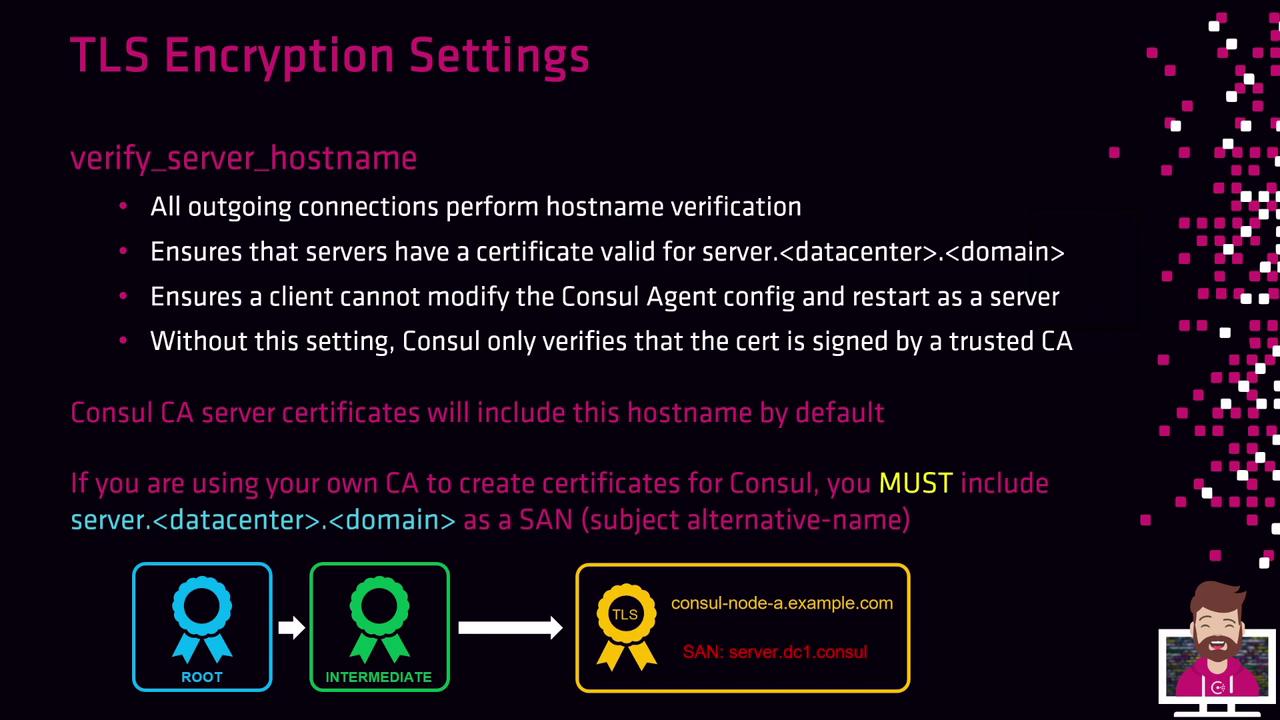
When `verify_server_hostname` is enabled, the agent checks that every outgoing TLS connection matches the server’s hostname against the certificate’s Subject Alternative Name (SAN). Without this check, Consul only validates the CA signature but not the actual hostname, leaving room for certificate spoofing.
### SAN Requirements
* **With Consul CA Server**: Node certificates automatically include `server.datacenter.consul` by default.
* **With an External CA**: You must add the SAN `server..consul` (e.g., `server.dc1.consul`) when issuing certificates. Failing to do so will stop nodes from joining the cluster if `verify_server_hostname` is on.
If you switch a client node to `server: true` without a proper SAN, the node will fail to join the cluster due to a hostname mismatch in its certificate.
#### Example: Web Server Agent
```json theme={null}
{
"log_level": "INFO",
"server": false,
"key_file": "/etc/consul.d/cert.key",
"cert_file": "/etc/consul.d/client.pem",
"ca_file": "/etc/consul.d/chain.pem",
"verify_incoming": true,
"verify_outgoing": true,
"verify_server_hostname": true,
"encrypt": "xxxxxxxxxxxxxx"
}
```
***
## 2. verify\_incoming
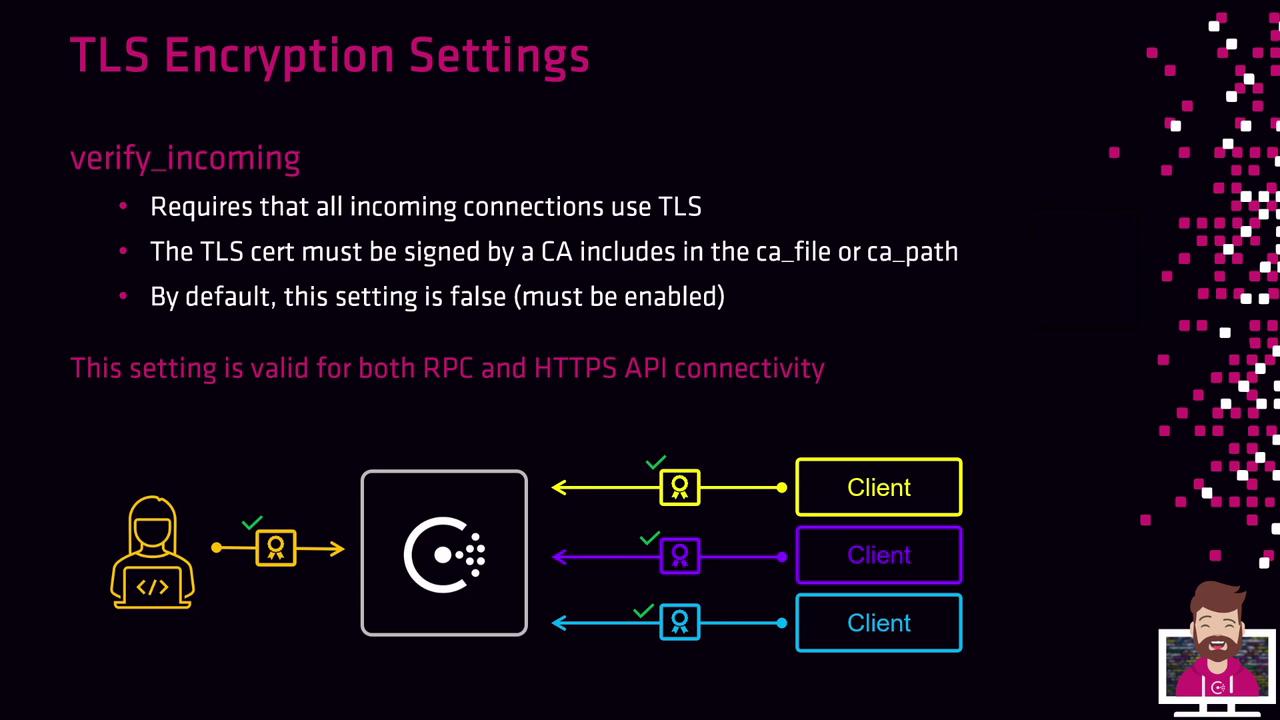
Enable `verify_incoming` to require TLS for **all incoming** connections, including both RPC and the HTTP API. The presenting certificate must be signed by a CA listed in your `ca_file` or `ca_path`.
```json theme={null}
{
"verify_incoming": true
}
```
***
## 3. verify\_outgoing
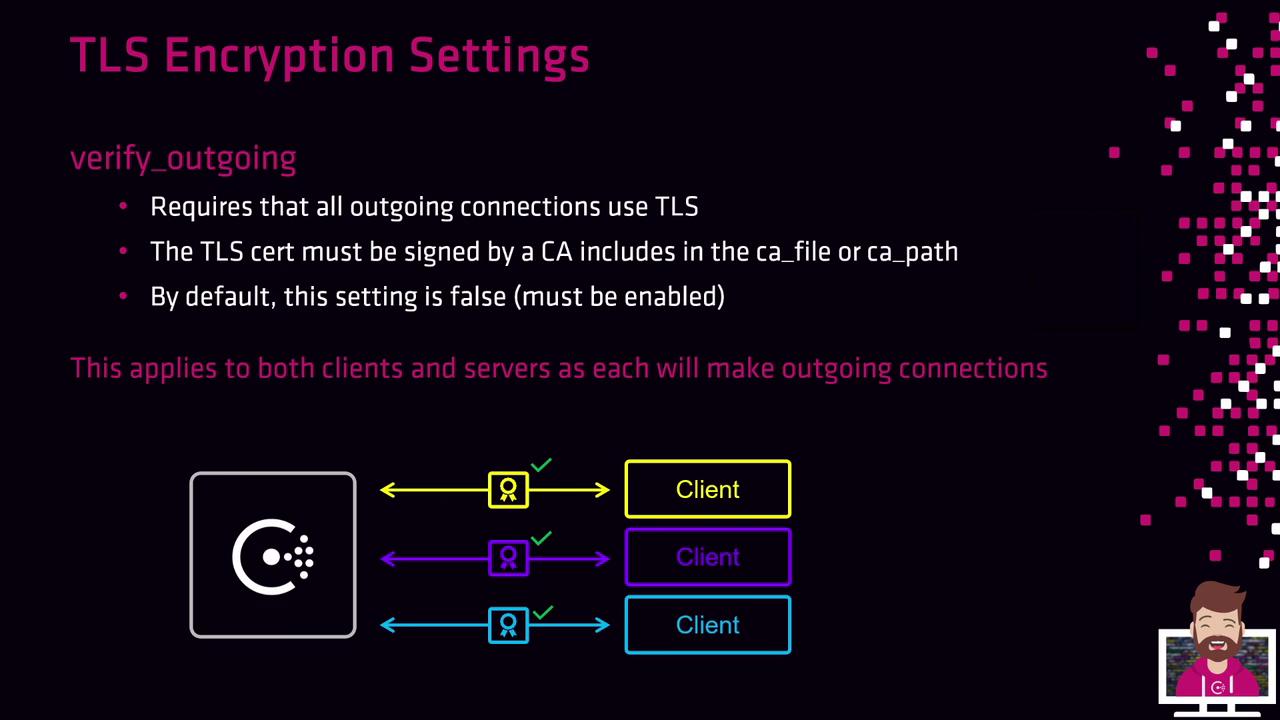
When `verify_outgoing` is set to `true`, Consul enforces TLS on **all outgoing** connections from both clients and servers. The remote peer’s certificate must be signed by a trusted CA.
```json theme={null}
{
"verify_outgoing": true
}
```
***
By combining `verify_incoming`, `verify_outgoing`, and `verify_server_hostname`, you lock down your Consul cluster with end-to-end TLS encryption and strict certificate verification.
## Links and References
* [Consul TLS Documentation](https://www.consul.io/docs/security/encryption/tls)
* [Subject Alternative Name (SAN) Overview](https://datatracker.ietf.org/doc/html/rfc5280#section-4.2.1.6)
* [Consul Agent Configuration](https://www.consul.io/docs/agent/options)