> ## Documentation Index
> Fetch the complete documentation index at: https://notes.kodekloud.com/llms.txt
> Use this file to discover all available pages before exploring further.
# Creating and Managing ACL Tokens
> This article explains how to create and manage ACL tokens in Consul for access control and authorization.
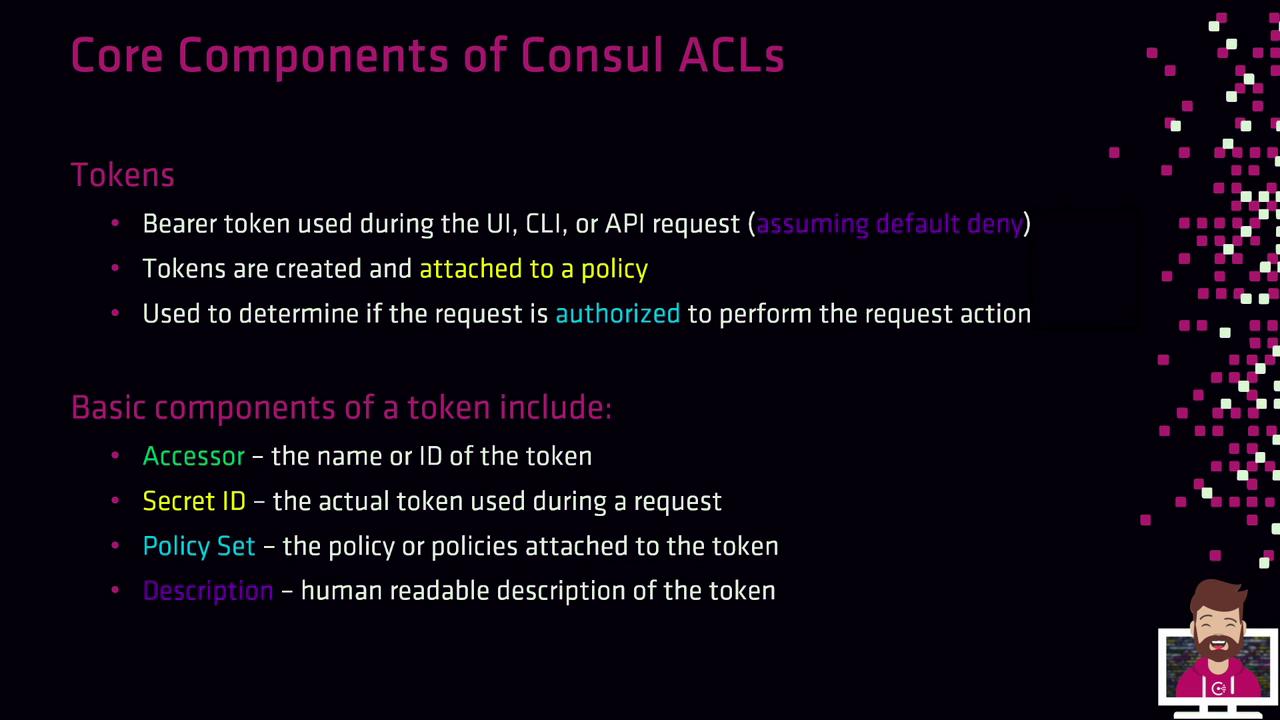
Consul ACL tokens are bearer credentials that enforce access control when the default policy is set to `deny`. Whether you’re using the UI, CLI, or HTTP API, tokens authenticate requests and authorize actions based on attached policies.
## Token Fundamentals
* **Bearer Token**\
Presented by a client on each request for authentication.
* **Accessor ID**\
Lookup identifier used to manage the token.
* **Secret ID**\
The actual credential you include in requests.
* **Policies**\
One or more named policies that define permitted actions.
* **Description**\
A human-readable note explaining the token’s purpose.
Once a token is presented, Consul evaluates its policies to determine if the requested operation is allowed. If your Consul ACL default policy is `allow`, tokens aren’t required. When set to `deny`, every request must include a valid Secret ID.
## Default Tokens
Consul ships with two built-in tokens:
| Token Name | ID Type | Scope | Notes |
| ------------- | --------- | --------------------------- | ---------------------------------------------------------------- |
| **Bootstrap** | Secret ID | Global management | Full privileges for initial setup. Store securely (e.g., Vault). |
| **Anonymous** | Secret ID | Read-only service discovery | Used when no token is presented; permissions editable. |
Keep the bootstrap token offline or in a secure vault. It has unrestricted `global-management` rights and should only be used to create scoped tokens.
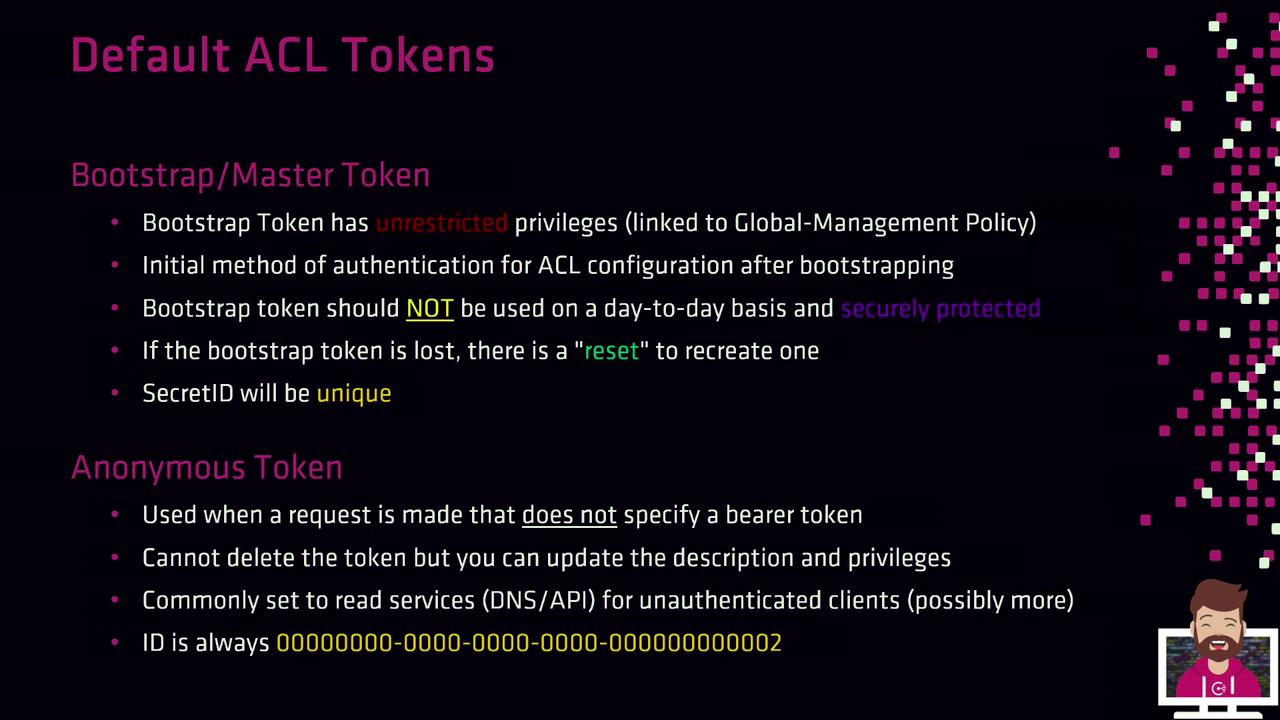
If you lose the bootstrap Secret ID, disable and re-enable ACLs (for example, via `consul acl bootstrap`) to generate a new token. Each invocation produces a unique Secret ID.
## Additional Token Attributes
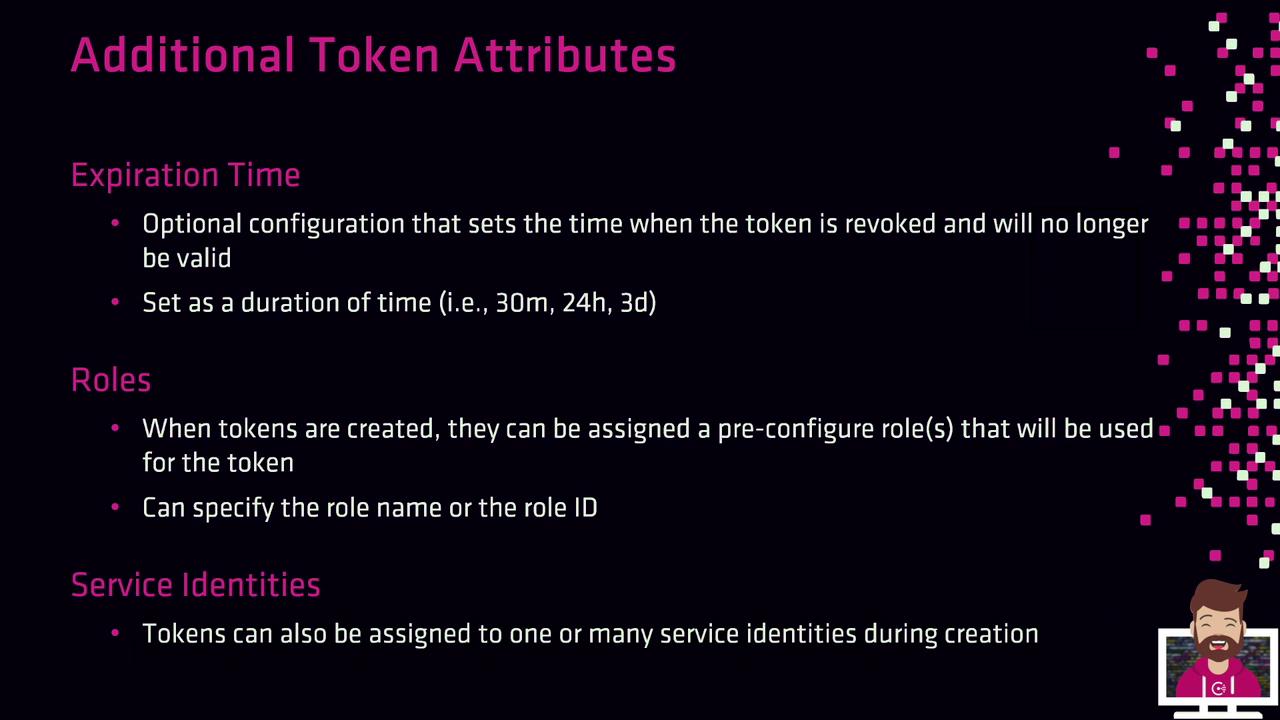
Tokens can carry extra metadata to fit advanced use cases:
| Attribute | Description |
| ------------------ | ---------------------------------------------------------------- |
| Expiration Time | Optional TTL after which the token is automatically revoked. |
| Roles | Groups of policies and service identities for easier management. |
| Service Identities | Direct binding of tokens to specific Consul service names. |
## Tokens Needed for Production
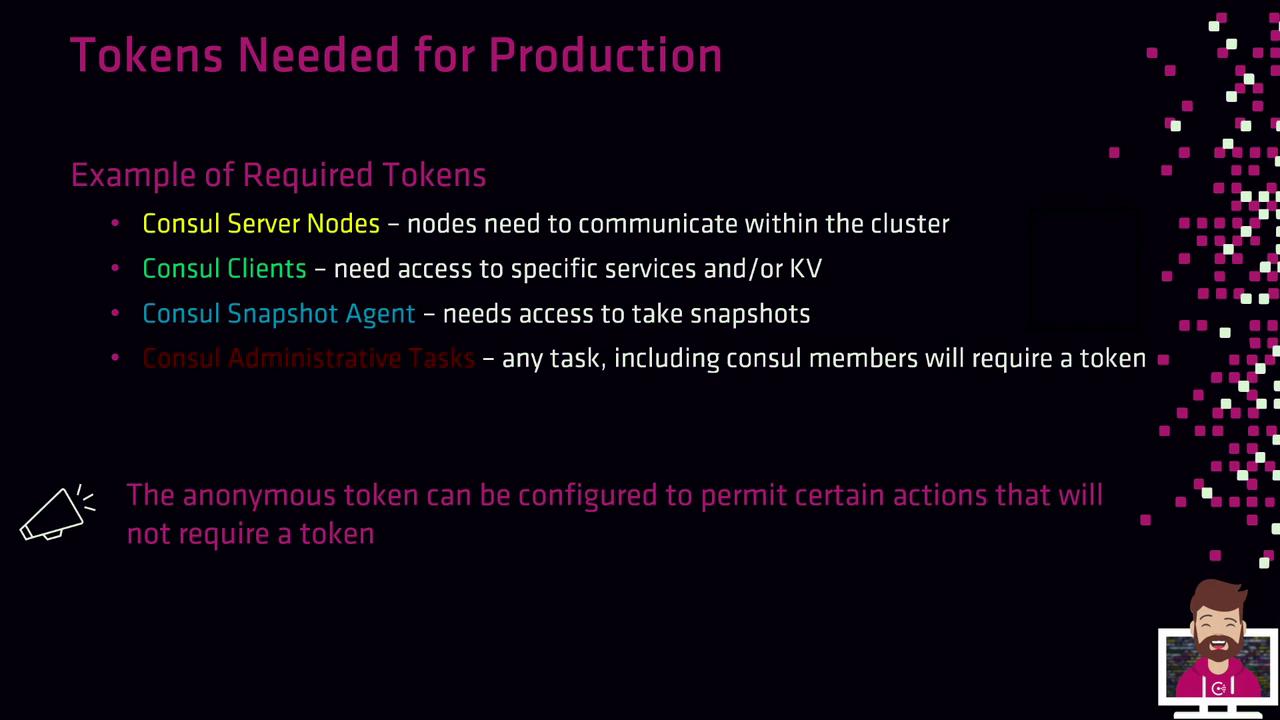
In a hardened, production-grade environment, you’ll typically create tokens for:
* **Consul Server Nodes**\
Authorize inter-node consensus operations.
* **Consul Clients**\
Register and discover services or access the KV store.
* **Snapshot Agents**\
Read cluster state and create backups.
* **Operators & Administrators**\
Perform management tasks via CLI/API.
* **Anonymous Access**\
Fine-tune for read-only service discovery (DNS/API).
## Creating Tokens with the CLI
Use the `consul acl token create` command to generate a new token. You must specify at least one policy by its name or ID, and it’s best practice to include a description.
```bash theme={null}
consul acl token create \
--description "Token for eCommerce web" \
--policy-id 06acc965-df4b-5a99-58cb-3250930c6324
```
Example response:
```plaintext theme={null}
AccessorID: 986193b5-e2b5-eb26-6264-b524ea60cc6d
SecretID: ec156765e-2999-d789-832e-8c4794daa8d7
Description: Token for eCommerce web
Local: false
Create Time: 2021-02-14 02:14:31.421421 -0400 EDT
Policies:
06acc965-df4b-5a99-58cb-3250930c6324 - eCommerce
```
Clients must use the **SecretID** when making API calls. Supplying the AccessorID instead will result in a “permission denied” error.
## Creating Tokens via the HTTP API
You can also manage tokens programmatically by sending HTTP requests to the `/v1/acl/token` endpoint. Ensure you include an existing management token in the `X-Consul-Token` header if ACLs default to `deny`.
1. Create a `payload.json` file:
```json theme={null}
{
"Description": "Token for eCommerce Web Servers",
"Policies": [
{ "ID": "06acc965-df4b-5a99-58cb-3250930c6324" }
]
}
```
2. Issue the PUT request:
```bash theme={null}
curl -X PUT \
--header "X-Consul-Token: 45a3bd52-07c7-47a4-52fd-0745e0cfe967" \
--data @payload.json \
https://consul.example.com:8500/v1/acl/token
```
The API response returns the new token’s AccessorID, SecretID, description, policies, and timestamps—mirroring the CLI output.
***
With these fundamentals and creation methods, you’re ready to jump into the hands-on lab and generate ACL tokens using your predefined policies.