> ## Documentation Index
> Fetch the complete documentation index at: https://notes.kodekloud.com/llms.txt
> Use this file to discover all available pages before exploring further.
# Introduction to the Consul ACL System
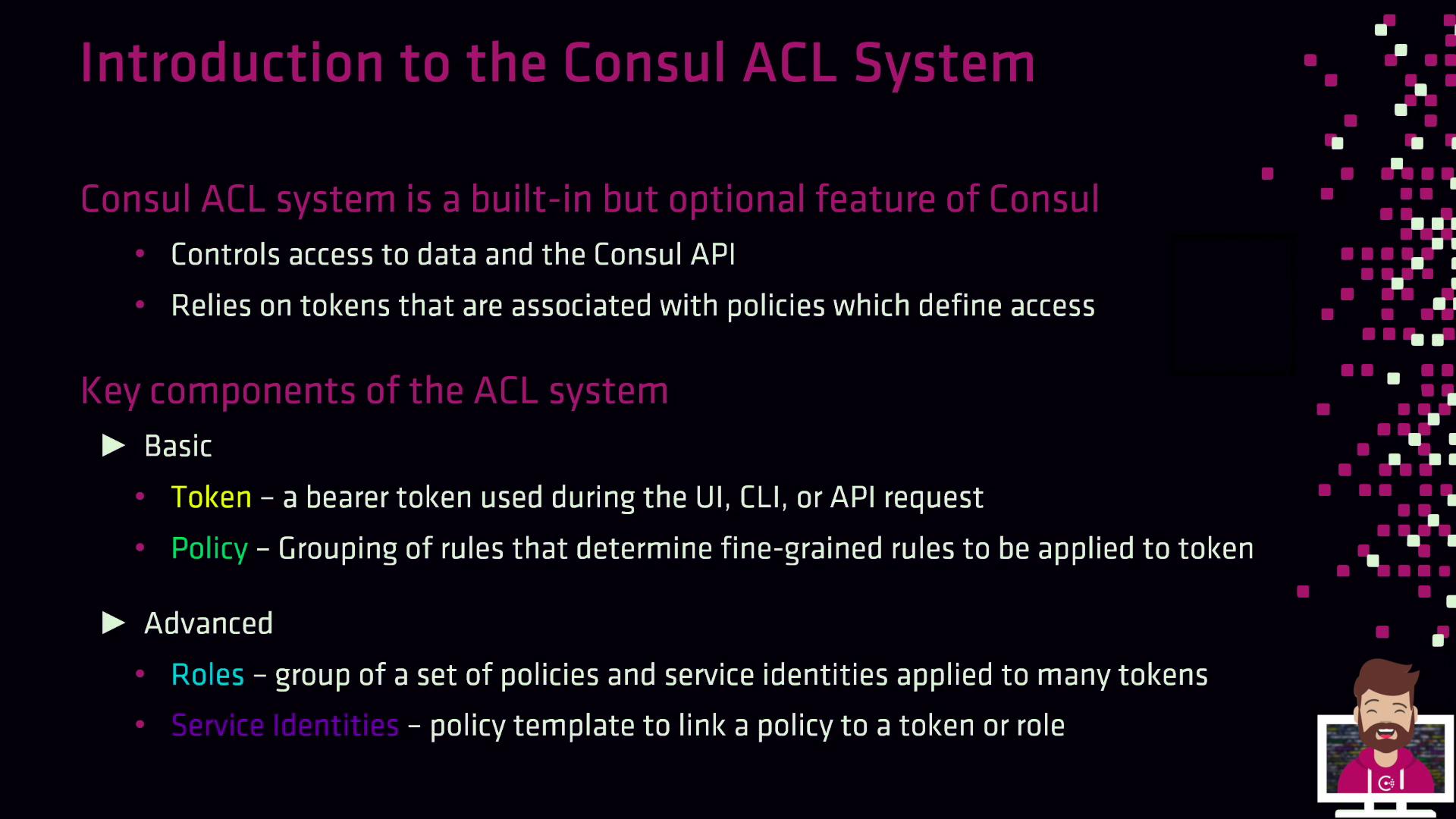
> Consul’s ACL system manages interactions through tokens and policies, ensuring secure access control for operations within the Consul environment.
Consul’s Access Control List (ACL) system is an optional, built-in feature that governs every interaction with Consul—whether through the CLI, HTTP API, or UI. Once ACLs are enabled and configured, all requests must include a valid token. Policies attach to those tokens and define fine-grained permissions such as key/value operations, service registration, and prepared queries.
## Core Concepts
Consul’s ACL system is built around four primary components. Use the table below as a quick reference for each:
| Component | Description | Key Fields |
| ---------------- | ----------------------------------------------------------------------------------------- | ---------------------------------------------------------------- |
| Token | Bearer token sent with every API request to authenticate and authorize actions. | `AccessorID`, `SecretID`, `Policies[]` |
| Policy | Defines allow/deny rules for operations (e.g., read/write K/V, service registration). | `Name`, `Description`, `Rules` |
| Service Identity | Policy template for Connect-enabled services to automate mTLS and discovery permissions. | `Service`, `Datacenters` (optional) |
| Role | Groups multiple policies and service identities; simplifies token permissions management. | `ID`, `Name`, `Description`, `Policies[]`, `ServiceIdentities[]` |
### Tokens and Policies
* **Token**\
A bearer token required on each request. It maps to one or more policies that allow or deny specific operations.
* **Policy**\
A set of HCL or JSON rules defining what a token can do, such as reading from a specific K/V path or registering a service.
* **Association**\
The link between tokens and policies determines a token’s effective permissions.
### Service Identities
Service identities accelerate ACL configuration for service-to-service authentication within a Consul Service Mesh (Connect). They provide a reusable policy template so you don’t need to hand-craft rules for each service.
* `service`: The name of your application or sidecar proxy.
* `datacenters` *(optional)*: Limits the policy to specific Consul datacenters.
Service identities automatically grant mTLS and discovery permissions for your Connect services. No additional rules are required.
### Roles
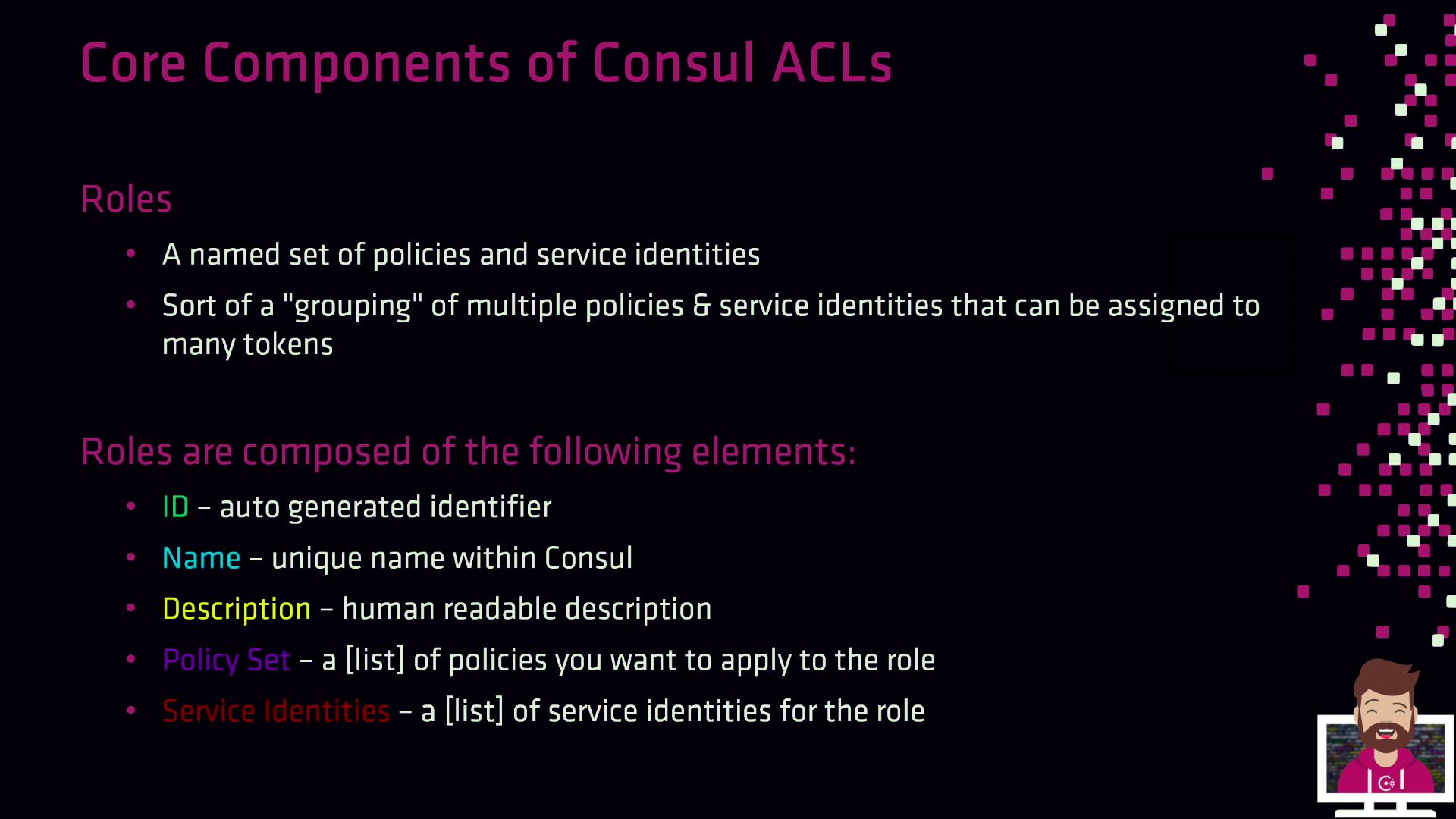
Roles combine policies and service identities into a single entity, making it easier to manage permissions across many tokens.
* **ID**: Auto-generated unique identifier.
* **Name**: Unique within your Consul workspace.
* **Description**: Human-readable summary.
* **Policies**: List of policy IDs.
* **Service Identities**: List of service identity templates.
***
By default, ACL enforcement is turned off. To activate it, update the `acl` stanza in **both** your server and client agent configurations:
```json theme={null}
{
"acl": {
"enabled": true,
"default_policy": "deny",
"down_policy": "extend-cache",
"tokens": {
"agent": "aba7cbe5-879b-999a-07cc-2efd9ac0ffe"
}
}
}
```
Field breakdown:
| Field | Description |
| --------------- | ------------------------------------------------------------------------------------------ |
| enabled | Set to `true` to turn on ACL enforcement. |
| default\_policy | `deny` (production) or `allow` (initial setup). |
| down\_policy | Behavior when the ACL service is unreachable. `extend-cache` preserves cached permissions. |
| tokens.agent | Agent token used by Consul for internal communication. |
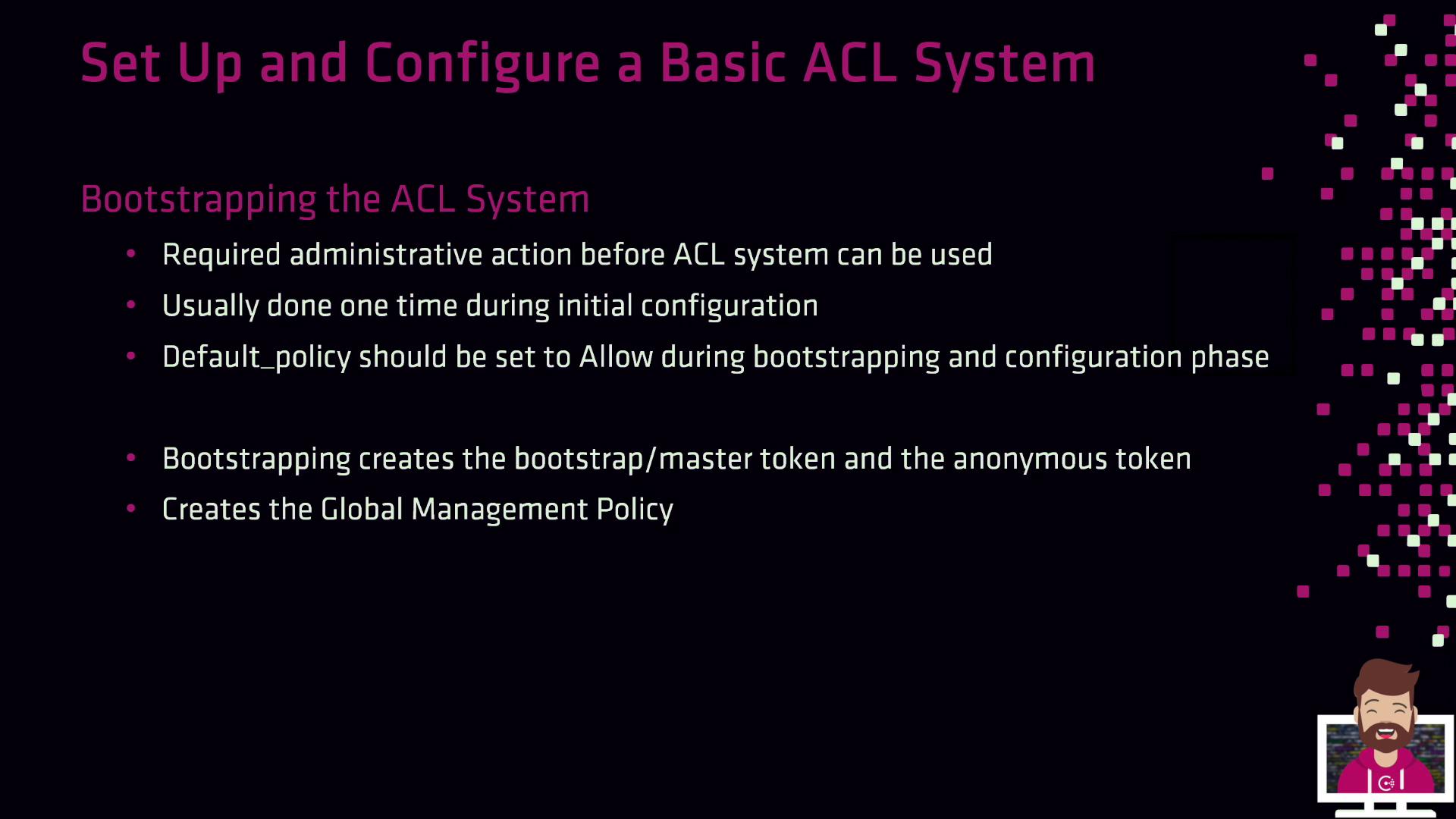
If you set `default_policy` to `allow` during setup, switch it to `deny` as soon as your policies are in place to avoid accidental exposure.
***
Once ACLs are enabled, the next step is to **bootstrap** to generate your master tokens and global policy:
```bash theme={null}
consul acl bootstrap
```
This command yields:
1. **Bootstrap Token**: Full administrative privileges (store securely!).
2. **Anonymous Token**: For unauthenticated requests (typically limited to read-only).
3. **Global Management Policy**: Grants unrestricted access to any token that uses it.
The bootstrap token is your “root” credential. Treat it like a database superuser password—store it in a secure vault and rotate it if exposed.
***
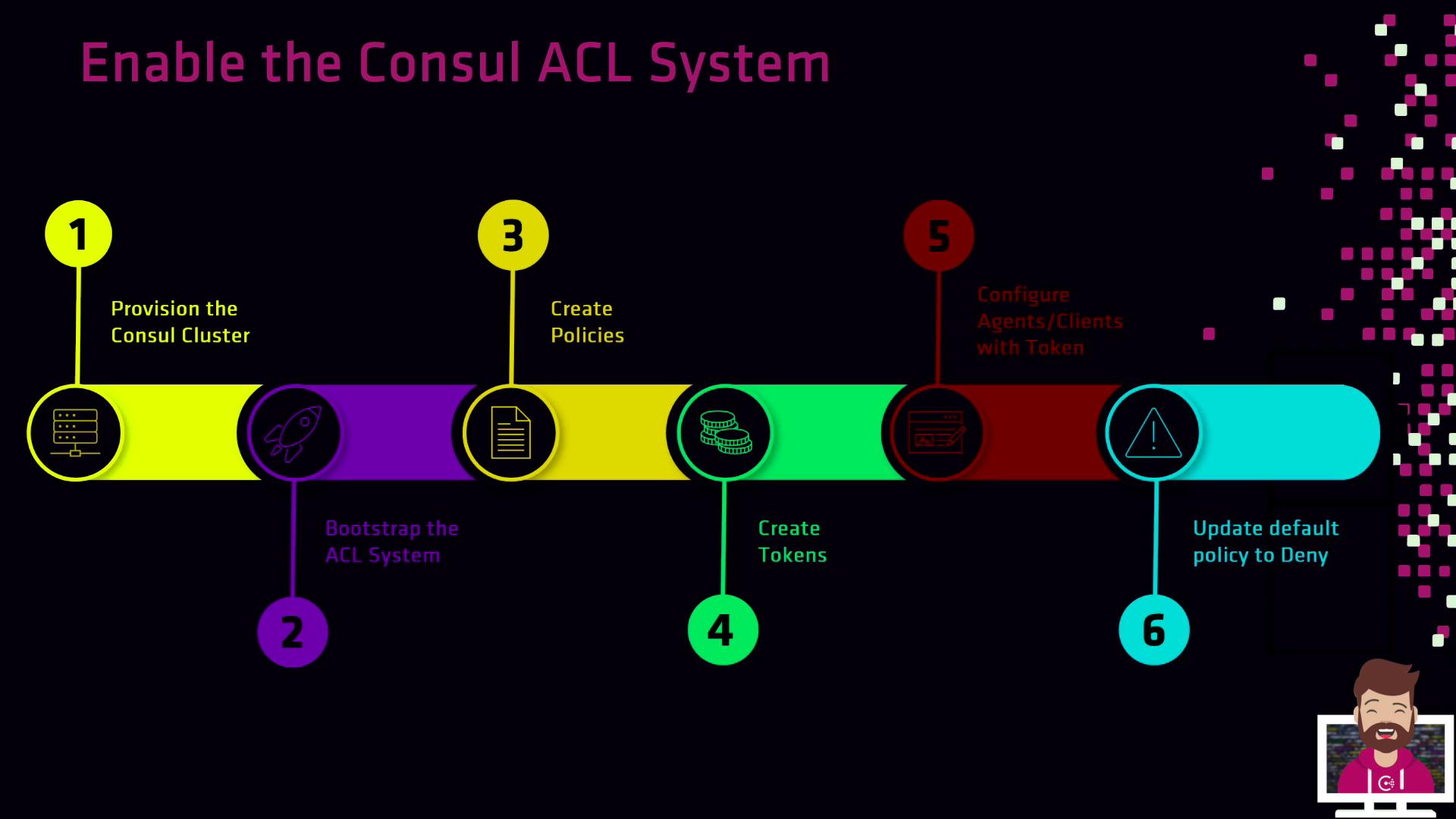
## ACL Setup Workflow
1. **Provision** your Consul cluster with ACLs enabled in the agent configurations.
2. **Bootstrap** the ACL system to obtain the bootstrap and anonymous tokens.
3. **Create Policies** that reflect your organization’s security requirements.
4. **Generate Tokens** for servers, clients, and applications—each tied to appropriate policies.
5. **Configure Agents** and services to use their assigned tokens.
6. **Enforce** production mode by setting `default_policy` to `deny`.
With this workflow, every request to Consul requires a valid token, ensuring a robust, production-ready security posture.
***
## Links and References
* [Consul ACLs](https://www.consul.io/docs/security/acl)
* [Consul Documentation](https://www.consul.io/docs)
* [HashiCorp Learn: Consul Security](https://learn.hashicorp.com/consul/security)