> ## Documentation Index
> Fetch the complete documentation index at: https://notes.kodekloud.com/llms.txt
> Use this file to discover all available pages before exploring further.
# Objective 8 Section Recap
> This article reviews securing services with HashiCorp Consul’s ACL system, covering bootstrapping, policy creation, token management, and request authentication.
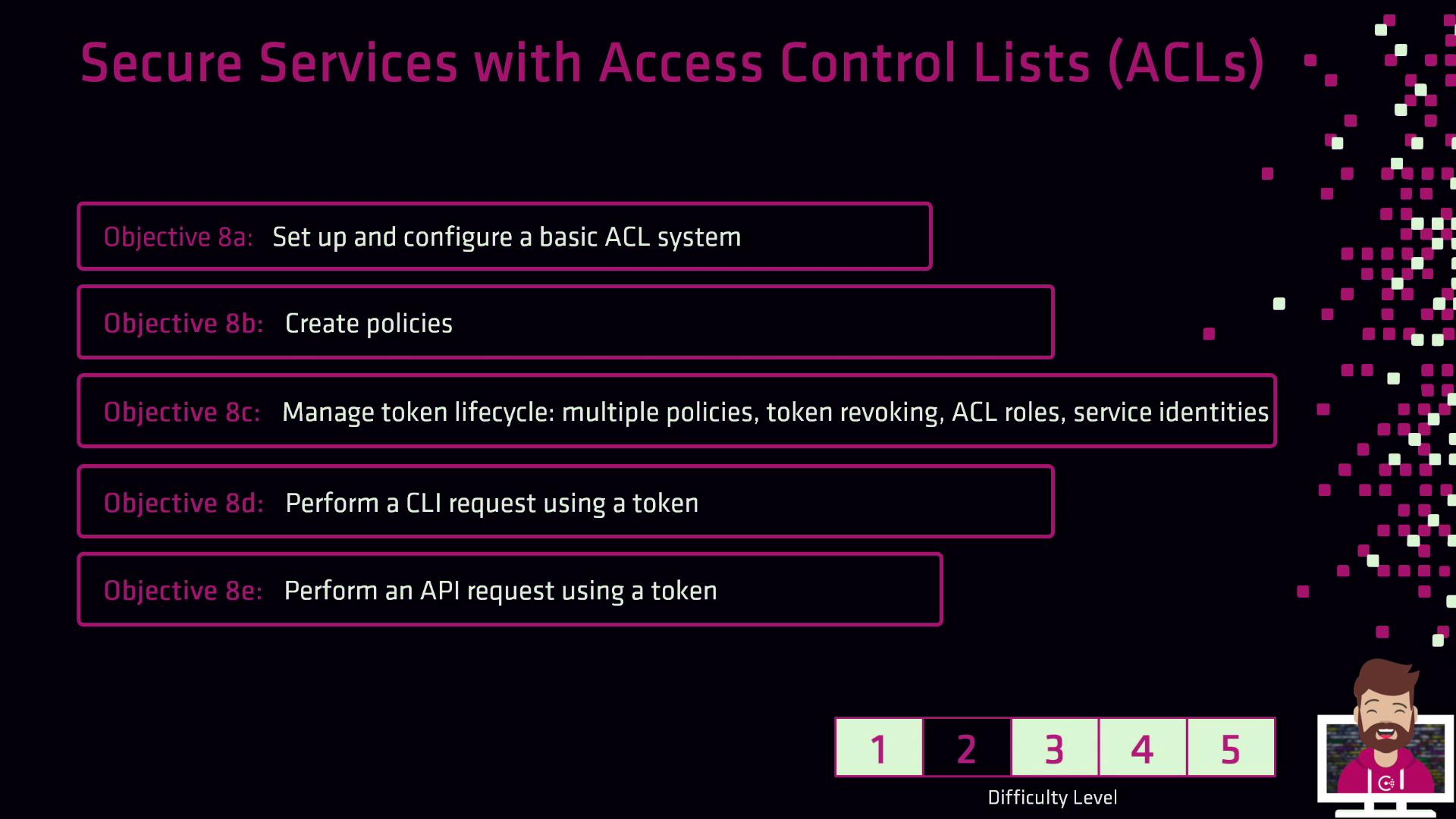
In this section, we reviewed how to secure your services using HashiCorp Consul’s Access Control List (ACL) system. You’ll walk away with a clear understanding of bootstrapping ACLs, defining policies, managing token lifecycles, and authenticating requests.
## Key Topics Overview
| Topic | Description |
| ---------------------- | ------------------------------------------------------------------------------------------------ |
| ACL Bootstrapping | Enable ACLs, initialize the management token, and verify ACL-enabled mode |
| Policy Creation | Write ACL policies in HCL or JSON; apply them via UI, CLI, and HTTP API |
| Token Lifecycle | Create multi-policy, role-attached, and service-identity tokens; set expirations; revoke tokens |
| Authentication Methods | Use CLI flags or `CONSUL_HTTP_TOKEN`, HTTP headers (`X-Consul-Token` or `Authorization`), and UI |
***
## Detailed Recap
### 1. Bootstrapping and Configuration
* Enable ACL enforcement in your Consul configuration.
* Initialize the ACL system to generate the **management token**.
* Confirm ACL mode with:
```bash theme={null}
consul acl status
```
If you’re running Consul in a cluster, ensure all agents join with `-enable-agent` and share the same ACL configuration.
### 2. Creating and Managing Policies
* Define policies in HCL or JSON syntax.
* Apply policies with the CLI:
```bash theme={null}
consul acl policy create -name "web-policy" -rules @web-policy.hcl
```
* Or via HTTP API:
```http theme={null}
PUT /v1/acl/policy
```
* You can also manage policies inside the Consul UI under **Access Control** → **Policies**.
### 3. Token Lifecycle Management
* **Create Tokens**: single-policy, multi-policy, role-attached, or service-identity tokens.
```bash theme={null}
consul acl token create -description "service-xyz" -policy-name web-policy
```
* **Set Expiration**: use the `-expire-time` flag for time-to-live.
* **Revocation**: revoke unused or compromised tokens immediately:
```bash theme={null}
consul acl token revoke
```
Always revoke tokens as soon as they’re no longer needed to minimize security risks.
### 4. Authenticating Requests
* **CLI**:
```bash theme={null}
export CONSUL_HTTP_TOKEN=
consul kv put foo bar
```
Or pass `--token=`.
* **HTTP API**: include the header:
```text theme={null}
X-Consul-Token:
```
or
```text theme={null}
Authorization: Bearer
```
* **UI**: log in using a browser session token via **Access Control** → **Tokens**.
***
## Next Steps
With these building blocks in place—bootstrapping ACLs, defining policies, issuing/revoking tokens, and authenticating requests—you’re ready to implement robust Service Mesh security in your environment.
## Further Reading
* [Consul ACLs](https://www.consul.io/docs/security/acl)
* [Consul HTTP API](https://www.consul.io/api-docs/acl)
* [Service Mesh Security Patterns](https://www.hashicorp.com/blog/service-mesh-zero-trust)