> ## Documentation Index
> Fetch the complete documentation index at: https://notes.kodekloud.com/llms.txt
> Use this file to discover all available pages before exploring further.
# Configure Gossip Encryption
> This article explains how to configure gossip encryption in Consul for secure cluster communication.
Consul’s gossip protocol communicates in clear text by default, making it unsuitable for production clusters. Enabling gossip encryption ensures all cluster communication remains confidential and tamper-proof.
Never expose an unencrypted Consul gossip layer to public or untrusted networks. Always enable encryption in production.
## Initial Configuration
To activate gossip encryption on a new Consul agent, add the `encrypt` key to your agent’s JSON configuration (e.g., `/etc/consul.d/agent-config.json`):
```json theme={null}
{
"log_level": "INFO",
"server": true,
"data_dir": "/opt/consul/data",
"datacenter": "us-east-1",
"ui": true,
"key_file": "/etc/consul.d/cert.key",
"cert_file": "/etc/consul.d/client.pem",
"ca_file": "/etc/consul.d/chain.pem",
"verify_incoming": true,
"verify_outgoing": true,
"verify_server_hostname": true,
"encrypt": "HdQYxqepkYRADn4Zn+uD9vLge8WM+LpFAPLGhtco=",
"leave_on_terminate": true
}
```
1. Generate a new gossip key:
```bash theme={null}
consul keygen
```
2. Copy the output and paste it into the `"encrypt"` field above.
3. Restart or start the Consul agent:
```bash theme={null}
systemctl restart consul
```
Alternatively, you can pass the key on the command line:
```bash theme={null}
consul agent \
-server \
-data-dir=/opt/consul/data \
-encrypt=HdQYxqepkYRADn4Zn+uD9vLge8WM+LpFAPLGhtco= \
[...]
```
## Key Parameters Overview
| Parameter | Description |
| ------------------------ | ------------------------------------------ |
| encrypt | Base64-encoded key for gossip encryption |
| verify\_incoming | Validate incoming TLS connections |
| verify\_outgoing | Validate outgoing TLS connections |
| verify\_server\_hostname | Enforce server hostname verification |
| leave\_on\_terminate | Gracefully leave cluster on agent shutdown |
## Modifying an Existing Cluster
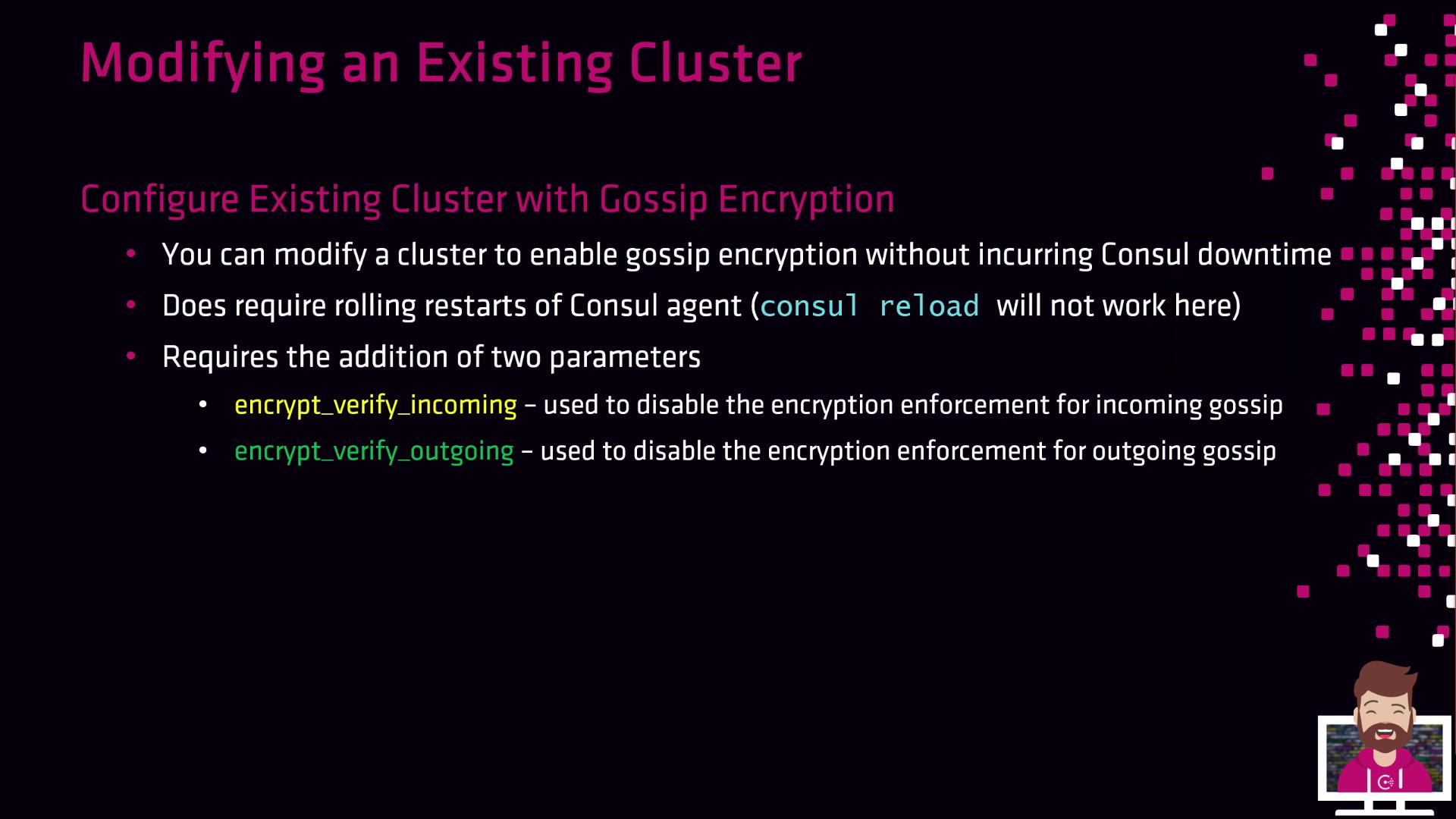
You can introduce gossip encryption without downtime by performing a controlled rolling restart. Note that `consul reload` does **not** apply encryption changes—you must restart each agent (`systemctl restart consul`).
Two flags manage the transition phase:
| Flag | Purpose |
| ------------------------- | ---------------------------------------- |
| encrypt\_verify\_incoming | Enforce encryption for incoming messages |
| encrypt\_verify\_outgoing | Enforce encryption for outgoing messages |
Follow these steps:
1. **Generate a new encryption key**
```bash theme={null}
consul keygen
# encrypt: hqYxqeqpkYrADn4Zn+u+D9vLge8Wm+LpFAPLGhtco=
```
2. **Distribute the key and disable enforcement**\
Update each agent’s config:
```json theme={null}
{
"encrypt": "hqYxqeqpkYrADn4Zn+u+D9vLge8Wm+LpFAPLGhtco=",
"encrypt_verify_incoming": false,
"encrypt_verify_outgoing": false
}
```
3. **Rolling restart #1**
```bash theme={null}
systemctl restart consul
```
4. **Enable outgoing encryption**
```json theme={null}
{
"encrypt_verify_outgoing": true
}
```
5. **Rolling restart #2**
```bash theme={null}
systemctl restart consul
```
6. **Enable incoming encryption**
```json theme={null}
{
"encrypt_verify_incoming": true
}
```
7. **Rolling restart #3**
```bash theme={null}
systemctl restart consul
```
After completing these steps, your entire cluster will encrypt gossip traffic using the new key. For production environments, integrate these steps into your configuration management or orchestration tool of choice.
## Links and References
* [Consul Gossip Encryption](https://www.consul.io/docs/agent/encryption)
* [Consul Security Best Practices](https://www.consul.io/docs/security)
* [HashiCorp Configuration Language (HCL)](https://www.terraform.io/docs/language/index.html)