> ## Documentation Index
> Fetch the complete documentation index at: https://notes.kodekloud.com/llms.txt
> Use this file to discover all available pages before exploring further.
# Intro to Gossip Encryption
> This article explores securing Consuls gossip protocol with symmetric encryption, including key generation, configuration, and rotation for a secure cluster.
In this lesson, we’ll explore how Consul secures its Serf-based gossip protocol with symmetric encryption. You’ll learn how to generate, configure, and rotate gossip keys to maintain a highly secure Consul cluster across LANs and federated data centers.
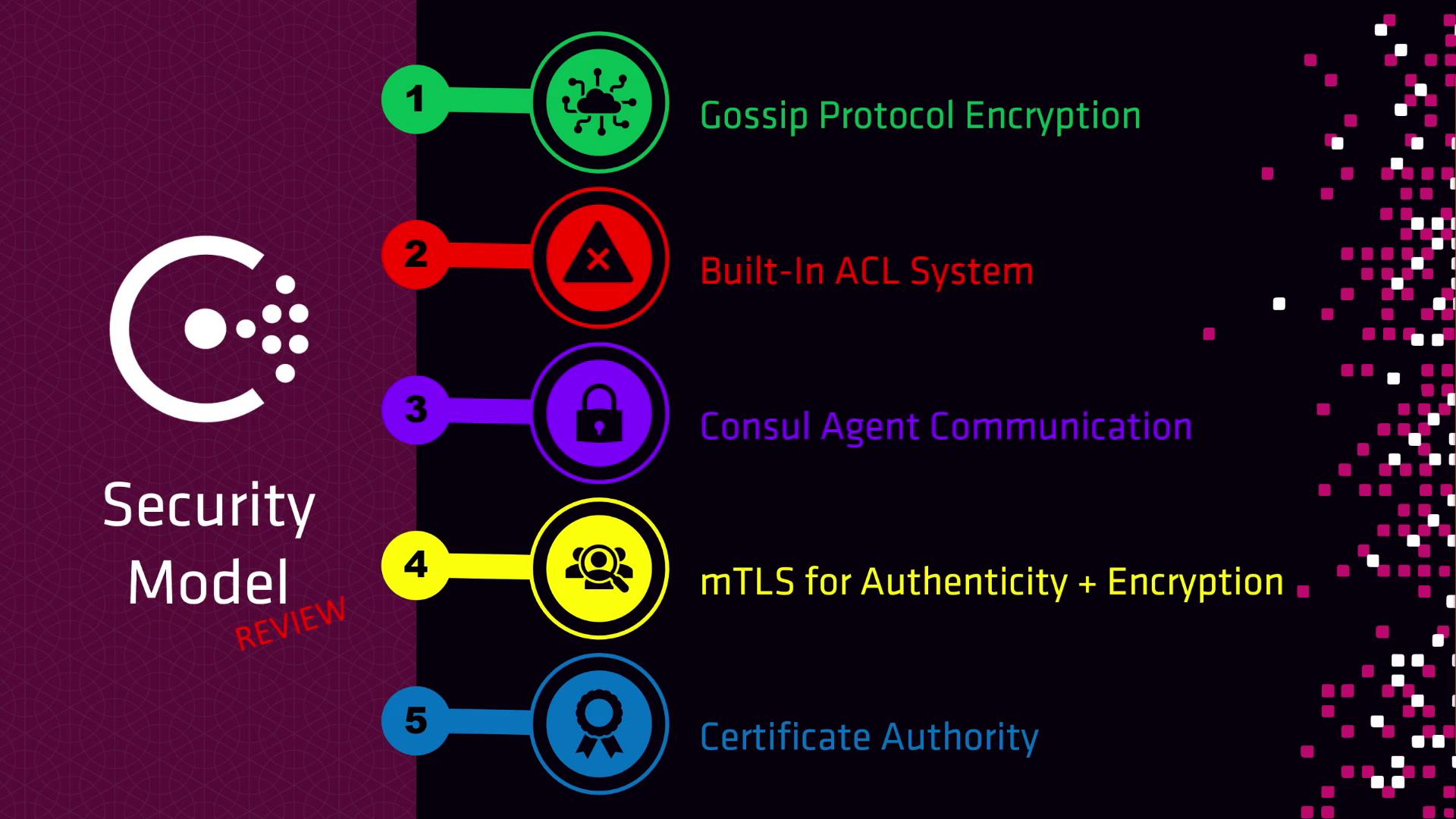
Consul’s security model consists of five key layers:
1. **Gossip Protocol Encryption**
2. **Built-In ACL System**
3. **Consul Agent Communication** (RPC and HTTP API secured with TLS)
4. **mTLS for Service Mesh** (ensures authenticity and encryption)
5. **Certificate Authority** (built-in or external, e.g., [Vault](https://www.vaultproject.io/))
***
## Gossip Protocol Encryption
Consul uses a single 32-byte symmetric key to encrypt all gossip messages exchanged between agents (servers and clients). Every agent’s configuration must include this key in Base64 form so it can join the gossip pool and communicate securely.
### Key Properties
* **Length**: 32 bytes
* **Encoding**: Base64
* **Purpose**: Encrypts and decrypts all Serf gossip traffic
When federating multiple datacenters (WAN gossip), use the same encryption key in each datacenter. This ensures messages can be decrypted and forwarded properly across the WAN pool.
### Generating a Gossip Encryption Key
Consul provides a simple key generator—no agent required. Run:
```bash theme={null}
consul keygen
```
Example output:
```bash theme={null}
hDqYxqqepKyRADn4Zn+u+D9vLge8Wm+LpFAPLGhtco=
```
Then add the Base64 string to every agent’s configuration file:
```json theme={null}
{
"encrypt": "hDqYxqqepKyRADn4Zn+u+D9vLge8Wm+LpFAPLGhtco="
}
```
Treat your gossip key like a password. Store it in a secure vault or environment variable—never commit it to version control.
### Day-Two Operations: Key Rotation
Regularly rotating your gossip key helps maintain cluster security. Consul’s `keyring` subcommands let you add, promote, and retire keys without downtime:
| Command | Description |
| --------------------------------- | -------------------------------------------- |
| `consul keyring list` | List all known gossip encryption keys |
| `consul keyring add` | Generate and add a new key to the ring |
| `consul keyring promote ` | Promote a specific key to be the primary one |
| `consul keyring remove ` | Remove an old or compromised key |
Ensure all agents have pulled the new key before removing the old one. Nodes missing the primary key will be unable to decrypt gossip traffic and may leave the cluster.
***
## References
* [Consul Security Documentation](https://www.consul.io/docs/security)
* [Vault PKI Secrets Engine](https://www.vaultproject.io/docs/secrets/pki)
* [Serf: A Service for Cluster Membership and Failure Detection](https://www.serf.io/)