> ## Documentation Index
> Fetch the complete documentation index at: https://notes.kodekloud.com/llms.txt
> Use this file to discover all available pages before exploring further.
# Manage the Lifecycle of Encryption Keys
> This article demonstrates managing encryption keys using Consuls keyring for listing, distributing, activating, and retiring keys while ensuring compliance and minimizing risk.
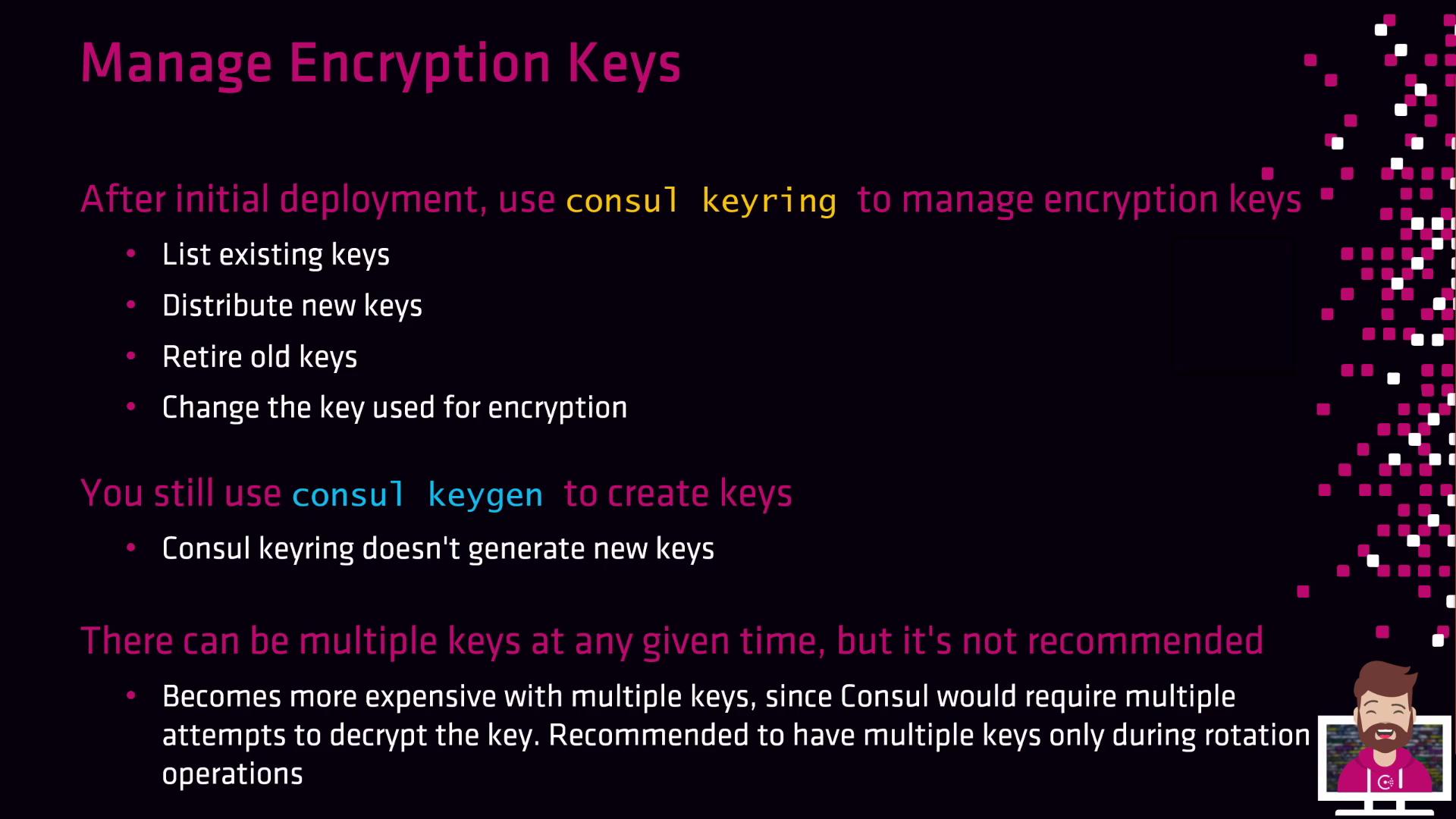
In this lesson we’ll demonstrate how to use Consul’s gossip encryption keyring to list, distribute, activate, and retire encryption keys—enabling you to enforce regular rotations (e.g., every six months or annually) without downtime. Many security policies mandate periodic key rotations to maintain compliance and minimize risk. Consul’s built-in `consul keyring` and `consul keygen` commands provide a straightforward day-two workflow for these tasks.
## Why Rotate Gossip Encryption Keys?
* Ensures forward secrecy and mitigates the impact of key compromise
* Aligns with security best practices and compliance requirements (e.g., PCI-DSS, HIPAA)
* Operates transparently, maintaining cluster availability during rotation
Consul’s gossip encryption uses a 32-byte Base64 key. You can generate this key with any tool, but `consul keygen` guarantees compatibility.
## 1. Generate a New Key
Leverage the built-in key generator to produce a 32-byte Base64 string:
```bash theme={null}
consul keygen
```
Example output:
```bash theme={null}
VCjCNv+521LNTBcQcdu8rl9pjTHEuw+dhzf2bvici3w=
```
## 2. Consul Keyring Commands
Use `consul keyring` to manage keys across your Consul agents. The four primary subcommands are:
| Command | Description |
| ------------------------------ | ------------------------------------------------ |
| `consul keyring list` | List all installed gossip encryption keys |
| `consul keyring install ` | Distribute a new key to every Consul agent |
| `consul keyring use ` | Set a specific key as the primary encryption key |
| `consul keyring remove ` | Retire a no-longer-used key from the cluster |
Avoid running with multiple active keys longer than necessary. Each Consul agent will attempt decryption with every key on inbound messages, increasing CPU overhead.
## 3. Example Rotation Workflow
Follow these steps to rotate keys seamlessly:
```bash theme={null}
# 1. List existing keys
consul keyring list
# ==> Gathering installed encryption keys...
# dc1 (LAN):
# 2. Install the newly generated key
consul keyring install VCjCNv+521LNTBcQcdu8rl9pjTHEuw+dhzf2bvici3w=
# 3. Activate the new key
consul keyring use VCjCNv+521LNTBcQcdu8rl9pjTHEuw+dhzf2bvici3w=
# 4. Remove the old key (optional once no longer used)
consul keyring remove hDqYxqQepkYyRADn4Zn+u+D9vLgE8WM+LpFAPLGhtco=
# ==> Removing gossip encryption key...
```
If you attempt to remove a key that’s still active, Consul will refuse and require you to switch primary keys first.
## 4. Rotation Workflow Cheat Sheet
| Step | Command |
| -------------- | ---------------------------------- |
| Generate key | `consul keygen` |
| Distribute key | `consul keyring install ` |
| Activate key | `consul keyring use ` |
| Retire key | `consul keyring remove ` |
This process incurs zero downtime for Consul servers and clients. Automate these commands via scripts or integrate into your CI/CD pipeline to enforce more frequent rotations (daily, weekly, or monthly).
***
## Links and References
* [Consul Encryption Overview](https://www.consul.io/docs/security/encryption)
* [Consul Key Management](https://www.consul.io/docs/commands/keyring)
* [HashiCorp Best Practices](https://www.hashicorp.com/resources)