> ## Documentation Index
> Fetch the complete documentation index at: https://notes.kodekloud.com/llms.txt
> Use this file to discover all available pages before exploring further.
# Moving Resources with the moved Block
> Explains Terraform's moved block for safely refactoring resource addresses to rename or relocate resources into modules by updating state without recreating or destroying infrastructure.
In this lesson we cover the Terraform `moved` block — a safe, declarative way to refactor resource addresses in your configuration without modifying the underlying infrastructure or manually editing the state file. Use this when you want to rename resources or move them into modules while keeping the existing cloud objects intact.
Why you need it
* During early development you might give resources short or ambiguous names (for example `vpc` and `vpc1`). As the project grows you’ll want clearer names (for example `sbx_vpc` and `test_vpc`).
* Simply renaming a resource in HCL makes Terraform think the old address was removed and a new one created. The result: Terraform plans to destroy the existing resource and create a new one — potentially causing downtime or data loss.
Initial example — two VPCs in a simple configuration:
```hcl theme={null}
resource "aws_vpc" "vpc" {
cidr_block = var.sandbox_vpc_cidr
tags = {
Name = var.sbx_vpc_name
Environment = "sandbox_network"
Terraform = "true"
}
}
resource "aws_vpc" "vpc1" {
cidr_block = var.test_vpc_cidr
tags = {
Name = var.test_vpc
Environment = "testing_network"
Terraform = "true"
}
}
```
If you rename `aws_vpc.vpc` to `aws_vpc.sbx_vpc` directly in your HCL, Terraform will show a plan that destroys the old address and creates a new one:
```hcl theme={null}
resource "aws_vpc" "sbx_vpc" {
cidr_block = var.sandbox_vpc_cidr
tags = {
Name = var.sbx_vpc_name
Environment = "sandbox_network"
Terraform = "true"
}
}
```
Sample plan output (illustrative):
```bash theme={null}
$ terraform plan
Terraform will perform the following actions:
# aws_vpc.sbx_vpc will be created
+ resource "aws_vpc" "sbx_vpc" {
+ arn = (known after apply)
+ id = (known after apply)
...
}
# aws_vpc.vpc will be destroyed
- resource "aws_vpc" "vpc" {
- id = "vpc-0123456789abcdef0" -> null
...
}
Plan: 1 to add, 0 to change, 1 to destroy.
```
That plan indicates Terraform intends to destroy the existing VPC and create a new one under the new address — not what you want if the resource was only renamed.
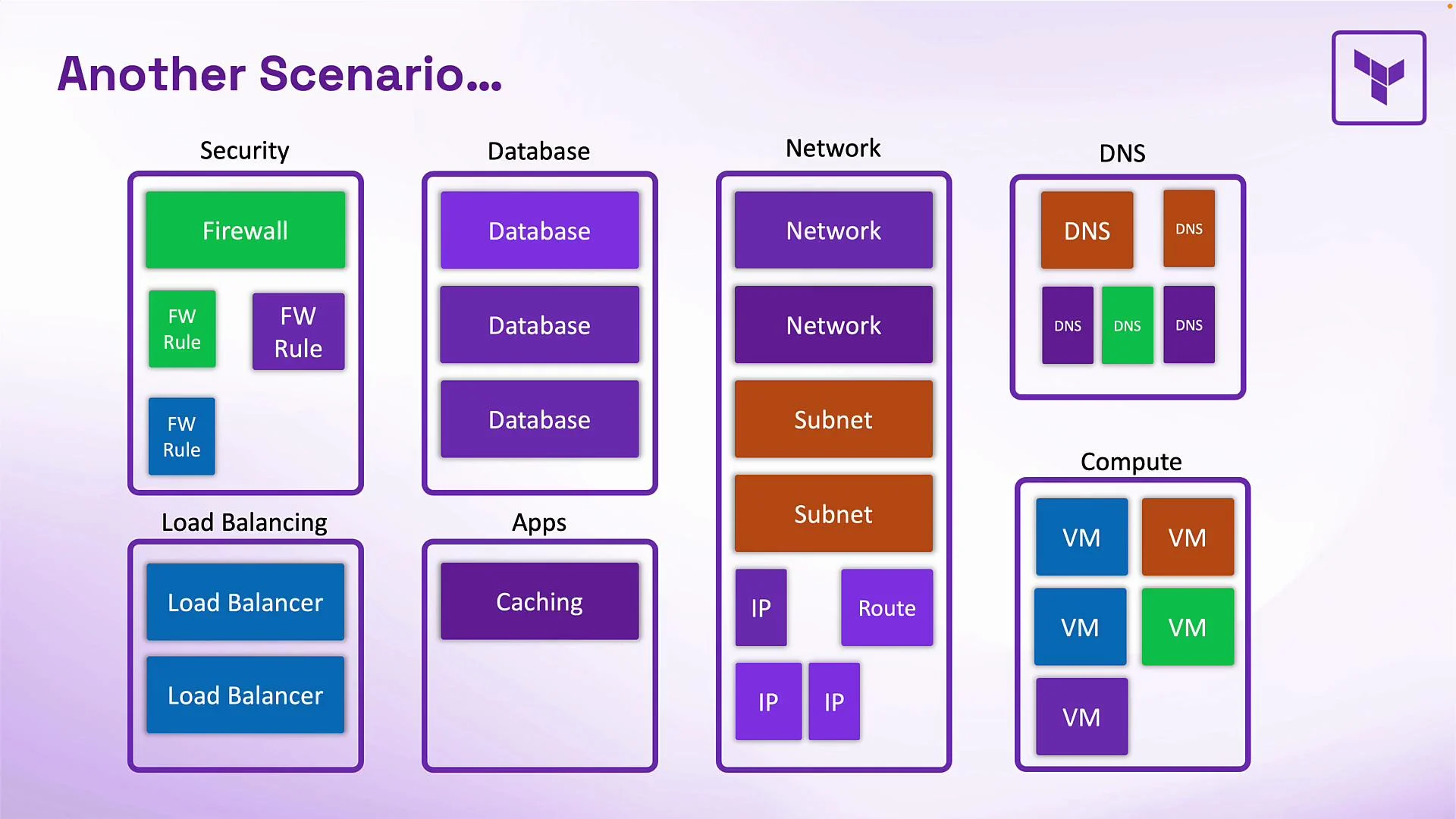
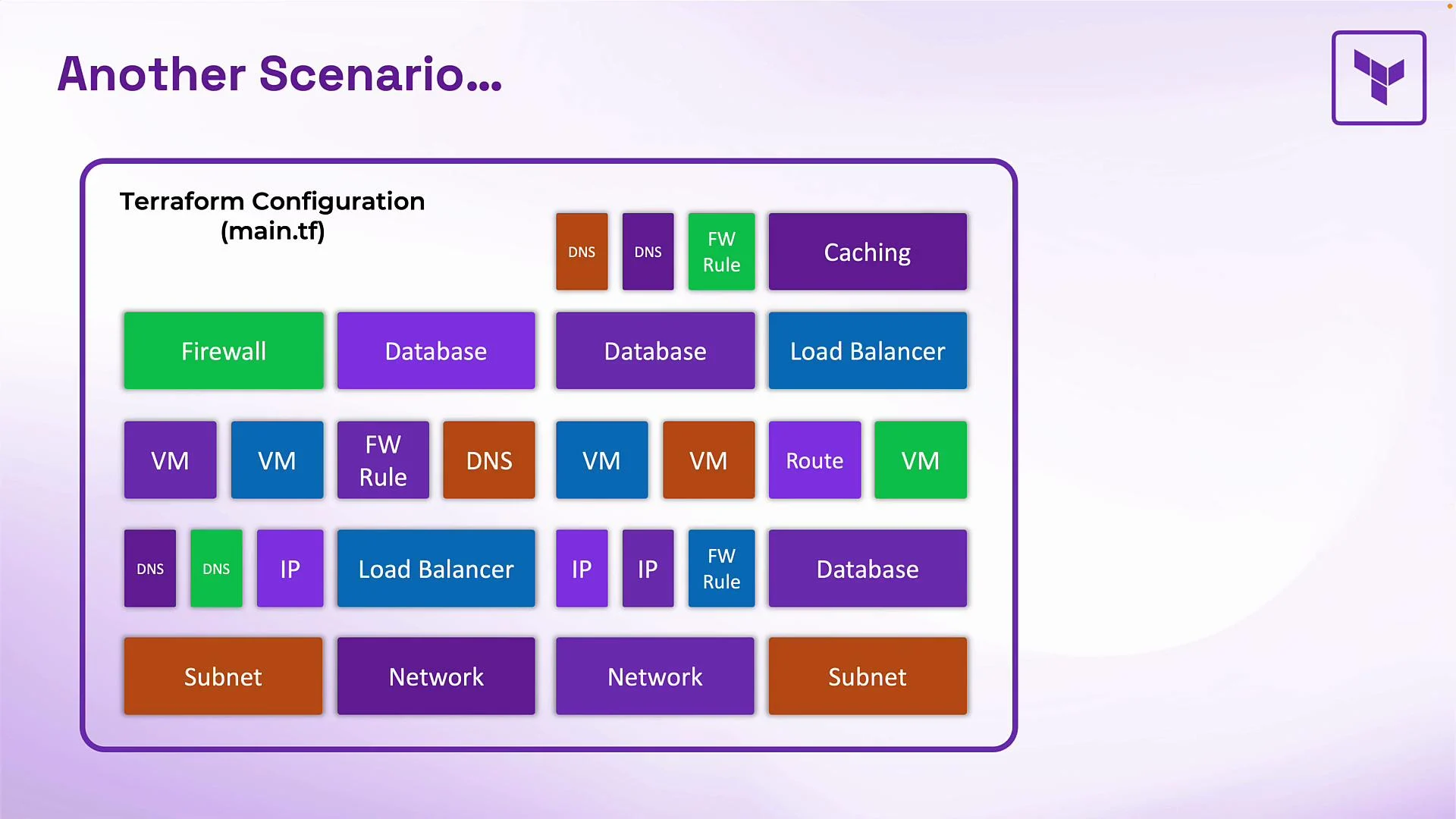 Another common refactor: moving resources out of a monolithic `main.tf` into logical child modules (for example `network`, `security`, `compute`, `database`). From Terraform’s perspective the addresses differ: `aws_instance.web_server` is not the same as `module.compute.aws_instance.web_server`. Without telling Terraform about the move, it will attempt to recreate the resources under the new module addresses.
 What the moved block does
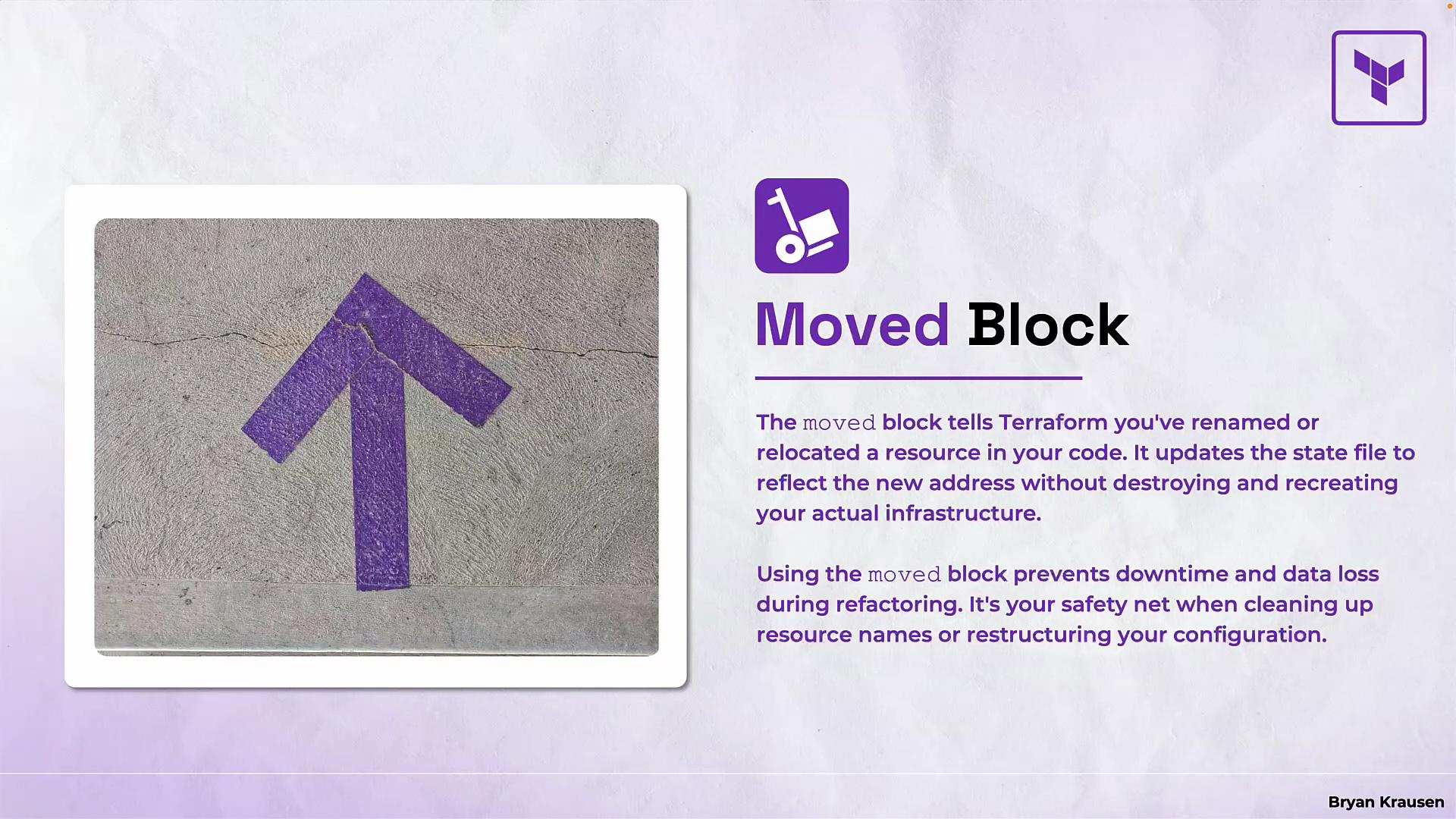
* The `moved` block maps an old resource address to a new one so Terraform updates its state without performing provider API calls.
* Terraform updates only its internal state file; no infrastructure is destroyed or recreated.
* Use it to rename resources or to move resources into/out of modules safely.
What the moved block does
* The `moved` block maps an old resource address to a new one so Terraform updates its state without performing provider API calls.
* Terraform updates only its internal state file; no infrastructure is destroyed or recreated.
* Use it to rename resources or to move resources into/out of modules safely.
 When to use `moved`
| Use case | Description |
| ------------------------------------- | ----------------------------------------------------------------------------- |
| Rename a resource | Change `aws_vpc.vpc` → `aws_vpc.sbx_vpc` without recreating the VPC. |
| Move into a module | Change `aws_s3_bucket.data` → `module.storage.aws_s3_bucket.data`. |
| Move between modules / rename modules | Change `module.old_app.aws_instance.app` → `module.new_app.aws_instance.app`. |
moved block syntax
* The block is declarative and simple: provide `from` and `to`, both as string resource addresses.
Examples:
```hcl theme={null}
moved {
from = "aws_instance.server"
to = "aws_instance.web_server"
}
moved {
from = "aws_s3_bucket.data"
to = "module.storage.aws_s3_bucket.data"
}
moved {
from = "module.old_app.aws_instance.app"
to = "module.new_app.aws_instance.app"
}
```
These examples tell Terraform to reassign the tracked state for the specified addresses; no provider API calls are made.
Refactoring workflow using `moved` blocks
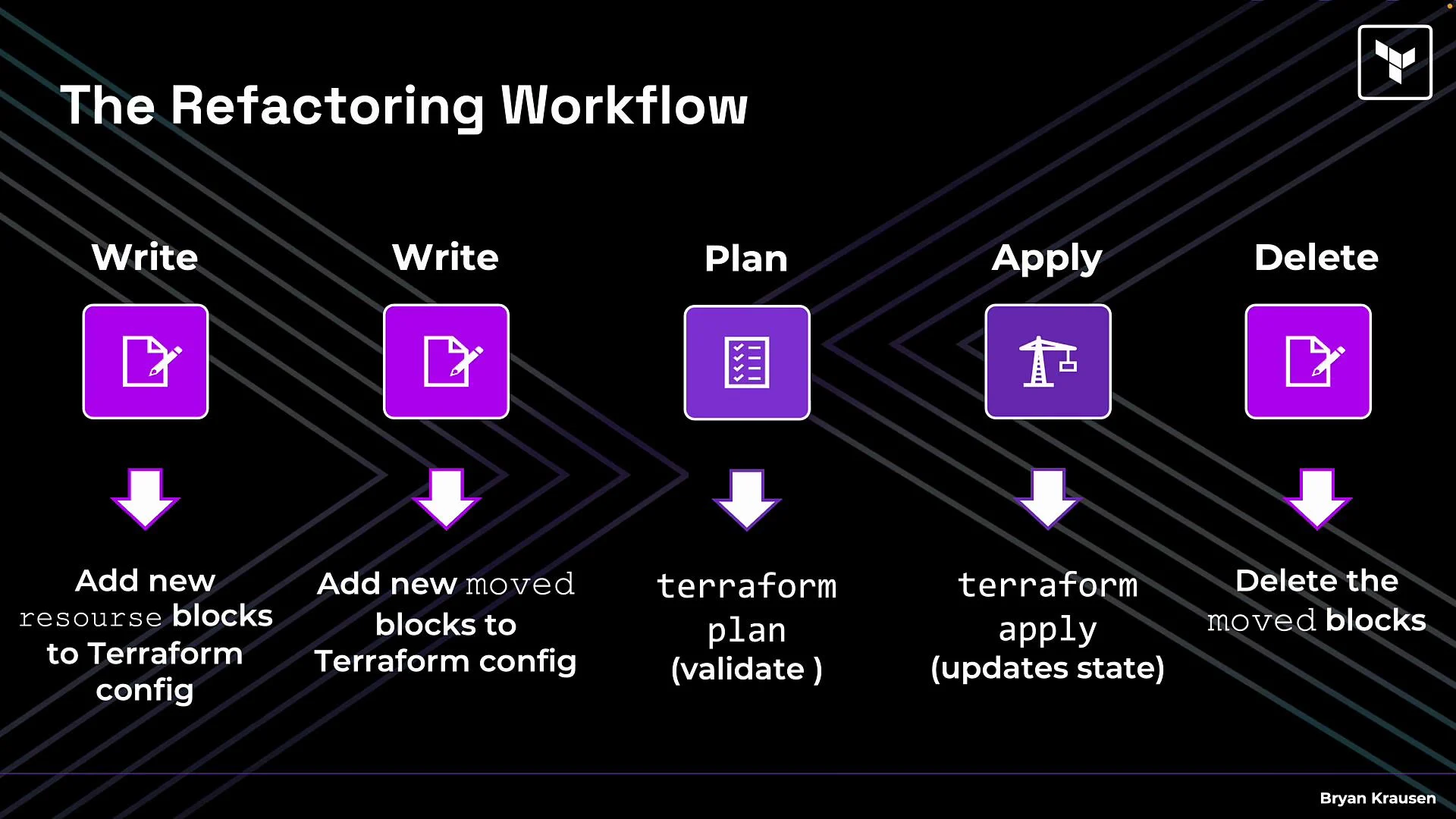
1. Add the destination resources to your configuration first.
* If moving into a module, create the module definition and include the resource blocks.
2. Add one or more `moved` blocks mapping old addresses to new addresses.
* You can put these mappings in a dedicated file such as `moved.tf` for clarity.
3. Run `terraform plan` to validate. Expect state move operations — not create/destroy of cloud resources.
4. Run `terraform apply` to update the state file. This is fast because it updates only Terraform’s state.
5. After successful apply you can remove the `moved` blocks (or keep them as documentation).
Typical command sequence:
```bash theme={null}
$ terraform plan
$ terraform apply
# apply the state updates (no provider-side resource changes)
```
The `moved` blocks are temporary state-migration scaffolding. Once applied they are no longer required for Terraform to track the resources at their new addresses, though many teams keep them in `moved.tf` for auditability.
Additional references
* Terraform docs — State: Move resources: [https://www.terraform.io/docs/cli/commands/state/move.html](https://www.terraform.io/docs/cli/commands/state/move.html)
* Terraform docs — Configuration language: resource addresses: [https://www.terraform.io/docs/language/state/resource-addressing.html](https://www.terraform.io/docs/language/state/resource-addressing.html)
Summary
* Use the `moved` block to refactor resource addresses without changing infrastructure.
* Always add destination resources first, then declare `moved` mappings, then `plan` and `apply`.
* This approach keeps your refactor safe, auditable, and fast — no downtime and no manual state edits.
When to use `moved`
| Use case | Description |
| ------------------------------------- | ----------------------------------------------------------------------------- |
| Rename a resource | Change `aws_vpc.vpc` → `aws_vpc.sbx_vpc` without recreating the VPC. |
| Move into a module | Change `aws_s3_bucket.data` → `module.storage.aws_s3_bucket.data`. |
| Move between modules / rename modules | Change `module.old_app.aws_instance.app` → `module.new_app.aws_instance.app`. |
moved block syntax
* The block is declarative and simple: provide `from` and `to`, both as string resource addresses.
Examples:
```hcl theme={null}
moved {
from = "aws_instance.server"
to = "aws_instance.web_server"
}
moved {
from = "aws_s3_bucket.data"
to = "module.storage.aws_s3_bucket.data"
}
moved {
from = "module.old_app.aws_instance.app"
to = "module.new_app.aws_instance.app"
}
```
These examples tell Terraform to reassign the tracked state for the specified addresses; no provider API calls are made.
Refactoring workflow using `moved` blocks
1. Add the destination resources to your configuration first.
* If moving into a module, create the module definition and include the resource blocks.
2. Add one or more `moved` blocks mapping old addresses to new addresses.
* You can put these mappings in a dedicated file such as `moved.tf` for clarity.
3. Run `terraform plan` to validate. Expect state move operations — not create/destroy of cloud resources.
4. Run `terraform apply` to update the state file. This is fast because it updates only Terraform’s state.
5. After successful apply you can remove the `moved` blocks (or keep them as documentation).
Typical command sequence:
```bash theme={null}
$ terraform plan
$ terraform apply
# apply the state updates (no provider-side resource changes)
```
The `moved` blocks are temporary state-migration scaffolding. Once applied they are no longer required for Terraform to track the resources at their new addresses, though many teams keep them in `moved.tf` for auditability.
Additional references
* Terraform docs — State: Move resources: [https://www.terraform.io/docs/cli/commands/state/move.html](https://www.terraform.io/docs/cli/commands/state/move.html)
* Terraform docs — Configuration language: resource addresses: [https://www.terraform.io/docs/language/state/resource-addressing.html](https://www.terraform.io/docs/language/state/resource-addressing.html)
Summary
* Use the `moved` block to refactor resource addresses without changing infrastructure.
* Always add destination resources first, then declare `moved` mappings, then `plan` and `apply`.
* This approach keeps your refactor safe, auditable, and fast — no downtime and no manual state edits.