> ## Documentation Index
> Fetch the complete documentation index at: https://notes.kodekloud.com/llms.txt
> Use this file to discover all available pages before exploring further.
# Securing State Files
> Guidance on securing Terraform state files using remote backends, encryption, access controls, state locking, auditing, and safe migration to prevent secret exposure.
In this lesson we shift focus from protecting secrets in your configuration (sensitive variables, environment variables, and external secret stores) to the place where those secrets ultimately reside: the Terraform state file.
Terraform state contains the complete configuration for every resource it manages, including attributes required to create and manage infrastructure — and sensitive values such as database passwords, API keys, private keys, and TLS certificates. Because state is plain JSON by default, any user who can read the file can access those secrets.
Terraform state files often include secrets. Treat state as a sensitive artifact: secure where it’s stored, who can access it, and how it’s audited.
Example state snippet (JSON) showing sensitive values stored in plain text:
```json theme={null}
{
"version": 4,
"terraform_version": "1.5.0",
"serial": 1,
"lineage": "abcd1234-ef56-7890-abcd-ef1234567890",
"outputs": {
"database_password_output": {
"value": "MySuperSecretPassword123!",
"type": "string",
"sensitive": true
}
},
"resources": [
{
"mode": "managed",
"type": "aws_db_instance",
"name": "main",
"provider": "provider[\"registry.terraform.io/hashicorp/aws\"]",
"instances": [
{
"schema_version": 0,
"attributes": {
"password": "MySuperSecretPassword123!"
}
}
]
}
]
}
```
Do not commit Terraform state files to version control. They commonly contain secrets and other sensitive infrastructure data.
Why local state is risky
* Local state is stored on a developer workstation unencrypted unless you encrypt your disk.
* It’s easy to accidentally commit `terraform.tfstate` to Git.
* Sharing local state via email or chat is insecure.
* Local state provides no built-in access control, role-based permissions, or audit logging.
Why remote state is safer
* Centralized storage prevents long-term state residency on developer machines.
* Backends commonly support encryption at rest (SSE-S3, SSE-KMS, Azure Storage encryption, GCS encryption).
* Access is managed via IAM/RBAC, allowing fine-grained permissions for read/write/list operations.
* Audit logging (e.g., CloudTrail) records who accessed state and when.
* State locking prevents concurrent modifications that could corrupt state.
Comparison: Local vs Remote State
| Feature | Local State | Remote State (recommended) |
| ------------------ | ---------------------------: | ------------------------------------------------------- |
| Encryption at rest | Depends on disk encryption | Typically supported (SSE-S3, SSE-KMS, provider-managed) |
| Access control | File system permissions only | IAM / RBAC controls via backend |
| Audit logging | None | Provider logs (e.g., CloudTrail, audit records) |
| State locking | Not available | Supported by many backends (DynamoDB, etc.) |
| Team collaboration | Risky / manual sharing | Centralized, safe collaboration |
For production workloads, always use a remote backend with encryption and locking enabled. Local state is acceptable only for learning or single-developer experiments.
How to configure encrypted remote state (example: Amazon S3)
Below is an S3 backend configuration that stores state in an S3 bucket and uses DynamoDB for locking. Put this in a Terraform configuration file (e.g., `backend.tf`).
```hcl theme={null}
terraform {
backend "s3" {
bucket = "terraform-state"
key = "prod/network/terraform.tfstate"
region = "us-east-1"
dynamodb_table = "terraform-locks" # state locking table
encrypt = true # SSE-S3 (AES-256) server-side encryption
kms_key_id = "arn:aws:kms:us-east-1:123456789012:key/abcd-efgh-ijkl" # SSE-KMS (recommended)
}
}
```
Notes on encryption and locking:
* `encrypt = true` enables S3 server-side encryption with AES-256 (SSE-S3).
* Specifying a `kms_key_id` causes S3 to use AWS KMS (SSE-KMS). SSE-KMS is recommended because it provides additional access controls and audit trails for decryption.
* Use `dynamodb_table` to enable state locking, which prevents concurrent `terraform apply` runs from corrupting state.
* In production prefer SSE-KMS over SSE-S3 for better access control and auditing.
Migrating existing local state to a remote backend
You can switch to a remote backend at any time. If a backend block is added to a project that already has local state, running `terraform init` will prompt you to migrate the existing local state to the remote backend. This makes migration safe and non-disruptive.
Layered security for state files
Apply defense-in-depth when protecting state. Typical layers include:
1. Encryption at rest (SSE-S3 or SSE-KMS).
2. State locking to prevent concurrent changes.
3. Fine-grained IAM/RBAC policies to restrict access.
4. Audit logging (CloudTrail or provider logs) to track access and changes.
Each layer complements the others: if one control is misconfigured, additional layers still protect your secrets.
State file security checklist
| Requirement | Why it matters | Example / Action |
| --------------------------- | ------------------------------------------- | -------------------------------------------------------- |
| Remote state for production | Centralized control and safer collaboration | Use S3, Azure Storage, or GCS backend |
| Encryption at rest | Prevents plaintext secrets on storage | Enable SSE-KMS or SSE-S3 (`encrypt = true`) |
| Fine-grained access control | Limits who can read/write state | Use IAM roles, policies, or RBAC |
| State locking | Prevents concurrent writes and corruption | Configure DynamoDB (`dynamodb_table`) or backend locking |
| Audit logging | Trace access and detect misuse | Enable CloudTrail, provider audit logs |
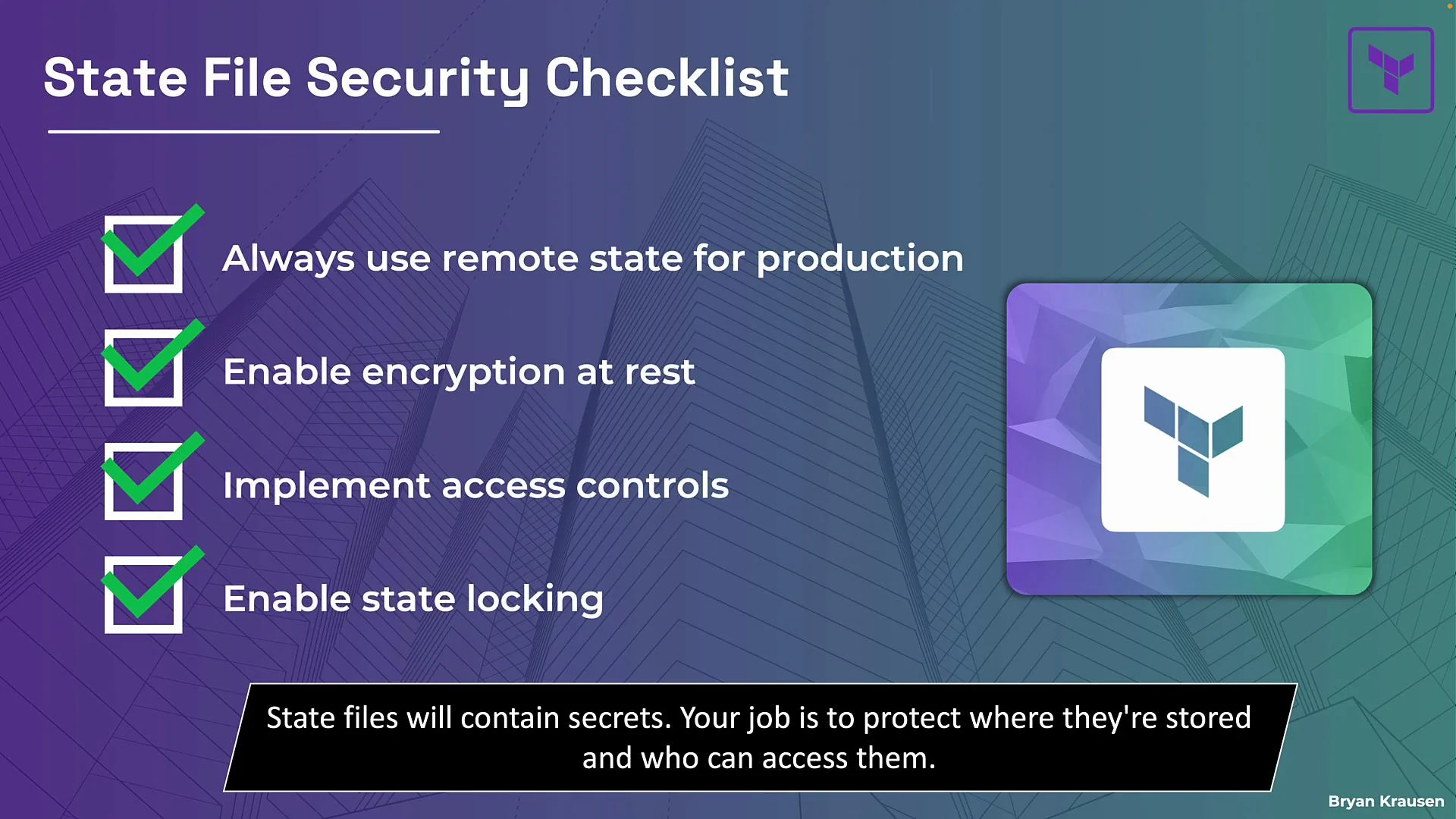 Conclusion
Terraform state files will contain secrets — this is unavoidable. Your responsibility is to secure the storage and access to state. Follow the checklist: use a remote backend, enable encryption (prefer KMS), implement access controls, enable state locking, and keep audit logging enabled. Provider-specific features (for example, write-only provider arguments) can add an extra layer of protection.
Links and references
* [Terraform Remote State](https://www.terraform.io/docs/state/index.html)
* [S3 Backend for Terraform](https://www.terraform.io/docs/backends/types/s3.html)
* [AWS KMS Best Practices](https://docs.aws.amazon.com/kms/latest/developerguide/best-practices.html)
* [DynamoDB for State Locking](https://www.terraform.io/docs/backends/types/s3.html#dynamodb-table)
Conclusion
Terraform state files will contain secrets — this is unavoidable. Your responsibility is to secure the storage and access to state. Follow the checklist: use a remote backend, enable encryption (prefer KMS), implement access controls, enable state locking, and keep audit logging enabled. Provider-specific features (for example, write-only provider arguments) can add an extra layer of protection.
Links and references
* [Terraform Remote State](https://www.terraform.io/docs/state/index.html)
* [S3 Backend for Terraform](https://www.terraform.io/docs/backends/types/s3.html)
* [AWS KMS Best Practices](https://docs.aws.amazon.com/kms/latest/developerguide/best-practices.html)
* [DynamoDB for State Locking](https://www.terraform.io/docs/backends/types/s3.html#dynamodb-table)