> ## Documentation Index
> Fetch the complete documentation index at: https://notes.kodekloud.com/llms.txt
> Use this file to discover all available pages before exploring further.
# Learn about Best Practices for HCL
> Practical best practices for HCL Terraform to improve maintainability, collaboration, and scalability, covering file naming, formatting, modules, secrets handling, documentation, and tooling
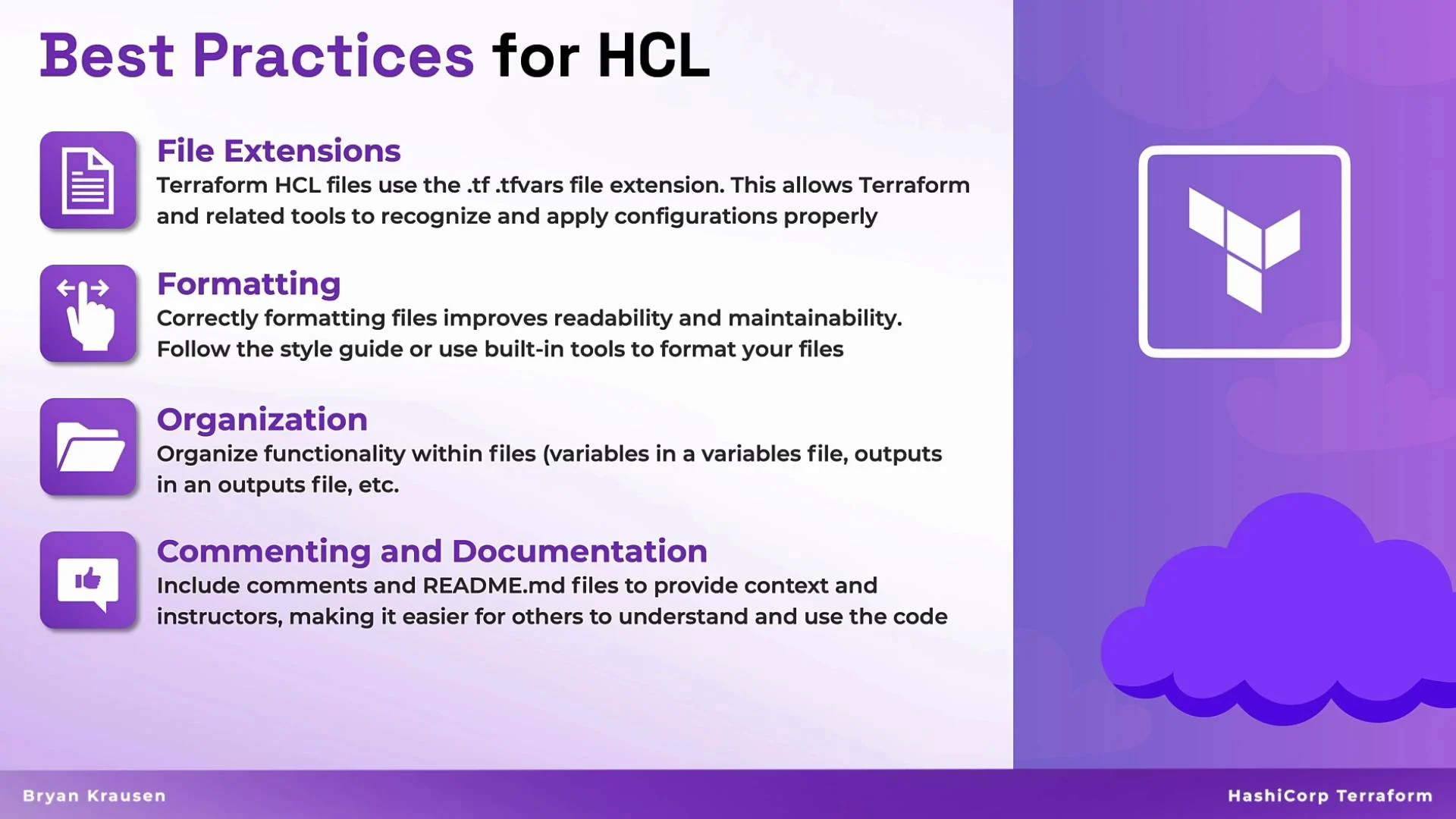
Welcome back. This lesson covers practical best practices for writing HCL (Terraform) that improve maintainability, collaboration, and scalability. These guidelines are drawn from real-world usage and help teams avoid common pitfalls when managing infrastructure as code.
## File extensions and naming conventions
Use the standard Terraform file extensions so tooling (IDEs, linters, formatters, CI) recognizes your configuration automatically.
| File type | Purpose | Example |
| -------------- | --------------------------------------------------------- | --------------------------- |
| `.tf` | Primary Terraform configuration (HCL) | `main.tf`, `network.tf` |
| `.tfvars` | Variable definition files for environment-specific values | `dev.tfvars`, `prod.tfvars` |
| `.tf.json` | JSON equivalent of Terraform configuration (less common) | `main.tf.json` |
| `.tfvars.json` | JSON variable definitions | `dev.tfvars.json` |
Keeping the convention (`.tf` / HCL) ensures consistent editor support, syntax highlighting, and integration with tools like `terraform fmt`.
## Formatting
Consistent formatting improves readability and reduces merge conflicts. Use Terraform’s canonical formatter:
* Run `terraform fmt` locally or in CI to apply HashiCorp’s style automatically.
* Configure your editor to format on save or add a pre-commit hook.
* Include formatting in CI so all contributors adhere to the same style.
Example: run the formatter from the command line to see processed files:
```bash theme={null}
$ terraform fmt
main.tf
network.tf
kubernetes.tf
```
For more, see the official Terraform docs: [https://www.terraform.io/cli/commands/fmt](https://www.terraform.io/cli/commands/fmt).
## Organizing files and modules
Organize your repository by logical responsibility to make it easier to find and change configuration as it grows.
Recommended file layout:
| Purpose | Suggested filenames |
| --------------------------- | ---------------------------------------- |
| Variables | `variables.tf` |
| Outputs | `outputs.tf` |
| Networking resources | `network.tf` or module `modules/network` |
| Compute / instances | `compute.tf` |
| Provider and backend config | `providers.tf`, `backend.tf` |
| Readme / usage | `README.md` |
Use modules to encapsulate reusable patterns (networking, logging, IAM). Keep module interfaces small and well-documented.
## Documentation and README
Good documentation prevents recurring questions and reduces onboarding time.
* Add concise comments for non-obvious decisions in HCL using `#` or `//`.
* Maintain a `README.md` in the root and in each module that documents:
* Purpose and scope
* Required and optional inputs
* Outputs
* Example usage
* Include usage examples and minimal `terraform init`/`apply` instructions.
Remember: clear docs save time for you and others later.
 ## Avoid hard-coded values and secrets
Hard-coding environment-specific values or secrets directly in HCL reduces portability and introduces security risk. Use the recommended alternatives:
* Use input variables declared in `variables.tf` for values that change between environments.
* Supply environment-specific values via `.tfvars` files or environment variables (e.g., `TF_VAR_*`).
* Store secrets in a secure secrets manager (Vault, AWS Secrets Manager, Azure Key Vault) and reference them at runtime rather than embedding them in code.
Never commit plaintext secrets to version control. Use a secrets manager or CI secret storage and reference values via environment variables or secure provider integrations.
Example patterns:
* variables.tf
```hcl theme={null}
variable "db_password" {
description = "Password for the database user"
type = string
sensitive = true
}
```
* Use a `prod.tfvars` (not committed to git) or set `TF_VAR_db_password` in CI.
## Tools to help you write better HCL
Combine editor extensions, formatters, and linters for a robust workflow:
* Editor/IDE extensions: real-time syntax checks, autocompletion, and schema validation (e.g., Terraform extension for VS Code).
* `terraform fmt`: enforce consistent formatting across the repository.
* Linters and static analysis: tools like `tflint`, `checkov`, or `terraform validate` help catch misconfigurations and policy violations.
* Pre-commit hooks and CI: run formatters, linters, and `terraform plan` validations as part of CI to prevent regressions.
When used together, these tools catch errors early: editor extensions find issues as you type, formatters standardize style, and linters enforce best practices.
Use editor extensions to catch syntax errors and style issues as you type, and run `terraform fmt` and linters in CI to ensure consistent formatting and policy checks across the team.
## Links and references
* Terraform CLI documentation: [https://www.terraform.io/cli](https://www.terraform.io/cli)
* Terraform best practices: [https://www.terraform.io/guides](https://www.terraform.io/guides)
* TFLint: [https://github.com/terraform-linters/tflint](https://github.com/terraform-linters/tflint)
* Checkov: [https://www.checkov.io/](https://www.checkov.io/)
## Avoid hard-coded values and secrets
Hard-coding environment-specific values or secrets directly in HCL reduces portability and introduces security risk. Use the recommended alternatives:
* Use input variables declared in `variables.tf` for values that change between environments.
* Supply environment-specific values via `.tfvars` files or environment variables (e.g., `TF_VAR_*`).
* Store secrets in a secure secrets manager (Vault, AWS Secrets Manager, Azure Key Vault) and reference them at runtime rather than embedding them in code.
Never commit plaintext secrets to version control. Use a secrets manager or CI secret storage and reference values via environment variables or secure provider integrations.
Example patterns:
* variables.tf
```hcl theme={null}
variable "db_password" {
description = "Password for the database user"
type = string
sensitive = true
}
```
* Use a `prod.tfvars` (not committed to git) or set `TF_VAR_db_password` in CI.
## Tools to help you write better HCL
Combine editor extensions, formatters, and linters for a robust workflow:
* Editor/IDE extensions: real-time syntax checks, autocompletion, and schema validation (e.g., Terraform extension for VS Code).
* `terraform fmt`: enforce consistent formatting across the repository.
* Linters and static analysis: tools like `tflint`, `checkov`, or `terraform validate` help catch misconfigurations and policy violations.
* Pre-commit hooks and CI: run formatters, linters, and `terraform plan` validations as part of CI to prevent regressions.
When used together, these tools catch errors early: editor extensions find issues as you type, formatters standardize style, and linters enforce best practices.
Use editor extensions to catch syntax errors and style issues as you type, and run `terraform fmt` and linters in CI to ensure consistent formatting and policy checks across the team.
## Links and references
* Terraform CLI documentation: [https://www.terraform.io/cli](https://www.terraform.io/cli)
* Terraform best practices: [https://www.terraform.io/guides](https://www.terraform.io/guides)
* TFLint: [https://github.com/terraform-linters/tflint](https://github.com/terraform-linters/tflint)
* Checkov: [https://www.checkov.io/](https://www.checkov.io/)