> ## Documentation Index
> Fetch the complete documentation index at: https://notes.kodekloud.com/llms.txt
> Use this file to discover all available pages before exploring further.
# Learn the Basics of HashiCorp Configuration Language HCL
> Introduction to HashiCorp Configuration Language explaining HCL syntax, structure, Terraform usage, resource and data blocks, style recommendations, and basic workflow for authoring infrastructure-as-code
Welcome to this focused introduction to HashiCorp Configuration Language (HCL). This lesson explains what HCL is, why Terraform uses it, and how to author clear, maintainable infrastructure-as-code using HCL.
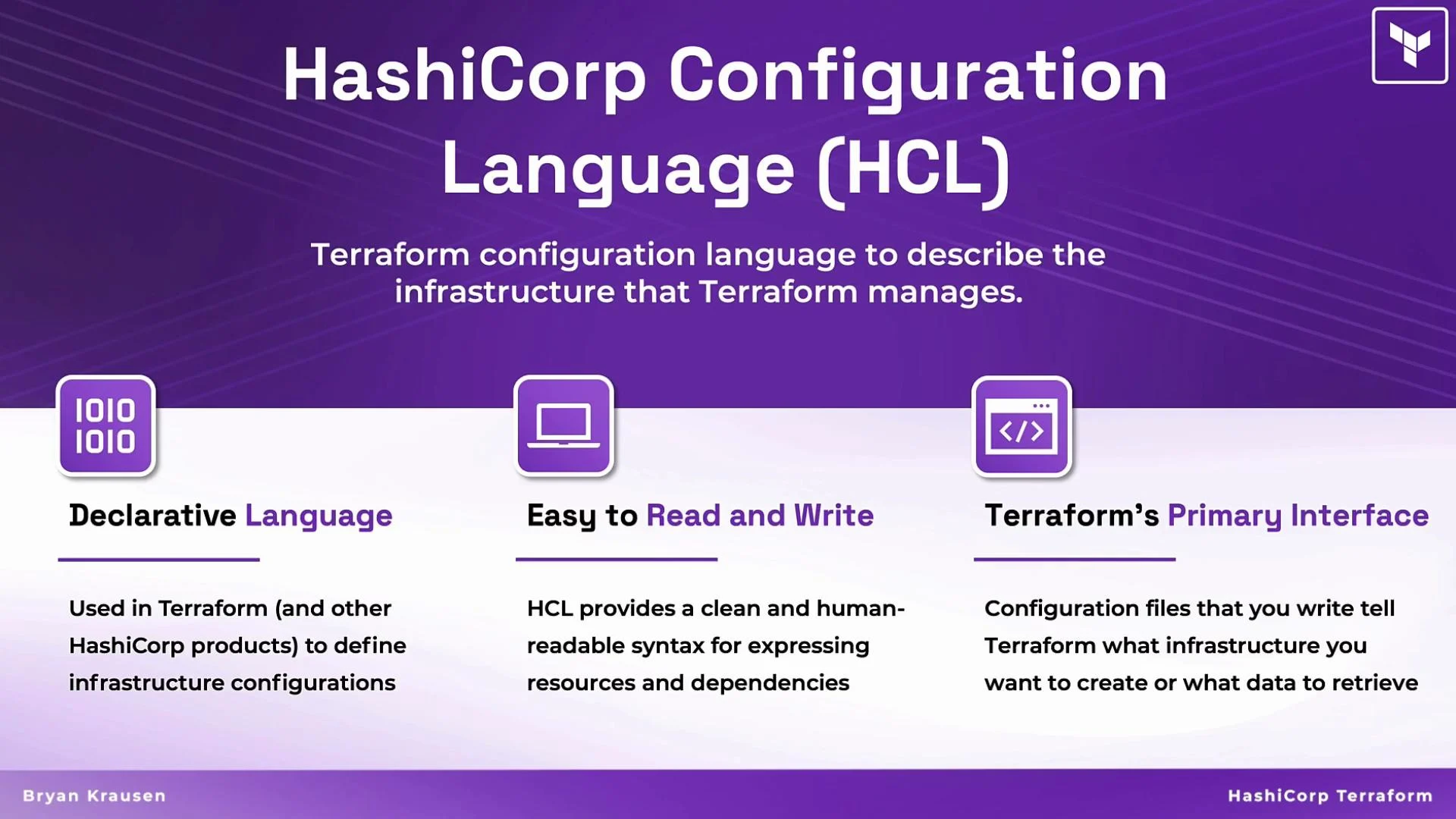
HCL is a purpose-built, declarative language designed to express infrastructure intent in a readable and approachable way. It strikes a balance between simplicity and expressive power so both beginners and experienced engineers can read, write, and maintain Terraform configurations. By the end of this lesson you should be comfortable reading, authoring, and organizing basic HCL files for Terraform.
HCL is declarative: you describe the desired end state (for example, “a VPC with CIDR 10.0.0.0/16”) and Terraform determines how to create or update resources to match that state. Think of it like ordering a dish at a restaurant — you specify the final result, not every step required to cook it.
 ## HCL structure and basic syntax
HCL configurations are organized into blocks that group related configuration items. Each block has:
* A block type (for example, `resource`, `data`, `variable`, `output`)
* One or more labels (for example, a resource type and an instance name)
* A body containing arguments and optionally nested blocks
Comments are supported and useful for documenting intent:
* Single-line comments: `#` or `//`
* Multi-line (block) comments: `/* ... */`
Attributes are name/value pairs inside blocks that configure resources or data sources.
Example annotated HCL:
```hcl theme={null}
# single-line comment
block_type "block_label" "block_label" {
first_argument = expression_or_value
second_argument = expression_or_value
third = expression_or_value
}
# Top-level assignments must appear inside appropriate blocks (for example, locals).
locals {
attribute_abc = "value_1"
attribute_2 = "value_2"
}
```
Files use the `.tf` extension (for example, `main.tf`). Terraform automatically loads `.tf` files in a directory as a single configuration.
## Common HCL block types (at-a-glance)
| Block Type | Purpose | Example |
| ---------- | -------------------------------------------------- | -------------------------------------------------- |
| `resource` | Declares infrastructure to create and manage | `resource "aws_instance" "web" { ... }` |
| `data` | Reads information from existing infrastructure | `data "aws_ami" "ubuntu" { ... }` |
| `variable` | Declares input values for a module | `variable "aws_region" { type = string }` |
| `output` | Exposes values from a module or root configuration | `output "vpc_id" { value = aws_vpc.vpc.id }` |
| `locals` | Defines local computed values | `locals { common_tags = { Environment = "dev" } }` |
## A real example: defining a VPC
Below is a compact, realistic Terraform configuration showing data sources and a resource block that defines an AWS VPC:
```hcl theme={null}
# Retrieve the list of availability zones in the current AWS region
data "aws_availability_zones" "available" {}
# Retrieve the current AWS region
data "aws_region" "current" {}
# Define the VPC
resource "aws_vpc" "vpc" {
cidr_block = var.vpc_cidr
tags = {
Name = var.vpc_name
Environment = "demo_environment"
Terraform = "true"
}
}
```
Key points:
* `data` blocks read existing information (e.g., AZs or AMIs).
* `resource` blocks declare resources Terraform will manage.
* Arguments inside resource blocks (like `cidr_block`) describe desired properties, not procedural steps.
Use `terraform fmt` or a Terraform-aware editor (for example, the [VS Code Terraform extension](https://marketplace.visualstudio.com/items?itemName=HashiCorp.terraform)) to keep formatting consistent automatically.
## Anatomy of a resource block
Breakdown of the VPC resource block:
* `resource` — keyword indicating managed infrastructure.
* First label (`"aws_vpc"`) — the resource type provided by the provider (AWS in this case).
* Second label (`"vpc"`) — the local instance name that uniquely identifies this resource in the module.
* Body — arguments (like `cidr_block`) and nested blocks (like `tags`) describing the resource.
Reference a resource elsewhere using the canonical address `resource_type.resource_name`, for example `aws_vpc.vpc`. That address allows other resources, modules, and outputs to read attributes from the VPC.
Each resource name (the second label) must be unique per resource type within a module. For multiple VPCs use distinct names, for example:
```hcl theme={null}
resource "aws_vpc" "production" { ... }
resource "aws_vpc" "test" { ... }
```
## HCL style recommendations
Consistent style improves readability, collaboration, and long-term maintainability. Common conventions:
* Comments: explain intent and rationale (the why), not just what the code does.
* Naming: prefer `snake_case` (underscores) for variables, resources, and attributes (for example, `vpc_cidr`, `vpc_name`).
* Indentation: use two spaces per nesting level (avoid tabs).
* Equals alignment: aligning `=` within logical groups makes blocks easier to scan.
* Visual grouping: use blank lines to separate logical groups of arguments (for example, networking settings vs tags).
* Use `locals` for shared computed values and avoid duplicating constants.
Example style with alignment and spacing:
```hcl theme={null}
# Example block demonstrating alignment
block_type "block_label" "block_label" {
first_argument = expression_or_value
second_argument = expression_or_value
third = expression_or_value
}
locals {
attribute_abc = "value_1"
attribute_2 = "value_2"
}
```
Tools like `terraform fmt` and editor integrations will enforce many formatting rules automatically. Manual choices such as equals-sign alignment may need editor settings or manual edits.
Never commit secrets (API keys, passwords) directly into `.tf` files or version control. Use variables with secure storage backends (for example, environment variables, secret managers, or Terraform Cloud workspaces) to protect sensitive data.
## Quick workflow (getting started)
1. Create `main.tf` with your HCL configuration.
2. Initialize the working directory:
```bash theme={null}
terraform init
```
3. See proposed changes:
```bash theme={null}
terraform plan
```
4. Apply changes:
```bash theme={null}
terraform apply
```
Use a separate, safe testing account or environment when learning and experimenting.
## Summary
* HCL is Terraform’s declarative configuration language focused on readability and expressiveness.
* Configurations are composed of blocks (with types, labels, and bodies) that describe resources, data sources, variables, outputs, and locals.
* Follow consistent naming, commenting, and formatting conventions to make configurations easier to maintain.
* Use `terraform fmt`, editor integrations, and secure secret management practices to maintain quality and security.
Continue practicing by authoring small `main.tf` files, running `terraform init`, `terraform plan`, and `terraform apply`, and incrementally refining your HCL skills.
## Links and references
* [Terraform Documentation](https://www.terraform.io/docs)
* [VS Code Terraform extension](https://marketplace.visualstudio.com/items?itemName=HashiCorp.terraform)
* [Terraform best practices and style guides](https://www.terraform.io/docs/language/index.html)
## HCL structure and basic syntax
HCL configurations are organized into blocks that group related configuration items. Each block has:
* A block type (for example, `resource`, `data`, `variable`, `output`)
* One or more labels (for example, a resource type and an instance name)
* A body containing arguments and optionally nested blocks
Comments are supported and useful for documenting intent:
* Single-line comments: `#` or `//`
* Multi-line (block) comments: `/* ... */`
Attributes are name/value pairs inside blocks that configure resources or data sources.
Example annotated HCL:
```hcl theme={null}
# single-line comment
block_type "block_label" "block_label" {
first_argument = expression_or_value
second_argument = expression_or_value
third = expression_or_value
}
# Top-level assignments must appear inside appropriate blocks (for example, locals).
locals {
attribute_abc = "value_1"
attribute_2 = "value_2"
}
```
Files use the `.tf` extension (for example, `main.tf`). Terraform automatically loads `.tf` files in a directory as a single configuration.
## Common HCL block types (at-a-glance)
| Block Type | Purpose | Example |
| ---------- | -------------------------------------------------- | -------------------------------------------------- |
| `resource` | Declares infrastructure to create and manage | `resource "aws_instance" "web" { ... }` |
| `data` | Reads information from existing infrastructure | `data "aws_ami" "ubuntu" { ... }` |
| `variable` | Declares input values for a module | `variable "aws_region" { type = string }` |
| `output` | Exposes values from a module or root configuration | `output "vpc_id" { value = aws_vpc.vpc.id }` |
| `locals` | Defines local computed values | `locals { common_tags = { Environment = "dev" } }` |
## A real example: defining a VPC
Below is a compact, realistic Terraform configuration showing data sources and a resource block that defines an AWS VPC:
```hcl theme={null}
# Retrieve the list of availability zones in the current AWS region
data "aws_availability_zones" "available" {}
# Retrieve the current AWS region
data "aws_region" "current" {}
# Define the VPC
resource "aws_vpc" "vpc" {
cidr_block = var.vpc_cidr
tags = {
Name = var.vpc_name
Environment = "demo_environment"
Terraform = "true"
}
}
```
Key points:
* `data` blocks read existing information (e.g., AZs or AMIs).
* `resource` blocks declare resources Terraform will manage.
* Arguments inside resource blocks (like `cidr_block`) describe desired properties, not procedural steps.
Use `terraform fmt` or a Terraform-aware editor (for example, the [VS Code Terraform extension](https://marketplace.visualstudio.com/items?itemName=HashiCorp.terraform)) to keep formatting consistent automatically.
## Anatomy of a resource block
Breakdown of the VPC resource block:
* `resource` — keyword indicating managed infrastructure.
* First label (`"aws_vpc"`) — the resource type provided by the provider (AWS in this case).
* Second label (`"vpc"`) — the local instance name that uniquely identifies this resource in the module.
* Body — arguments (like `cidr_block`) and nested blocks (like `tags`) describing the resource.
Reference a resource elsewhere using the canonical address `resource_type.resource_name`, for example `aws_vpc.vpc`. That address allows other resources, modules, and outputs to read attributes from the VPC.
Each resource name (the second label) must be unique per resource type within a module. For multiple VPCs use distinct names, for example:
```hcl theme={null}
resource "aws_vpc" "production" { ... }
resource "aws_vpc" "test" { ... }
```
## HCL style recommendations
Consistent style improves readability, collaboration, and long-term maintainability. Common conventions:
* Comments: explain intent and rationale (the why), not just what the code does.
* Naming: prefer `snake_case` (underscores) for variables, resources, and attributes (for example, `vpc_cidr`, `vpc_name`).
* Indentation: use two spaces per nesting level (avoid tabs).
* Equals alignment: aligning `=` within logical groups makes blocks easier to scan.
* Visual grouping: use blank lines to separate logical groups of arguments (for example, networking settings vs tags).
* Use `locals` for shared computed values and avoid duplicating constants.
Example style with alignment and spacing:
```hcl theme={null}
# Example block demonstrating alignment
block_type "block_label" "block_label" {
first_argument = expression_or_value
second_argument = expression_or_value
third = expression_or_value
}
locals {
attribute_abc = "value_1"
attribute_2 = "value_2"
}
```
Tools like `terraform fmt` and editor integrations will enforce many formatting rules automatically. Manual choices such as equals-sign alignment may need editor settings or manual edits.
Never commit secrets (API keys, passwords) directly into `.tf` files or version control. Use variables with secure storage backends (for example, environment variables, secret managers, or Terraform Cloud workspaces) to protect sensitive data.
## Quick workflow (getting started)
1. Create `main.tf` with your HCL configuration.
2. Initialize the working directory:
```bash theme={null}
terraform init
```
3. See proposed changes:
```bash theme={null}
terraform plan
```
4. Apply changes:
```bash theme={null}
terraform apply
```
Use a separate, safe testing account or environment when learning and experimenting.
## Summary
* HCL is Terraform’s declarative configuration language focused on readability and expressiveness.
* Configurations are composed of blocks (with types, labels, and bodies) that describe resources, data sources, variables, outputs, and locals.
* Follow consistent naming, commenting, and formatting conventions to make configurations easier to maintain.
* Use `terraform fmt`, editor integrations, and secure secret management practices to maintain quality and security.
Continue practicing by authoring small `main.tf` files, running `terraform init`, `terraform plan`, and `terraform apply`, and incrementally refining your HCL skills.
## Links and references
* [Terraform Documentation](https://www.terraform.io/docs)
* [VS Code Terraform extension](https://marketplace.visualstudio.com/items?itemName=HashiCorp.terraform)
* [Terraform best practices and style guides](https://www.terraform.io/docs/language/index.html)