> ## Documentation Index
> Fetch the complete documentation index at: https://notes.kodekloud.com/llms.txt
> Use this file to discover all available pages before exploring further.
# Inspecting Terraform State
> Guide to inspecting Terraform state with terraform show, terraform state list, and terraform state show, plus legacy commands and configuration driven alternatives
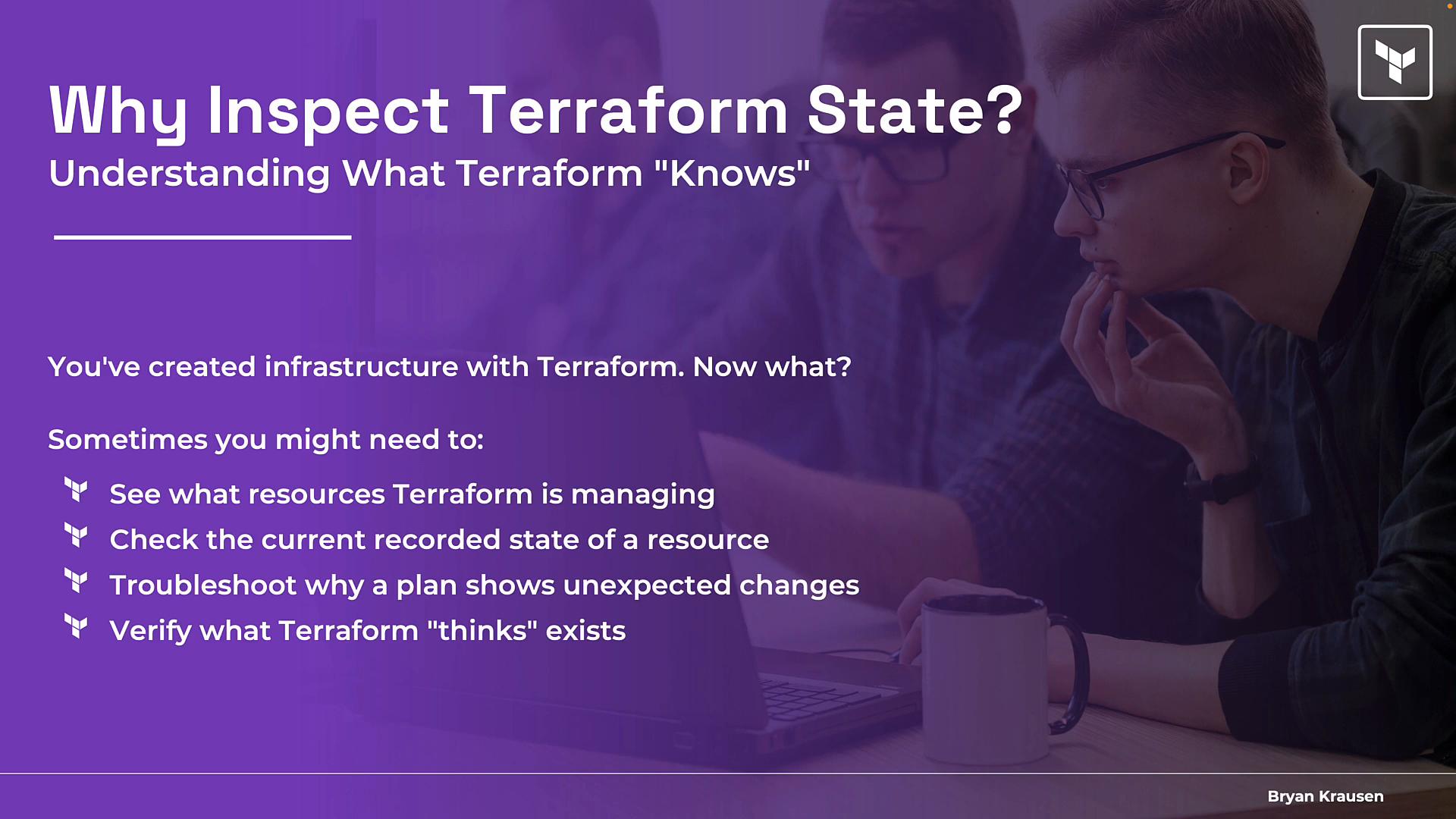
All right — you've run terraform apply and your infrastructure is live. Now how do you see exactly what Terraform is tracking? Terraform stores a state file that acts as the "memory" of your infrastructure. Inspecting that state is essential for troubleshooting, validating what Terraform manages, and understanding computed values (like resource IDs or ARNs) that don't appear in your .tf files.
 This guide covers the CLI commands you’ll use most often to inspect Terraform state, when to use them, and short examples.
Primary commands (quick reference)
* `terraform state list` — show addresses of all resources in state
* `terraform show` — display the full state or render a plan file
* `terraform state show ` — display attributes for a single resource
Other legacy `terraform state` subcommands (still available but less emphasized):
* `terraform state mv` — move resources in state
* `terraform state rm` — remove resources from state
* `terraform state pull` / `terraform state push` — manually pull/push state to/from backend
If you are preparing for the HashiCorp Certified: Terraform Associate exam, prioritize `terraform state list`, `terraform show`, and `terraform state show`. Be aware legacy `terraform state` operations exist, but the exam focuses on configuration-driven alternatives (like `moved` and `removed` blocks).
Command summary table
| Command | Purpose | When to use |
| -: | - | - |
| `terraform state list` | Lists resource addresses in state | Quick inventory, find addresses to feed into other commands |
| `terraform state show ` | Show attributes for one resource from state | Focused debugging of a single resource |
| `terraform show` | Render the entire state or a plan file (human-readable) | Inspect computed values, review a plan, or audit full state |
| `terraform state mv` | Move a resource in state (legacy) | Rare; prefer `moved` block in config |
| `terraform state rm` | Remove a resource from state (legacy) | Rare; prefer `removed` block in config |
terraform state list — quick inventory
`terraform state list` prints every resource address tracked in the current state. It returns only resource addresses (no attributes). Use it when you need the exact address to inspect a resource or to feed into another command.
Example:
```bash theme={null}
$ terraform state list
data.aws_availability_zones.available
data.aws_region.current
aws_eip.nat_gateway_eip
aws_internet_gateway.internet_gateway
aws_nat_gateway.nat_gateway
aws_route_table.private_route_table
aws_route_table.public_route_table
aws_subnet.public[0]
aws_subnet.public[1]
aws_vpc.vpc
```
Key point: this is an address list only — no attribute values are shown.
terraform show — inspect the whole state or a plan
`terraform show` prints a human-readable dump of the entire state by default, including all attributes, computed values, and metadata Terraform tracks. If you pass a binary plan file created by `terraform plan -out=planfile`, `terraform show planfile` renders the plan contents instead.
When to use `terraform show`:
* To review all attributes for resources in state (including computed values not in .tf files)
* To inspect generated IDs and ARNs
* To review a plan file in readable form before applying
Example (truncated single-resource output):
```bash theme={null}
$ terraform show
# aws_eip.nat_gateway_eip:
resource "aws_eip" "nat_gateway_eip" {
allocation_id = "eipalloc-077b7c1af359aa7"
association_id = null
carrier_ip = null
customer_owned_ip = null
customer_owned_ipv4_pool = null
domain = "vpc"
id = "eipalloc-077b7c1af359aa7"
instance = null
network_border_group = "us-east-1"
network_interface = null
private_ip = null
public_dns = "ec2-34-197-203-182.compute-1.amazonaws.com"
public_ip = "34.197.203.182"
public_ipv4_pool = "amazon"
tags = {
"Name" = "demo_igw_eip"
}
tags_all = {
"Name" = "demo_igw_eip"
}
vpc = true
}
# aws_internet_gateway.internet_gateway:
...
```
Note: For large states this output can be quite long. Use `terraform state show` to target specific resources (below).
terraform state show — focused inspection of a single resource
If you only need details for one resource, `terraform state show ` is the fastest and least noisy option. Typical workflow:
1. Run `terraform state list` and find the exact address (for example `aws_vpc.vpc`).
2. Run `terraform state show aws_vpc.vpc` to see all attributes for that resource.
Example:
```bash theme={null}
$ terraform state show aws_vpc.vpc
# aws_vpc.vpc:
resource "aws_vpc" "vpc" {
arn = "arn:aws:ec2:us-east-1:123456789012:vpc/vpc-07462485"
assign_generated_ipv6_cidr_block = false
cidr_block = "10.1.0.0/16"
default_network_acl_id = "acl-01b3609f712b682d0"
default_route_table_id = "rtb-0be178d4fc093ed83"
default_security_group_id = "sg-07996016eacf3b0c6"
dhcp_options_id = "dopt-019aeb64"
enable_classiclink = false
enable_classiclink_dns_support = false
enable_dns_hostnames = false
...
}
```
Legacy `terraform state` commands and the configuration-driven alternative
Older tooling uses `terraform state mv`, `terraform state rm`, and `terraform state pull`/`push` to edit state directly. While these commands still work, the modern recommended approach is to capture state transitions in configuration using `moved` and `removed` blocks so the changes are version-controlled, reviewable, and plannable.
Mapping (legacy → config-driven):
* `terraform state mv` → declare a `moved` block in configuration
* `terraform state rm` → declare a `removed` block in configuration
* `terraform state pull` / `terraform state push` → manual state operations only for special cases
Recording state changes in configuration (using `moved` and `removed` blocks) makes them part of your codebase: you get version control, code review, and safer, reviewable plans. This is the recommended modern workflow.
For the HashiCorp Certified: Terraform Associate exam
* Master `terraform state list`, `terraform show`, and `terraform state show`.
* Understand legacy CLI state operations exist, but know the recommended config-driven alternatives (`moved` / `removed`) and why they are preferred.
Next steps
Practice these commands in a safe workspace:
1. Create a small example (a VPC or single VM).
2. Use `terraform state list` to locate addresses.
3. Use `terraform state show ` and `terraform show` to inspect attributes and computed values.
4. Experiment with a `moved` block in configuration to see how Terraform plans and applies state transitions.
References
* Terraform CLI documentation: [https://www.terraform.io/docs/cli/index.html](https://www.terraform.io/docs/cli/index.html)
* Moving and removing resources with configuration: [https://www.terraform.io/docs/language/state/renaming-migration.html](https://www.terraform.io/docs/language/state/renaming-migration.html)
This documentation is built and hosted on [Mintlify](https://mintlify.com), a developer documentation platform.
This guide covers the CLI commands you’ll use most often to inspect Terraform state, when to use them, and short examples.
Primary commands (quick reference)
* `terraform state list` — show addresses of all resources in state
* `terraform show` — display the full state or render a plan file
* `terraform state show ` — display attributes for a single resource
Other legacy `terraform state` subcommands (still available but less emphasized):
* `terraform state mv` — move resources in state
* `terraform state rm` — remove resources from state
* `terraform state pull` / `terraform state push` — manually pull/push state to/from backend
If you are preparing for the HashiCorp Certified: Terraform Associate exam, prioritize `terraform state list`, `terraform show`, and `terraform state show`. Be aware legacy `terraform state` operations exist, but the exam focuses on configuration-driven alternatives (like `moved` and `removed` blocks).
Command summary table
| Command | Purpose | When to use |
| -: | - | - |
| `terraform state list` | Lists resource addresses in state | Quick inventory, find addresses to feed into other commands |
| `terraform state show ` | Show attributes for one resource from state | Focused debugging of a single resource |
| `terraform show` | Render the entire state or a plan file (human-readable) | Inspect computed values, review a plan, or audit full state |
| `terraform state mv` | Move a resource in state (legacy) | Rare; prefer `moved` block in config |
| `terraform state rm` | Remove a resource from state (legacy) | Rare; prefer `removed` block in config |
terraform state list — quick inventory
`terraform state list` prints every resource address tracked in the current state. It returns only resource addresses (no attributes). Use it when you need the exact address to inspect a resource or to feed into another command.
Example:
```bash theme={null}
$ terraform state list
data.aws_availability_zones.available
data.aws_region.current
aws_eip.nat_gateway_eip
aws_internet_gateway.internet_gateway
aws_nat_gateway.nat_gateway
aws_route_table.private_route_table
aws_route_table.public_route_table
aws_subnet.public[0]
aws_subnet.public[1]
aws_vpc.vpc
```
Key point: this is an address list only — no attribute values are shown.
terraform show — inspect the whole state or a plan
`terraform show` prints a human-readable dump of the entire state by default, including all attributes, computed values, and metadata Terraform tracks. If you pass a binary plan file created by `terraform plan -out=planfile`, `terraform show planfile` renders the plan contents instead.
When to use `terraform show`:
* To review all attributes for resources in state (including computed values not in .tf files)
* To inspect generated IDs and ARNs
* To review a plan file in readable form before applying
Example (truncated single-resource output):
```bash theme={null}
$ terraform show
# aws_eip.nat_gateway_eip:
resource "aws_eip" "nat_gateway_eip" {
allocation_id = "eipalloc-077b7c1af359aa7"
association_id = null
carrier_ip = null
customer_owned_ip = null
customer_owned_ipv4_pool = null
domain = "vpc"
id = "eipalloc-077b7c1af359aa7"
instance = null
network_border_group = "us-east-1"
network_interface = null
private_ip = null
public_dns = "ec2-34-197-203-182.compute-1.amazonaws.com"
public_ip = "34.197.203.182"
public_ipv4_pool = "amazon"
tags = {
"Name" = "demo_igw_eip"
}
tags_all = {
"Name" = "demo_igw_eip"
}
vpc = true
}
# aws_internet_gateway.internet_gateway:
...
```
Note: For large states this output can be quite long. Use `terraform state show` to target specific resources (below).
terraform state show — focused inspection of a single resource
If you only need details for one resource, `terraform state show ` is the fastest and least noisy option. Typical workflow:
1. Run `terraform state list` and find the exact address (for example `aws_vpc.vpc`).
2. Run `terraform state show aws_vpc.vpc` to see all attributes for that resource.
Example:
```bash theme={null}
$ terraform state show aws_vpc.vpc
# aws_vpc.vpc:
resource "aws_vpc" "vpc" {
arn = "arn:aws:ec2:us-east-1:123456789012:vpc/vpc-07462485"
assign_generated_ipv6_cidr_block = false
cidr_block = "10.1.0.0/16"
default_network_acl_id = "acl-01b3609f712b682d0"
default_route_table_id = "rtb-0be178d4fc093ed83"
default_security_group_id = "sg-07996016eacf3b0c6"
dhcp_options_id = "dopt-019aeb64"
enable_classiclink = false
enable_classiclink_dns_support = false
enable_dns_hostnames = false
...
}
```
Legacy `terraform state` commands and the configuration-driven alternative
Older tooling uses `terraform state mv`, `terraform state rm`, and `terraform state pull`/`push` to edit state directly. While these commands still work, the modern recommended approach is to capture state transitions in configuration using `moved` and `removed` blocks so the changes are version-controlled, reviewable, and plannable.
Mapping (legacy → config-driven):
* `terraform state mv` → declare a `moved` block in configuration
* `terraform state rm` → declare a `removed` block in configuration
* `terraform state pull` / `terraform state push` → manual state operations only for special cases
Recording state changes in configuration (using `moved` and `removed` blocks) makes them part of your codebase: you get version control, code review, and safer, reviewable plans. This is the recommended modern workflow.
For the HashiCorp Certified: Terraform Associate exam
* Master `terraform state list`, `terraform show`, and `terraform state show`.
* Understand legacy CLI state operations exist, but know the recommended config-driven alternatives (`moved` / `removed`) and why they are preferred.
Next steps
Practice these commands in a safe workspace:
1. Create a small example (a VPC or single VM).
2. Use `terraform state list` to locate addresses.
3. Use `terraform state show ` and `terraform show` to inspect attributes and computed values.
4. Experiment with a `moved` block in configuration to see how Terraform plans and applies state transitions.
References
* Terraform CLI documentation: [https://www.terraform.io/docs/cli/index.html](https://www.terraform.io/docs/cli/index.html)
* Moving and removing resources with configuration: [https://www.terraform.io/docs/language/state/renaming-migration.html](https://www.terraform.io/docs/language/state/renaming-migration.html)
This documentation is built and hosted on [Mintlify](https://mintlify.com), a developer documentation platform.