> ## Documentation Index
> Fetch the complete documentation index at: https://notes.kodekloud.com/llms.txt
> Use this file to discover all available pages before exploring further.
# Exam Tips for Objective 3
> Exam tips for understanding Vaults token system, including types, differences, commands, and best practices for effective preparation.
Before you dive into exam questions, ensure you have a solid grasp of Vault’s token system. In this lesson, we’ll cover:
* An overview of all token types
* Key differences between Service and Batch tokens
* How to use the `vault token` command
* Root Token best practices
## Token Types Overview

| Token Type | TTL Renewal | Revocation | Storage Behavior |
| ---------- | ----------------- | ---------- | ------------------------------------ |
| Service | Configurable ✓ | ✓ | Persisted in Vault’s storage backend |
| Batch | ✗ | ✗ | Encrypted blob, not persisted |
| Root | — (never expires) | ✓ | Persisted |
| Periodic | ✓ | ✓ | Persisted |
| Orphan | ✓ | ✓ | Persisted (no parent) |
| CIDR-Bound | ✓ | ✓ | Persisted (IP-restricted) |
Key actions you should be able to perform:
* **List** all token types
* **Describe** TTL, renewal, revocation, and storage details for each
* **Match** real-world use cases to the appropriate token
## Service vs. Batch Tokens
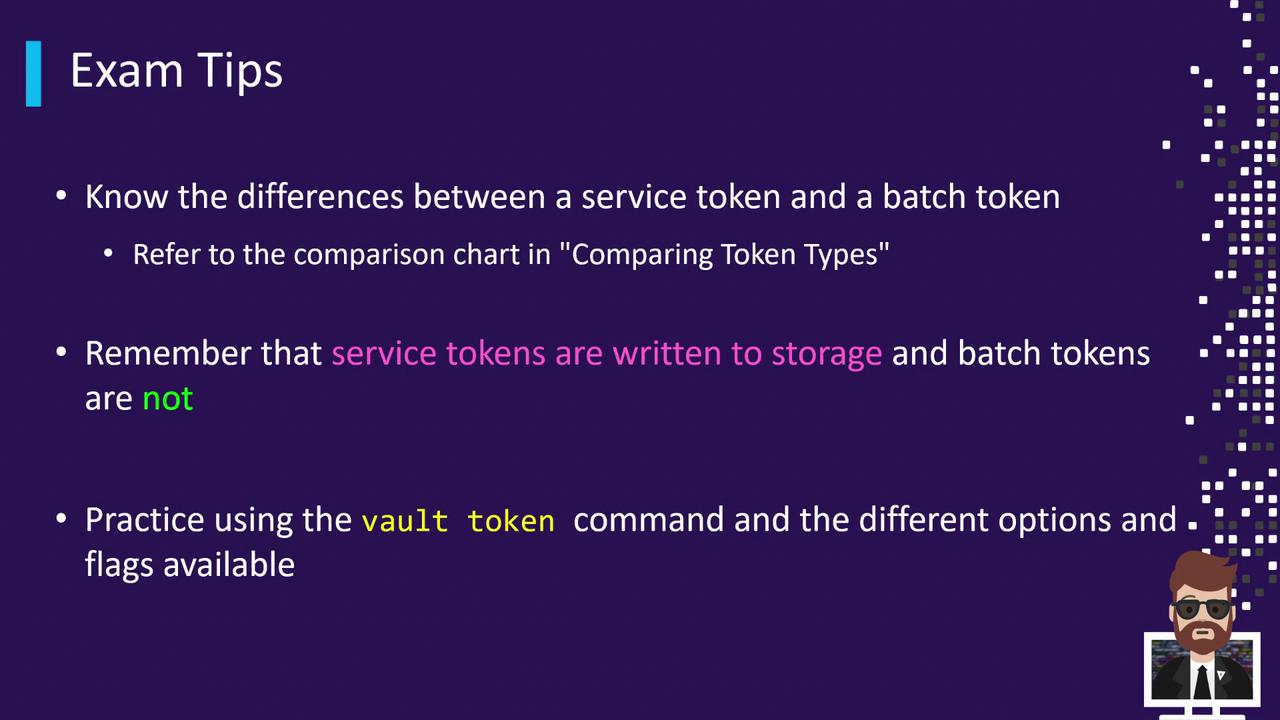
| Feature | Service Tokens | Batch Tokens |
| ---------------------- | ------------------------------ | ----------------------------------- |
| Renewability | Fully renewable | Not renewable |
| Revocability | Fully revocable | Not revocable |
| Storage Backend Impact | Persisted to backend | No backend storage |
| Use Case | Long-lived clients, automation | One-time operations, scale concerns |
Use batch tokens when you need to minimize storage-backend impact.
### Practice with `vault token`
Launch a local Dev Server and run:
```bash theme={null}
# Create a batch token
vault token create -type=batch
# Renew a service token
vault token renew
# Revoke any token
vault token revoke
```
## Root Token Essentials
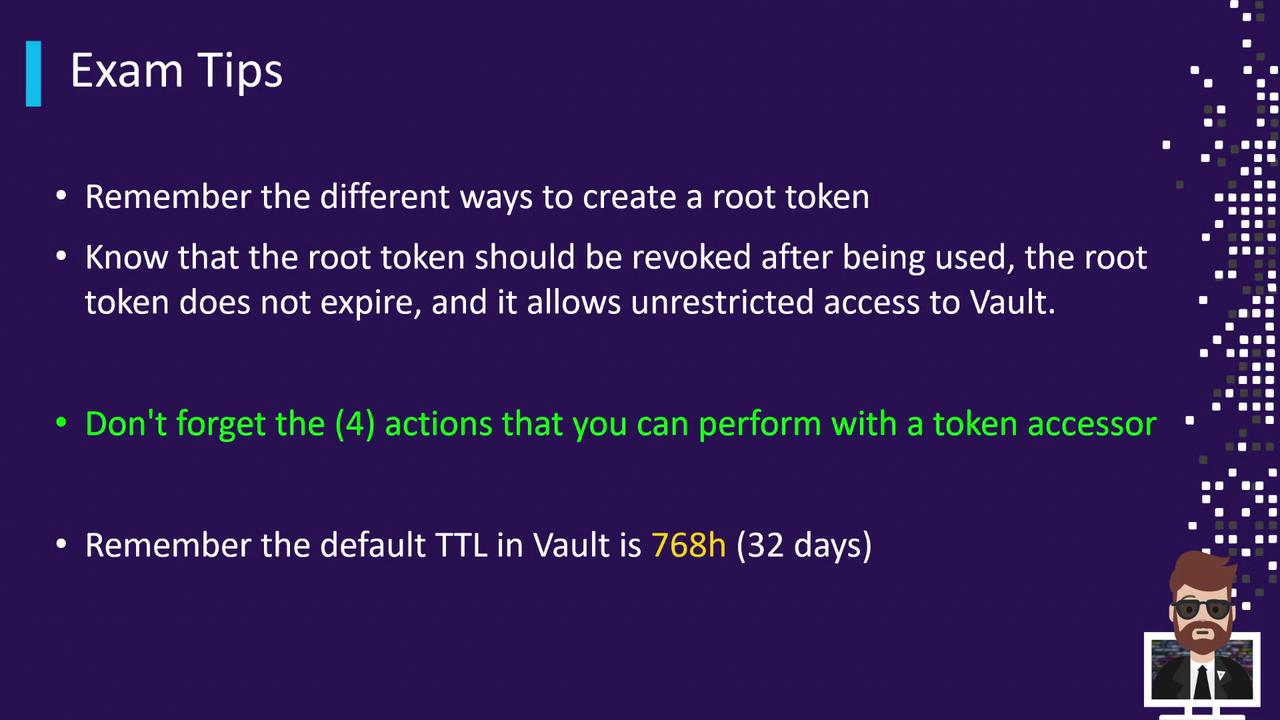
* **Creation Methods**\
• Initial root token at initialization\
• Generate new root with an existing root token\
• Emergency root via unseal or recovery keys
* **Best Practice**: Always revoke root tokens immediately after completing privileged tasks.
* **Token Accessors** support only these operations: lookup, renew, revoke\_self, revocation. For any other action, the actual token is required.
* **Default TTL**: 768 hours (32 days) if none specified.
Root tokens never expire by default and grant full access—handle them with extreme care.
***
After reviewing these concepts, be sure to complete the practice quizzes in this section to validate your understanding. Good luck on your exam preparation!
## Links and References
* [Vault Tokens](https://www.vaultproject.io/docs/concepts/tokens)
* [Vault Token CLI](https://www.vaultproject.io/docs/commands/token)
* [Vault Authentication Methods](https://www.vaultproject.io/docs/auth)