> ## Documentation Index
> Fetch the complete documentation index at: https://notes.kodekloud.com/llms.txt
> Use this file to discover all available pages before exploring further.
# Root Tokens
> This guide covers root tokens in Vault, their secure usage, and methods for generation or recovery.
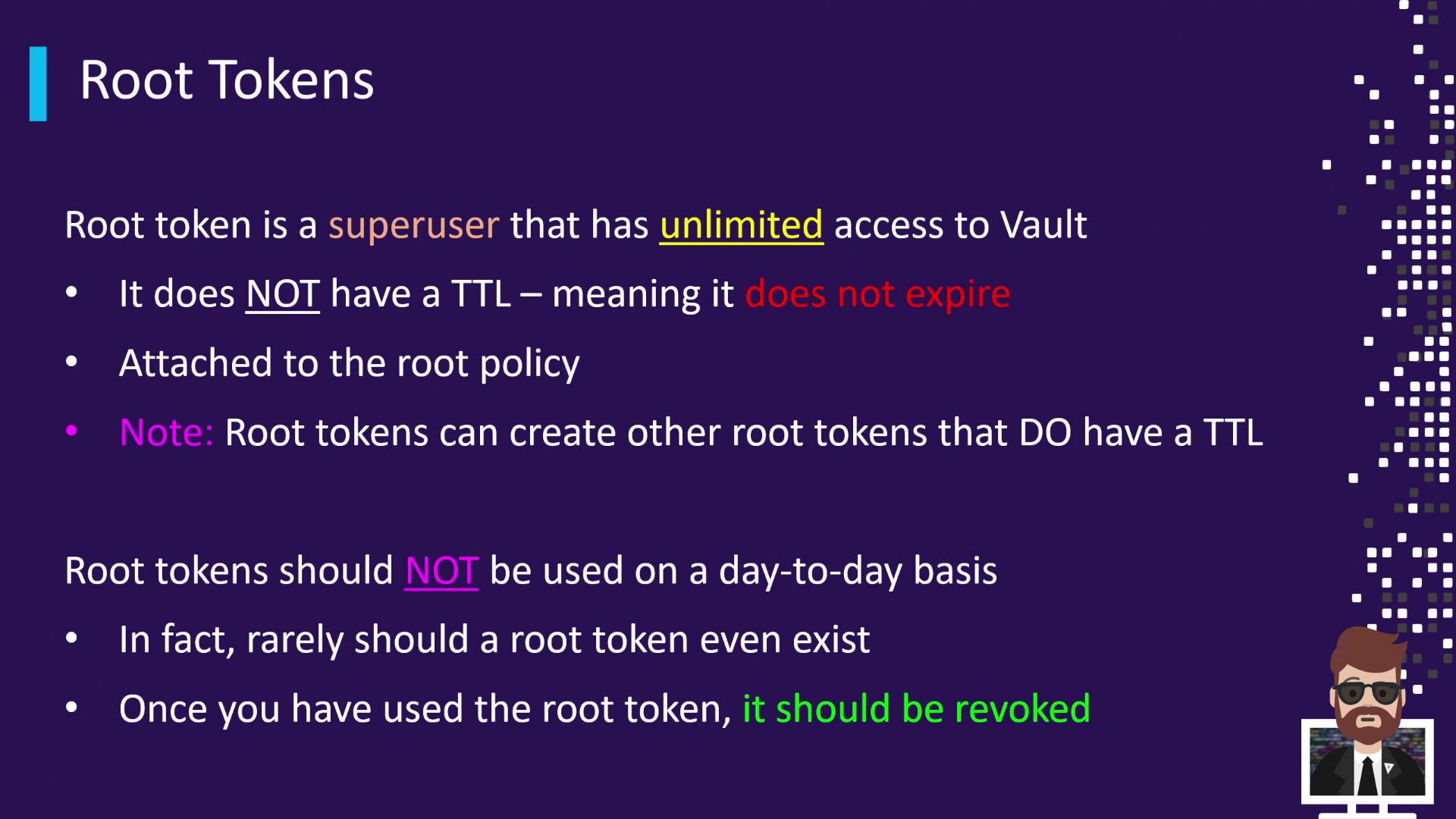
In Vault, a **root token** is the ultimate superuser credential. It carries the `root` policy, granting unrestricted access to every Vault operation. This guide covers what root tokens are, how to use them securely, and the various ways to generate or recover them.
## What Is a Root Token?
A root token:
* Carries the `root` policy, allowing any Vault operation
* Is non-renewable by default (`token_renewable=false`)
* Has no expiration (TTL is ∞)
Running a lookup against a root token shows:
```bash theme={null}
$ vault token lookup s.
Key Value
--- -----
token s.
token_duration ∞
token_renewable false
policies ["root"]
```
You can use an existing root token to create a new token with a finite TTL if desired.
## Best Practices for Root Tokens
Root tokens should be handled with extreme caution:
| Scenario | Usage |
| -------------------- | ------------------------------------------------------------------------------------------------ |
| Initial Setup | Perform your Vault initialization tasks. |
| Testing Integrations | Validate new auth methods (e.g., [LDAP](https://ldap.com), [OIDC](https://openid.net/connect/)). |
| Emergency Recovery | Regenerate in a crisis when standard auth is unavailable. |
Root tokens grant unlimited access. Always revoke them immediately after use to avoid security risks:
```bash theme={null}
$ vault token revoke s.
Success! Revoked token (if it existed)
```
## Generating Root Tokens
You can obtain a root token through three primary methods:
| Method | When to Use | Command |
| -------------------------- | --------------------------------------- | ------------------------------ |
| Initialization | First-time Vault setup | `vault operator init` |
| Using an Existing Token | Create additional root-level tokens | `vault token create` |
| Using Unseal/Recovery Keys | Emergency recovery when Vault is sealed | `vault operator generate-root` |
### 1. Initialization
During Vault initialization, the CLI outputs your initial root token:
```bash theme={null}
$ vault operator init
# ...
Initial Root Token: s.
# ...
```
### 2. Creating from an Existing Root Token
If you already have a root token, log in and issue a new one:
```bash theme={null}
$ vault login s.
Success! You are now authenticated.
$ vault token create
Key Value
--- -----
token s.
token_duration ∞
token_policies ["root"]
policies ["root"]
```
### 3. Emergency Recovery with Unseal/Recovery Keys
In critical scenarios where Vault’s normal auth is down, you can regenerate a root token using a quorum of recovery keys.
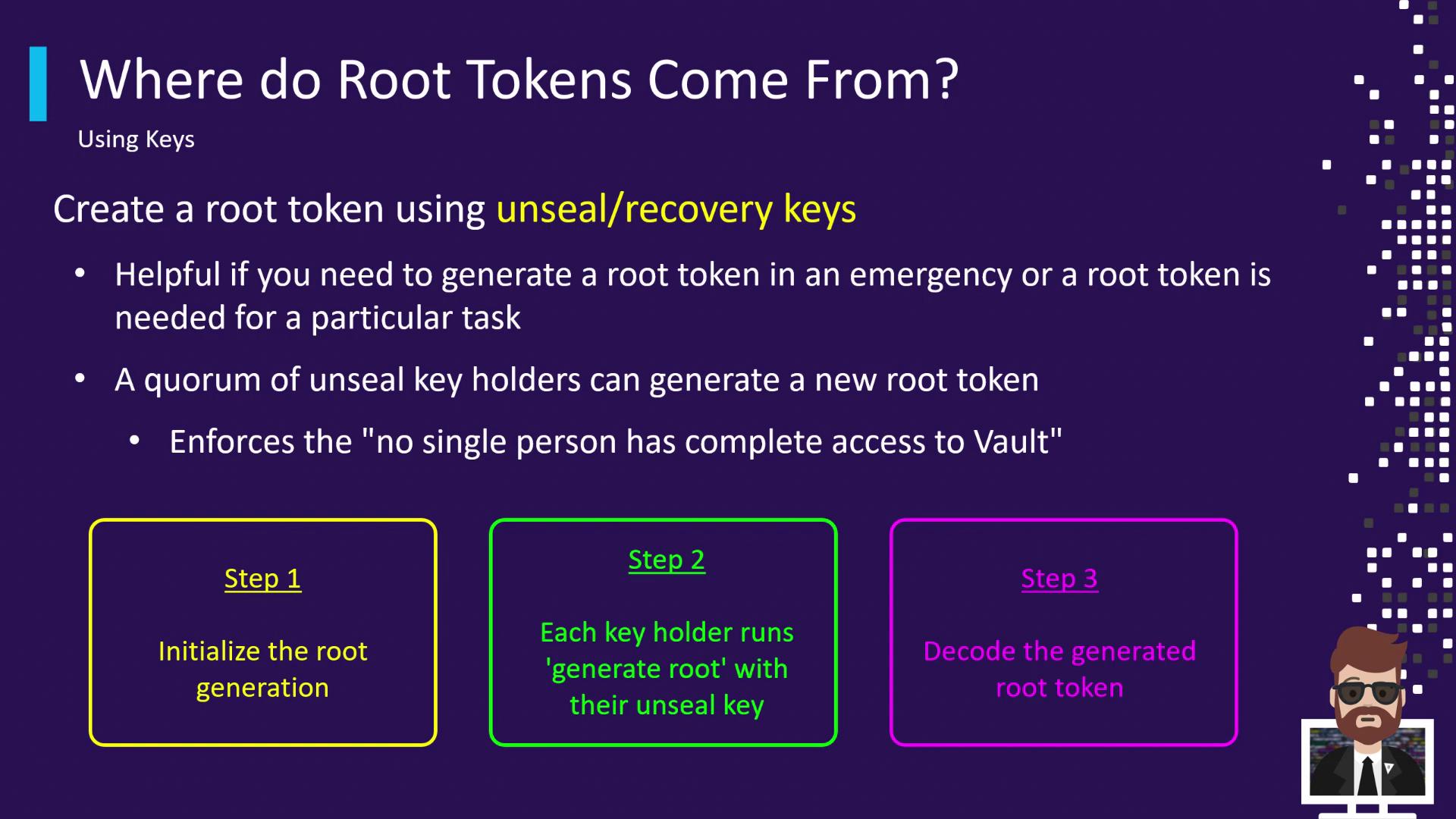
#### Step 1: Initialize Root Generation
Generate a nonce and one-time password (OTP):
```bash theme={null}
$ vault operator generate-root -init
Nonce 5b6e3831-2a45-4695-7757-5810074d36c8
Started true
Progress 0/3
Complete false
OTP E87jF6ZeJo8NjJwytl7mvKLER
OTP Length 26
```
#### Step 2: Submit Unseal Keys
Each key holder submits their unseal key. Repeat until the threshold is met (e.g., 3/3):
```bash theme={null}
$ vault operator generate-root
Root generation operation nonce: 5b6e3831-2a45-...
Unseal Key (will be hidden):
Progress 1/3
Complete false
```
#### Step 3: Decode the Root Token
Once the threshold is reached, use the OTP to decrypt the encoded token:
```bash theme={null}
$ vault operator generate-root \
-otp="E87jF6ZeJo8NjJwytl7mvKLER" \
-decode="G2NeKUZgXTsYYxILAC9ZFBguPw9ZBovFAs"
Root token: s.
```
After resolving the emergency, **revoke** the recovered root token:
```bash theme={null}
$ vault token revoke s.
Success! Revoked token (if it existed)
```
## Key Takeaways
* Root tokens have unlimited privileges and no default expiration.
* Restrict use to initial setup, testing, or emergency recovery only.
* Always revoke root tokens immediately after use.
* Generate root tokens via initialization, an existing root token, or a quorum of unseal keys.
## References
* [Vault Authentication Methods](https://www.vaultproject.io/docs/auth)
* [Vault Operator Commands](https://www.vaultproject.io/docs/commands/operator)
* [HashiCorp Vault Best Practices](https://learn.hashicorp.com/collections/vault/best-practices)