> ## Documentation Index
> Fetch the complete documentation index at: https://notes.kodekloud.com/llms.txt
> Use this file to discover all available pages before exploring further.
# Token Accessors
> Learn to manage Vault tokens using accessors for operations like lookup, renew, and revoke without exposing the token itself.
Learn how to use token accessors to manage Vault tokens—lookup, renew, and revoke—without exposing the token itself.
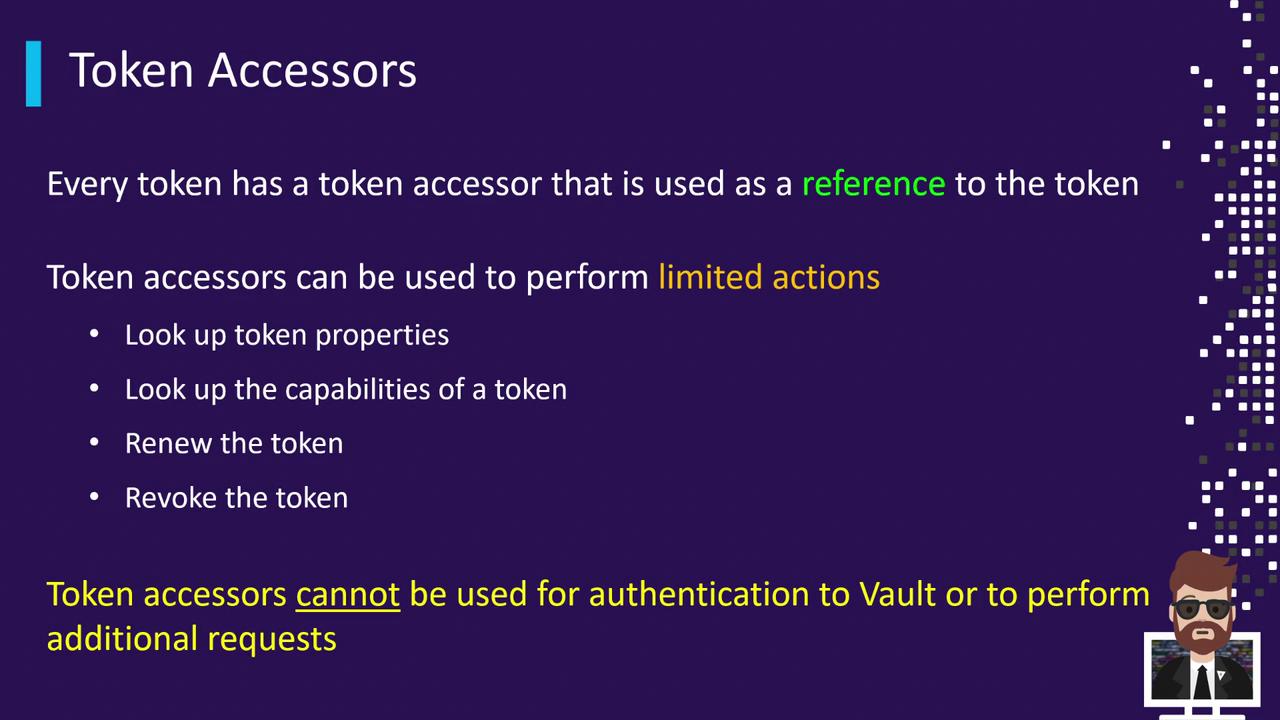
Every Vault token has an associated accessor that supports exactly four operations:
* Lookup token metadata (no token reveal)
* Check a token’s capabilities on a given path
* Renew a token’s TTL
* Revoke a token
A token accessor cannot be used to authenticate to Vault or perform standard data operations.
## Token Accessor Operations
| Operation | Description | CLI Example |
| ------------------ | --------------------------------------------------- | ------------------------------------------------------- |
| Lookup metadata | View creation time, TTL, policies (no token reveal) | `vault token lookup -accessor ` |
| Check capabilities | Inspect capabilities on a specific path | `vault token capabilities -accessor secret/` |
| Renew token | Extend a token’s TTL | `vault token renew -accessor ` |
| Revoke token | Disable a token immediately | `vault token revoke -accessor ` |
## 1. Authenticate and View Your Token Accessor
Log in and note your token accessor:
```bash theme={null}
vault login s.cbC7GJ6U6JaDuDSgkyVcKDv
```
```plaintext theme={null}
Success! You are now authenticated.
Key Value
--- -----
token s.cbC7GJ6U6JaDuDSgkyVcKDv
token_accessor K6pHtVc9LbXQdUavg2J1Ixa2
token_duration ∞
token_renewable false
policies ["root"]
```
Create a service token with the `training` policy and a 30-minute TTL:
```bash theme={null}
vault token create -policy=training -ttl=30m
```
```plaintext theme={null}
Key Value
--- -----
token s.5YmCHHV80mN3dJpzOwvVAYk8
token_accessor 2ogWa36gDH5ws08VbuxroByx
token_duration 30m
token_renewable true
policies ["default" "training"]
```
## 2. Lookup Token Metadata
Use the accessor to inspect metadata without revealing the secret:
```bash theme={null}
vault token lookup -accessor 2ogWa36gDH5ws08VbuxroByx
```
```plaintext theme={null}
Key Value
--- -----
accessor 2ogWa36gDH5ws08VbuxroByx
creation_time 1632576647
creation_ttl 30m
display_name token
expire_time 2021-09-25T10:00:47.0615482-04:00
policies [default training]
renewable true
ttl 29m18s
type service
```
## 3. Renewing a Token
Extend a token’s TTL using its accessor:
```bash theme={null}
vault token renew -accessor 2ogWa36gDH5ws08VbuxroByx
```
```plaintext theme={null}
Key Value
--- -----
token_accessor 2ogWa36gDH5ws08VbuxroByx
token_duration 30m
token_renewable true
policies ["default" "training"]
```
## 4. Revoking a Token
Revoke the token securely by referencing its accessor:
```bash theme={null}
vault token revoke -accessor 2ogWa36gDH5ws08VbuxroByx
```
```plaintext theme={null}
Success! Revoked token (if it existed)
```
Setting `VAULT_TOKEN` to an accessor will **not** permit secret-read or write operations. Always use the actual token for data access.
Attempting a KV get with an accessor:
```bash theme={null}
export VAULT_TOKEN=2ogWa36gDH5ws08VbuxroByx
vault kv get secret/apps/training
```
```plaintext theme={null}
Error making API request.
Code: 403. Errors:
* permission denied
```
## Why Token Accessors?
* Safely delegate token lookup, renewal, and revocation without sharing the secret.
* Minimize blast radius when handing off token management.
* Automate bookkeeping tasks in CI/CD pipelines without exposing credentials.
## References
* [Vault Token Authentication](https://www.vaultproject.io/docs/auth/token)
* [Vault CLI Reference](https://www.vaultproject.io/docs/commands)
* [HashiCorp Vault Best Practices](https://learn.hashicorp.com/tutorials/vault/best-practices)