> ## Documentation Index
> Fetch the complete documentation index at: https://notes.kodekloud.com/llms.txt
> Use this file to discover all available pages before exploring further.
# Token Hierarchy
> This article explains how HashiCorp Vault manages token TTL, renewal, revocation, and the relationships in a token hierarchy for secure deployments.
In this lesson, we’ll dive into how HashiCorp Vault manages token time-to-live (TTL), renewal, revocation, and the parent-child relationships that form a token hierarchy. Understanding these concepts is essential for secure, scalable Vault deployments.
## Token TTL and Renewal
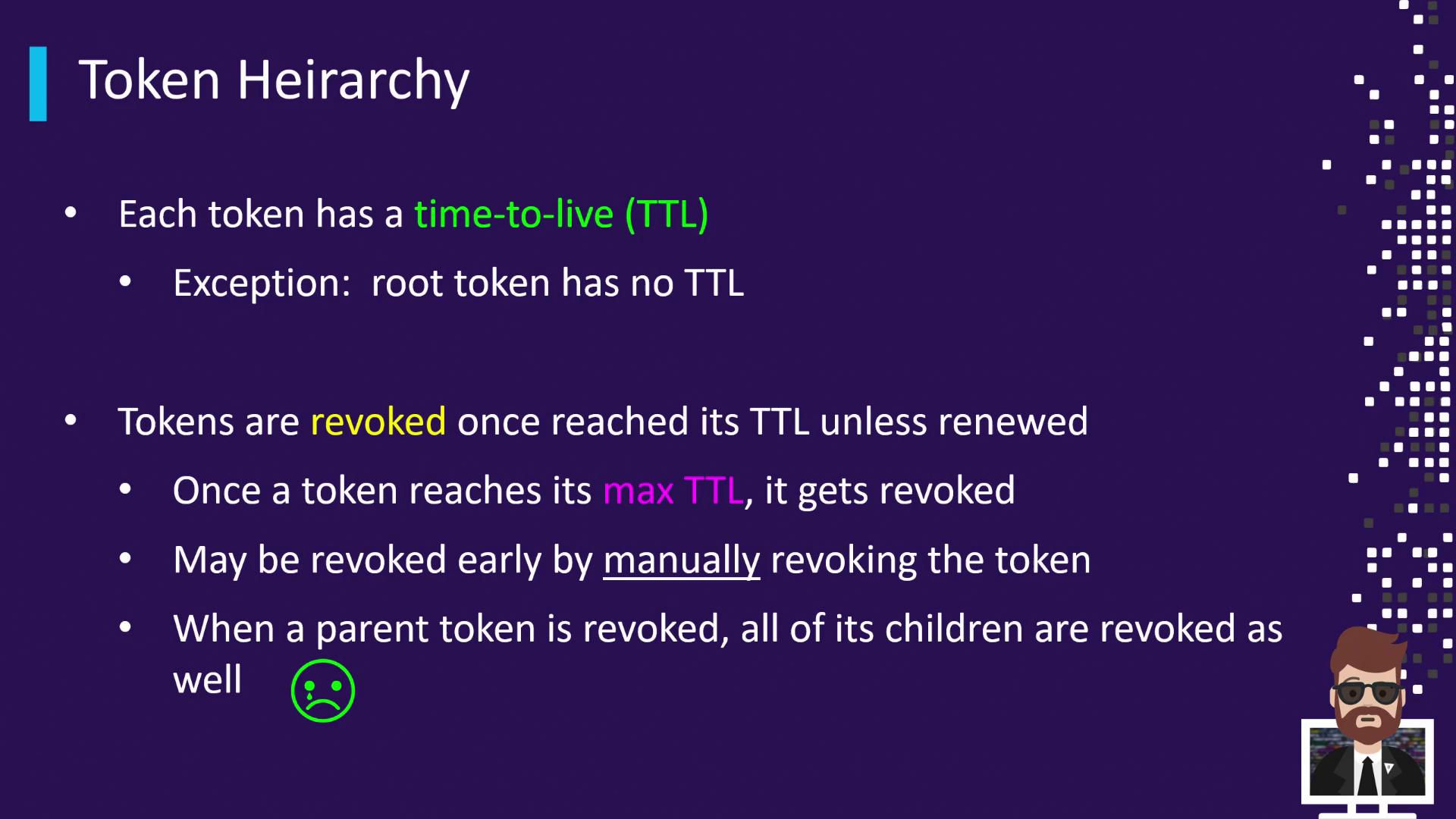
Every Vault token is issued with a TTL—the duration after which Vault automatically revokes the token. The initial root token is the exception, as it has no TTL by default (though you can configure a TTL for additional root tokens).
| Scenario | Description |
| ---------------------------------------- | ---------------------------------------------------------------------------------------- |
| Token TTL = 1 hour; Max Renewable = 24 h | Must renew within 1 hour. Each renewal resets the TTL until 24 hours total have elapsed. |
| Renewal before TTL expiry | Resets the TTL back to its original value, up to the maximum renewable period. |
| Exceeding Max Renewable Period | Vault permanently revokes the token, regardless of further renewal attempts. |
Root tokens have no TTL by default. Use `vault token create -policy="root" -ttl="48h"` to issue a root token with a custom TTL.
## Manual Revocation
You can revoke tokens on demand using either the Vault CLI or the HTTP API. Immediate revocation invalidates the token and its descendants.
| Method | Command / Endpoint |
| -------- | ---------------------------------------------------------- |
| CLI | `vault token revoke ` |
| HTTP API | `POST /v1/sys/revoke` with JSON payload `{ "token": ... }` |
```bash theme={null}
# Revoke a token via CLI
vault token revoke s.1234567890abcdef
```
Revoking a parent token will also revoke **all** of its child tokens, regardless of their remaining TTL.
## Parent-Child Token Relationships
When you authenticate with a Vault token and create another token, the new token becomes a “child” of the creator (“parent”). Revoking a parent cascades through all descendants.
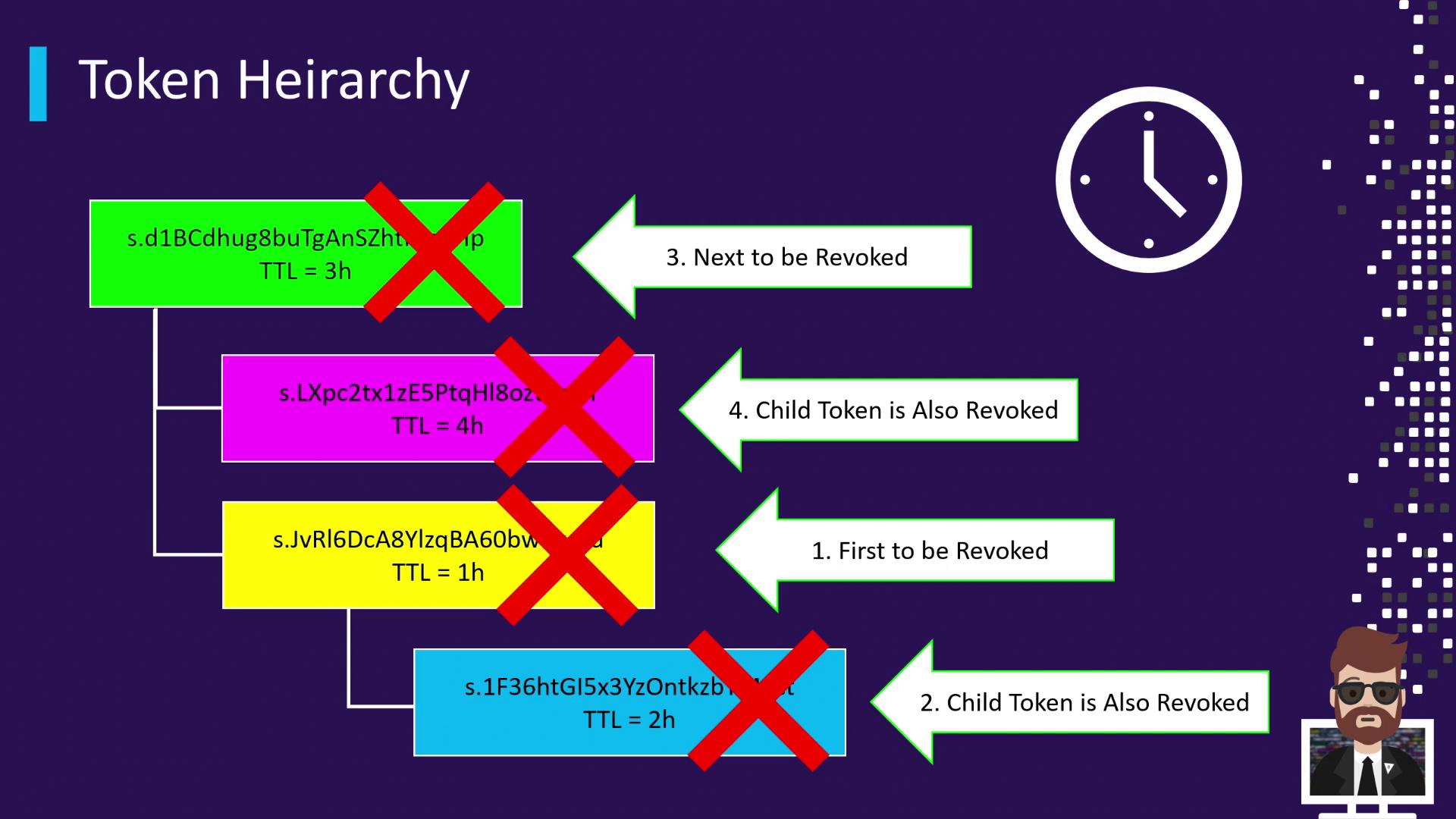
1. A green token (parent) is issued with a 3-hour TTL.
2. The green token spawns two children:
* A pink token (4 h TTL).
* A yellow token (1 h TTL).
3. The yellow token issues a blue token (2 h TTL).
### Cascading Revocation Timeline
* **After 1 hour**:
* The yellow token expires → revoked automatically.
* Its child (blue token) is immediately revoked, despite having remaining TTL.
* **After 3 hours**:
* The green token expires → revoked automatically.
* Its remaining child (pink token) is immediately revoked.
This cascading revocation model ensures no orphaned tokens remain when a parent token becomes invalid.
## Links and References
* [Vault CLI Commands](https://developer.hashicorp.com/vault/docs/commands)
* [Vault HTTP API](https://developer.hashicorp.com/vault/api-docs)
* [HashiCorp Vault Concepts](https://developer.hashicorp.com/vault/docs/)