> ## Documentation Index
> Fetch the complete documentation index at: https://notes.kodekloud.com/llms.txt
> Use this file to discover all available pages before exploring further.
# Working with Auth Methods
> This guide explores enabling, configuring, and consuming Vault’s authentication methods for tailored access across various workloads.
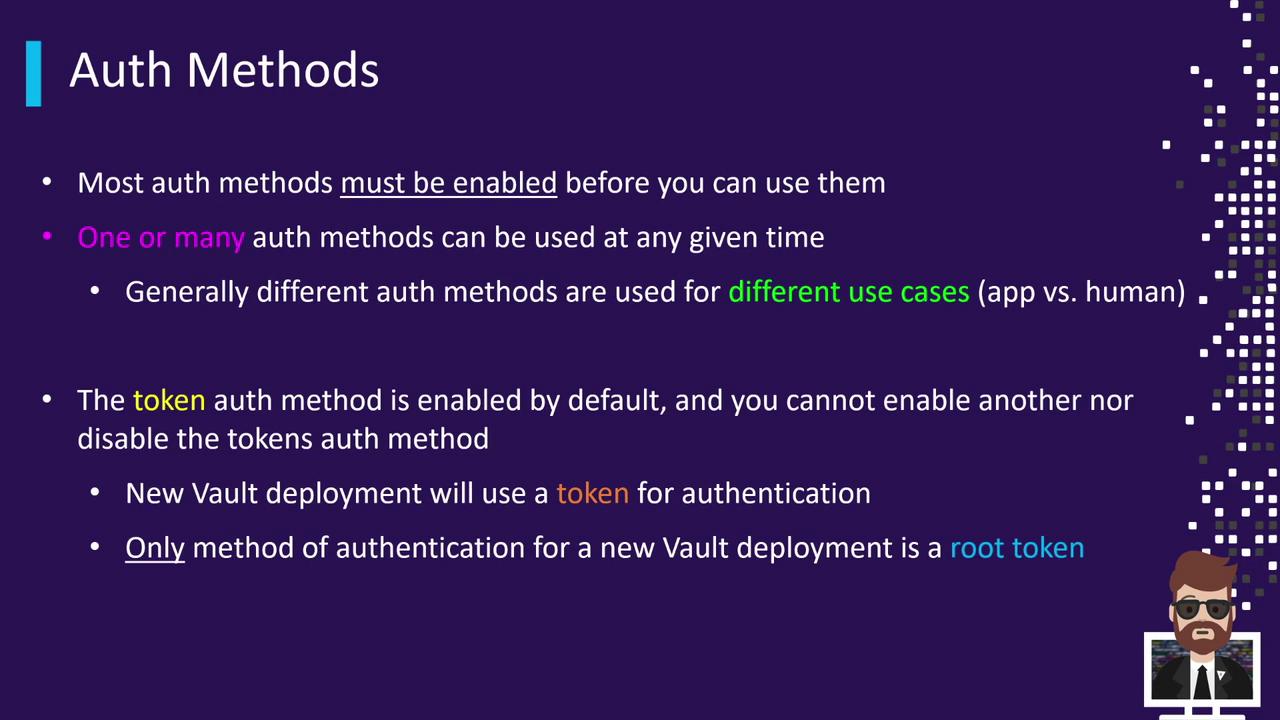
In this guide, we explore how to **enable**, **configure**, and **consume** Vault’s authentication methods. By default, Vault initializes with only the **Token** auth method. To integrate additional backends—such as cloud provider, AppRole, LDAP, or Kubernetes—you must explicitly enable and configure each one. Vault supports multiple auth methods simultaneously, allowing you to tailor access for different workloads, from human users to automated services.
Common scenarios include:
* **Cloud-native applications** leveraging provider-specific auth methods to eliminate embedded credentials.
* **Legacy applications** using static credentials or external identity providers for compatibility.
## Default Token Authentication
Vault’s **Token** auth method is enabled by default and cannot be disabled or remounted under a different path. During initialization, Vault generates an initial root token:
```bash theme={null}
vault operator init
```
Use this root token to:
1. Log in for the first time.
2. Enable additional auth backends (e.g., LDAP, AWS, AppRole).
3. Configure policies and roles.
4. Rotate, revoke, or secure the root token once setup is complete.
Keep your initial root token secure. Rotate or revoke it after adding other auth methods to follow security best practices.
## Enabling and Configuring Auth Backends
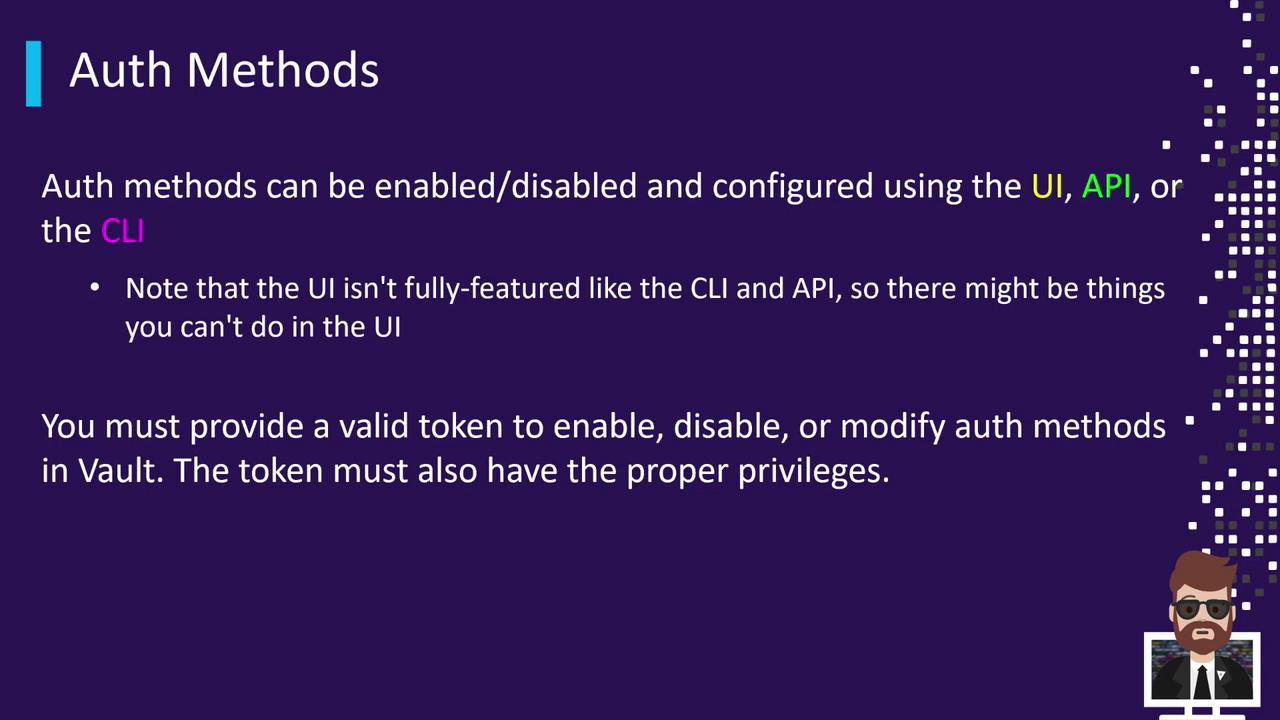
Auth methods can be managed via the **CLI**, the **HTTP API**, or the **UI**. While the UI is improving, full feature coverage is available through the CLI and API.
To **enable** the AppRole auth method with the CLI:
```bash theme={null}
vault auth enable approle
```
Example output:
```text theme={null}
Success! Enabled approle auth method at: approle/
```
Auth methods are mounted at a specific path—by default, the path matches the method name. To use a custom path, first disable the method, then re-enable it with the `-path` flag.
### Custom Mount Path Example
```bash theme={null}
vault auth disable approle
vault auth enable -path=custom-approle approle
```
Example output:
```text theme={null}
Success! Enabled approle auth method at: custom-approle/
```
If you omit `-path`, Vault mounts the method at `aws/`, `ldap/`, etc., based on the method name.
## Common Auth Methods and CLI Commands
Use this quick reference to enable frequently used Vault auth methods:
| Auth Method | Use Case | CLI Command |
| ----------- | --------------------------------- | ------------------------------ |
| Token | Default method for users and root | `vault login` |
| AppRole | Machine-to-machine authentication | `vault auth enable approle` |
| AWS | IAM-based cloud-native access | `vault auth enable aws` |
| LDAP | Enterprise user directory | `vault auth enable ldap` |
| Kubernetes | Pod service account integration | `vault auth enable kubernetes` |
## Next Steps
After mounting an auth method, configure its **roles**, **policies**, and **settings** according to your use case. For detailed instructions per backend, see the official documentation:
## Links and References
* [Vault Authentication Methods](https://www.vaultproject.io/docs/auth)
* [Vault CLI Commands](https://www.vaultproject.io/docs/commands/auth)
* [HashiCorp Vault Overview](https://www.vaultproject.io/docs)