> ## Documentation Index
> Fetch the complete documentation index at: https://notes.kodekloud.com/llms.txt
> Use this file to discover all available pages before exploring further.
# Using the Transit Secrets Engine
> This guide explains how to enable and use the Transit Secrets Engine in HashiCorp Vault for secure data encryption workflows.
In this guide, you’ll learn how to enable and use the Transit Secrets Engine in HashiCorp Vault for secure data encryption workflows. We’ll cover:
* Enabling the engine
* Creating and managing encryption keys
* Encrypting and decrypting data
* Rotating keys and setting decryption constraints
* Rewrapping ciphertext to the latest key version
***
## Prerequisites
Make sure you have:
* Vault CLI installed and authenticated (`VAULT_ADDR` & token configured).
* A running Vault server (Dev mode or Production).
***
## 1. Enable the Transit Secrets Engine
By default, the Transit engine mounts at `transit/`. To enable it:
```bash theme={null}
vault secrets enable transit
# Success! Enabled the transit secrets engine at: transit/
```
To use a custom path, append `-path`:
```bash theme={null}
vault secrets enable -path=custom-transit transit
# Success! Enabled the transit secrets engine at: custom-transit/
```
***
## 2. Create an Encryption Key
Every Transit operation requires a named key. Create `vault_training`:
```bash theme={null}
vault write -f transit/keys/vault_training
# Success! Data written to: transit/keys/vault_training
```
To specify a key type (e.g., RSA-4096):
```bash theme={null}
vault write -f transit/keys/training_rsa type="rsa-4096"
# Success! Data written to: transit/keys/training_rsa
```
### Supported Key Types
| Key Type | Description |
| ---------------------- | ---------------------------------- |
| aes256-gcm96 (default) | AES-GCM symmetric encryption |
| chacha20-poly1305 | ChaCha20-Poly1305 symmetric cipher |
| rsa-2048 | 2048-bit RSA asymmetric key |
| rsa-3072 | 3072-bit RSA asymmetric key |
| rsa-4096 | 4096-bit RSA asymmetric key |
***
## 3. Encrypt Data
Vault expects Base64-encoded plaintext. Encrypt the string `Getting Started with HashiCorp Vault`:
```bash theme={null}
vault write transit/encrypt/vault_training \
plaintext=$(base64 <<< "Getting Started with HashiCorp Vault")
```
Response:
```text theme={null}
Key Value
--- -----
ciphertext vault:v1:Fpyph6C7r5MUILiEiFhCoJbxelQbsGeEahal15LhDPSoN6HkTOhwn79DCwt0mctlttLokqikArOPAopzm2jQAKJg=
key_version 1
```
* `ciphertext`: Encrypted data with key version prefix (`vault:v1:`)
* `key_version`: Version of the key used
You can use `base64 -d` to decode any Base64 output from Vault.
***
## 4. Decrypt Data
Pass the ciphertext back to Vault to decrypt:
```bash theme={null}
vault write transit/decrypt/vault_training \
ciphertext="vault:v1:Fpyph6C7r5MUILiEiFhCoJbxelQbsGeEahal15LhDPSoN6HkTOhwn79DCwt0mctlttLokqikArOPAopzm2jQAKJg="
```
Response:
```text theme={null}
Key Value
--- -----
plaintext R2V0dGluZyBTdGFydGVkIHdpdGggSGFzaGlDb3JwIFZhdWx0Cg==
```
Decode to reveal the original message:
```bash theme={null}
echo "R2V0dGluZyBTdGFydGVkIHdpdGggSGFzaGlDb3JwIFZhdWx0Cg==" | base64 -d
# Getting Started with HashiCorp Vault
```
***
## 5. Rotate Encryption Keys
Regular key rotation enhances security. To rotate `vault_training`:
```bash theme={null}
vault write -f transit/keys/vault_training/rotate
# Success! Data written to: transit/keys/vault_training/rotate
```
Inspect all key versions:
```bash theme={null}
vault read transit/keys/vault_training
```
```text theme={null}
Key Value
--- -----
keys map[1:1620000000 2:1620003600 3:1620007200]
latest_version 3
min_decryption_version 1
...
```
***
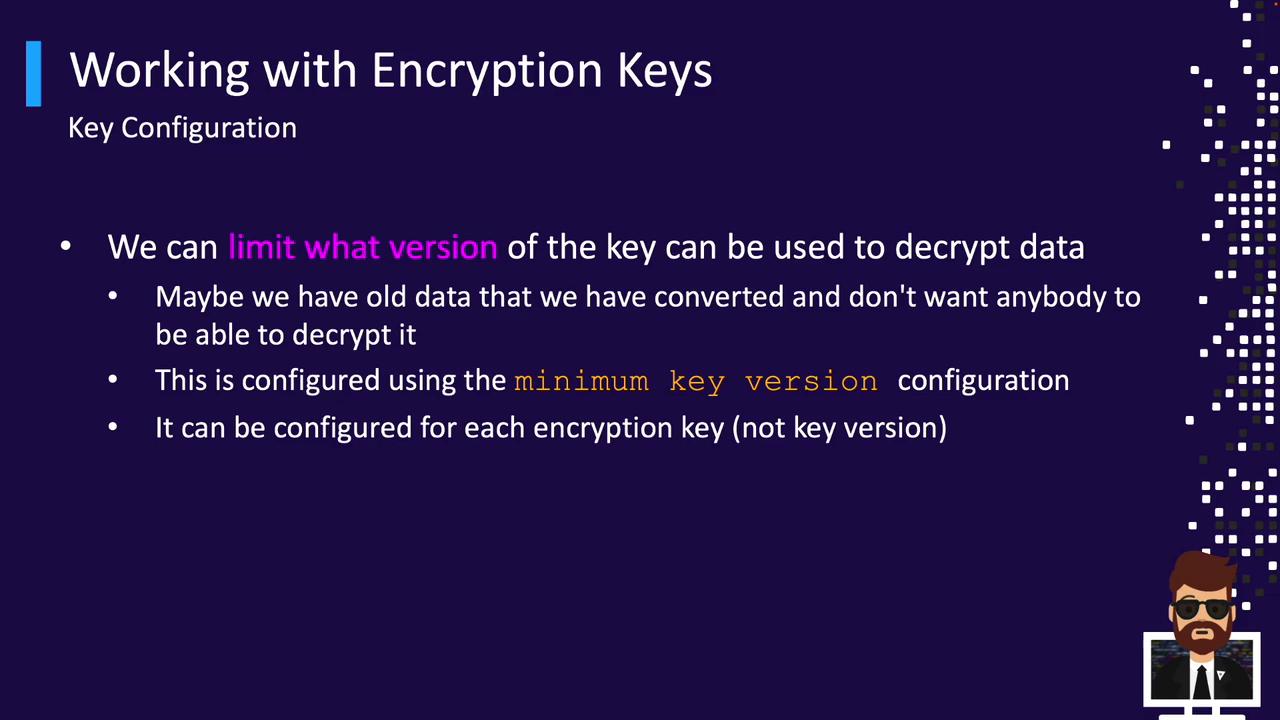
## 6. Configure Minimum Decryption Version
To prevent decryption with older keys, set `min_decryption_version`:
```bash theme={null}
vault write transit/keys/vault_training/config \
min_decryption_version=4
# Success! Data written to: transit/keys/vault_training/config
```
Reading the key:
```bash theme={null}
vault read transit/keys/vault_training
```
```text theme={null}
Key Value
--- -----
min_decryption_version 4
keys map[4:1620010800]
latest_version 4
...
```
Any ciphertext with versions below `4` will be rejected.
After raising `min_decryption_version`, older ciphertext **cannot** be decrypted. Plan rotations accordingly.
***
## 7. Rewrap Ciphertext
Rewrapping updates existing ciphertext to the newest key version without exposing plaintext:
```bash theme={null}
vault write transit/rewrap/vault_training \
ciphertext="vault:v1:Fpyph6C7r5MUILiEiFhCoJbxelQbsGeEahal15LhDPSoN6HkTOhwn79DCwt0mctlttLokqikArOPAopzm2jQAKJg="
```
Response:
```text theme={null}
Key Value
--- -----
ciphertext vault:v4:RFzplkMpjtUIiS+6qxrNjIEdPqCepFUa2ivr70...
key_version 4
```
Vault decrypts with version `1` internally and re-encrypts with version `4`.
Rewrap is ideal when you need to enforce new key policies on legacy data.
***
## Links and References
* [Vault Transit Secrets Engine](https://www.vaultproject.io/docs/secrets/transit)
* [Vault CLI Documentation](https://www.vaultproject.io/docs/commands)
* [Base64 Manual](https://linux.die.net/man/1/base64)