> ## Documentation Index
> Fetch the complete documentation index at: https://notes.kodekloud.com/llms.txt
> Use this file to discover all available pages before exploring further.
# Running Vault Dev Server
> This article explains how to run HashiCorp Vault in Dev Server mode for experimentation and development purposes.
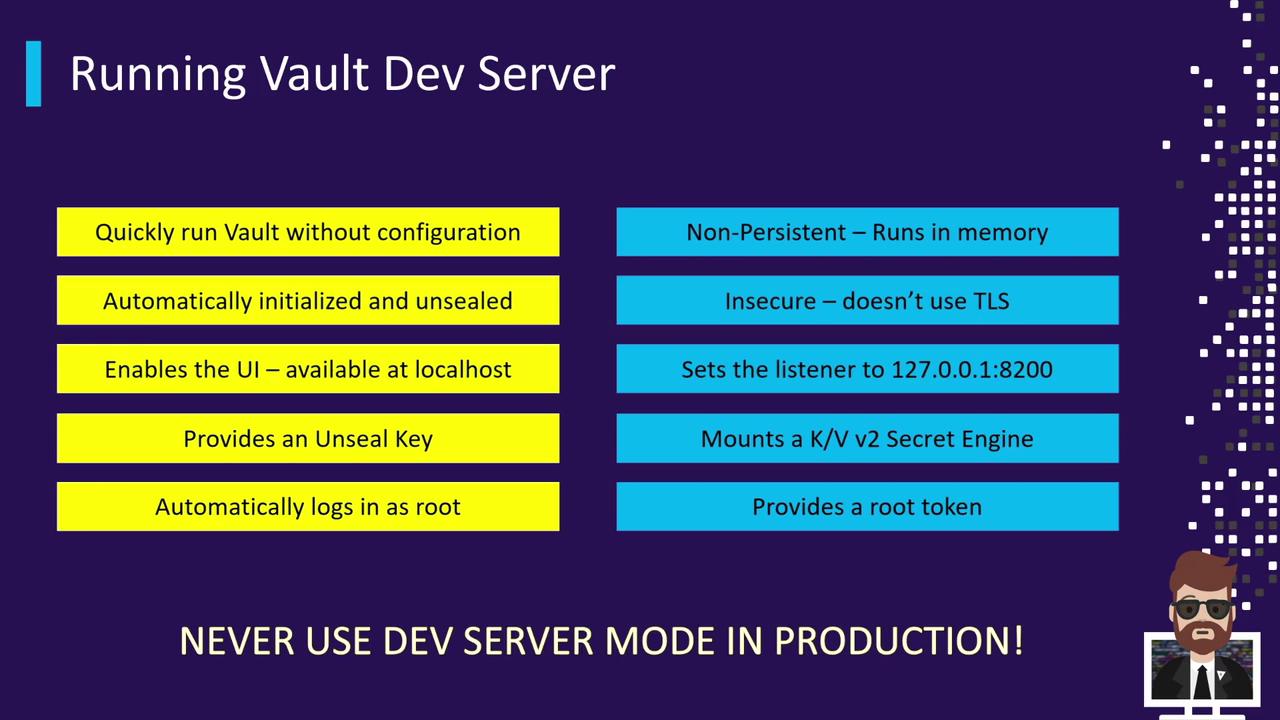
Now that you’ve installed HashiCorp Vault on your machine, you can start Vault in Dev Server mode. This mode launches Vault fully initialized, unsealed, and authenticated as the root user—without requiring any configuration files. Dev Server runs entirely in memory, with no TLS encryption, making it ideal for quick experimentation and development but **not** for production.
Vault Dev Server skips all security controls.
* Data is lost when the process stops.
* All traffic is unencrypted.\
Never use Dev Server in a production or sensitive environment.
## Dev Server Features
| Feature | Description |
| ----------------------------------------- | --------------------------------------------------------------- |
| Auto-initialized & unsealed | Vault comes up ready to use without manual setup |
| Built-in UI | Accessible at [http://127.0.0.1:8200](http://127.0.0.1:8200) |
| Provides a root token | Displayed in the startup logs |
| In-memory storage | Non-persistent; all data is lost when Vault stops |
| No TLS | All API calls and UI traffic are in clear text |
| Default KV v2 Secrets Engine at `secret/` | Pre-mounted for immediate key/value operations |
| Single authentication method | Root token only; no additional auth backends enabled by default |
## When to Use Dev Server
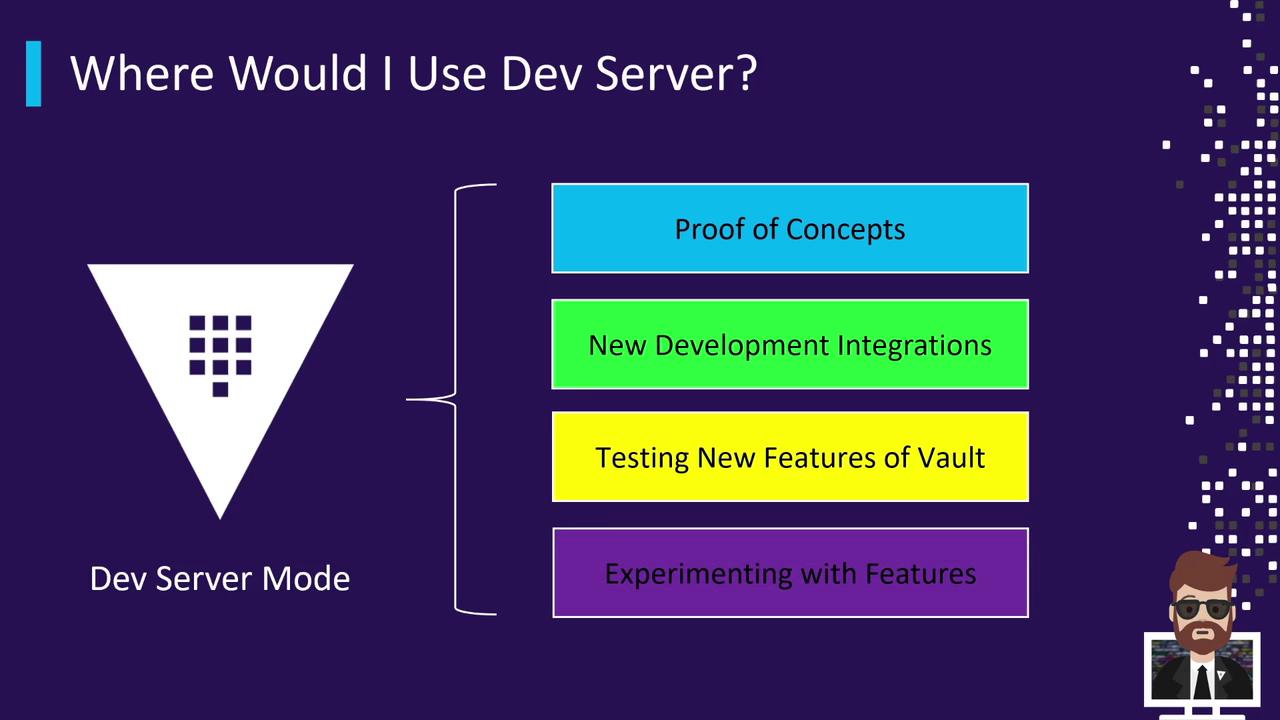
Vault Dev Server is perfect for:
* Proof-of-concepts (POCs) for secret management
* Testing new Vault features or upgrades
* Developing CI/CD integrations (e.g., with [Jenkins](https://www.jenkins.io/))
* Exploring unfamiliar secrets engines
Never run Dev Server mode in a production environment.
## Launching the Dev Server
Assuming the `vault` binary is on your PATH, open a terminal (or PowerShell on Windows) and execute:
```bash theme={null}
vault server -dev
```
You should see output like the following:
```bash theme={null}
==> Vault server configuration:
Api Address: http://127.0.0.1:8200
Listener 1: tcp (addr: "127.0.0.1:8200", cluster addr: "127.0.0.1:8201")
Storage:
Type: inmem
Version: Vault v1.7.0
Version Sha: 4221b8c84b1a074b8e2c554499f92b39bf
==> Vault server started! Log data will stream in below:
2021-04-11T08:04:07.699-0800 [INFO] core: security barrier initialized
...
Root Token: s.XXXXXXXXXXXXXXXX
```
Before running additional commands, point your shell to the Dev Server:
```bash theme={null}
export VAULT_ADDR='http://127.0.0.1:8200'
# Windows PowerShell:
# $Env:VAULT_ADDR = "http://127.0.0.1:8200"
```
### Verify Vault Status
Confirm that Vault is unsealed and running:
```bash theme={null}
vault status
```
Expected output:
```bash theme={null}
Key Value
--- -----
Seal Type shamir
Initialized true
Sealed false
Version 1.7.0
Storage Type inmem
HA Enabled false
```
You’re now connected to your Dev Server and ready to start issuing Vault commands.
## Next Steps
1. **Authenticate**\
Use the root token from the startup log:
```bash theme={null}
vault login s.XXXXXXXXXXXXXXXX
```
2. **Mount & Test Secrets Engines**\
For example, enable a new KV engine at `kv-data/`:
```bash theme={null}
vault secrets enable -path=kv-data kv-v2
```
3. **Cleanup**\
When you’re done, terminate the Vault process. All in-memory data will be discarded.
## Links and References
* [Vault Dev Server Documentation](https://www.vaultproject.io/docs/commands/server/dev)
* [HashiCorp Vault Overview](https://www.vaultproject.io/docs/concepts/overview)
* [GitHub Repository: hashicorp/vault](https://github.com/hashicorp/vault)