> ## Documentation Index
> Fetch the complete documentation index at: https://notes.kodekloud.com/llms.txt
> Use this file to discover all available pages before exploring further.
# Unsealing with Key Shards
> This guide explains how HashiCorp Vault uses Shamir’s Secret Sharing to protect its master key through distributed key shards.
In this guide, you’ll learn how HashiCorp Vault protects its master key using Shamir’s Secret Sharing algorithm. Vault splits the master key into multiple unseal keys (key shards), so no single person ever holds the entire master key. Each shard is entrusted to a different custodian, and only a quorum of shards can reconstruct the master key.
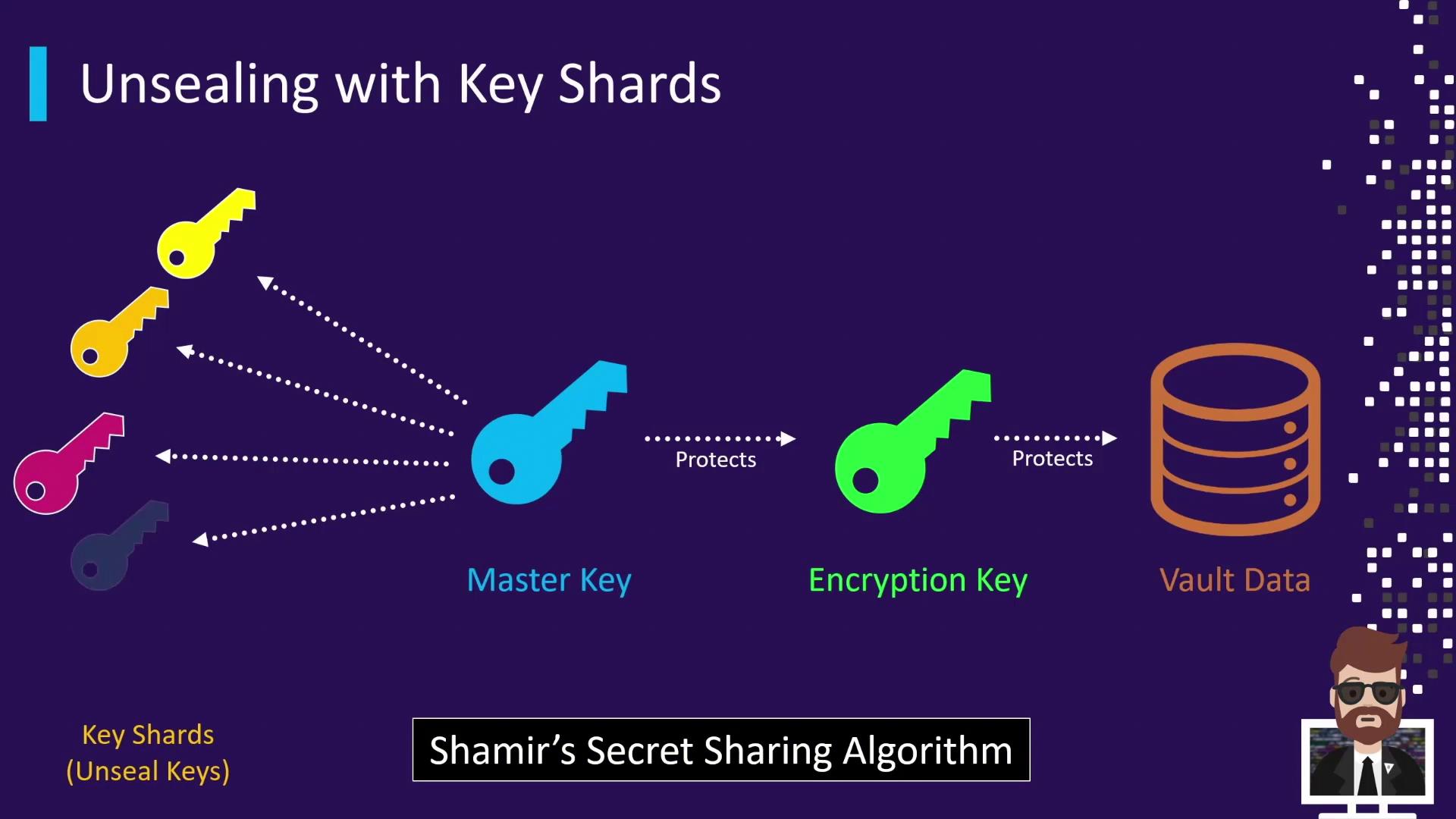
## Distributing Key Shards
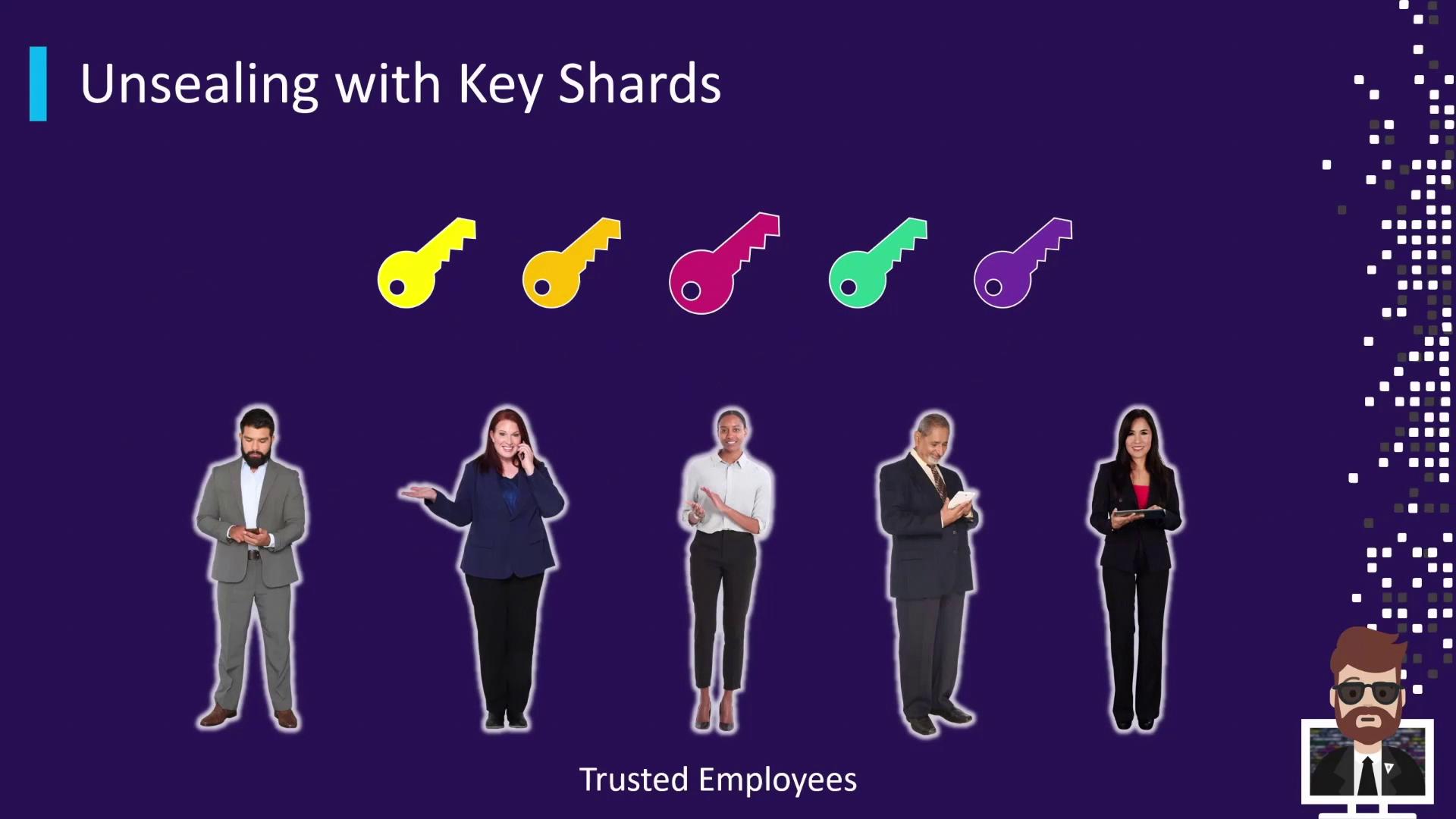
When Vault initializes (`vault operator init`), it generates a specified number of shares and a threshold number required to unseal. By default, Vault creates 5 shares and a threshold of 3.
| Total Shares | Threshold | Description |
| ------------ | --------- | ---------------------------------------------------------- |
| 5 | 3 | Any 3 of the 5 key shards must be combined to unseal Vault |
Each key shard is distributed to a separate trusted individual (e.g., security team members or management).
## Unsealing Process
When Vault is sealed, no operations can occur until enough unseal keys are submitted. Each submitted key shard increments the unseal progress. Once the threshold is reached, Vault reconstructs the master key, decrypts its encryption key, and transitions to the unsealed state.
### 1. Check Vault Status (Sealed)
```bash theme={null}
$ vault status
Key Value
--- -----
Seal Type shamir
Sealed true
Total Shares 5
Threshold 3
Unseal Progress 0/3
```
### 2. Submit Unseal Shards
1. Submit first key → Unseal Progress 1/3
2. Submit second key → Unseal Progress 2/3
3. Submit third key → Unseal Progress 3/3 → Vault transitions to **unsealed**
### 3. Verify Vault Status (Unsealed)
```bash theme={null}
$ vault status
Key Value
--- -----
Seal Type shamir
Sealed false
Total Shares 5
Threshold 3
Version 1.7.0
Storage Type consul
Cluster Name vault-cluster
Cluster ID xxx-xxx-xxx-xxx
HA Enabled true
```
Vault logs the unseal progress but never records the actual key shards. This ensures shards remain confidential.
## Key Shard Best Practices
Implement these practices to maintain strong security for your unseal keys:
| Practice | Description |
| ---------------- | ------------------------------------------------------------------------------------------- |
| PGP Encryption | Provide each custodian’s public PGP key during initialization so Vault encrypts each shard. |
| Offline Storage | Store shards in secure offline devices (e.g., hardware safe or encrypted USB). |
| Access Controls | Restrict physical and digital access to unseal key holders only. |
| Custodian Roster | Maintain an up-to-date list of key holders and confirm availability. |
Ensure that at least the threshold number of custodians is reachable whenever Vault restarts or is sealed. Losing access to even one shard beyond the threshold can lock you out.
## Links and References
* [Shamir’s Secret Sharing on Wikipedia](https://en.wikipedia.org/wiki/Shamir%27s_Secret_Sharing)
* [HashiCorp Vault Documentation](https://www.vaultproject.io/docs)
* [Vault Operator Init](https://www.vaultproject.io/docs/commands/operator/init)