> ## Documentation Index
> Fetch the complete documentation index at: https://notes.kodekloud.com/llms.txt
> Use this file to discover all available pages before exploring further.
# Unsealing with Transit Auto Unseal
> This article explains how Vaults Transit Auto Unseal method enables automatic unsealing of clusters while protecting the master key through a dedicated Transit Secrets Engine.
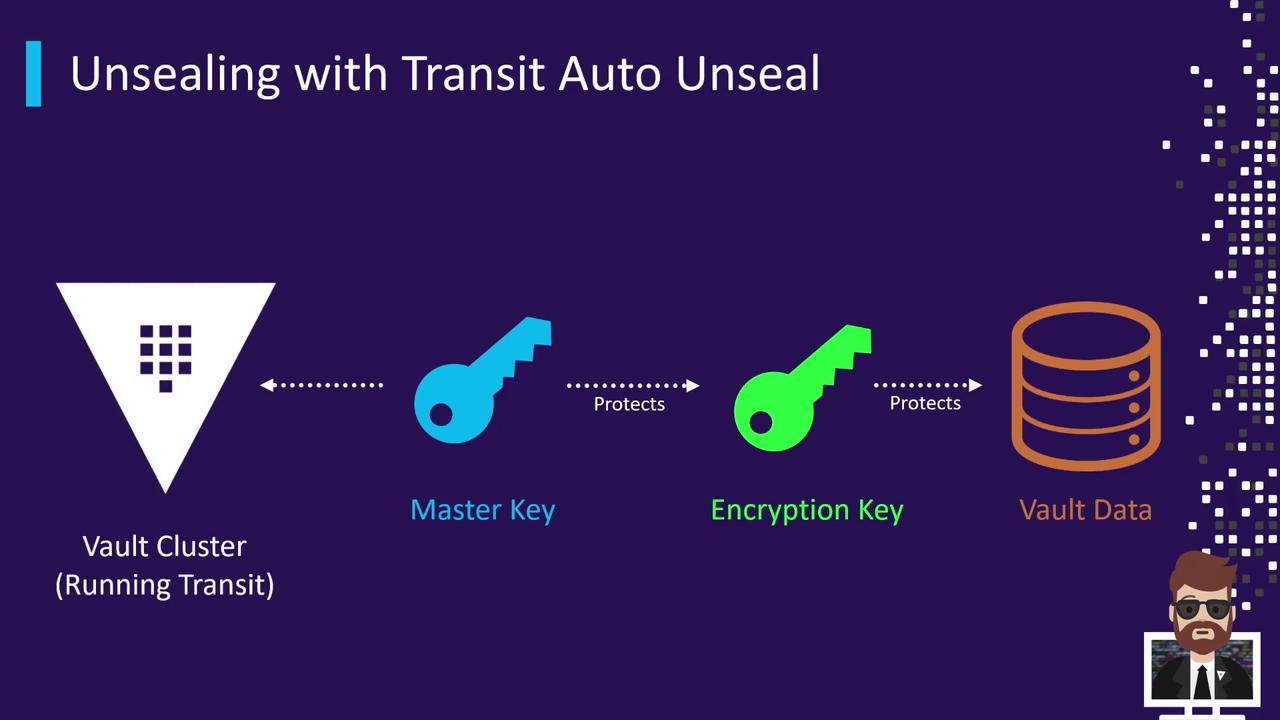
Vault’s Transit Auto Unseal method offloads unseal operations to a dedicated Transit Secrets Engine running in a separate Vault cluster. This approach protects the master key and enables automatic unsealing of dependent clusters on startup.
## Architecture Overview
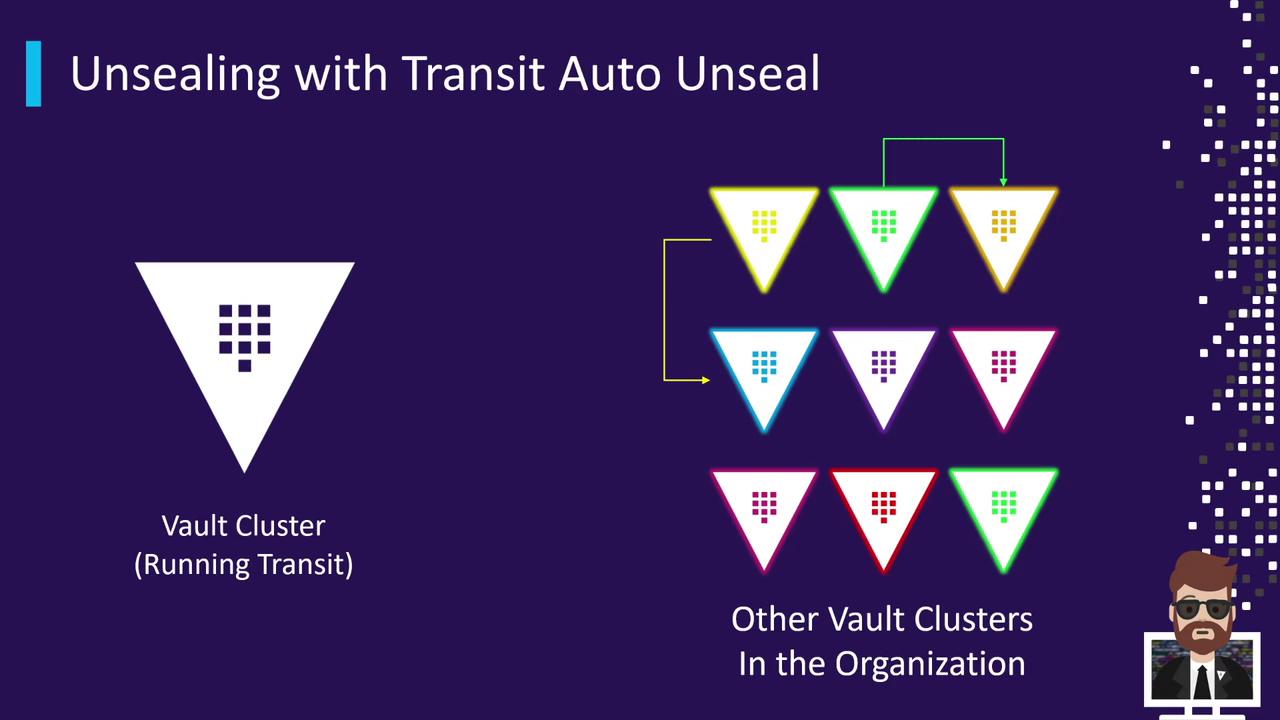
One Vault cluster (the “unsealer”) runs the Transit Secrets Engine and holds the encryption key for unsealing. Other clusters delegate their unseal operations to this central cluster:
Each dependent cluster connects to the Transit cluster using the configured key. You can chain dependencies (green unseals from orange, red from green, etc.), but the core pattern remains: one cluster auto-unseals from another.
## Key Features
| Feature | Description |
| ------------------------------ | -------------------------------------------------------------------------------------------- |
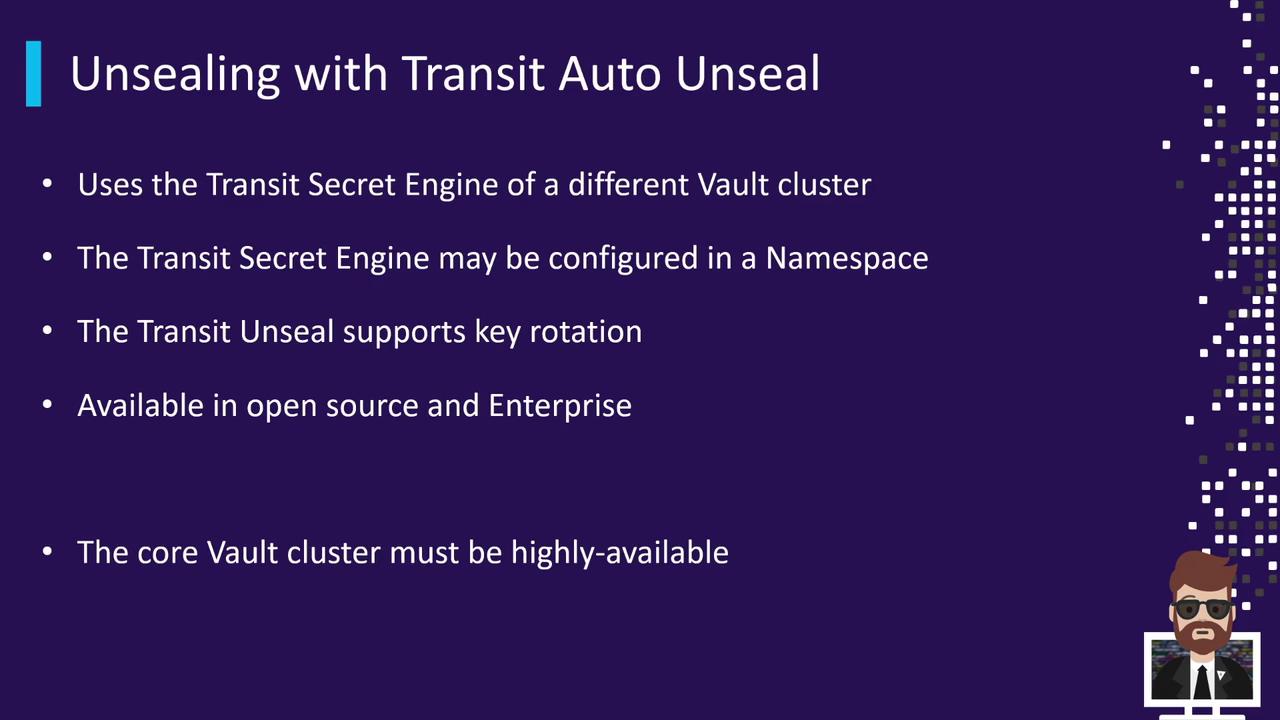
| Dedicated Transit Engine | Uses a separate Vault cluster’s Transit Secrets Engine for master key protection. |
| Key Rotation Support | Rotate the unseal key regularly to meet compliance and security requirements. |
| Open Source & Enterprise Ready | Available in Vault OSS and Enterprise editions without additional plugins. |
| High Availability Requirement | The Transit cluster must be HA with a resilient backend; downtime halts auto-unseal actions. |
If the central Transit cluster becomes unavailable, all dependent Vault clusters will fail to unseal. Ensure your Transit cluster is highly available and monitored.
## Configuration
To enable Transit Auto Unseal, add a `seal` stanza to your Vault configuration file:
```hcl theme={null}
seal "transit" {
address = "https://vault.example.com:8200"
token = "s.Qf1s5zigZ4OX6akYjQXJC1jY"
disable_renewal = "false"
# Key configuration
key_name = "transit_key_name"
mount_path = "transit/"
namespace = "ns1/"
# TLS Configuration
tls_ca_cert = "/etc/vault/ca_cert.pem"
tls_client_cert = "/etc/vault/client_cert.pem"
tls_client_key = "/etc/vault/client_key.pem"
tls_server_name = "vault"
tls_skip_verify = "false"
}
```
* `address` and `token` point to the central Vault cluster running Transit.
* `key_name`, `mount_path`, and `namespace` identify which key to use.
* TLS settings ensure secure communication between clusters.
## Links and References
* [Vault Transit Secrets Engine][transit-docs]
* [Vault Unsealing Concepts][unseal-docs]
* [Vault Configuration][config-docs]
[transit-docs]: https://www.vaultproject.io/docs/secrets/transit
[unseal-docs]: https://www.vaultproject.io/docs/concepts/seal
[config-docs]: https://www.vaultproject.io/docs/configuration