> ## Documentation Index
> Fetch the complete documentation index at: https://notes.kodekloud.com/llms.txt
> Use this file to discover all available pages before exploring further.
# Vault Interfaces
> Vault provides three interfaces for managing secrets a web UI, CLI, and HTTP API, each suited for different user needs and automation levels.
Vault offers three primary interfaces for interacting with secrets and configurations: the web-based UI, the Command-Line Interface (CLI), and the HTTP API. Each interface targets different use cases, from human operators to fully automated applications.
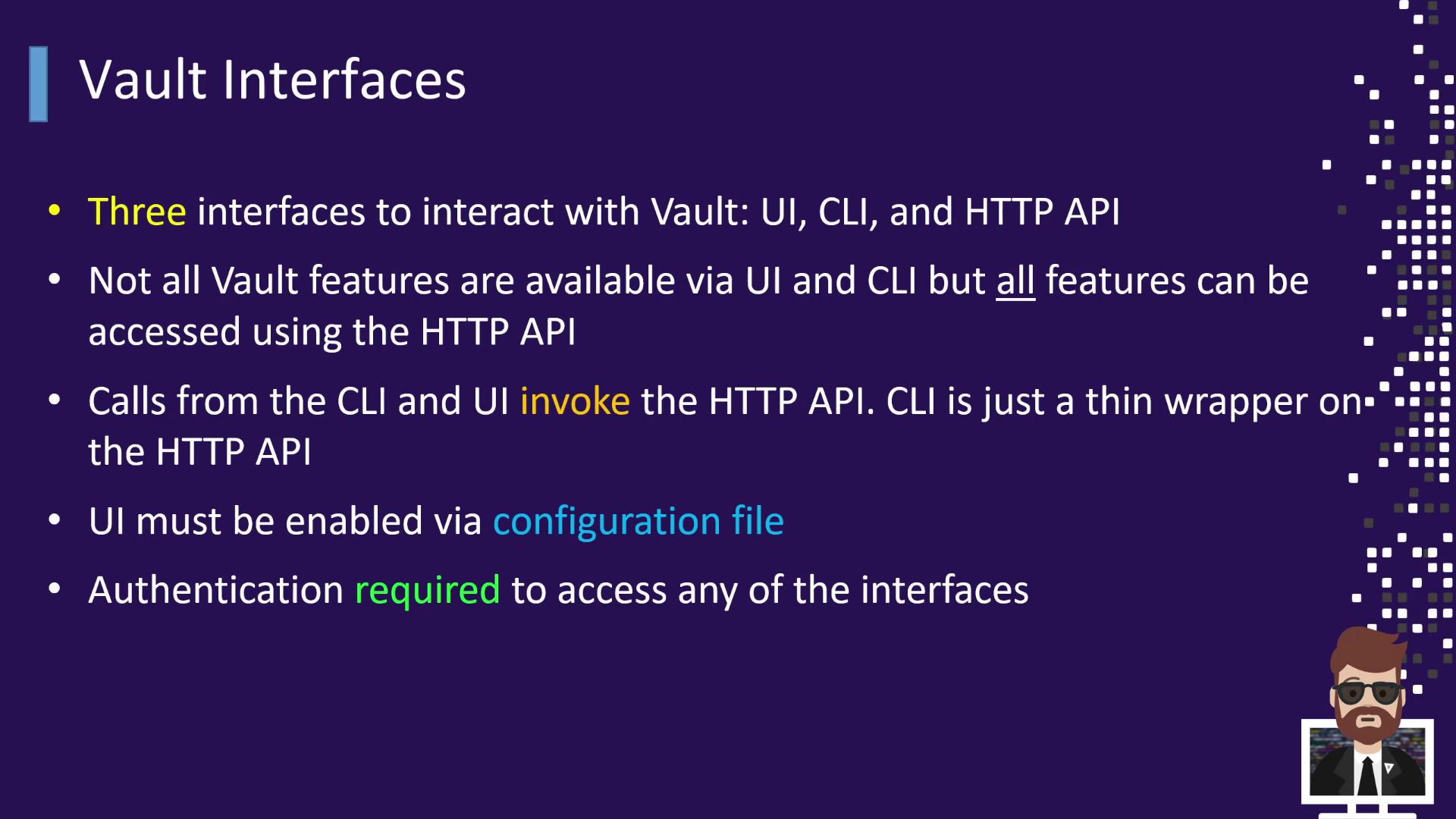
The relationship between these interfaces is straightforward:
* The **UI** provides a user-friendly dashboard for visual secret management.
* The **CLI** is a thin wrapper over the HTTP API, supporting almost every Vault operation.
* The **HTTP API** is the underlying mechanism for both the UI and CLI, so every action—even in the UI—translates to an API request.
When you initialize and start a Vault server, the CLI and HTTP API are active by default. To expose the web UI, add the following to your Vault configuration file:
```hcl theme={null}
ui = true
```
Enabling the UI requires Vault to be served over TLS in production environments to prevent credentials leakage.
Before executing any operations, authenticate to Vault. For example:
```shell theme={null}
vault login
```
Keep your tokens secure. Avoid committing them to source control or sharing them in logs.
Once authenticated, you can:
* Retrieve or store secrets (`vault kv get`, `vault kv put`)
* Generate dynamic credentials (e.g., database or AWS tokens)
* Encrypt/decrypt data with Transit secrets engine
* Manage leases and token renewals
***
## Vault Interfaces and Their Users
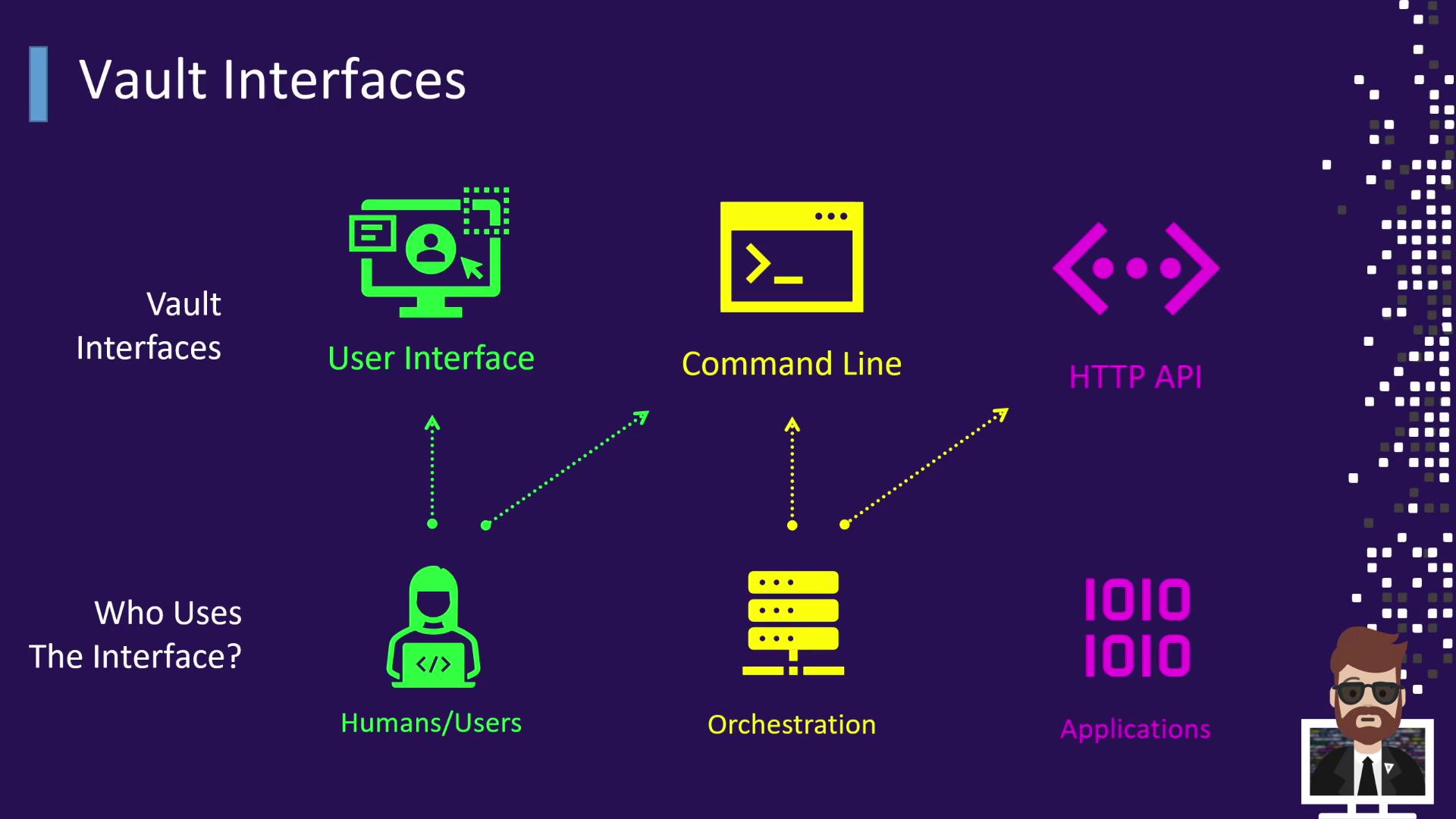
Different personas leverage Vault’s interfaces to manage secrets at varying levels of automation and scale.
| Interface | Typical User | Example Usage |
| ----------------------------------------------------------------------------------------------- | ---------------------------- | --------------------------------------------------- |
| UI | Human operators | Browsing secrets, viewing leases, managing policies |
| CLI | DevOps engineers & CI/CD | `vault kv get secret/data/app` |
| HTTP API | Applications & orchestration | \`curl --header "X-Vault-Token: \$VAULT\_TOKEN" \\ |
| [https://vault.example.com/v1/secret/data/app\`](https://vault.example.com/v1/secret/data/app`) | | |
* **Humans**\
Operators often prefer the UI for its graphical overview but can also use the CLI by setting `VAULT_ADDR`:
```shell theme={null}
export VAULT_ADDR='https://vault.example.com'
```
* **Orchestration Tools**\
CI/CD platforms like [Jenkins](https://www.jenkins.io/), [CircleCI](https://circleci.com/), [Chef](https://www.chef.io/), and [Puppet](https://puppet.com/) integrate via CLI commands or directly call the HTTP API to automate secret retrieval and renewal.
* **Applications**\
Most applications interact programmatically through the HTTP API. They authenticate, receive a token, and request secrets or dynamic credentials. They must handle token TTL, lease durations, and renewal processes.
***
## Learning Objectives
In subsequent sections, aligned with the Vault Associate Exam objectives, we will explore each interface in depth:

1. **Objective 6:** Utilize the Vault CLI
2. **Objective 7:** Utilize the Vault UI
3. **Objective 8:** Be aware of the Vault HTTP API
***
## References
* [Vault UI Documentation](https://www.vaultproject.io/docs/ui)
* [Vault CLI Commands](https://www.vaultproject.io/docs/commands)
* [Vault HTTP API](https://www.vaultproject.io/api-docs)