> ## Documentation Index
> Fetch the complete documentation index at: https://notes.kodekloud.com/llms.txt
> Use this file to discover all available pages before exploring further.
# Section Overview Build Fault Tolerant Vault Environments
> This article covers building fault-tolerant HashiCorp Vault environments focusing on clustering and multi-datacenter replication for enterprise-grade deployments.
Welcome to this objective on building fault-tolerant HashiCorp Vault environments. In this lesson, we’ll cover enterprise-grade Vault deployments with a focus on clustering and multi-datacenter replication.
By the end of this section, you will be able to:
* Configure a Highly Available (HA) Vault cluster for resilience
* Enable and manage Disaster Recovery (DR) replication in Vault Enterprise
* Promote a DR secondary cluster to primary during an outage
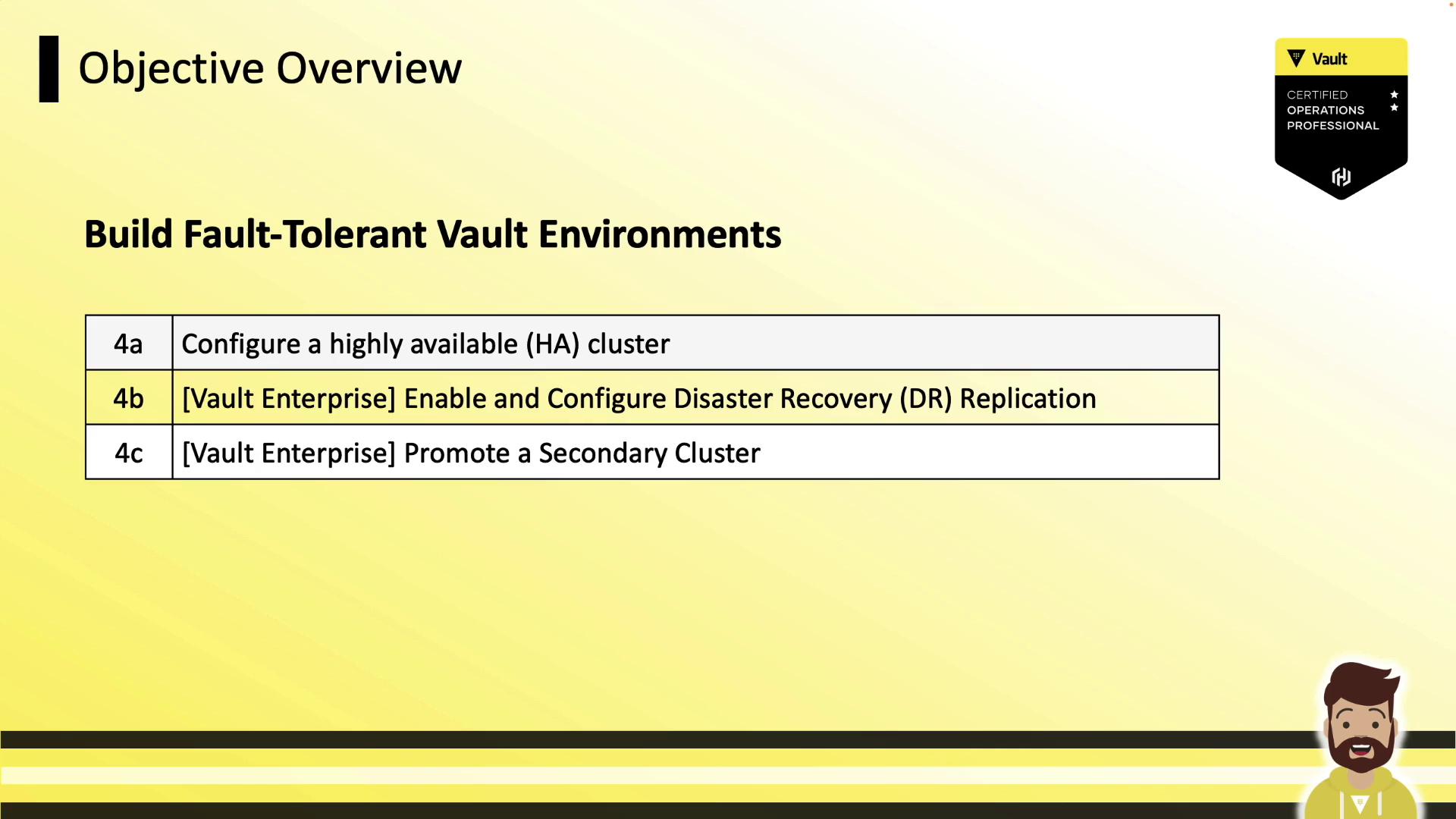
We’ll start with setting up Vault HA clusters, then move on to configuring DR replication and failover procedures.
High Availability (HA) in Vault ensures continuous access by running multiple active nodes behind a load balancer.\
Disaster Recovery (DR) replication provides asynchronous standby clusters in separate datacenters.
Let’s begin with the HA cluster configuration.