> ## Documentation Index
> Fetch the complete documentation index at: https://notes.kodekloud.com/llms.txt
> Use this file to discover all available pages before exploring further.
# Database Secrets Engine
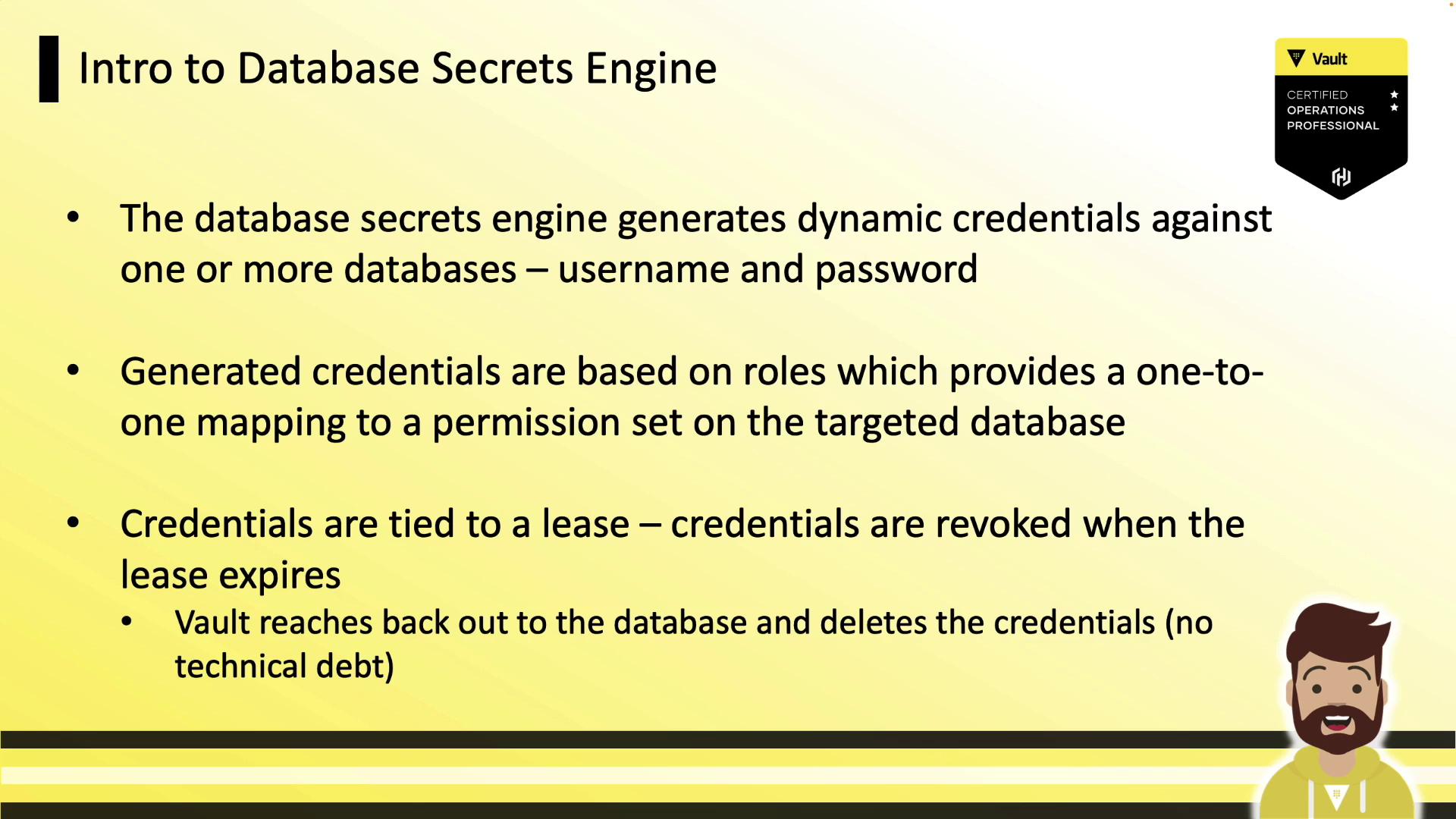
> Vault’s Database Secrets Engine generates dynamic, time-bound credentials for databases, automatically revoking them upon lease expiration to enhance security and reduce risk.
Vault’s Database Secrets Engine generates dynamic, time-bound credentials for a variety of database backends. Each credential is leased, and Vault automatically revokes the user when the lease expires—eliminating stale accounts and reducing risk.
## Supported Database Plugins
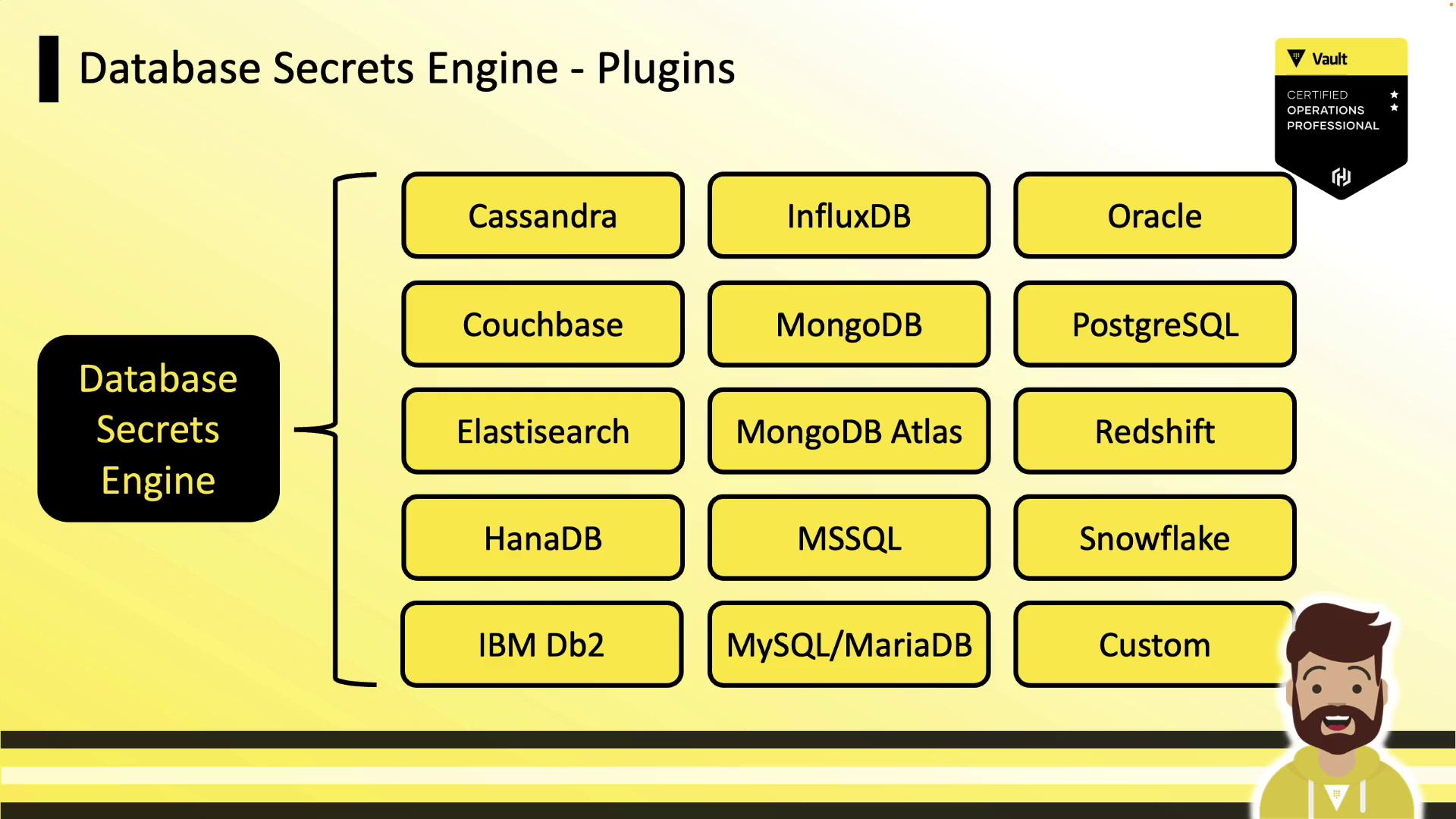
Vault ships with numerous database plugins out of the box. Below is a selection of popular platforms:
| Database Platform | Use Case |
| ----------------- | ------------------------------------ |
| Cassandra | Distributed NoSQL storage |
| Couchbase | In-memory document store |
| Elasticsearch | Full-text search & analytics |
| Microsoft SQL | Enterprise RDBMS |
| Oracle | High-performance transactional RDBMS |
| MySQL | Widely-used open-source database |
| PostgreSQL | Advanced open-source relational DB |
| MongoDB | Flexible document database |
| Snowflake | Cloud-native data warehouse |
| Redshift | Petabyte-scale analytics |
If your database isn’t listed, implement a [custom database plugin](https://www.vaultproject.io/docs/secrets/plugins).
## Configuration Workflow
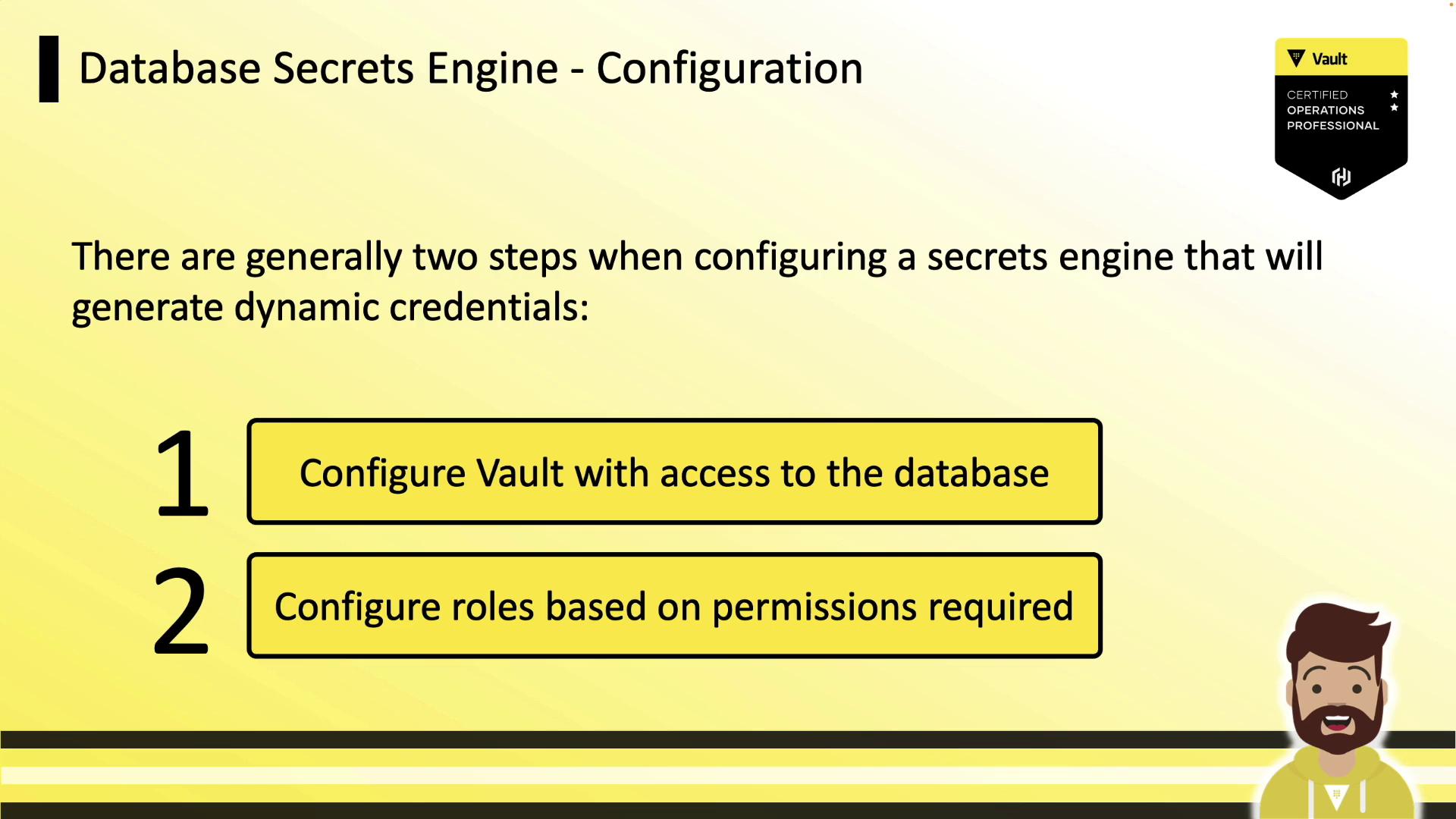
Setting up the Database Secrets Engine consists of two main steps:
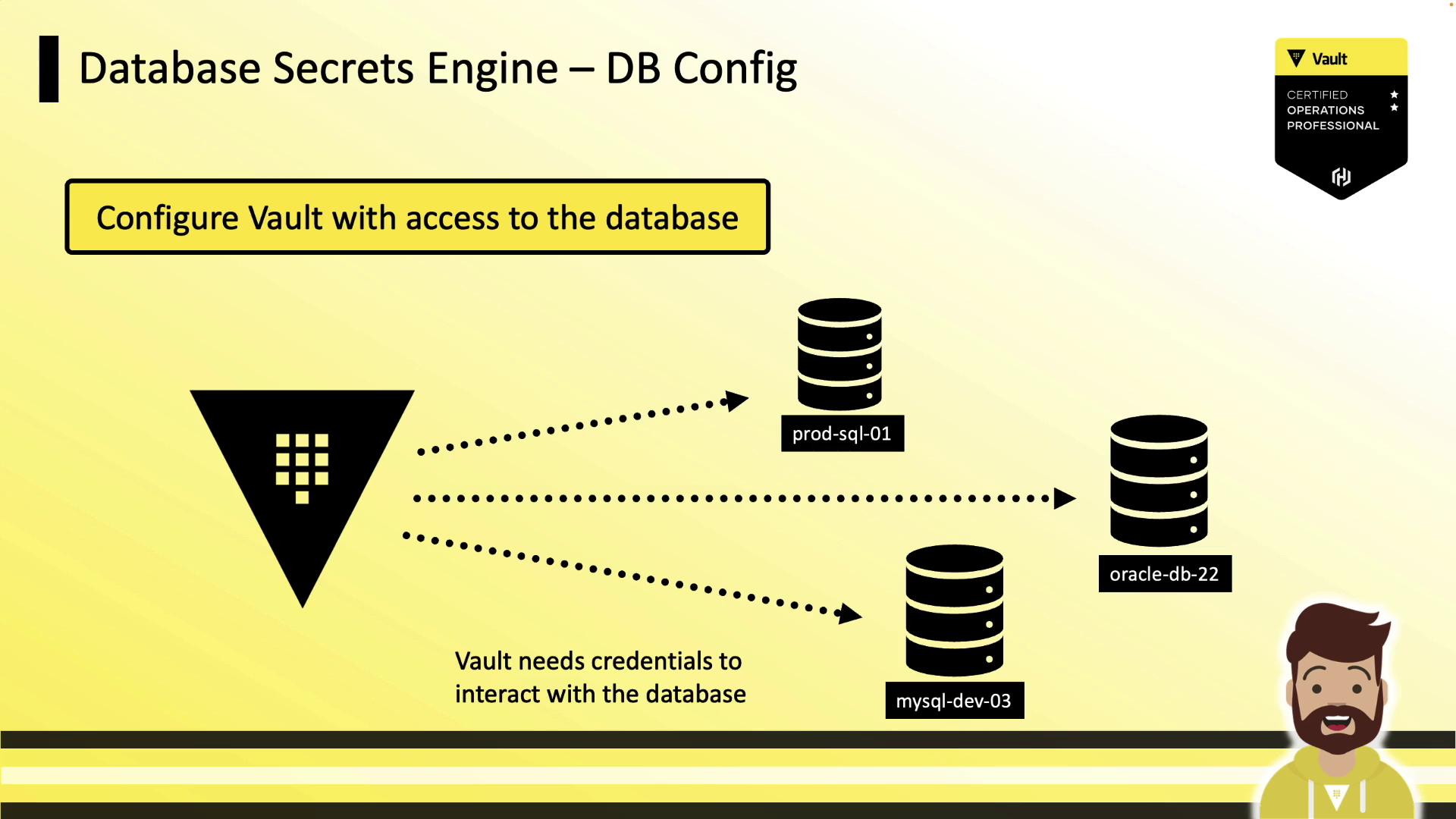
1. Configure Vault’s connection to your database (using a management account).
2. Define Vault roles that map to SQL statements granting the appropriate permissions.
### 1. Enable the Engine and Configure a Connection
Enable the secrets engine:
```bash theme={null}
vault secrets enable database
```
Next, register a connection to your database. The following example creates a MySQL backend named `prod-database`:
```bash theme={null}
vault write database/config/prod-database \
plugin_name=mysql-database-plugin \
connection_url="{{username}}:{{password}}@tcp(prod.hcvop.com:3306)/" \
allowed_roles="app-integration,app-hcvop" \
username="vault-admin" \
password="vneJ4908fkd3084Bmrk39fmslsl#e&349"
```
* `plugin_name`: selects the plugin (e.g., `mysql-database-plugin`, `mysql-rds-plugin`).
* `connection_url`: uses `{{username}}` and `{{password}}` placeholders.
* `allowed_roles`: limits which Vault roles can issue credentials.
* `username`/`password`: initial credentials Vault uses to manage users (these values are masked on read).
### 2. Rotate Root Credentials
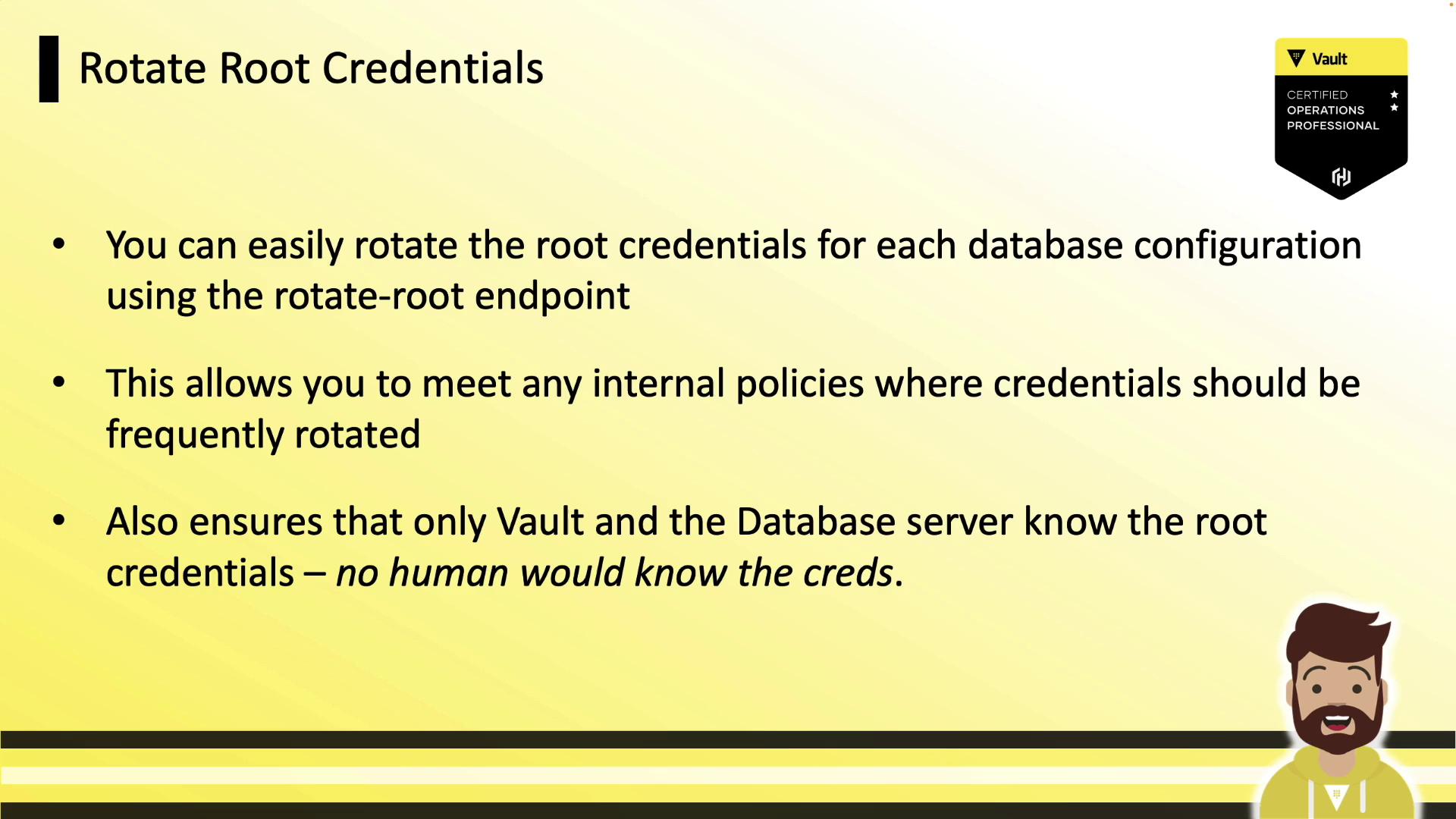
Regularly rotating root credentials reduces human exposure. Vault’s `rotate-root` endpoint generates new admin credentials and updates the database behind the scenes:
```bash theme={null}
vault write -f database/rotate-root/prod-database
# Success! Data written to: database/rotate-root/prod-database
```
## Defining Roles
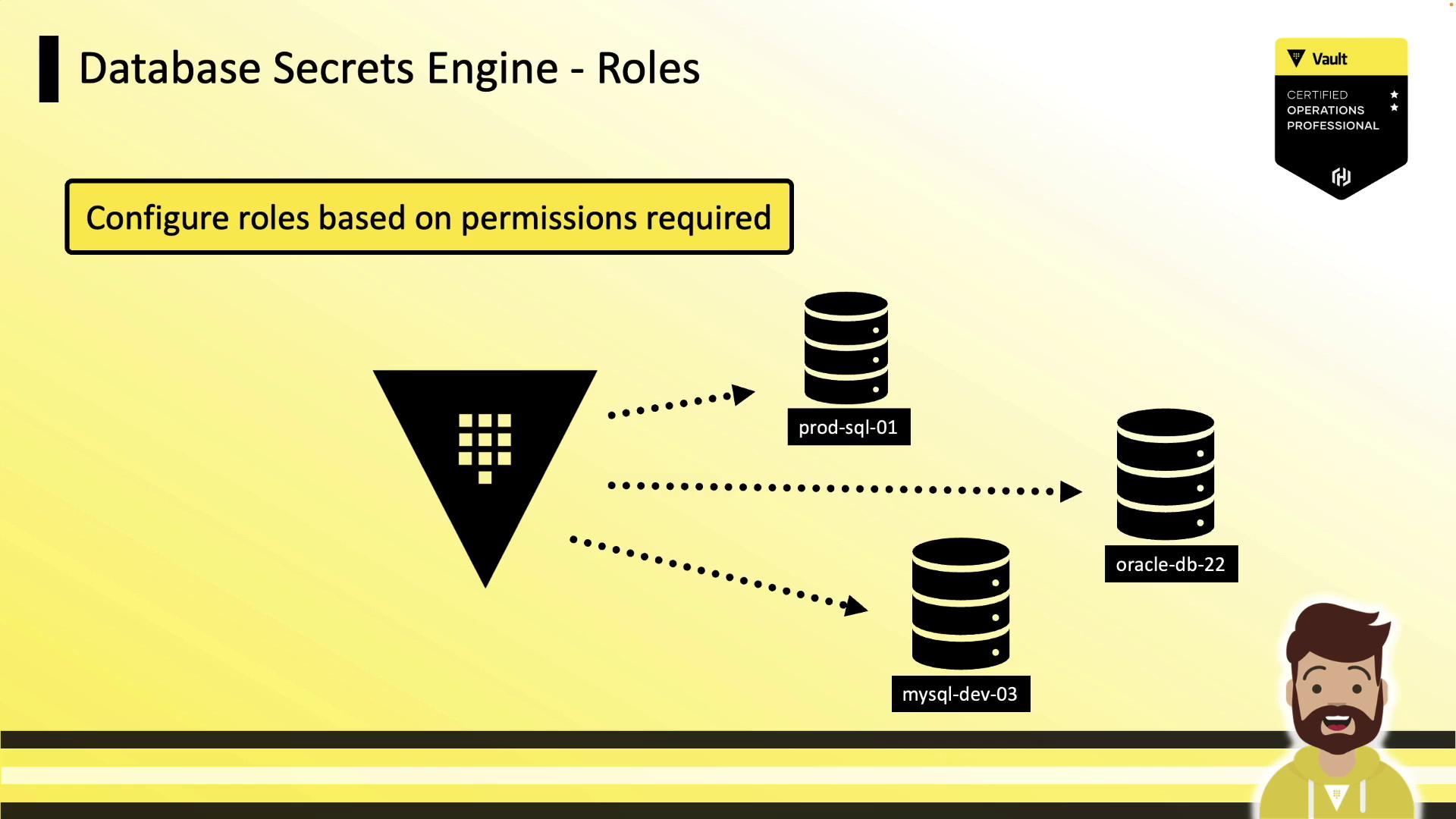
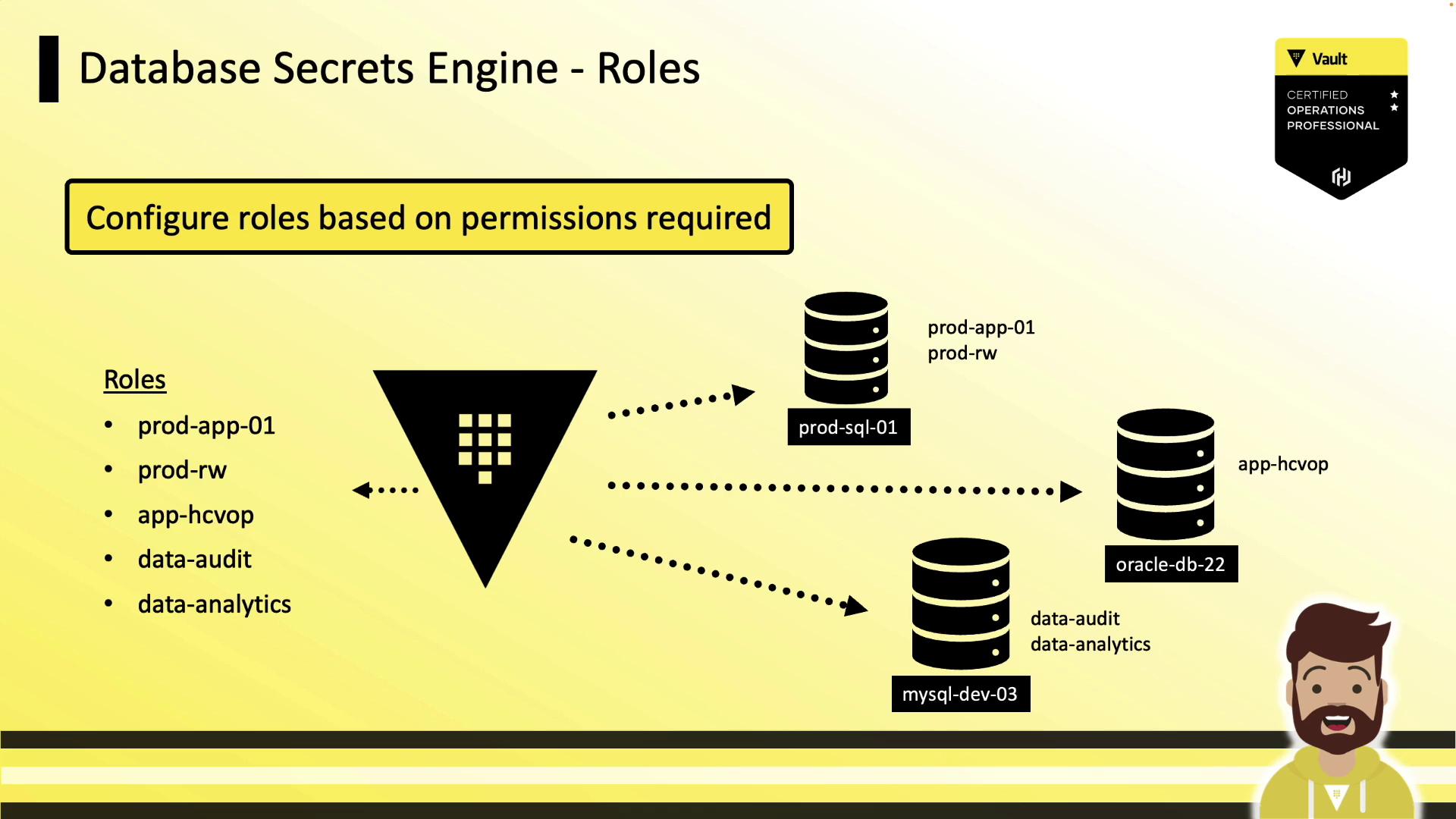
Roles define the SQL statements Vault runs to create and grant permissions to a dynamic user. Each role is tied to a configured database connection.
### Example: Dynamic Role
This example creates an `app-hcvop` role that grants read-only access:
```bash theme={null}
vault write database/roles/app-hcvop \
db_name="prod-database" \
creation_statements="CREATE USER '{{name}}'@'%' IDENTIFIED BY '{{password}}';
GRANT SELECT ON *.* TO '{{name}}'@'%';" \
default_ttl="1h" \
max_ttl="24h"
```
* `db_name`: references the database config (`prod-database`).
* `creation_statements`: templated SQL for creating and granting privileges.
* `default_ttl` / `max_ttl`: control lease duration and renewability.
### Static Roles
For applications that require a fixed username (e.g., `ecommerce_user`), use a **static role**. Vault will only rotate the password, preserving the username—ideal for legacy or COTS software.
## Password Policies
Vault auto-generates strong passwords by default (20 characters, mixed case, numbers, dash). You can attach a custom Vault policy to match your database’s requirements.
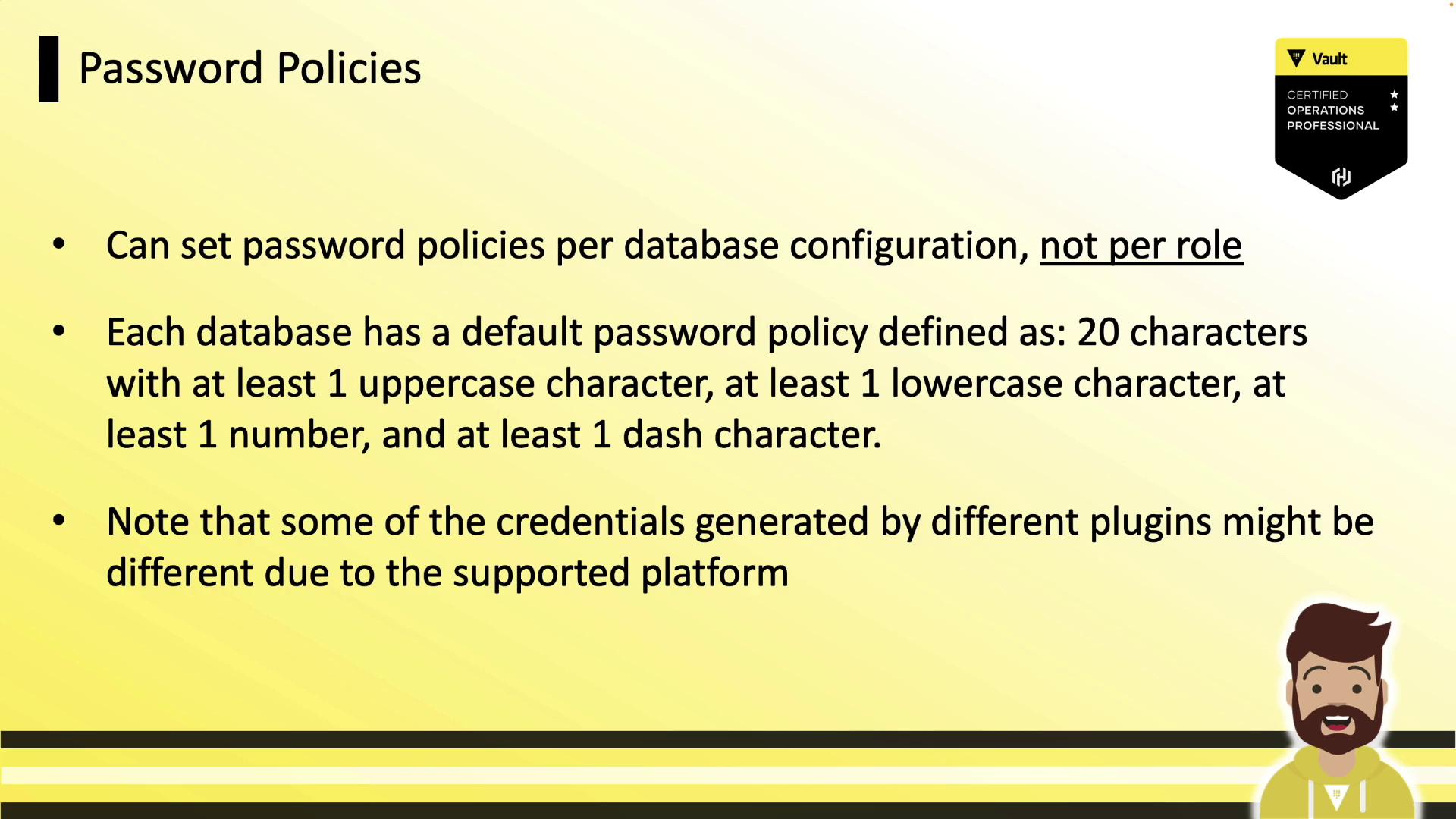
Ensure your password policy adheres to backend constraints such as maximum length and allowed characters.
## Generating Dynamic Credentials
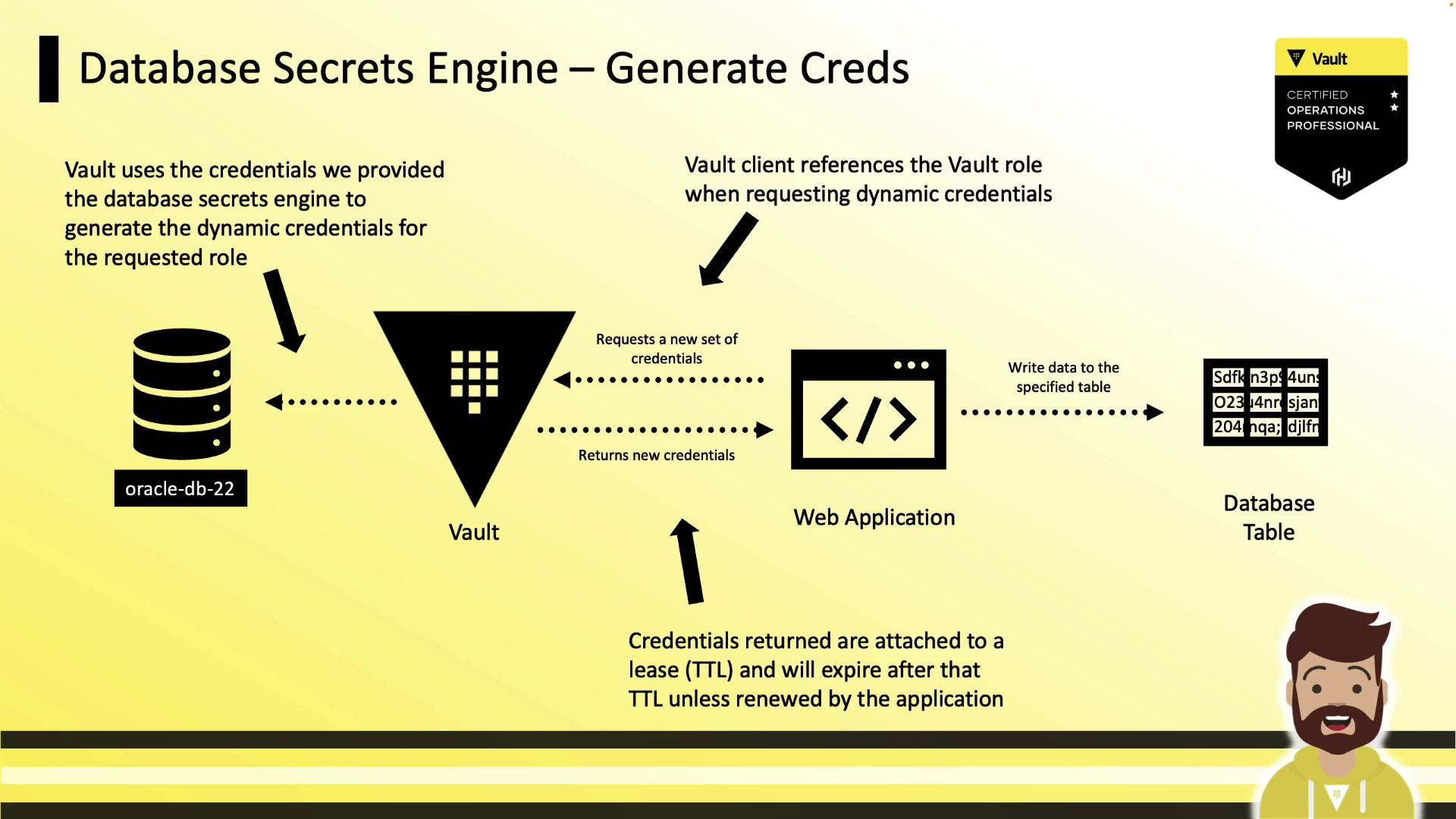
Applications request credentials by reading from the role’s path. Vault creates the user, returns the credentials, and sets the lease TTL:
```bash theme={null}
vault read database/creds/app-hcvop
Key Value
--- -----
lease_id database/creds/app-hcvop/abc123
lease_duration 1h
lease_renewable true
username V_VAULTUSE_APP_HCVOP_XYZ123
password yRUSyd-vPYDg5NkU9kDg
```
Once the lease expires, Vault automatically revokes the database user.
## Vault Policy for Credential Generation
Grant your application’s Vault token permission to read from `database/creds/`:
```hcl theme={null}
# Allow generating credentials for app-hcvop
path "database/creds/app-hcvop" {
capabilities = ["read"]
}
```
Adjust policies per role to enforce least privilege.
***
With Vault’s Database Secrets Engine, you can automate the lifecycle of database credentials—improving security, simplifying audits, and eliminating long-lived static accounts.
## Links and References
* [Vault Database Secrets Engine](https://www.vaultproject.io/docs/secrets/databases)
* [HashiCorp Vault Documentation](https://www.vaultproject.io/docs/)
* [Custom Database Plugin](https://www.vaultproject.io/docs/secrets/plugins)
* [Vault Secrets Engines Overview](https://www.vaultproject.io/docs/secrets)