> ## Documentation Index
> Fetch the complete documentation index at: https://notes.kodekloud.com/llms.txt
> Use this file to discover all available pages before exploring further.
# Demo Practice secure Vault initialization
> This guide demonstrates how to initialize HashiCorp Vault with encrypted recovery keys and a root token using public OpenPGP keys.
This guide demonstrates how to initialize HashiCorp Vault with encrypted recovery keys and a root token using public [OpenPGP](https://www.openpgp.org/) keys. In this example, we’ll use three public keys—`btk.pub`, `frank.pub`, and `susan.pub`—located in your current directory.
## Prerequisites
* Vault server (v1.10.0+ent) installed and running
* Three PGP public keys: `btk.pub`, `frank.pub`, `susan.pub`
* GPG ([GnuPG](https://gnupg.org/)) installed for decryption
## 1. Verify Your PGP Keys
List the `.pub` files to ensure your public keys are accessible:
```bash theme={null}
$ ls *.pub
btk.pub
frank.pub
susan.pub
```
Make sure these files are the intended public keys. Do **not** expose your private keys.
## 2. Confirm Vault Is Uninitialized
Check Vault’s status before initialization:
```bash theme={null}
$ vault status
Key Value
--- -----
Recovery Seal Type awskms
Initialized false
Sealed true
Total Recovery Shares 0
Threshold 0
Unseal Progress 0/0
Unseal Nonce n/a
Version 1.10.0+ent
Storage Type raft
HA Enabled true
```
Vault should be **initialized: false** and **sealed: true**.
## 3. Initialize Vault with Encrypted Shares
Run the `vault operator init` command to:
* Create **3** recovery shares
* Require **2** shares to meet the threshold
* Encrypt each share with our PGP keys
```bash theme={null}
$ vault operator init \
--recovery-shares=3 \
--recovery-threshold=2 \
--recovery-pgp-keys="btk.pub,frank.pub,susan.pub" \
> vaultinit.txt
```
The file `vaultinit.txt` contains sensitive data. Store it in a secure location—never commit it to version control.
### Initialization Parameters
| Parameter | Value |
| ------------------ | ----------------------------- |
| recovery-shares | 3 |
| recovery-threshold | 2 |
| recovery-pgp-keys | btk.pub, frank.pub, susan.pub |
## 4. Review the Initialization Output
Since the command redirected output to `vaultinit.txt`, your console is blank. Display the file to see each encrypted share and the root token:
```bash theme={null}
$ cat vaultinit.txt
Recovery Key 1: wcFMA4Z9h7N72NGARAAzMm1xOnYclitFpuA07AOUVKDPOx03mKT0RyPQgRzsgVhs+748139se3DUAkprZx/...
Recovery Key 2: ZlXab7mVy0sR8b4JHJL0T2G9gC0KpLmYrKvWUkiFZ1...
Recovery Key 3: qW8/E7u5OzLmZk3R2H4jXn1a9vK5mCuXbJ9pR0gLZ2...
Initial Root Token: hvs.8CSU02a1xcS21iehKawiqWN
Success! Vault is initialized
```
Each recovery key is a Base64-encoded string—encrypted with the matching PGP public key. The root token remains in plaintext by default.
## 5. Decrypt a Recovery Share
To decrypt the share encrypted for Susan:
Ensure you have Susan’s **private** key and know the GPG passphrase to unlock it.
```bash theme={null}
$ echo "qW8/E7u5OzLmZk3R2H4jXn1a9vK5mCuXbJ9pR0gLZ2..." \
| base64 --decode \
| gpg --decrypt
```
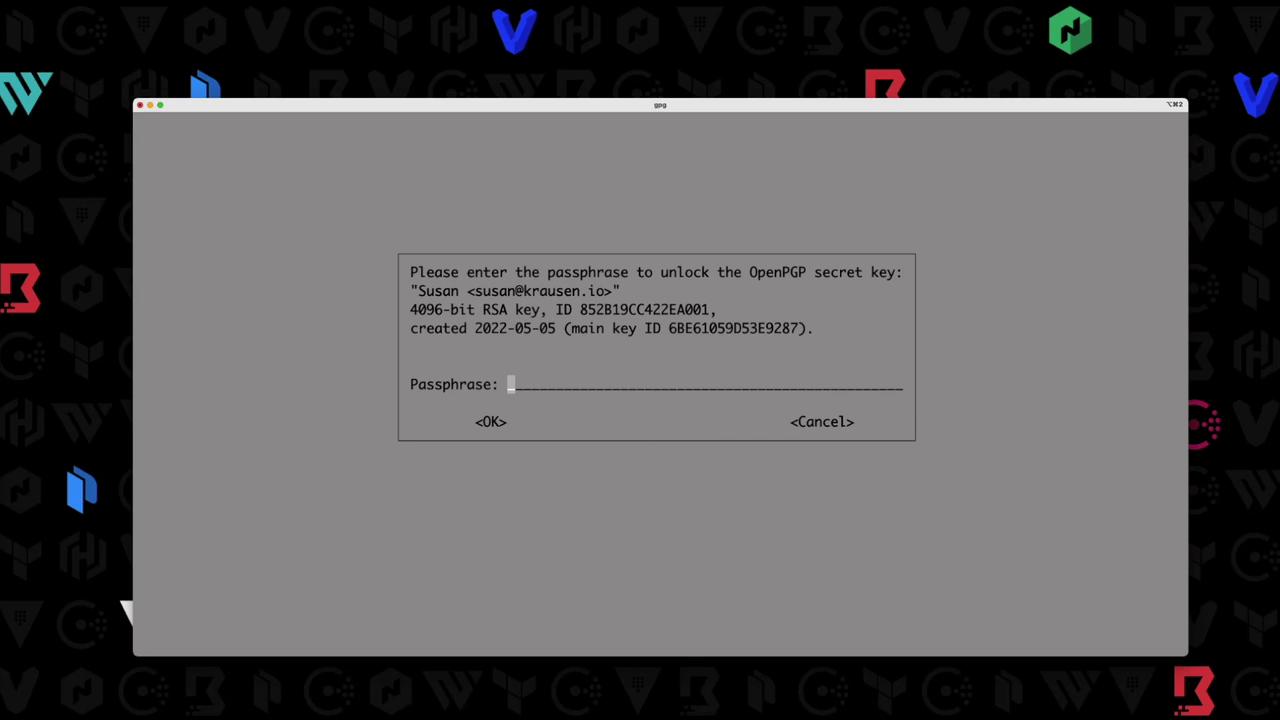
GPG will prompt for the passphrase:
Once unlocked, you’ll see the plaintext recovery key:
```plaintext theme={null}
5f3e1c4a6d9b8e7c2d1f0a9b4c3e2f1a
```
## 6. Next Steps
With at least two decrypted shares (meeting the threshold), you can:
* Unseal Vault or a DR cluster
* Generate a new root token
* Perform emergency recovery
By encrypting each recovery share with a different PGP key, you ensure that only authorized users can decrypt their respective shares, strengthening Vault’s security model.
## References
* [HashiCorp Vault Documentation](https://www.vaultproject.io/docs)
* [OpenPGP Standard](https://www.openpgp.org/)
* [GnuPG Homepage](https://gnupg.org/)