> ## Documentation Index
> Fetch the complete documentation index at: https://notes.kodekloud.com/llms.txt
> Use this file to discover all available pages before exploring further.
# Implementing Integrated Storage
> This guide covers Vault’s Integrated Storage, its configuration, operation, and benefits for high availability and durability without external storage systems.
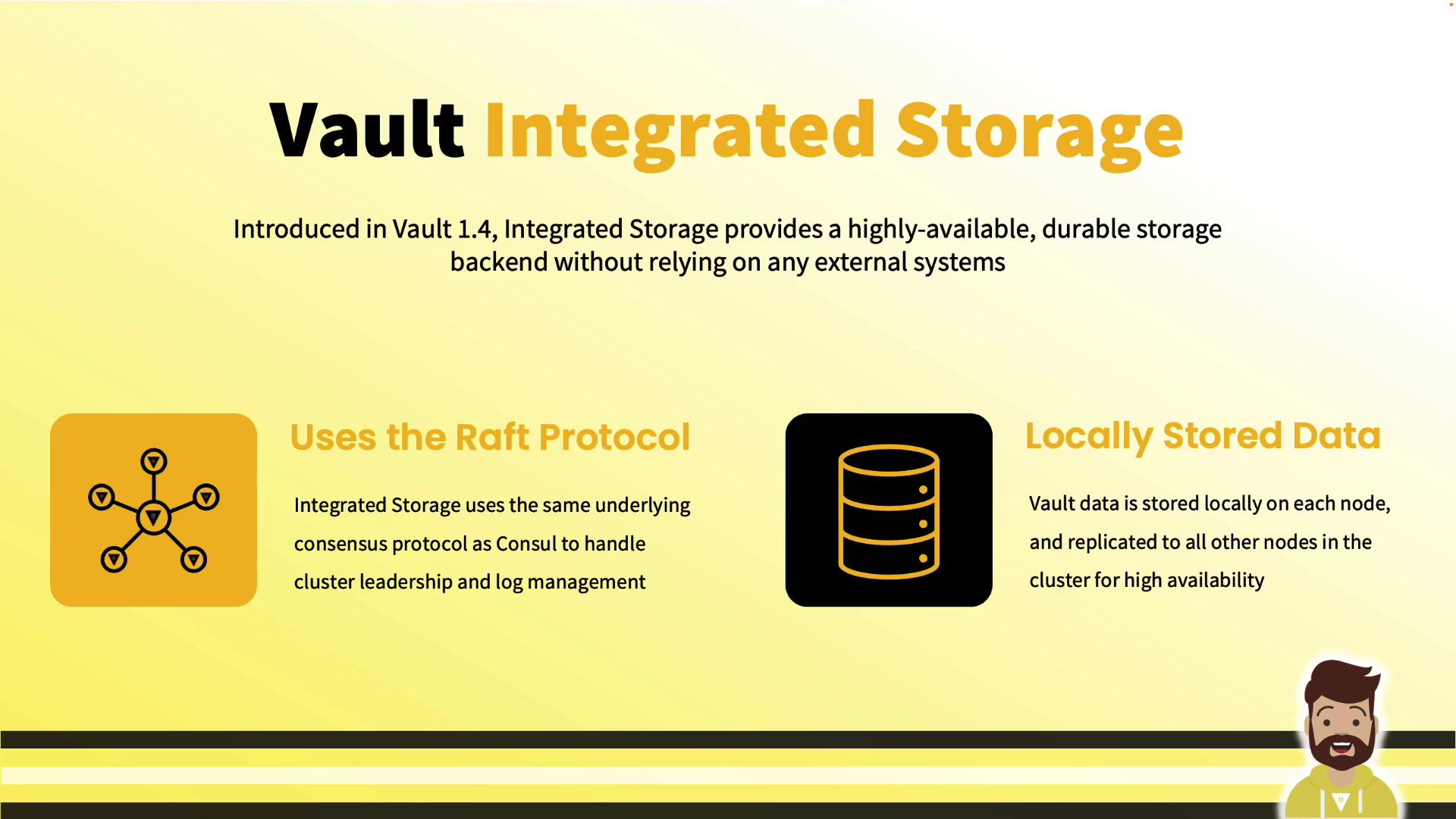
In this guide, we cover Vault’s Integrated Storage: what it is, why it matters, and how to configure and operate it. Introduced in Vault 1.4, Integrated Storage embeds a Raft-based backend directly within Vault for high availability and durability—without any external storage system.
***
## Why Integrated Storage?
Prior to Vault 1.4, enterprise deployments required Consul or another external backend—adding complexity, network hops, and extra operational overhead. Integrated Storage solves this by:
* Storing all Vault data on each node’s local disk
* Replicating data across nodes via Raft
* Eliminating any external dependency for storage
In a three- or five-node cluster, every node maintains the same dataset. If nodes fail, remaining members serve requests as long as a quorum exists.
***
## Key Benefits
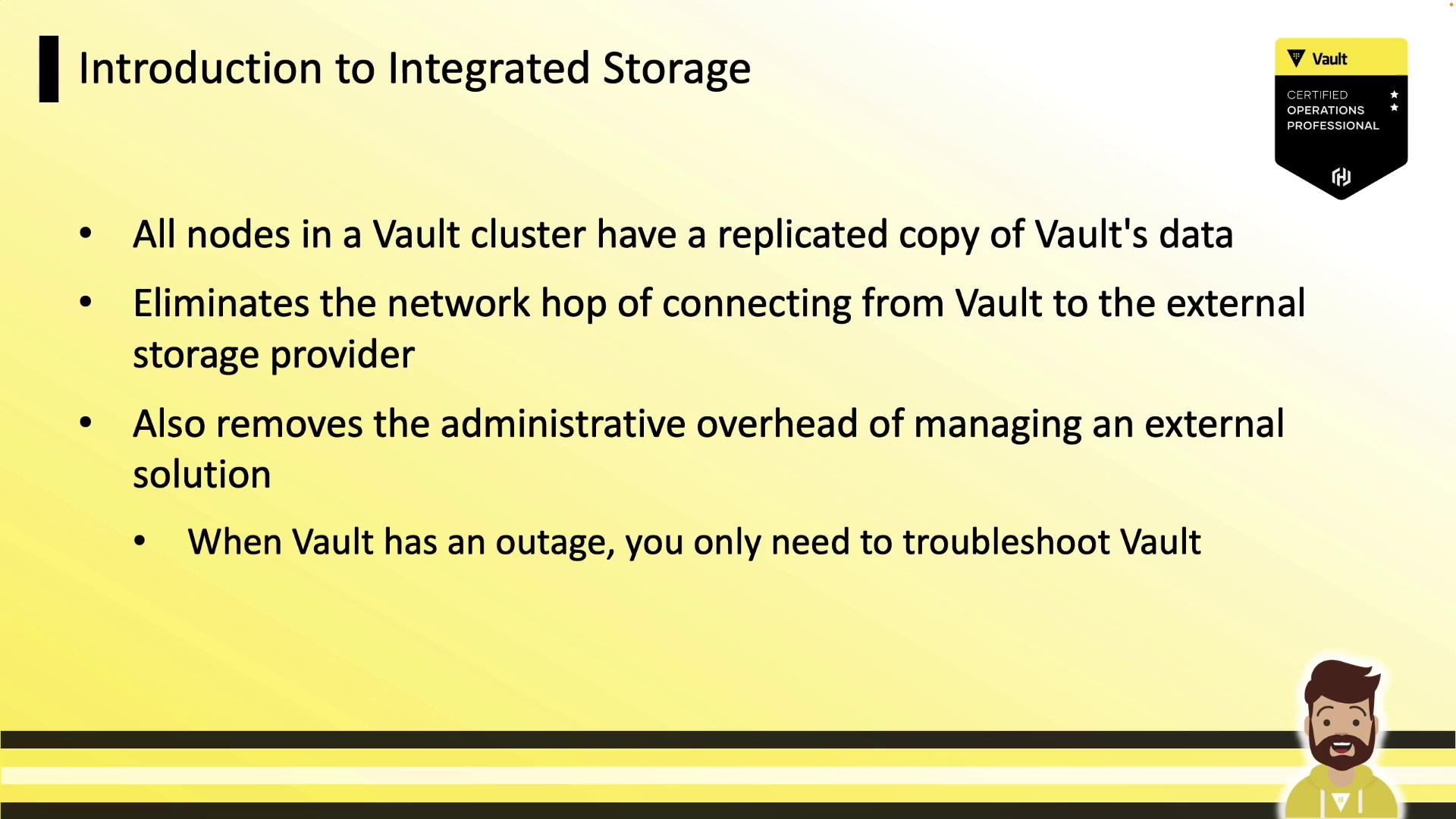
* **No external backend**: Run Vault without Consul or other storage.
* **Reduced latency**: Reads and writes occur on local disk.
* **Simplified operations**: Troubleshoot only Vault, not two systems.
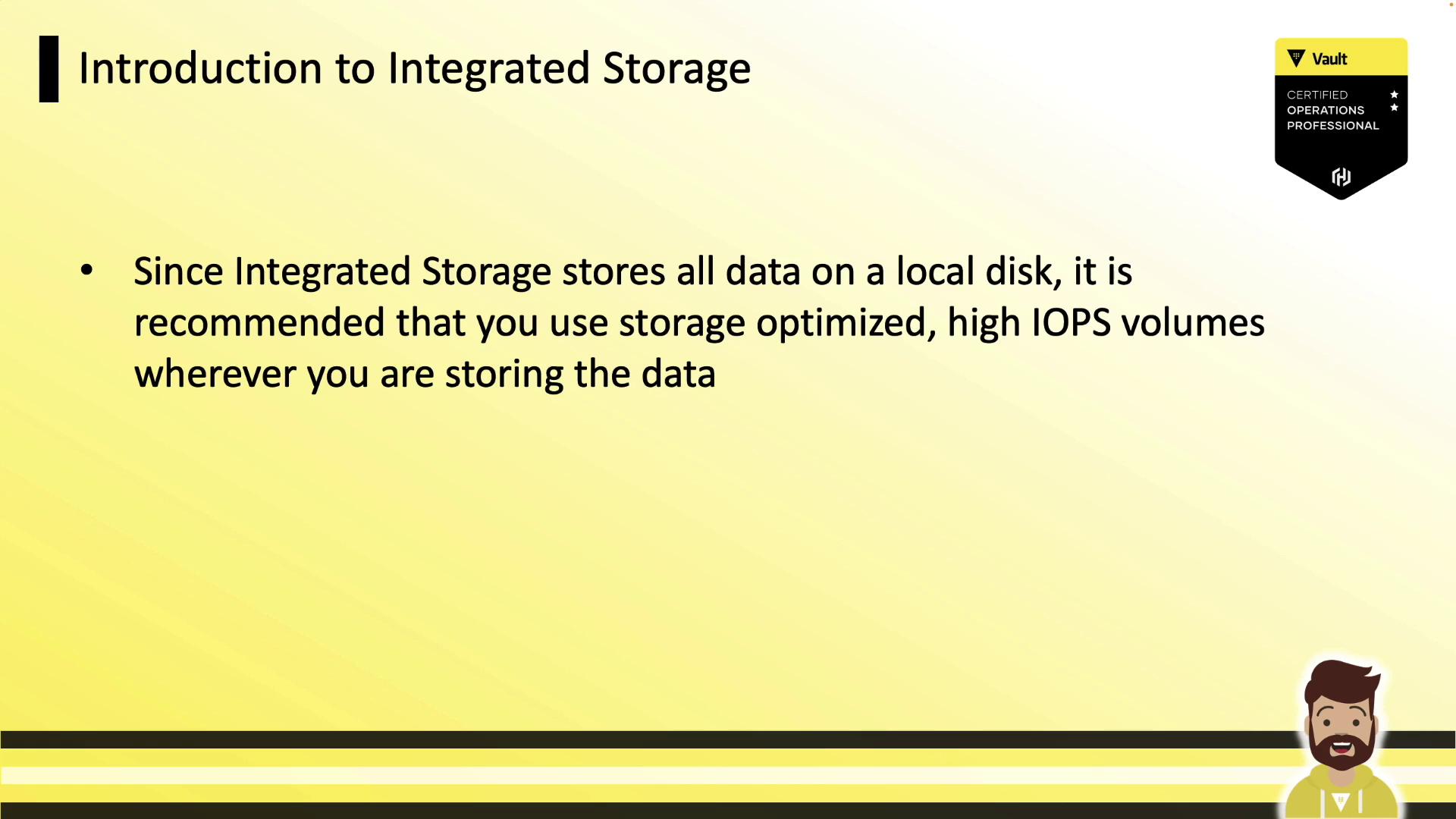
For best performance, use storage-optimized volumes with high IOPS.
***
## Feature Evolution
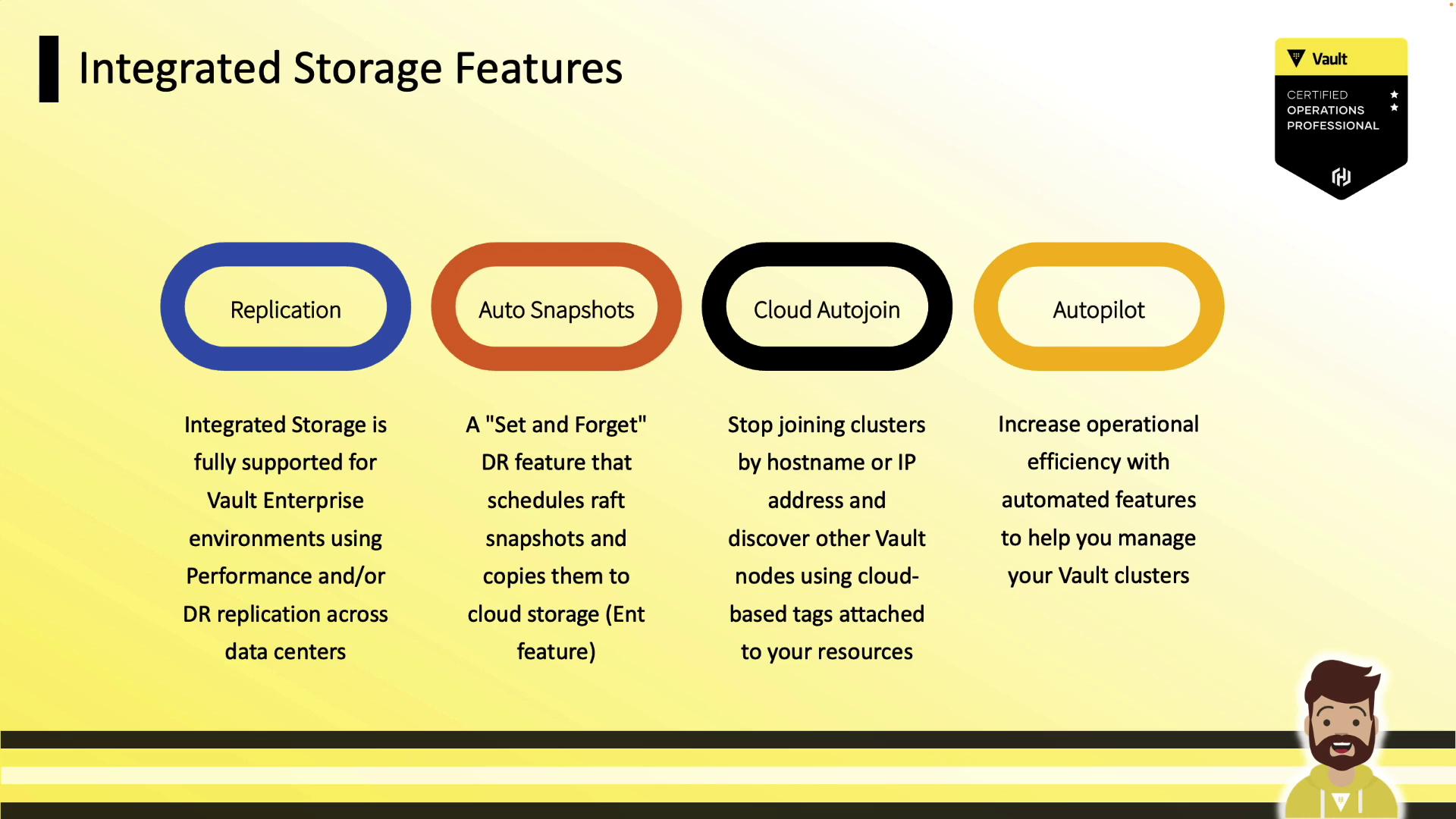
Since version 1.4, Vault’s Integrated Storage has gained:
| Feature | Availability |
| ----------------------------- | ---------------- |
| Raft Replication | OSS & Enterprise |
| Auto Snapshots | Enterprise |
| Cloud Auto-Join | Enterprise |
| Autopilot (cleanup, upgrades) | Enterprise |
***
## Comparative Advantages
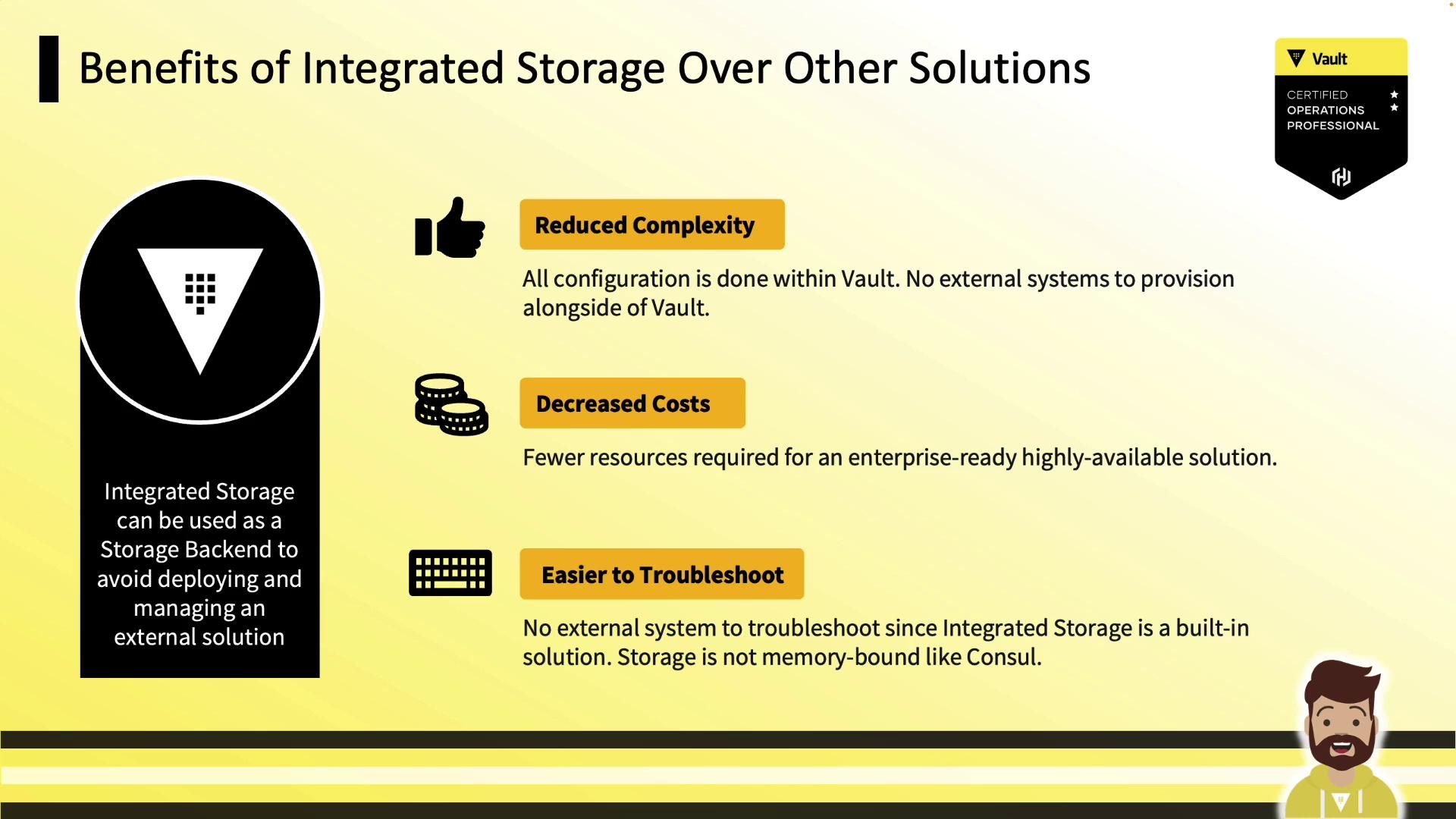
* **Lower complexity**: Single system for secrets and storage
* **Cost savings**: No additional Consul cluster or VMs
* **Easier troubleshooting**: Inspect only Vault logs and metrics
* **Disk-backed**: No in-memory bottlenecks
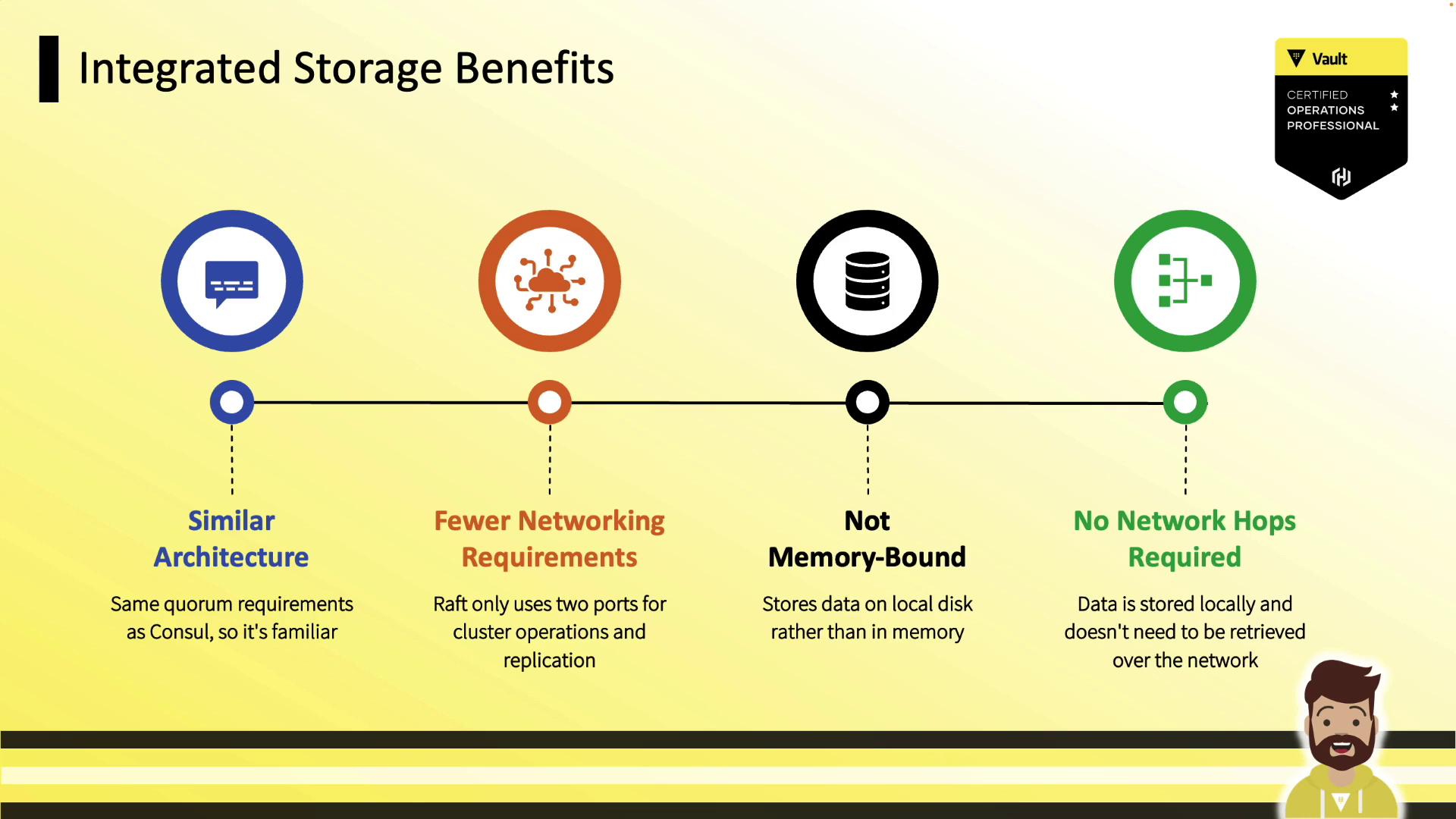
* **Familiar Raft** if you know Consul
* **Only two ports**: 8200 (API), 8201 (Raft RPC)
* **Durable writes** to disk
***
## Reference Architectures
| Architecture | Nodes | Fault Zones | Quorum | Ports |
| ---------------------- | ---------- | ---------------- | ------ | ----------- |
| Development Cluster | 3 | 3 (AZs or racks) | 2/3 | 8200 & 8201 |
| Production Cluster | 5 | 3 (AZs or racks) | 3/5 | 8200 & 8201 |
| Enterprise Replication | Primary/DR | Multi-region | N/A | 8200 & 8201 |
### Development Cluster (3 Nodes)
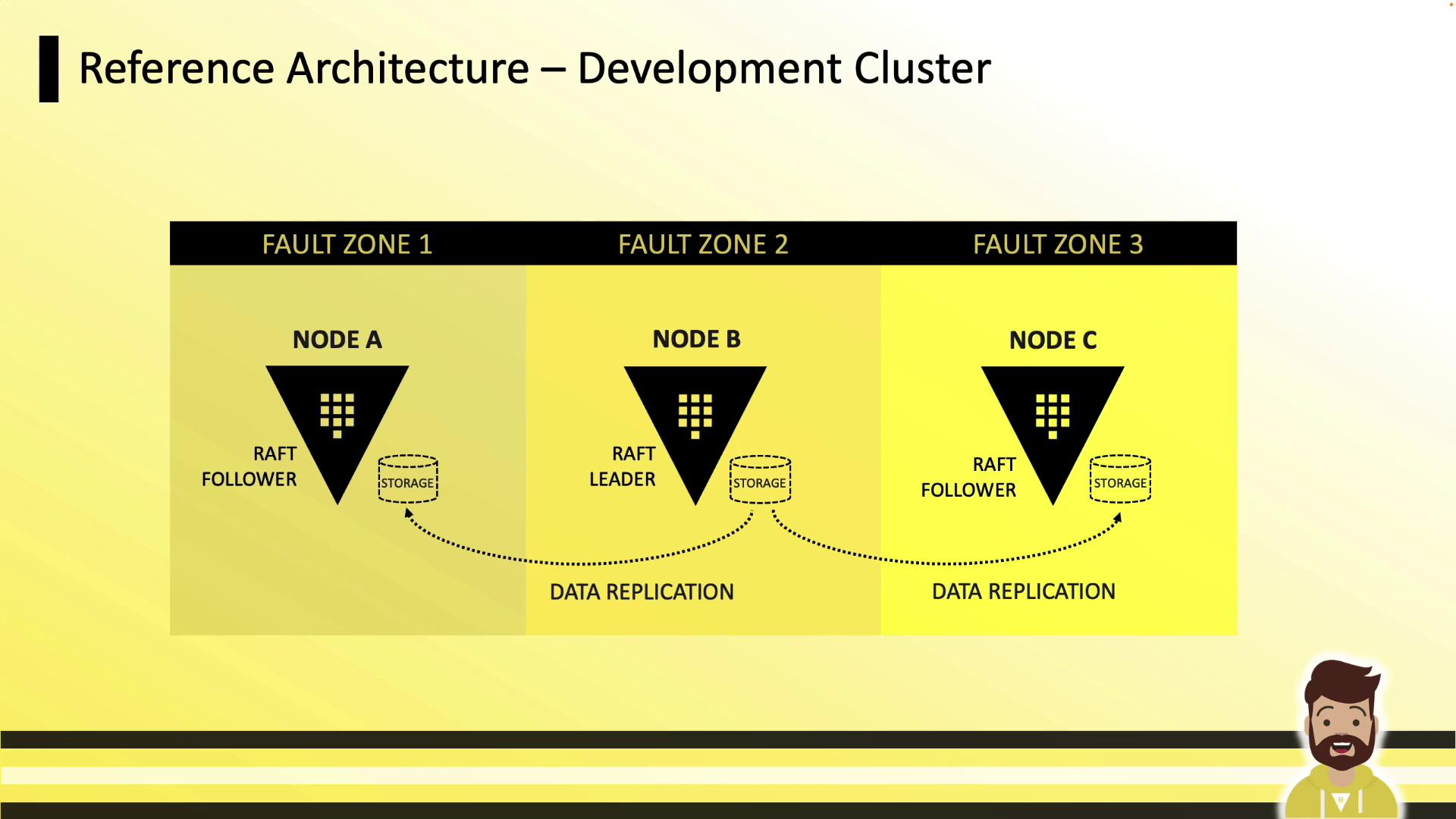
* Three nodes in separate fault zones
* Local disk on each node
* Leader handles replication to followers
### Production Cluster (5 Nodes)
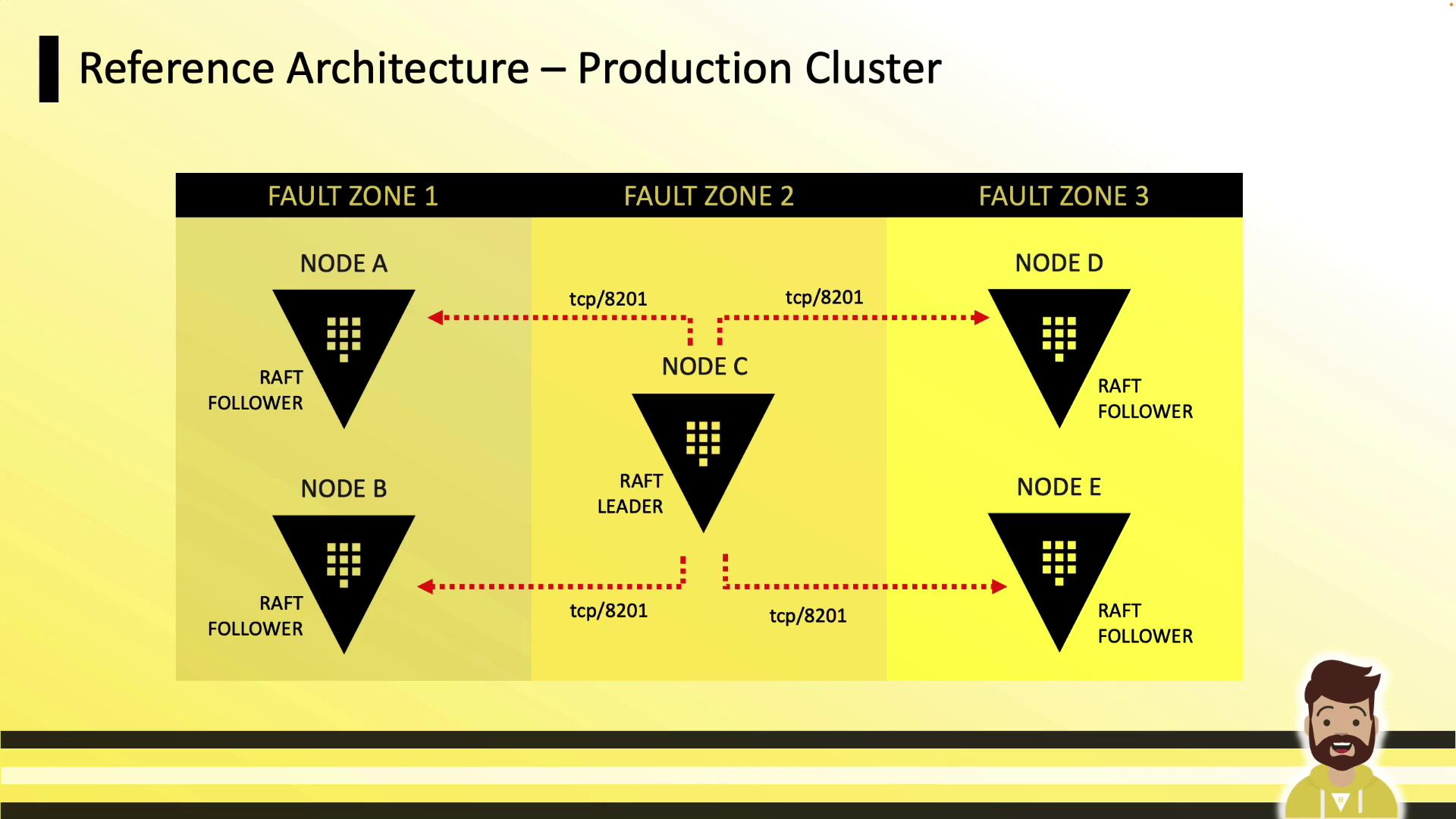
* Five nodes across three zones
* Tolerates up to two node failures (quorum of three)
* TCP 8201 for Raft RPC; 8200 remains API
### Enterprise Replication
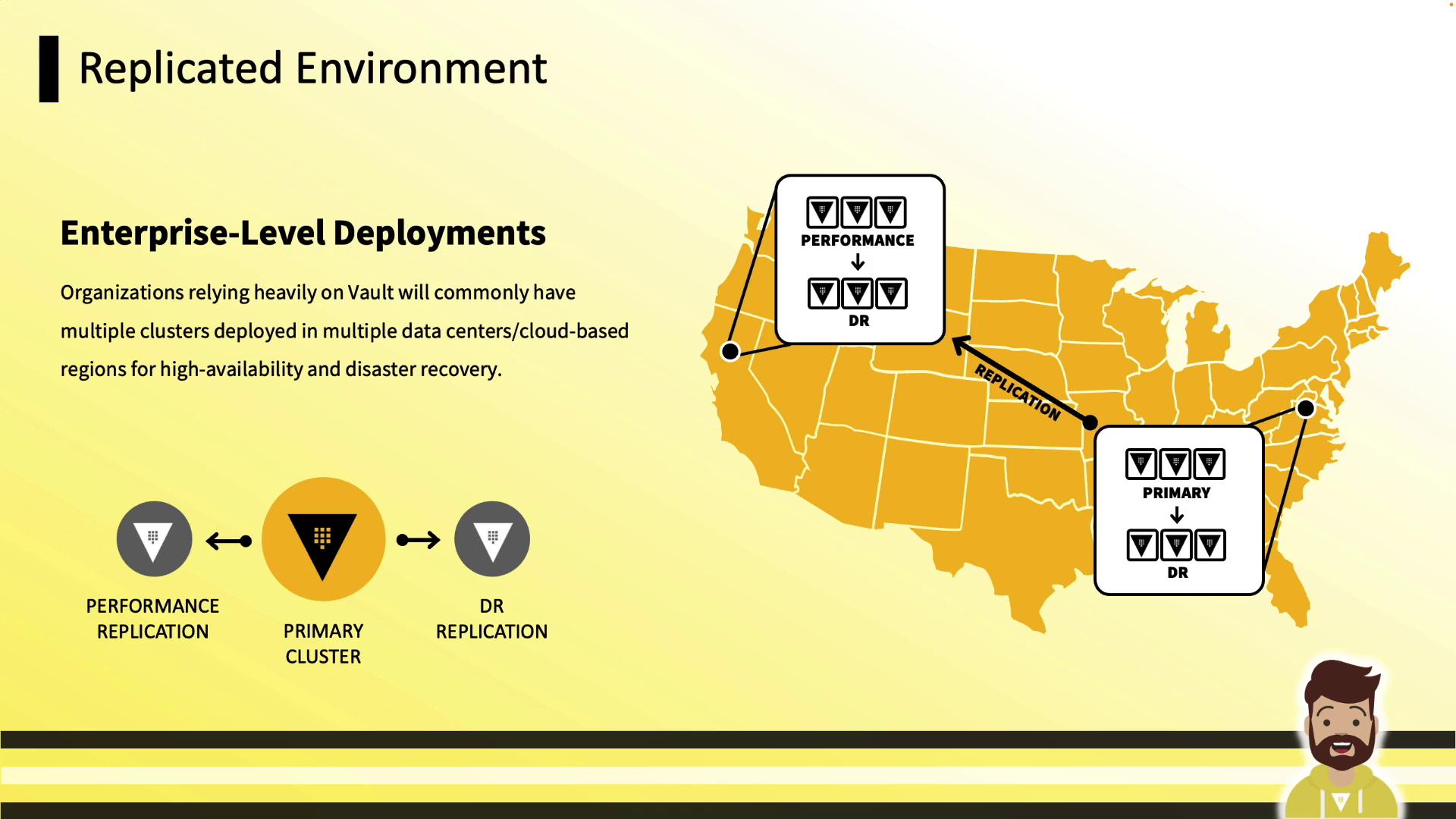
Use Integrated Storage in primary, performance, and DR clusters—replicate data across regions or data centers for disaster recovery.
***
## Performance Requirements
| Resource | Recommendation |
| ------------ | ----------------------------------------------------- |
| CPU & Memory | Consolidate Vault + Raft; monitor & scale |
| Storage | High-IOPS, ample capacity (*disk full → Vault stops*) |
| Networking | Low latency, high throughput between nodes |
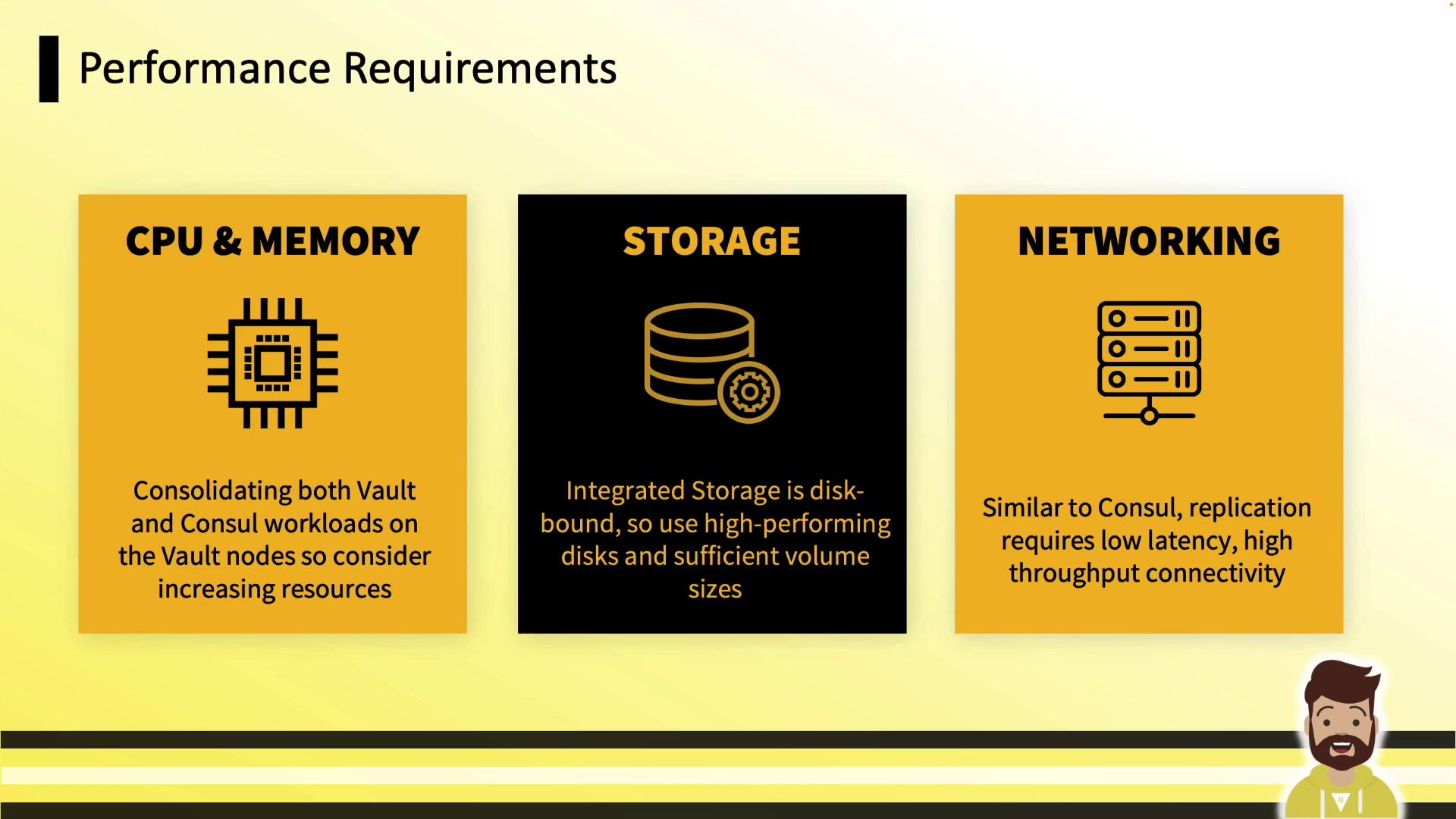
If storage fills up, Vault will halt. Monitor disk usage closely.
***
## Configuration Overview
Add an Integrated Storage stanza to your Vault HCL configuration (see [Vault Raft Storage Docs](https://www.vaultproject.io/docs/configuration/storage/raft)):
```hcl theme={null}
listener "tcp" {
address = "0.0.0.0:8200"
cluster_address = "0.0.0.0:8201"
tls_disable = true
}
storage "raft" {
path = "/opt/vault/data"
node_id = "vault-node-a.hcvop.com"
retry_join {
auto_join = "provider=aws region=us-east-1 tag_key=vault tag_value=us-east-1"
}
performance_multiplier = 1
}
api_addr = "https://vault.hcvop.com:8200"
cluster_addr = "https://vault-node-a.hcvop.com:8201"
```
### Common `storage "raft"` Parameters
* `path`: Local directory for Raft data (use high-performance disk)
* `node_id`: Unique identifier for this node
* `retry_join`: Discovery and join strategy (static or cloud auto-join)
* `performance_multiplier`: Adjust election & heartbeat intervals
***
## Retry Join Options
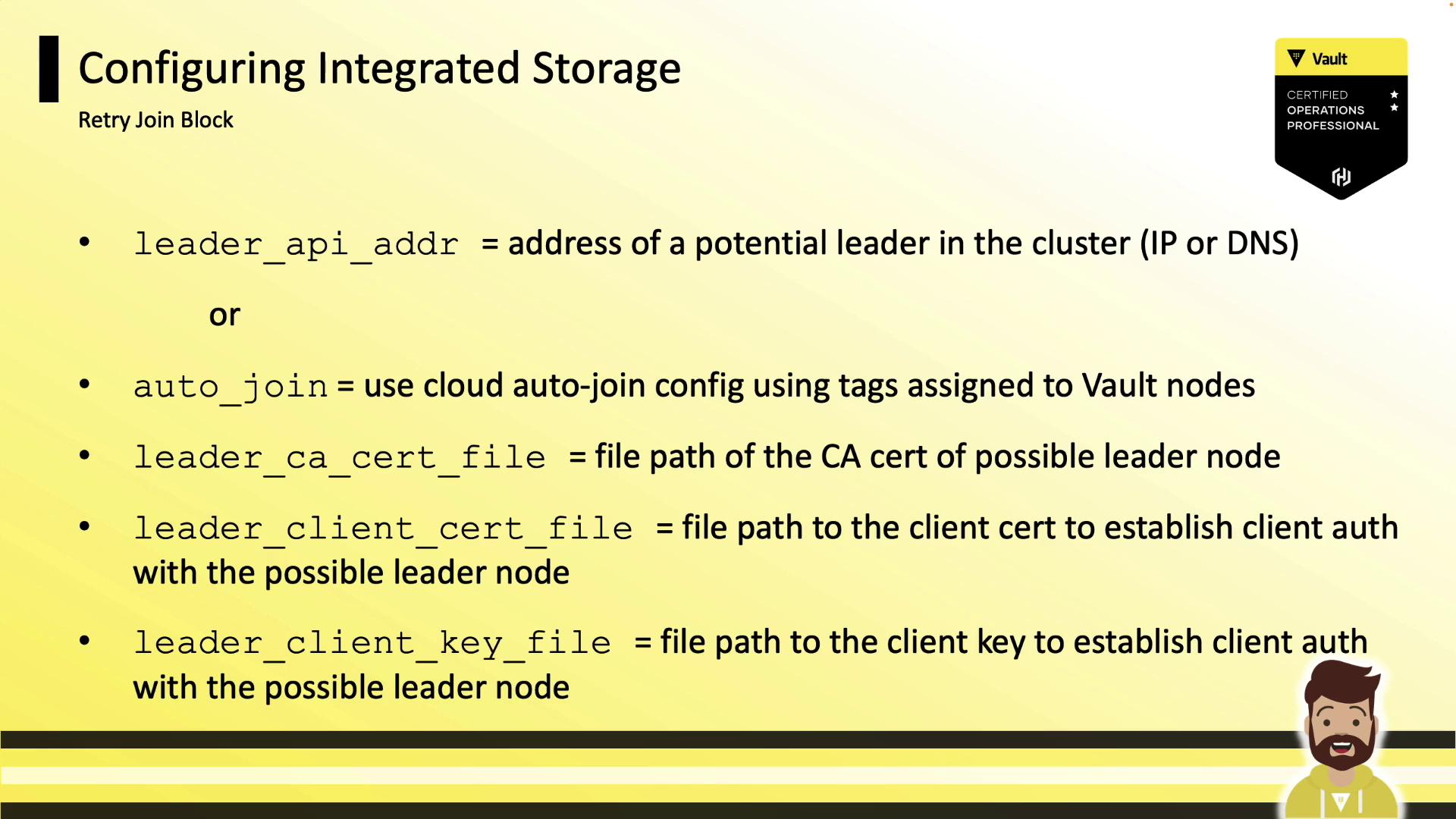
Vault supports two methods to join a Raft cluster:
1. **Static Join**: Specify `leader_api_addr` for existing nodes.
2. **Cloud Auto-Join**: Use `auto_join` with cloud tags (AWS, Azure, GCP).
If using TLS between nodes, configure certificate files:
```hcl theme={null}
retry_join {
leader_api_addr = "https://vault-node-b.hcvop.com:8200"
leader_ca_cert_file = "/opt/vault.d/ca.pem"
leader_client_cert_file = "/opt/vault.d/cert.pem"
leader_client_key_file = "/opt/vault.d/pri.key"
}
```
You can include multiple `retry_join` blocks to cover diverse discovery methods:
```hcl theme={null}
storage "raft" {
path = "/opt/vault/data"
node_id = "vault-node-a.hcvop.com"
retry_join {
leader_api_addr = "https://vault-node-b.hcvop.com:8200"
leader_ca_cert_file = "/opt/vault.d/ca.pem"
leader_client_cert_file = "/opt/vault.d/cert.pem"
leader_client_key_file = "/opt/vault.d/pri.key"
}
retry_join {
leader_api_addr = "https://vault-node-c.hcvop.com:8200"
leader_ca_cert_file = "/opt/vault.d/ca.pem"
leader_client_cert_file = "/opt/vault.d/cert.pem"
leader_client_key_file = "/opt/vault.d/pri.key"
}
performance_multiplier = 1
}
```
***
## Cluster Initialization & Day-2 Operations
### 1. Initialize and Unseal the First Node
```bash theme={null}
vault operator init # Generates unseal keys & root token
vault operator unseal # Use Shamir keys or auto-unseal
```
### 2. Join Additional Nodes
On each follower:
```bash theme={null}
vault operator raft join https://vault-node-a.hcvop.com:8200
```
### 3. Remove a Node Gracefully
```bash theme={null}
vault operator raft leave vault-4
# Peer removed successfully!
```
Always remove nodes via CLI to maintain quorum.
### 4. View Cluster Membership
```bash theme={null}
vault operator raft list-peers
# Node Address State Voter
# vault-0 vault-0.hcvop:8201 leader true
# vault-1 vault-1.hcvop:8201 follower true
# vault-2 vault-2.hcvop:8201 follower true
# vault-3 vault-3.hcvop:8201 follower true
# vault-4 vault-4.hcvop:8201 follower true
```
### 5. Raft Snapshots
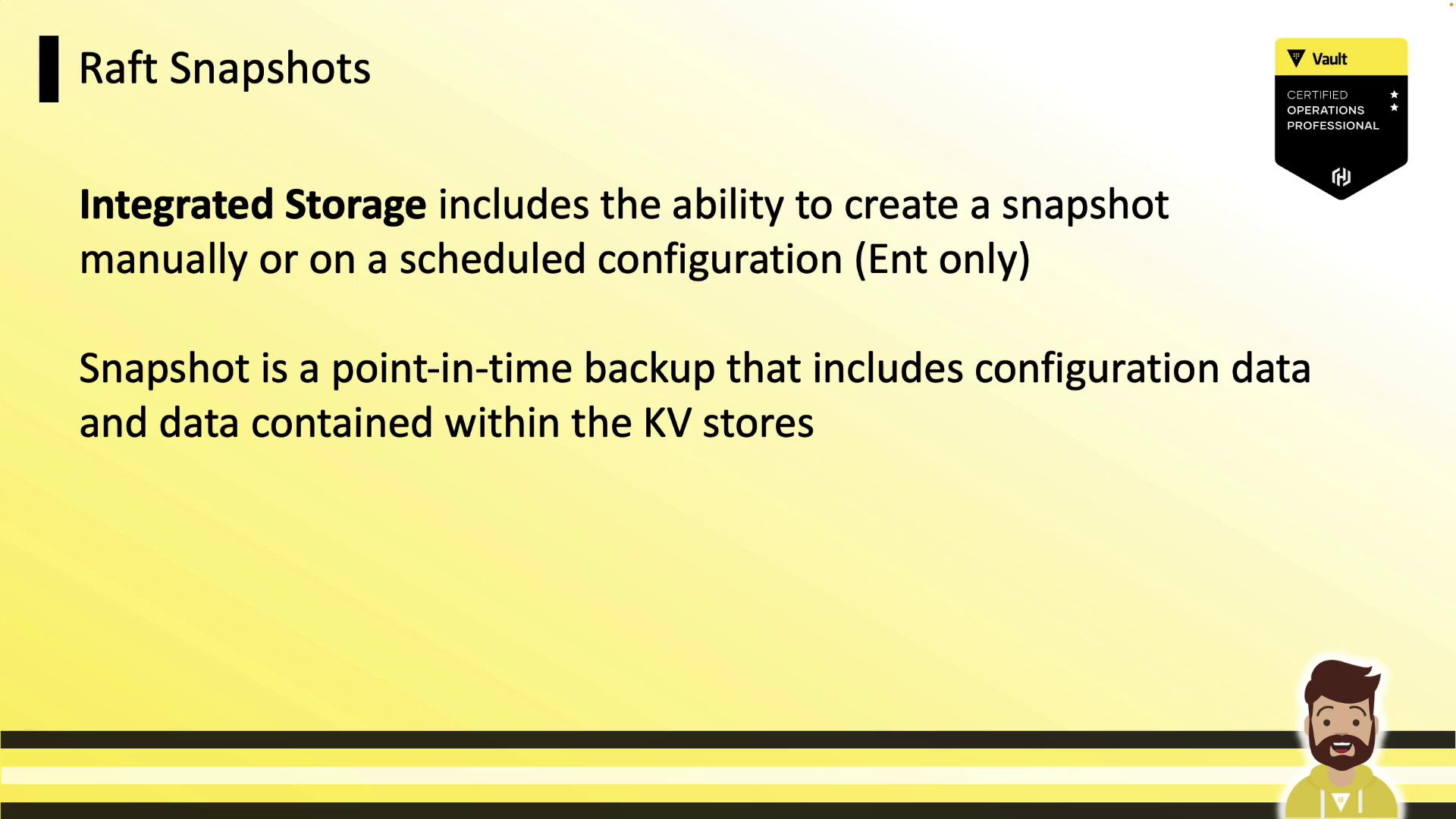
#### Manual Snapshot
```bash theme={null}
vault operator raft snapshot save daily.snap
# [INFO] storage.raft: snapshot complete up to: index=389
```
#### Restore from Snapshot
```bash theme={null}
vault operator raft snapshot restore daily.snap
# [INFO] storage.raft.fsm: snapshot installed
```
Automate these commands via cron or your preferred scheduler—even in open source.
***
Integrated Storage is now the default choice for Vault clusters, offering durability, high availability, and simplified operations without sacrificing performance. Use these guidelines to plan, configure, and manage your Vault Integrated Storage deployments effectively.