> ## Documentation Index
> Fetch the complete documentation index at: https://notes.kodekloud.com/llms.txt
> Use this file to discover all available pages before exploring further.
# KeyValue Secrets Engine
> This guide explores the Key/Value Secrets Engine in Vault, focusing on storing static secrets and managing them effectively.
In this guide, we’ll explore the Key/Value (KV) Secrets Engine in Vault, focusing on what Operations Professionals need to know. The KV Secrets Engine is ideal for storing **static secrets**—such as service-account passwords or API keys—that are generated outside Vault. While Vault also offers powerful dynamic credentials, static secrets remain ubiquitous in many environments.
Vault supports two flavors of the KV Secrets Engine:
* **Version 1**: A simple, non-versioned store.
* **Version 2**: A fully versioned store, tracking metadata (creation time, version number, deletion status, etc.).
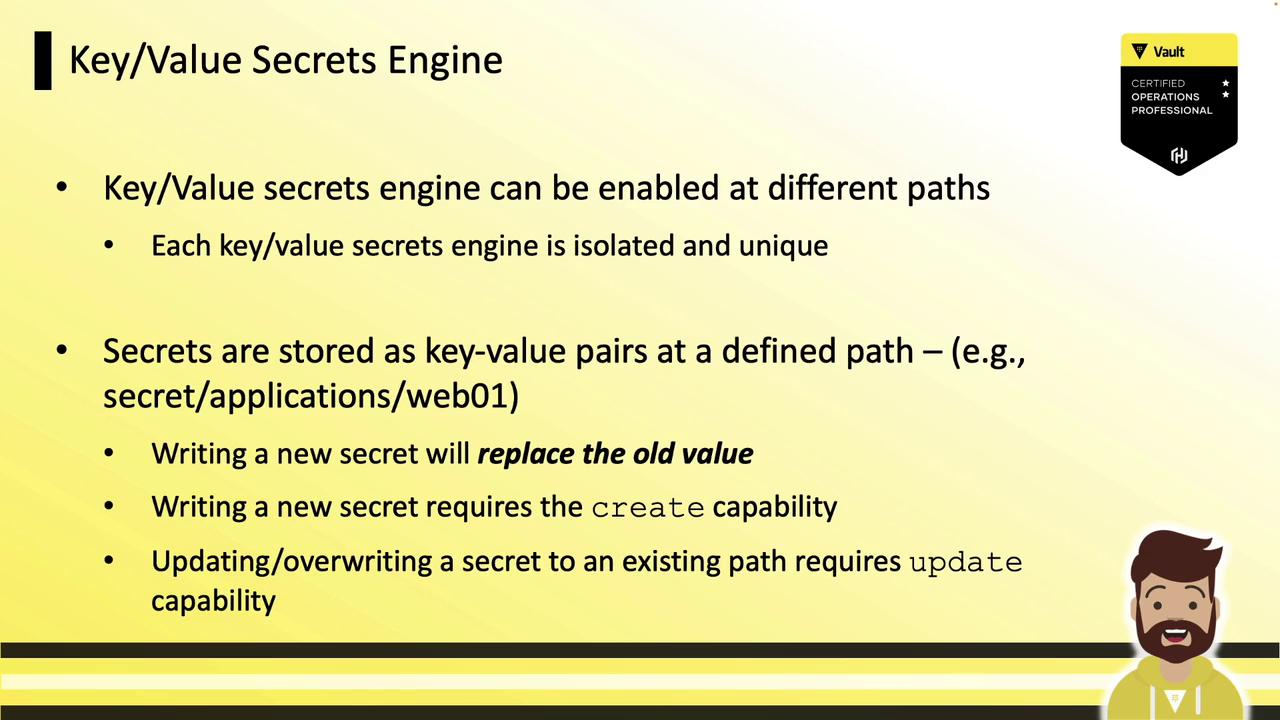
Secrets can be accessed via the UI, CLI, or API. Access control is enforced by Vault policies that grant specific capabilities (`create`, `read`, `update`, `delete`) on defined paths. All data at rest is encrypted using AES-256. You can mount multiple KV engines at unique paths to isolate workloads.
***
## How to Store Secrets as Key/Value Pairs
To write secrets, choose a mount path and supply your key/value pairs. For example, after enabling the KV engine at `secret/`:
```bash theme={null}
vault write secret/applications/web01 \
user=dbadmin \
password=P@ssw0rd \
api=b93md83mdmapw
```
* **create** capability is required when writing to a new path.
* **update** capability is required for overwriting an existing secret.
Ensure your Vault policies explicitly grant `create` and `update` permissions on the exact path (e.g., `secret/applications/web01`) or via wildcards (e.g., `secret/applications/*`).
***
## Organizing a KV Engine Hierarchy
Suppose you mount a KV engine at `apps/`. You can structure environments like this:
* `apps/AWS/prod` – Production credentials
* `apps/AWS/dev` – Development certificates
Example writes:
```bash theme={null}
vault write apps/AWS/prod \
user=dbadmin \
password=P@ssw0rd \
api=b93md83mdmapw
vault write apps/AWS/dev \
cert='---BEGIN CERTI...' \
key='---BEGIN PRIVA...'
```
You can also manage KV engines via the CLI.
***
## Enabling and Listing KV Version 1
```bash theme={null}
# Enable a KV v1 engine at the default path kv/
vault secrets enable kv
# Enable a KV v1 engine at a custom path hcvop/
vault secrets enable -path=hcvop kv
# List all secrets engines with detailed info
vault secrets list --detailed
```
| Path | Plugin | Accessor | Options |
| ---------- | --------- | ------------- | ------- |
| cubbyhole/ | cubbyhole | cubbyhole\_\* | map\[] |
| kv/ | kv | kv\_\* | map\[] |
| hcvop/ | kv | kv\_\* | map\[] |
An empty `map[]` under **Options** indicates a KV v1 store.
***
## Enabling and Listing KV Version 2
You can enable KV v2 with either shorthand or an explicit version flag.
Method 1 (shorthand):
```bash theme={null}
vault secrets enable kv-v2
```
Method 2 (explicit):
```bash theme={null}
vault secrets enable -path=training -version=2 kv
```
Re-run the listing:
```bash theme={null}
vault secrets list --detailed
```
| Path | Plugin | Accessor | Options |
| ---------- | --------- | ------------- | --------------- |
| cubbyhole/ | cubbyhole | cubbyhole\_\* | map\[] |
| kv-v2/ | kv | kv\_\* | map\[version:2] |
| training/ | kv | kv\_\* | map\[version:2] |
The `map[version:2]` entry marks a KV v2 store.
***
## Upgrading a KV v1 Engine to v2
You can convert an existing KV v1 mount to version 2. Be aware this action is **irreversible** without restoring from backup.
Upgrading to KV v2 cannot be undone. Ensure you have a backup of your Vault data before proceeding.
```bash theme={null}
vault kv enable-versioning training/
# Success! Tuned the secrets engine at: training/
```
***
## Understanding KV v2 Metadata and Path Prefixes
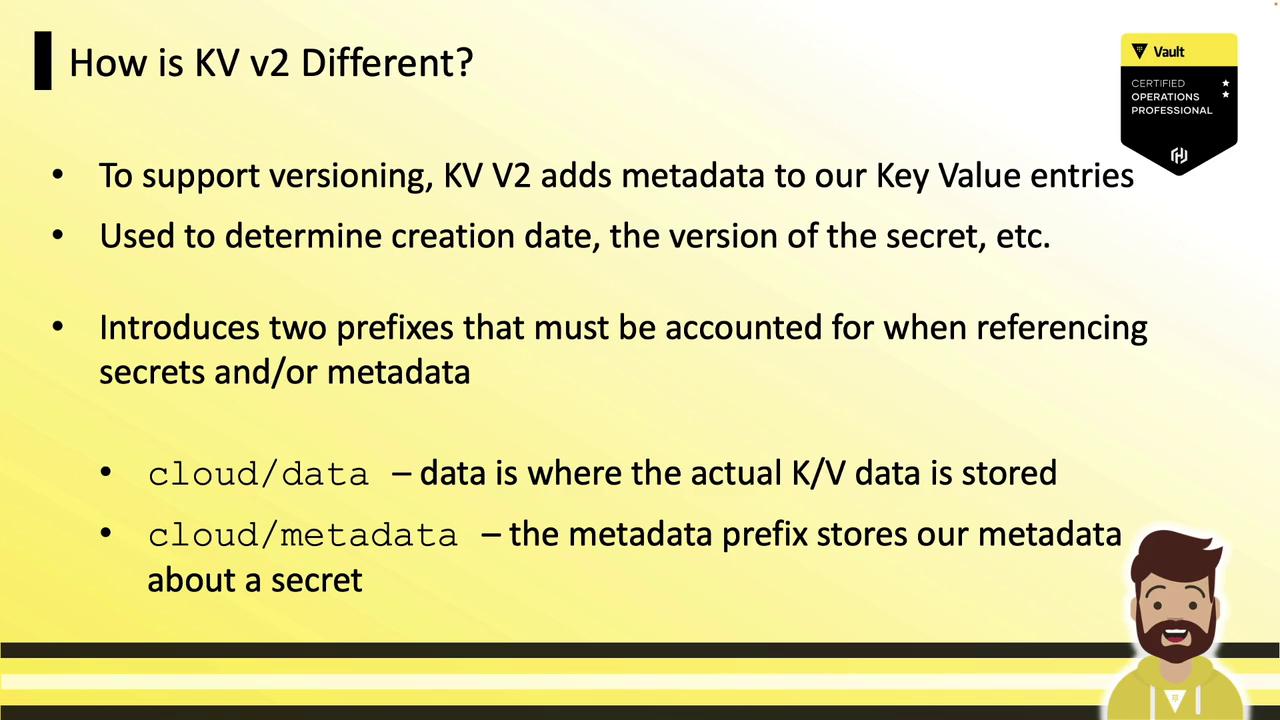
KV v2 tracks detailed metadata (creation date, version, deletion status, custom fields) for every secret. To support versioning, KV v2 introduces two API path prefixes:
* **data/** – Stores the secret data
* **metadata/** – Stores the versioning metadata
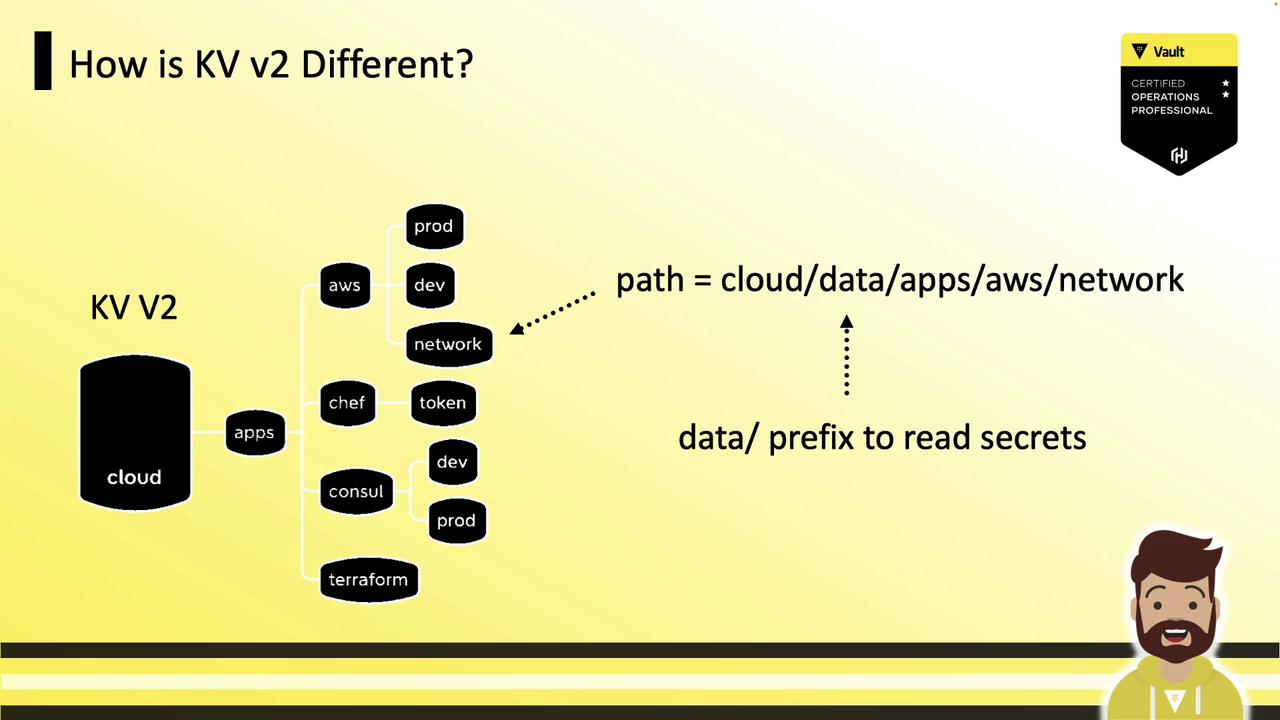
For a KV v2 engine mounted at `cloud/` with a secret path `apps/AWS/network`:
* Data path: `cloud/data/apps/AWS/network`
* Metadata path: `cloud/metadata/apps/AWS/network`
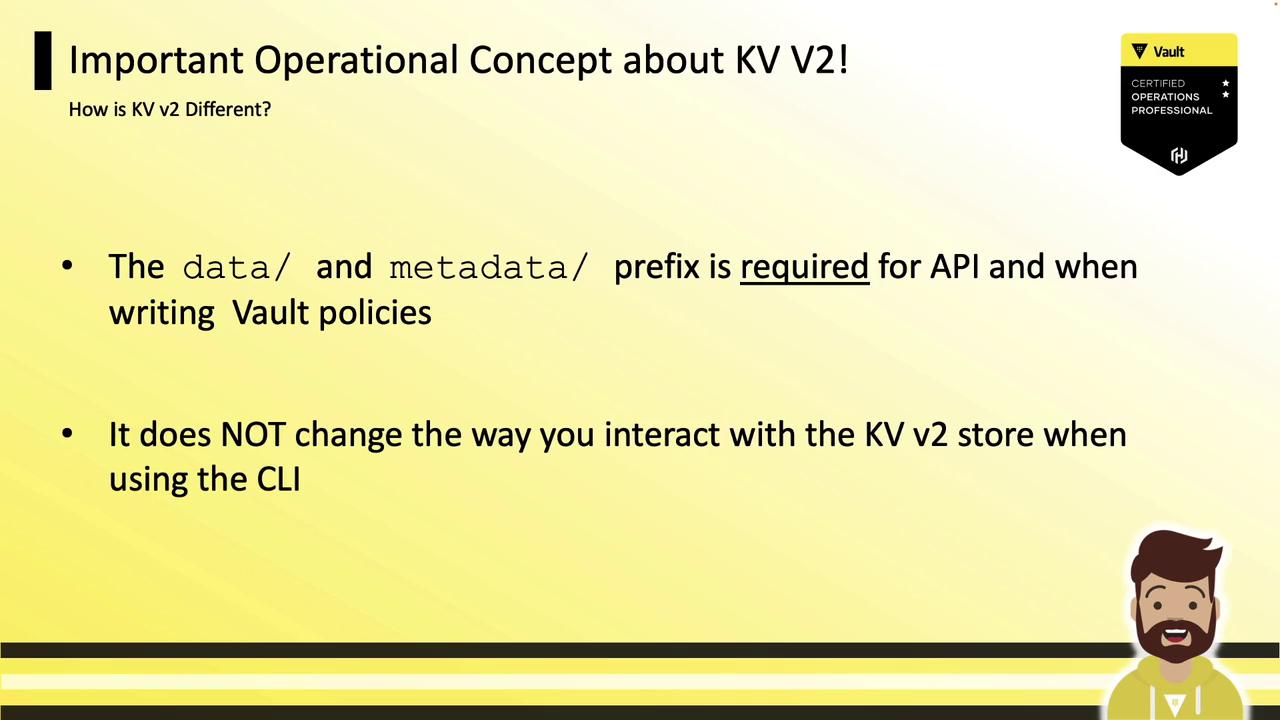
When working with the API or writing policies, you must include the `data/` and `metadata/` prefixes. The `vault kv` CLI commands automatically handle these prefixes for you:
***
## Next Steps
You’re now ready to get hands-on with KV v1 and KV v2 in Vault. Practice writing policies, making API calls, and exploring the versioning features to master static secret management.
## Links and References
* [Vault KV Secrets Engine Documentation](https://www.vaultproject.io/docs/secrets/kv)
* [Vault Policies Guide](https://www.vaultproject.io/docs/concepts/policies)
* [Vault CLI Documentation](https://www.vaultproject.io/docs/commands)