> ## Documentation Index
> Fetch the complete documentation index at: https://notes.kodekloud.com/llms.txt
> Use this file to discover all available pages before exploring further.
# PKI Secrets Engine
> The PKI Secrets Engine in HashiCorp Vault automates the issuance and management of X.509 certificates for secure communications.
The PKI Secrets Engine in HashiCorp Vault dynamically issues and manages X.509 certificates for TLS and mutual TLS (mTLS) use cases. It automates private key generation, CSR submission, CA signing, and certificate retrieval—enforcing Vault’s authentication methods and ACL policies to authorize issuance.
## Key Benefits of Vault PKI
| Feature | Benefit |
| ---------------------------------------- | --------------------------------------------------------------- |
| Automated Key & CSR Generation | Eliminates manual certificate workflows |
| Short-lived Certificates | Reduces reliance on revocation lists; improves security posture |
| Unique Certificates per Workload | Prevents sharing, wildcard, or self-signed usage |
| Ephemeral TTLs | Ensures certificates expire quickly |
| Integration with Existing CA Hierarchies | Acts as an intermediate CA under an offline root |
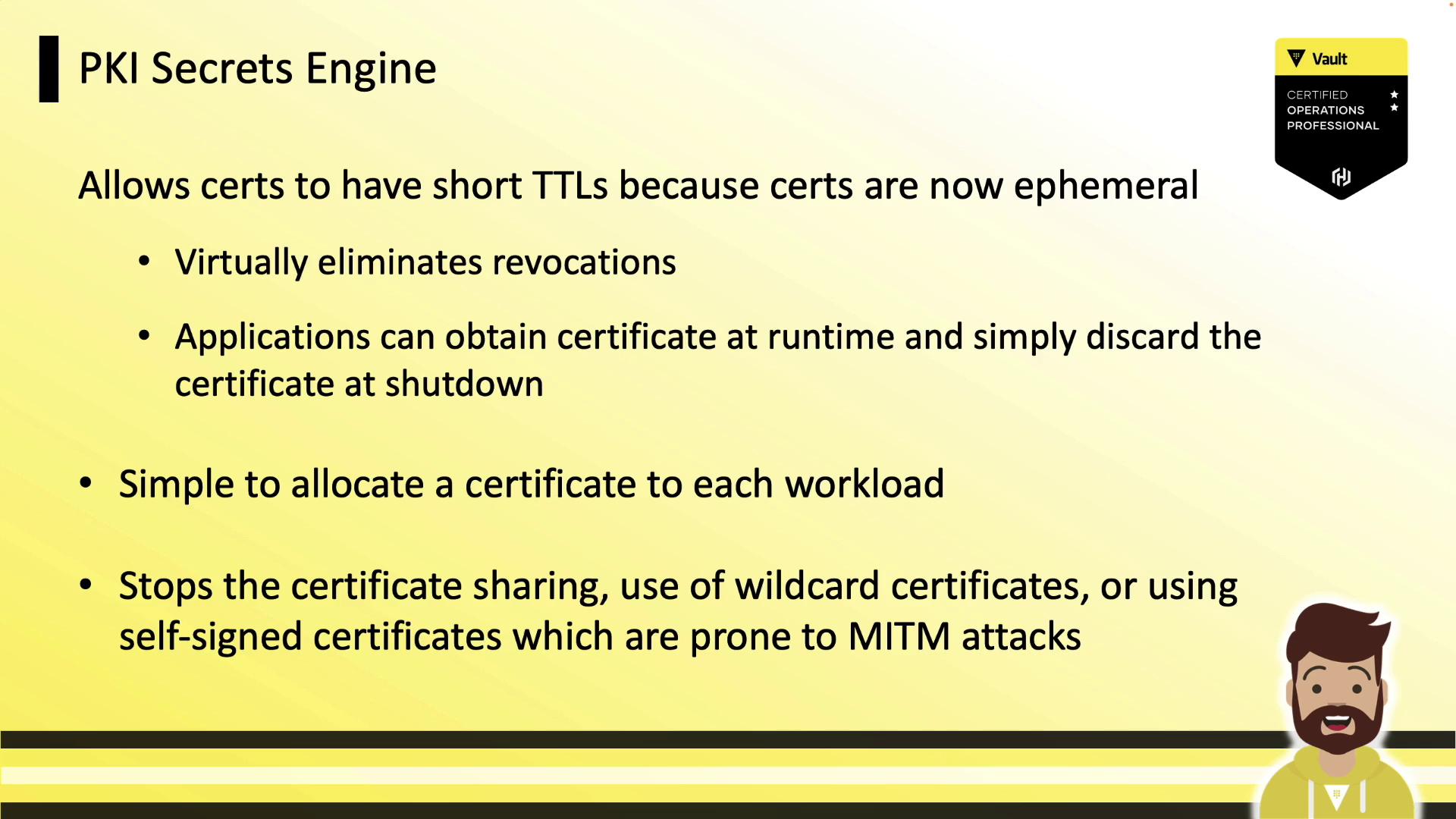
Workloads can request certificates at runtime and discard them on shutdown, avoiding long-lived revocation lists.
## Vault as an Intermediate CA
Vault typically functions as an intermediate CA, integrating seamlessly with your offline root CA. The flow is:
1. Vault generates an intermediate CSR.
2. You sign it with the offline root CA.
3. You import the signed intermediate certificate into Vault.
4. Vault issues end-entity certificates on behalf of your root.
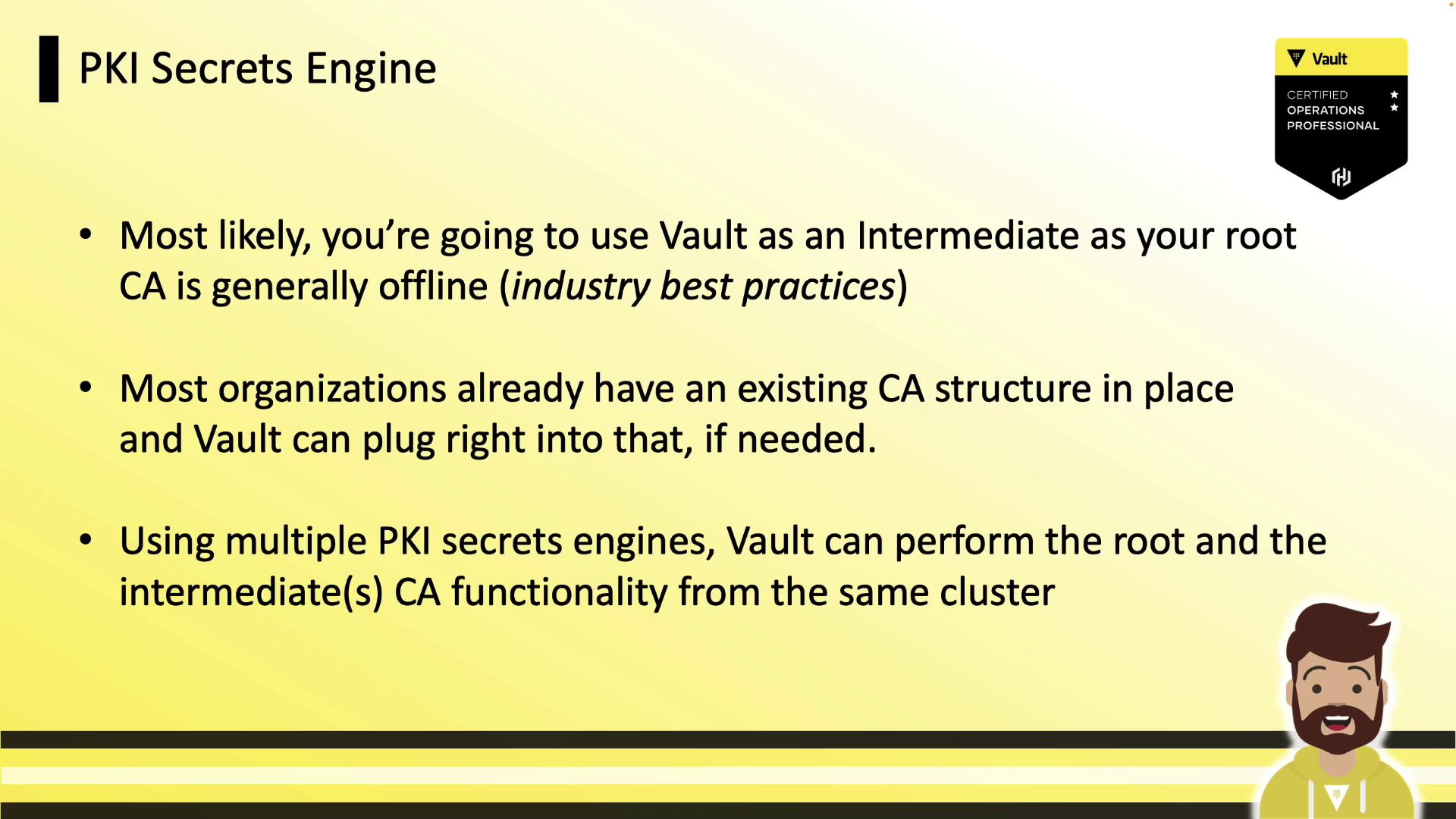
Never expose your root CA online. Keep the root CA offline and only use Vault’s intermediate for runtime operations.
## Certificate Management Architecture
A typical deployment architecture:
1. **Root CA** (offline, long-lived)
2. **Vault** running the PKI Secrets Engine (intermediate CA)
3. **Clients** (VMs, containers, applications) that authenticate to Vault and request certificates
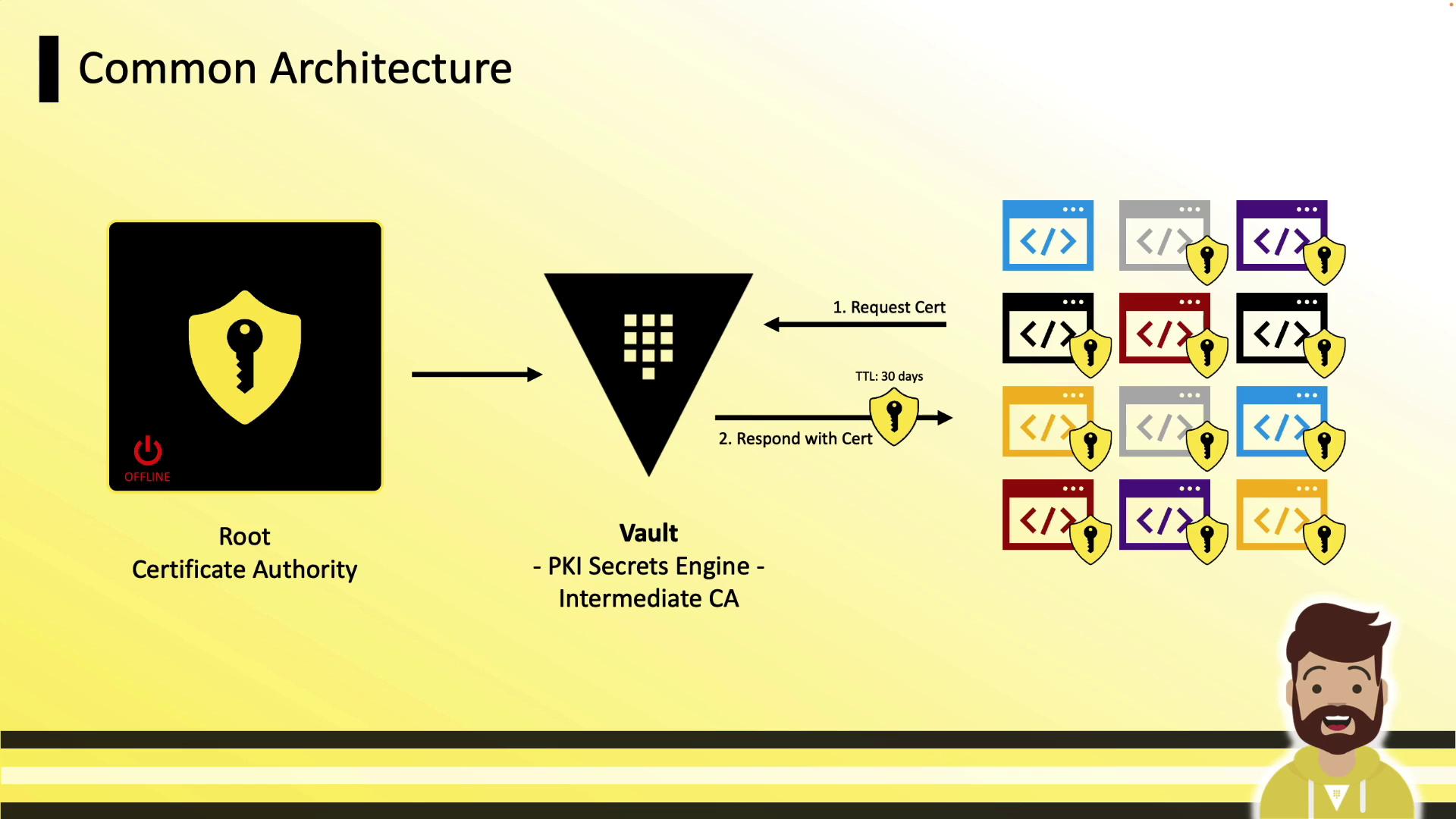
Clients receive their unique certificates and private keys securely at runtime.
***
## Enabling the PKI Secrets Engine
Enable Vault’s PKI engine at the default or a custom path:
```bash theme={null}
# Enable at default path "pki/"
vault secrets enable pki
# Or enable at custom path "hcvop_int/"
vault secrets enable -path=hcvop_int pki
```
## Tuning the Maximum TTL
Set the maximum lease TTL to enforce certificate lifetimes:
```bash theme={null}
# Default PKI: max TTL = 30 days
vault secrets tune -max-lease-ttl=720h pki
# Custom PKI at "hcvop_int/": max TTL = 1 year
vault secrets tune -max-lease-ttl=8760h hcvop_int
```
***
## Generating and Signing an Intermediate CSR
1. **Generate CSR in Vault** (outputs JSON, extract CSR):
```bash theme={null}
vault write -format=json \
hcvop_int/intermediate/generate/internal \
common_name="hcvop.com Intermediate" \
| jq -r '.data.csr' > pki_intermediate.csr
```
2. **Sign CSR** with your offline root CA and save as `intermediate.cert.pem`.
3. **Import the signed certificate** back into Vault:
```bash theme={null}
vault write hcvop_int/intermediate/set-signed \
certificate=@intermediate.cert.pem
```
***
## Configuring CA and CRL URLs
Clients fetch the issuer certificate and CRL via these URLs embedded in issued certs:
```bash theme={null}
vault write pki/config/urls \
issuing_certificates="https://vault.example.com:8200/v1/pki/ca" \
crl_distribution_points="https://vault.example.com:8200/v1/pki/crl"
```
***
## Defining PKI Roles
A **role** in Vault maps policies to certificate settings (allowed domains, TTLs, SANs).
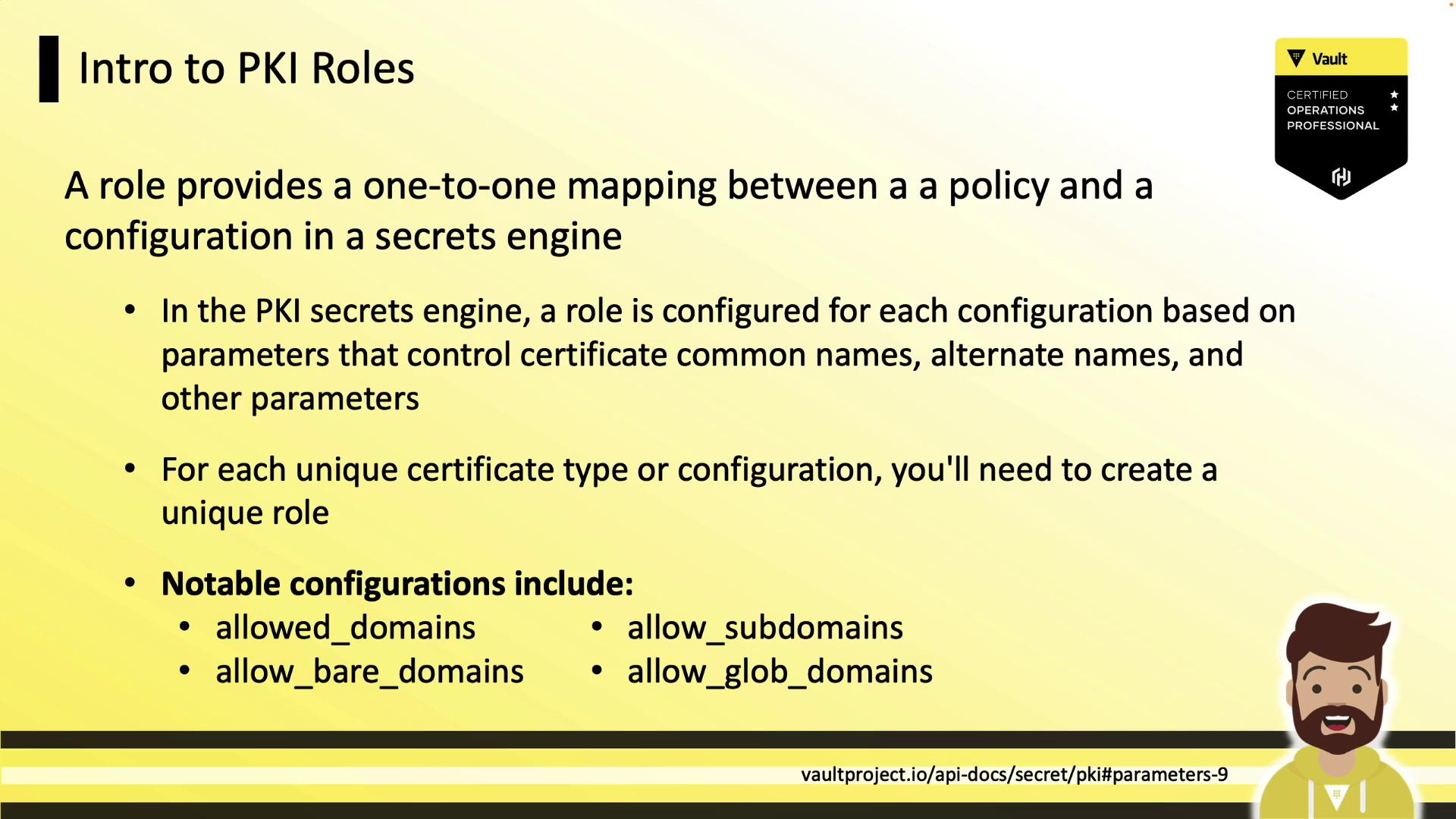
### Example Role Configurations
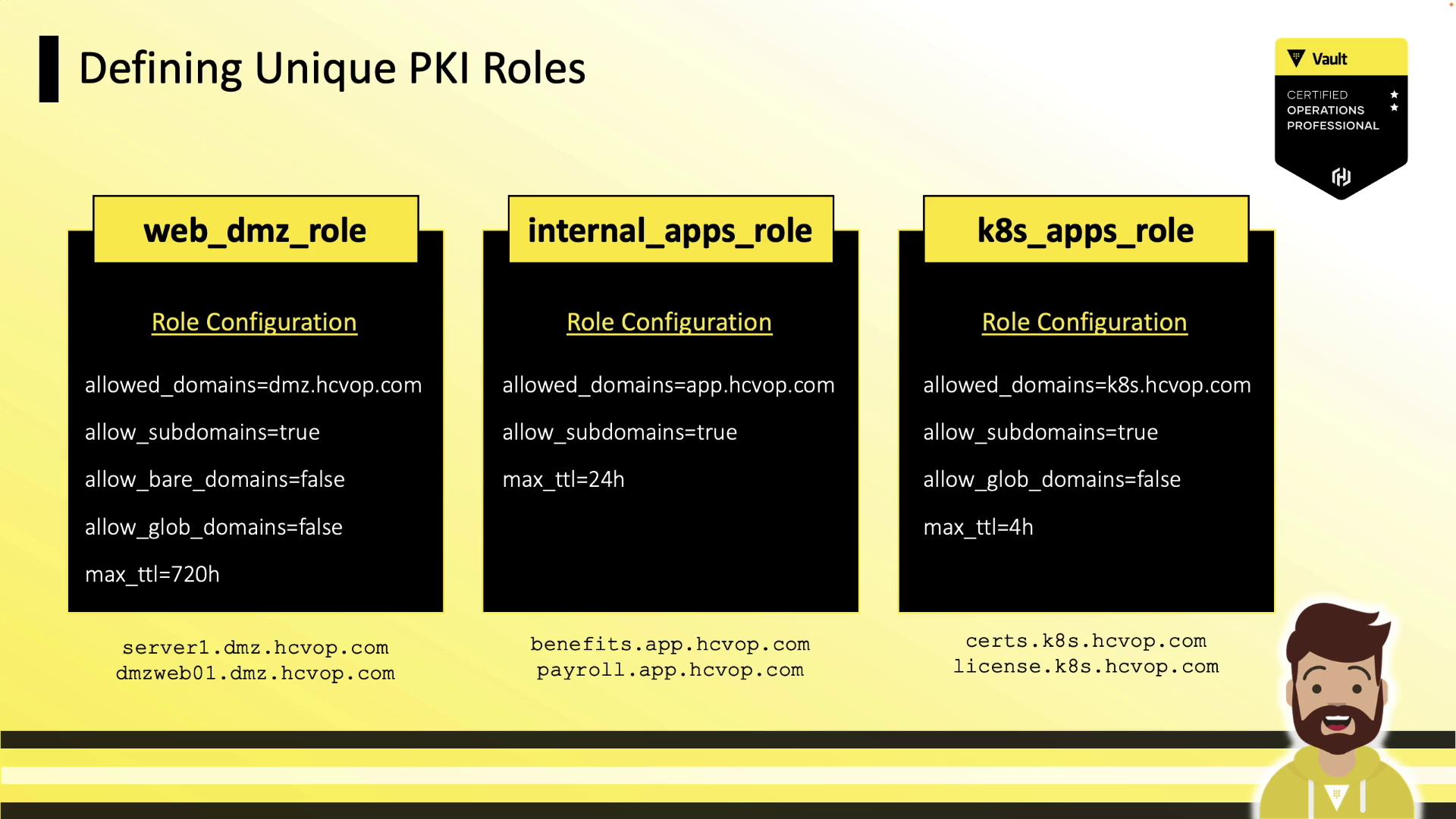
| Role Name | Allowed Domains | Subdomains | Bare Domains | Max TTL |
| ------------------ | --------------- | ---------- | ------------ | ------- |
| **web\_dmz\_role** | dmz.hcvop.com | ✓ | ✗ | 720h |
| **internal\_apps** | app.hcvop.com | ✓ | — | 24h |
| **k8s\_apps** | k8s.hcvop.com | ✓ | ✗ | 4h |
***
## Creating a PKI Role
```bash theme={null}
vault write pki/roles/web_dmz_role \
allowed_domains=dmz.hcvop.com \
allow_subdomains=true \
allow_bare_domains=false \
allow_glob_domains=false \
max_ttl=720h \
allow_localhost=true \
organization=hcvop \
country=US
```
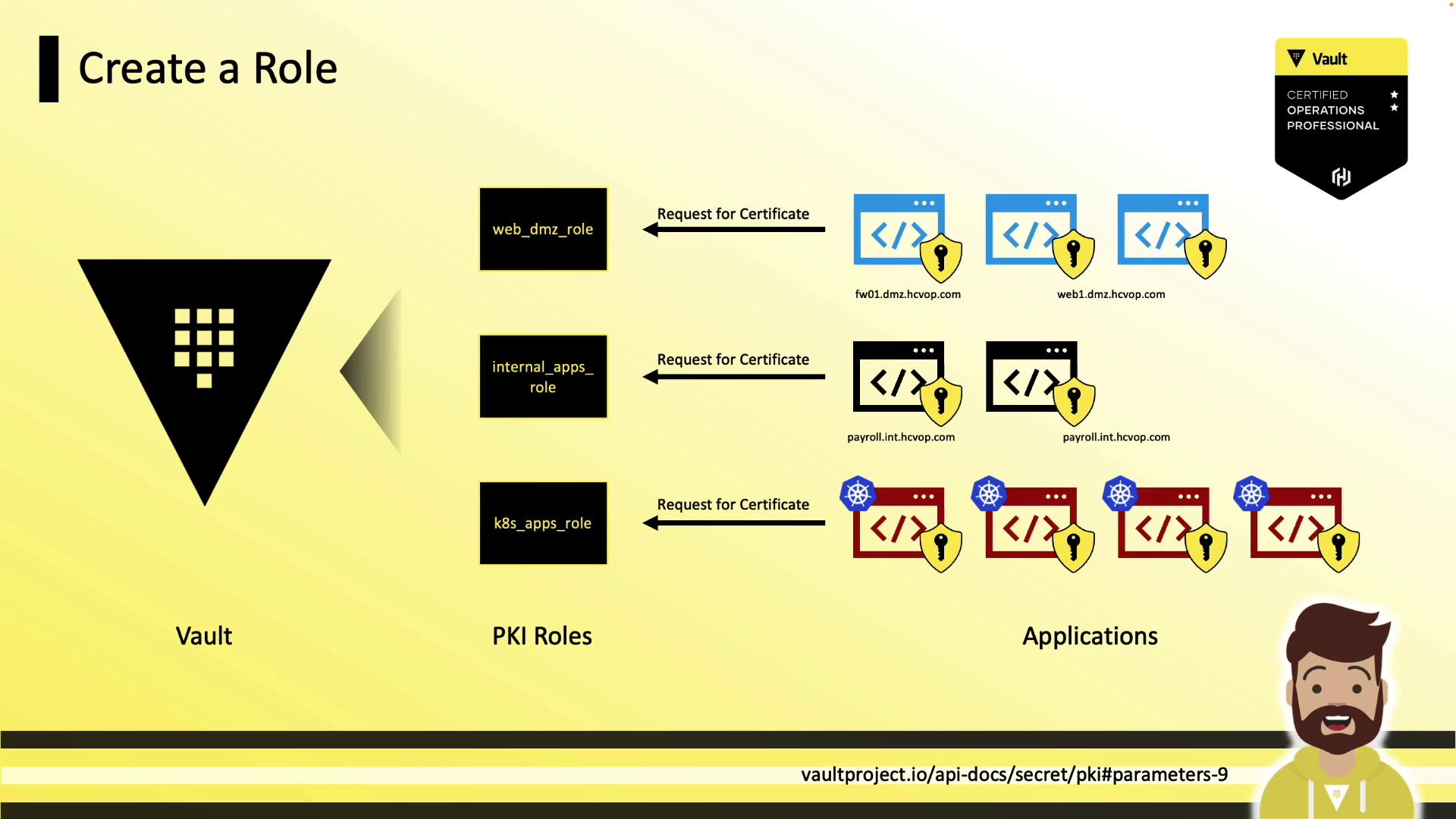
Applications authenticate to Vault and request certificates based on their assigned role.
***
## Issuing Certificates
Issue a certificate for a given role:
```bash theme={null}
vault write pki/issue/web_dmz_role \
common_name=dmzhcp01.dmz.hcvop.com \
alt_names=portal.dmz.hcvop.com \
max_ttl=720h
```
Response fields:
* `certificate`: TLS certificate (PEM)
* `issuing_ca`: CA certificate chain (Vault intermediate)
* `private_key`: Private key (returned **only once**)
* `private_key_type`: Key algorithm (e.g., rsa)
* `serial_number`: Unique cert serial number
Always save the `private_key` immediately; Vault does not retain it for later retrieval.
***
## Revoking Certificates
Revoke by serial number:
```bash theme={null}
vault write pki/revoke \
serial_number="4d:00:01:30:20:2c:5e:31:ba:a9:7b"
```
The response includes revocation time in Unix and [RFC 3339](https://tools.ietf.org/html/rfc3339) formats.
***
## Cleaning Up the Certificate Store
Periodically tidy expired and revoked certificates:
```bash theme={null}
vault write pki/tidy \
tidy_cert_store=true \
tidy_revoked_certs=true
```
Vault logs the tidy operation—monitor server logs for completion status.
***
## References
* [Vault PKI Secrets Engine](https://www.vaultproject.io/docs/secrets/pki)
* [Vault Authentication Methods](https://www.vaultproject.io/docs/auth)
* [X.509 Certificate Profile](https://tools.ietf.org/html/rfc5280)
* [Managing Certificate Revocation List (CRL)](https://tools.ietf.org/html/rfc5280#section-5.1.2.4)