> ## Documentation Index
> Fetch the complete documentation index at: https://notes.kodekloud.com/llms.txt
> Use this file to discover all available pages before exploring further.
# Monitor and Understand Operational Logs
> This guide explains how to work with HashiCorp Vault’s operational logs for troubleshooting and adjusting verbosity.
In this guide, you’ll learn how to work with HashiCorp Vault’s operational logs—where they’re written, how to adjust verbosity, and how to retrieve them for effective troubleshooting.
## Vault Server Logs
Vault emits logs at startup and continuously during operation. These logs capture:
* Listener and port configurations
* Storage backend details
* Vault version and module information
* Active log level settings
They’re critical for diagnosing syntax errors, configuration mistakes, or runtime failures.
If your HCL file has a syntax error (for example, a missing comma or bracket), Vault’s startup logs will identify the exact line number and issue.
## Vault Log Levels
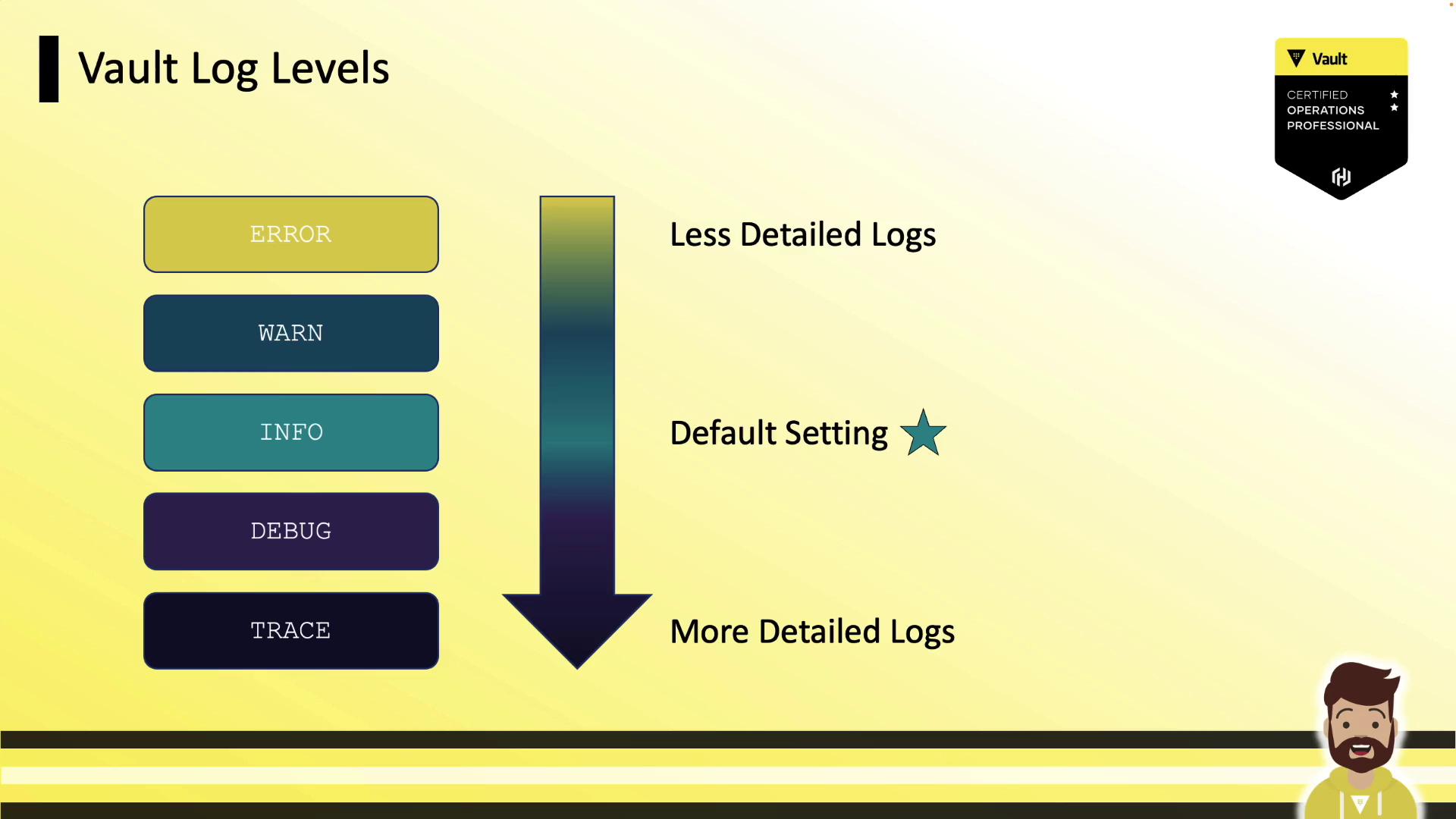
Vault supports five log levels, from least to most verbose. Choose the level that best matches your troubleshooting needs:
| Level | Description | Use Case |
| ----- | -------------------------------------- | ---------------------- |
| error | Only critical failures | Production emergency |
| warn | Warnings and errors | Pre-production staging |
| info | General operational messages (default) | Routine monitoring |
| debug | Detailed internal operations | In-depth debugging |
| trace | Full trace of Vault internals | Deep diagnostics |
## Configuring the Log Level
After updating any log settings, restart the Vault server for changes to take effect. You can set the log level via:
### 1. CLI Flag
```bash theme={null}
vault server -config=/opt/vault/vault.hcl --log-level=debug
```
### 2. Environment Variable
```bash theme={null}
export VAULT_LOG_LEVEL=trace
vault server -config=/opt/vault/vault.hcl
```
### 3. Configuration File
Add this to your HCL:
```hcl theme={null}
log_level = "warn"
```
Then restart Vault.
An invalid `log_level` value in your HCL will prevent Vault from starting. Always verify the syntax.
## Viewing Vault Logs
### Using systemd (journalctl)
On Linux systems with systemd, Vault logs go to journald. View them with:
```bash theme={null}
journalctl -b --no-pager -u vault
```
Navigate with Page Up/Page Down, `Shift+G` to jump to the end, and `Ctrl+C` to exit.
### Using Docker
If Vault runs inside Docker:
```bash theme={null}
docker logs vault0
```
Sample output:
```text theme={null}
Couldn't start vault with IPC_LOCK. Disabling IPC_LOCK...
==> Vault server configuration:
Api Address: http://0.0.0.0:8200
Cluster Address: https://0.0.0.0:8201
Log Level: info
...
```
### Using Portainer
In exam or lab environments, Vault containers may be managed via Portainer. Use its UI to:
* Start/stop containers
* View real-time logs
* Inspect environment settings
## Links and References
* [HashiCorp Vault Documentation](https://www.vaultproject.io/docs/)
* [Docker Documentation](https://docs.docker.com/)
* [systemd journalctl Manual](https://www.freedesktop.org/software/systemd/man/journalctl.html)