> ## Documentation Index
> Fetch the complete documentation index at: https://notes.kodekloud.com/llms.txt
> Use this file to discover all available pages before exploring further.
# What is Packer
> Packer automates the creation of machine images for various platforms using a single source configuration, streamlining deployment processes.
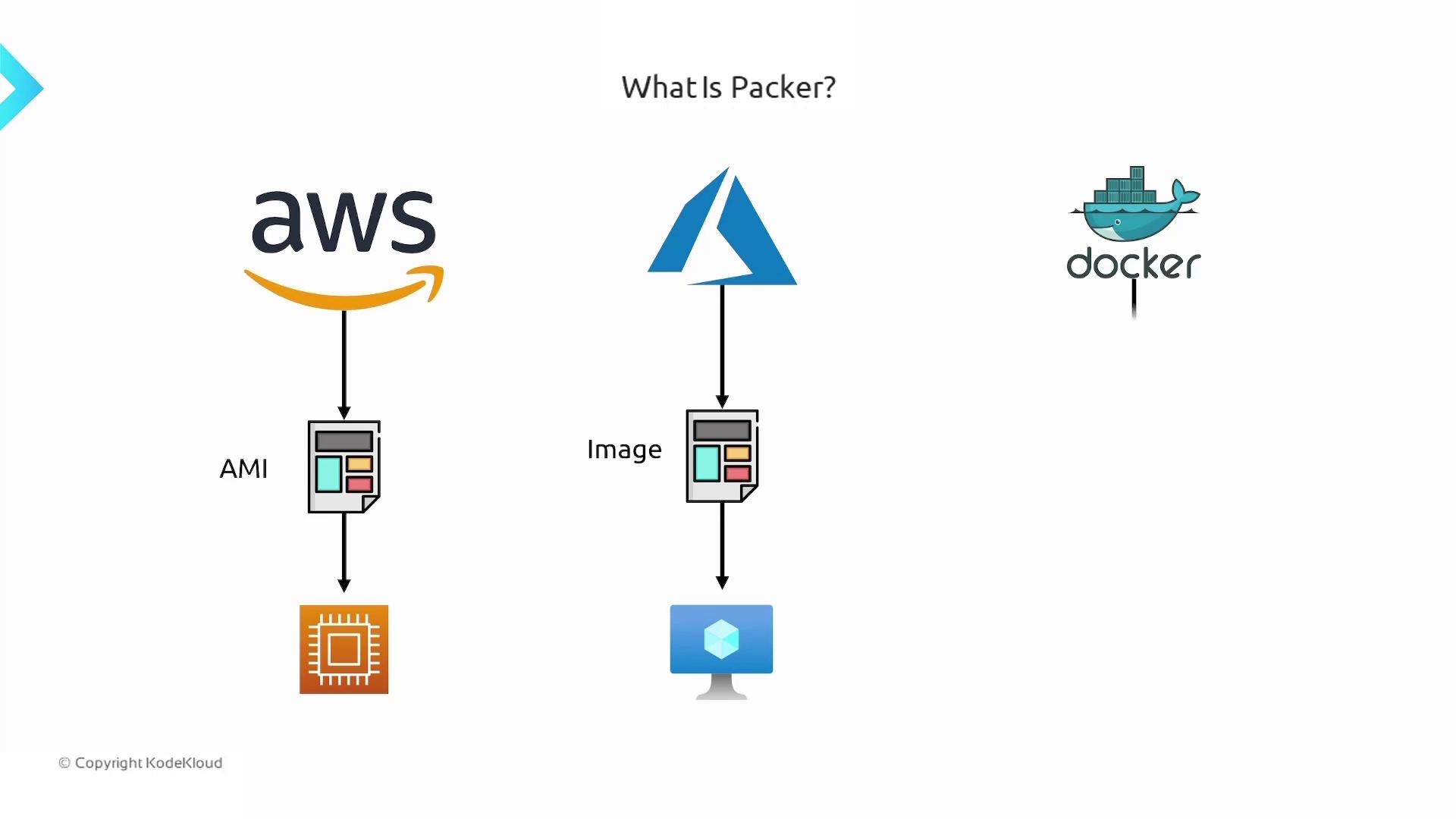
Packer by HashiCorp is an open-source tool that automates the creation of **machine images** for various platforms—AWS, Azure, Docker, and more—using a single source configuration. Instead of manually configuring each virtual machine or container, Packer enables you to bake your desired packages, dependencies, and application code into a **golden image** that’s ready for deployment.
## Key Benefits of Packer
* **Consistency**: Build identical images every time.
* **Speed**: Automate provisioning and eliminate manual steps.
* **Portability**: Use a single HCL template across multiple cloud and container platforms.
* **Scalability**: Integrate into CI/CD pipelines for fully automated image builds.
Before you begin, ensure you have the latest [Packer CLI](https://www.packer.io/downloads) installed and your cloud provider credentials configured (`AWS_ACCESS_KEY_ID`, `AWS_SECRET_ACCESS_KEY`, etc.).
## Packer Configuration Components
A typical Packer template consists of three primary sections:
| Component | Purpose | Example |
| --------------- | ---------------------------------------------------------------------------------------- | ------------------------------------------------------------- |
| Builders | Defines the target platform and base image (e.g., AWS AMI, Azure Managed Image, Docker). | `source "amazon-ebs" "ubuntu" { ... }` |
| Provisioners | Runs scripts or commands to install dependencies, copy code, and configure services. | `provisioner "shell" { inline = ["sudo apt install nginx"] }` |
| Post-Processors | Optional steps to compress artifacts, upload images to registries, or tag images. | `post-processor "docker-tag" { ... }` |
## Example: Building an Ubuntu AMI with Nginx
Below is a simple HCL template (`template.pkr.hcl`) that launches an EC2 instance from an Ubuntu AMI, installs Nginx, clones application code, and then creates a new AMI.
```hcl theme={null}
source "amazon-ebs" "ubuntu" {
ami_name = "my-first-packer-image"
instance_type = "t2.micro"
region = "us-east-1"
source_ami = "ami-0557a15b87f6559cf"
ssh_username = "ubuntu"
}
build {
name = "ubuntu-nginx-image"
sources = ["source.amazon-ebs.ubuntu"]
provisioner "shell" {
inline = [
"sudo apt update -y",
"sudo apt install nginx -y",
"git clone https://github.com/example/my-app.git /home/ubuntu/app",
"sudo ufw allow 'Nginx HTTP'",
"sudo systemctl enable nginx",
"sudo systemctl start nginx"
]
}
}
```
### Build Commands
Run these commands in your project directory:
```bash theme={null}
# Initialize the working directory
packer init .
# Validate the template syntax
packer validate template.pkr.hcl
# Build the image
packer build template.pkr.hcl
```
## How Packer Executes Builds
Packer processes your template in three sequential stages:
| Stage | Description |
| ------------------ | ----------------------------------------------------------------------------------------------- |
| **Builder** | Launches a temporary VM or container from the specified base image (e.g., spins up an EC2). |
| **Provisioner** | Customizes the instance: installs packages, copies code, configures services, and runs scripts. |
| **Post-Processor** | Packages the instance into a final image (AMI, VHD, Docker image), uploads or tags artifacts. |
## Next Steps & References
Once you’ve created your custom image, integrate it into your deployment pipelines or use it as the base for auto-scaling groups, Kubernetes clusters, or container workloads.
Links and further reading:
* [Packer Documentation](https://www.packer.io/docs)
* [HashiCorp Configuration Language (HCL)](https://www.packer.io/docs/templates/hcl)
* [AWS AMI Basics](https://docs.aws.amazon.com/AWSEC2/latest/UserGuide/AMIs.html)