> ## Documentation Index
> Fetch the complete documentation index at: https://notes.kodekloud.com/llms.txt
> Use this file to discover all available pages before exploring further.
# Terraform Cloud Organizations
> Terraform Cloud Organizations provide a shared environment for teams to collaborate on infrastructure as code and manage resources effectively.
Before provisioning infrastructure, it’s crucial to understand how Terraform Cloud is structured. At the heart of this structure are **Organizations**, which serve as the primary tenancy and collaboration units within Terraform Cloud.
## What Is an Organization?
A Terraform Cloud Organization provides a shared environment where teams collaborate on infrastructure as code. When you sign up, you either create a new organization or join one via invitation. You must belong to at least one organization to work in Terraform Cloud.
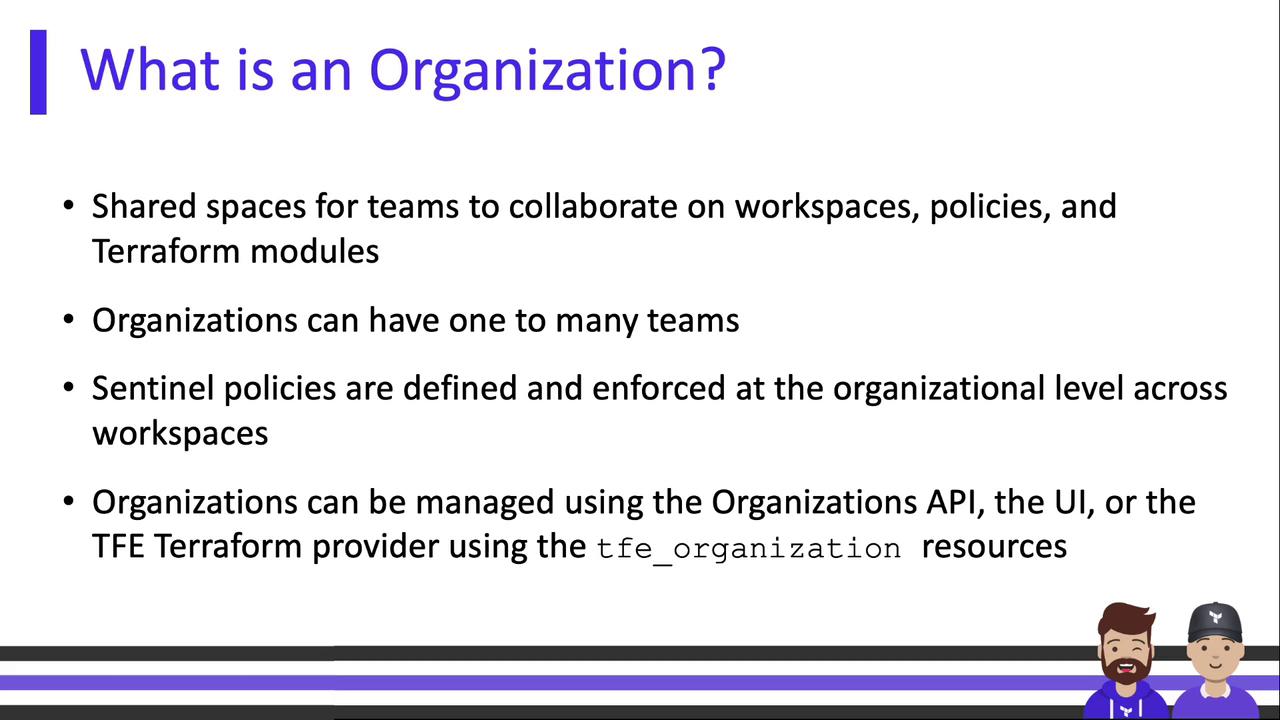
An organization typically contains:
* **Users & Teams**: Define who can access and manage resources.
* **Workspaces**: Isolated environments for Terraform runs.
* **Private Module Registry**: A private catalog for your Terraform modules and providers.
* **Integrations**: Connections to VCS, CLI, and APIs.
You can manage Organizations not only via the web UI or API but also through the Terraform `tfe` provider—enabling infrastructure-as-code for your Terraform Cloud setup!
## Organization-Level Settings
Organization settings control access, governance, and integrations across all your workspaces.\
Below is an overview of key settings at the org level:

| Setting | Description |
| --------------------------- | ------------------------------------------------------------------------------------------------------------------------------------ |
| API Tokens | Personal or machine tokens to authenticate with the [Terraform Cloud API](https://developer.hashicorp.com/terraform/cloud-docs/api). |
| Version Control Integration | Link to GitHub, GitLab, Bitbucket, or other VCS providers to trigger runs automatically. |
| Private Module Registry | Host and share Terraform modules across your organization. |
| Organization Variables | Define variables (Terraform inputs or environment vars) once and apply them to multiple workspaces. |
| Subscription Plan | Choose features in Free, Team & Governance, or Business tiers. |
| Users & Teams | Invite users, group them, and assign granular permissions. |
| Sentinel Policies | Apply policy sets for governance at global or workspace levels. |
| Tags & Permissions | Organize resources and control access with tags. |
Treat API tokens like secrets. Do not commit them to version control or expose them in public. Use environment variables or secret managers where possible.
## Single vs. Multi-Organization Models
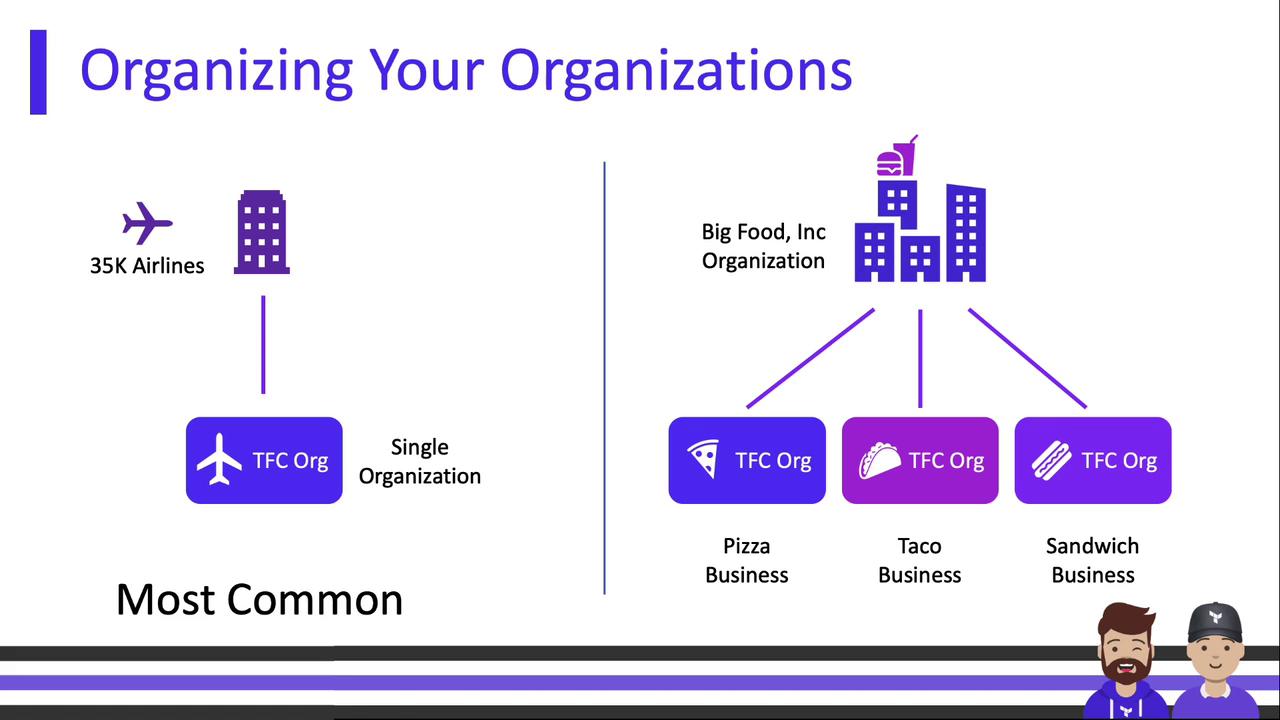
Terraform Cloud supports both single-organization and multi-organization deployments. Your choice depends on the level of isolation and governance required.
| Model | Use Case | Example |
| ---------- | ---------------------------------------------------- | -------------------------------------- |
| Single Org | Centralized management, simpler governance | 35K Airlines |
| Multi-Org | Strict isolation between divisions or business units | Big Food, Inc. (Pizza, Taco, Sandwich) |
Each org is completely isolated—variables, policies, and settings don’t cross boundaries. A single user account can belong to multiple organizations and easily switch contexts.
## User Accounts and Invitations
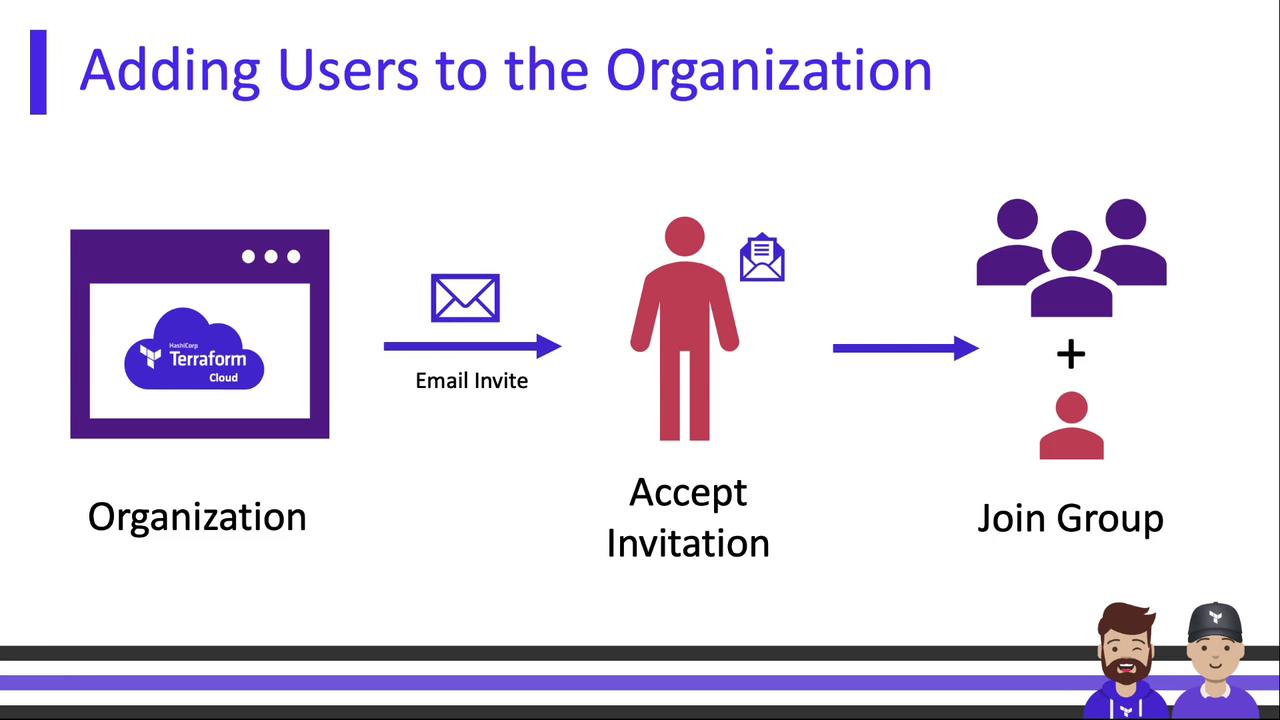
Terraform Cloud user accounts are tied to an email address and exist independently of any organization. After signing up, you can join one or more organizations.
To add a user:
1. Send an email invitation from your org’s **Users & Teams** page.
2. The recipient accepts the invite and is added to the team you specified.
## Summary
Terraform Cloud Organizations form the foundation for collaboration and governance:
* They group users, teams, and workspaces under a single tenancy.
* They centralize settings like VCS connections, module registries, variables, and policies.
* They support both single-org and multi-org strategies for different isolation requirements.
With a firm grasp of Organizations, you’re ready to configure workspaces, connect version control, and start provisioning infrastructure at scale.
***
## Links and References
* [Terraform Cloud Documentation](https://developer.hashicorp.com/terraform/cloud-docs)
* [Terraform `tfe` Provider](https://registry.terraform.io/providers/hashicorp/tfe/latest)
* [Sentinel Governance](https://www.hashicorp.com/products/sentinel)