> ## Documentation Index
> Fetch the complete documentation index at: https://notes.kodekloud.com/llms.txt
> Use this file to discover all available pages before exploring further.
# Redshift Serverless
> Concise overview of Amazon Redshift Serverless, describing on demand compute scaling, RPU based capacity and billing, sizing guidance, base capacity limits, and configuration options.
This lesson explains Amazon Redshift Serverless: what it is, how it differs from provisioned Amazon Redshift, how compute is measured (RPUs), and how billing works. You'll learn how to size Serverless compute, where to configure it, and practical guidance for choosing base capacity.
When you run provisioned Amazon Redshift (a traditional cluster), you choose a fixed set of nodes that combine CPU, memory, and storage. That capacity is running continuously, so you incur cost even when queries are not running. Production workloads typically vary over time, so clusters are sized for peak demand and remain provisioned 24/7 — often resulting in over-provisioning and paying for idle resources.
Redshift Serverless solves that inefficiency by separating compute from storage and offering an on-demand data warehouse that automatically scales to match workload demand. With Serverless, you pay for compute only while your data warehouse is active.
Redshift measures compute capacity for Serverless in Redshift Processing Units (RPUs). Billing is based on RPU-hours (billed per second).
 Key capabilities
* Query data stored in Redshift-managed storage.
* Query open file formats in Amazon S3 (for example, Parquet or ORC).
* Automatically scale compute capacity to match workloads, within limits you set.
Common configuration options
* Base capacity — the minimum compute capacity (in RPUs) the workgroup uses to serve queries.
* Max capacity and usage limits — cap compute usage (RPU-hours) to control costs. You can specify actions such as notifying administrators or enforcing limits when thresholds are reached.
Digging into RPUs and capacity settings
* One RPU is approximately 16 GB of memory plus associated compute resources.
* The default base capacity for Redshift Serverless is 128 RPUs.
* Base capacity can be adjusted from 8 RPUs up to 512 RPUs in increments of 8 (8, 16, 24, ... 512).
* Increasing base capacity improves query performance for memory- or compute-intensive workloads.
Quick reference
| Setting | Value / range | Notes |
| --------------------- | ------------- | --------------------------------------------- |
| Default base capacity | `128 RPUs` | Out-of-the-box starting point |
| Minimum base capacity | `8 RPUs` | Suitable for very small workloads |
| Maximum base capacity | `512 RPUs` | Upper bound of single workgroup base capacity |
| Increment step | `8 RPUs` | Adjust in multiples of 8 |
| Memory per RPU | \~`16 GB` | Approximate — use as a sizing guide |
To change the base capacity you can use the AWS Management Console, the UpdateWorkgroup API, or the AWS CLI. Example CLI command:
```bash theme={null}
aws redshift-serverless update-workgroup \
--workgroup-name my-workgroup \
--base-capacity 64
```
Sizing and storage guidance
* Use smaller base capacities (for example, `8–24 RPUs`) for small data footprints and development or light workloads.
* For larger datasets, high concurrency, or complex queries, increase base capacity. In practice, many production workloads with large tables or high concurrency require `32 RPUs` or more.
* If your data footprint exceeds thresholds for lower RPU sizes, raise base capacity to avoid performance and storage constraints.
Features and benefits
* Cost savings: pay only for compute used rather than for a continuously running cluster.
* Automatic scaling: Serverless scales compute up and down to meet demand, within the limits you configure.
* Simplified operations: no node type selection, cluster resizing, or manual provisioning for typical workloads.
Pricing and exact thresholds vary by AWS region and over time. Use the [AWS Console](https://console.aws.amazon.com/) or the latest [AWS documentation for Redshift Serverless](https://docs.aws.amazon.com/redshift/latest/mgmt/serverless.html) for up-to-date pricing and limits.
Summary
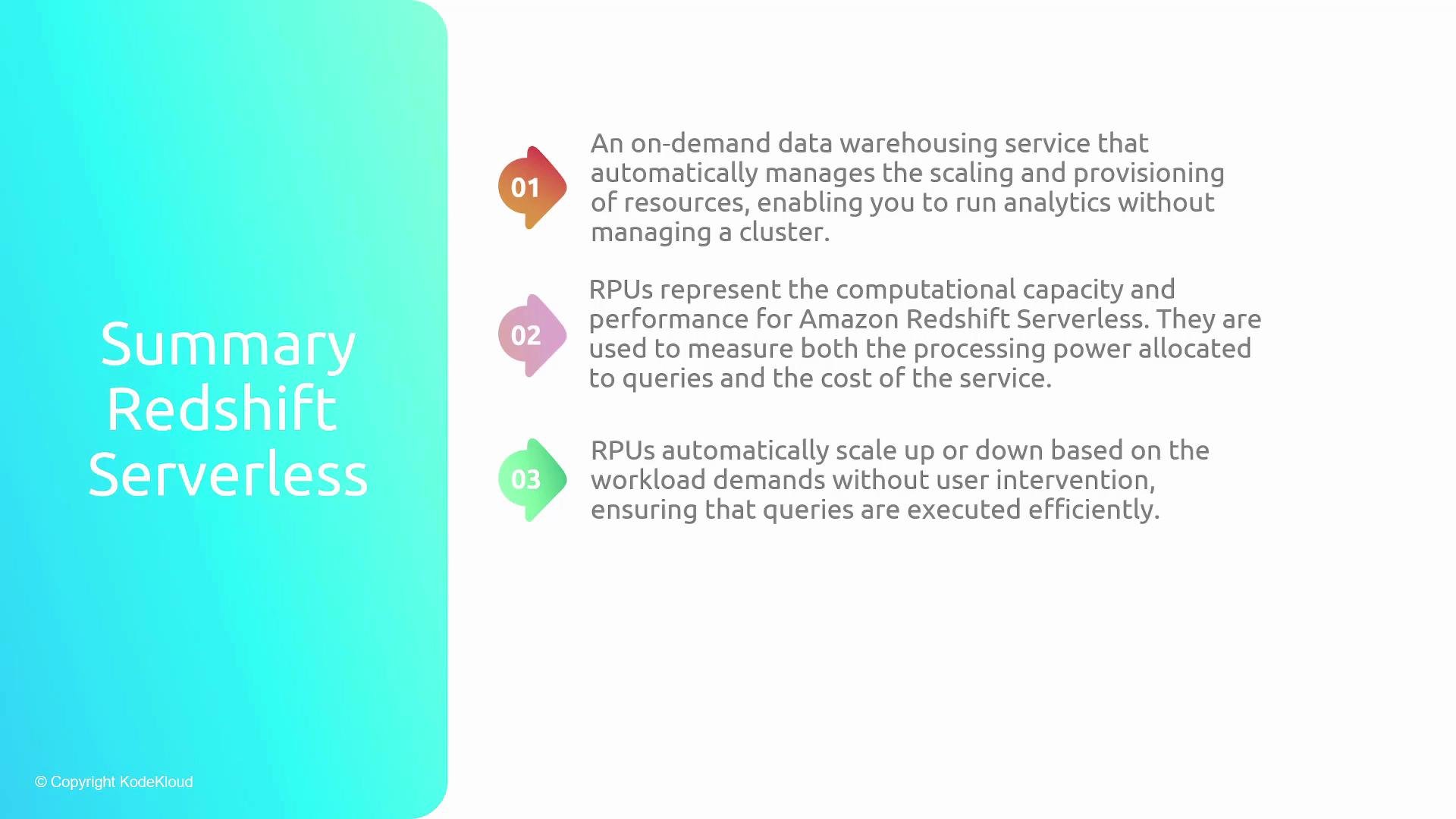
* Amazon Redshift Serverless is an on-demand data warehousing service that manages compute scaling and provisioning automatically.
* RPUs measure compute capacity and performance for Redshift Serverless; they determine both query performance and billing.
* RPUs can scale automatically within the base and max capacity you configure, helping ensure queries are executed efficiently.
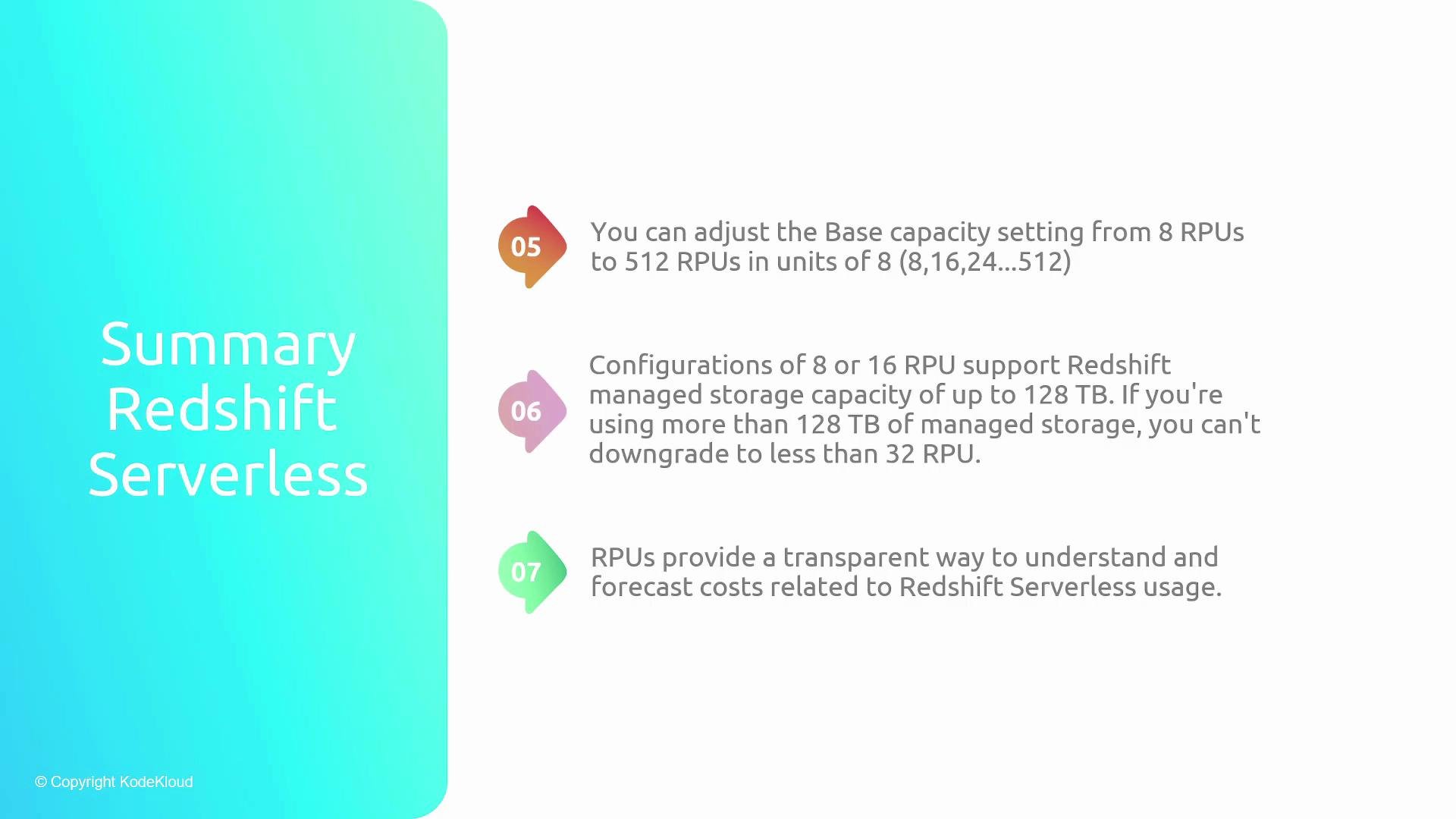
* One RPU provides approximately 16 GB of memory. Base capacity can be adjusted from 8 to 512 RPUs in increments of 8. Consider `32+ RPUs` for larger datasets and higher concurrency.
Key capabilities
* Query data stored in Redshift-managed storage.
* Query open file formats in Amazon S3 (for example, Parquet or ORC).
* Automatically scale compute capacity to match workloads, within limits you set.
Common configuration options
* Base capacity — the minimum compute capacity (in RPUs) the workgroup uses to serve queries.
* Max capacity and usage limits — cap compute usage (RPU-hours) to control costs. You can specify actions such as notifying administrators or enforcing limits when thresholds are reached.
Digging into RPUs and capacity settings
* One RPU is approximately 16 GB of memory plus associated compute resources.
* The default base capacity for Redshift Serverless is 128 RPUs.
* Base capacity can be adjusted from 8 RPUs up to 512 RPUs in increments of 8 (8, 16, 24, ... 512).
* Increasing base capacity improves query performance for memory- or compute-intensive workloads.
Quick reference
| Setting | Value / range | Notes |
| --------------------- | ------------- | --------------------------------------------- |
| Default base capacity | `128 RPUs` | Out-of-the-box starting point |
| Minimum base capacity | `8 RPUs` | Suitable for very small workloads |
| Maximum base capacity | `512 RPUs` | Upper bound of single workgroup base capacity |
| Increment step | `8 RPUs` | Adjust in multiples of 8 |
| Memory per RPU | \~`16 GB` | Approximate — use as a sizing guide |
To change the base capacity you can use the AWS Management Console, the UpdateWorkgroup API, or the AWS CLI. Example CLI command:
```bash theme={null}
aws redshift-serverless update-workgroup \
--workgroup-name my-workgroup \
--base-capacity 64
```
Sizing and storage guidance
* Use smaller base capacities (for example, `8–24 RPUs`) for small data footprints and development or light workloads.
* For larger datasets, high concurrency, or complex queries, increase base capacity. In practice, many production workloads with large tables or high concurrency require `32 RPUs` or more.
* If your data footprint exceeds thresholds for lower RPU sizes, raise base capacity to avoid performance and storage constraints.
Features and benefits
* Cost savings: pay only for compute used rather than for a continuously running cluster.
* Automatic scaling: Serverless scales compute up and down to meet demand, within the limits you configure.
* Simplified operations: no node type selection, cluster resizing, or manual provisioning for typical workloads.
Pricing and exact thresholds vary by AWS region and over time. Use the [AWS Console](https://console.aws.amazon.com/) or the latest [AWS documentation for Redshift Serverless](https://docs.aws.amazon.com/redshift/latest/mgmt/serverless.html) for up-to-date pricing and limits.
Summary
* Amazon Redshift Serverless is an on-demand data warehousing service that manages compute scaling and provisioning automatically.
* RPUs measure compute capacity and performance for Redshift Serverless; they determine both query performance and billing.
* RPUs can scale automatically within the base and max capacity you configure, helping ensure queries are executed efficiently.
* One RPU provides approximately 16 GB of memory. Base capacity can be adjusted from 8 to 512 RPUs in increments of 8. Consider `32+ RPUs` for larger datasets and higher concurrency.
 RPUs provide a transparent way to forecast and control costs while giving Redshift the information it needs to scale compute for your queries.
 Additional resources
* Amazon Redshift Serverless documentation: [https://docs.aws.amazon.com/redshift/latest/mgmt/serverless.html](https://docs.aws.amazon.com/redshift/latest/mgmt/serverless.html)
* AWS CLI reference: [https://awscli.amazonaws.com/v2/documentation/api/latest/reference/redshift-serverless/index.html](https://awscli.amazonaws.com/v2/documentation/api/latest/reference/redshift-serverless/index.html)
* Amazon S3: [https://aws.amazon.com/s3/](https://aws.amazon.com/s3/)
* Parquet: [https://parquet.apache.org/](https://parquet.apache.org/)
* ORC: [https://orc.apache.org/](https://orc.apache.org/)
Additional resources
* Amazon Redshift Serverless documentation: [https://docs.aws.amazon.com/redshift/latest/mgmt/serverless.html](https://docs.aws.amazon.com/redshift/latest/mgmt/serverless.html)
* AWS CLI reference: [https://awscli.amazonaws.com/v2/documentation/api/latest/reference/redshift-serverless/index.html](https://awscli.amazonaws.com/v2/documentation/api/latest/reference/redshift-serverless/index.html)
* Amazon S3: [https://aws.amazon.com/s3/](https://aws.amazon.com/s3/)
* Parquet: [https://parquet.apache.org/](https://parquet.apache.org/)
* ORC: [https://orc.apache.org/](https://orc.apache.org/)