> ## Documentation Index
> Fetch the complete documentation index at: https://notes.kodekloud.com/llms.txt
> Use this file to discover all available pages before exploring further.
# Advanced Usage
> Explore advanced OpenAI features for automating tasks, analyzing data, and creating interactive experiences in real-world applications.
Harness the power of OpenAI’s most advanced features to automate tasks, analyze data, and create interactive experiences. In this guide, we’ll dive into:
| Advanced Feature | Use Case |
| ------------------------------------------------- | ------------------------------------------------ |
| Reinforcement Learning from Human Feedback (RLHF) | Align customer support responses with brand tone |
| External Data Sources | Real-time financial or weather reports |
| Multi-Turn Conversations | Stateful chatbots for support |
| Multi-Step Function Calling | Workflow automation (appointments, forms) |
| Long-Form Content Generation with Planning | Blog posts, reports, eBooks |
| AI-Driven A/B Testing | Marketing copy optimization |
| Chain of Thought Prompting | Complex problem-solving explanations |
| Hybrid Human–AI Workflows | Content moderation pipelines |
Understanding these techniques will help you maximize GPT-4’s capabilities in real-world applications.
***
## Reinforcement Learning from Human Feedback (RLHF)
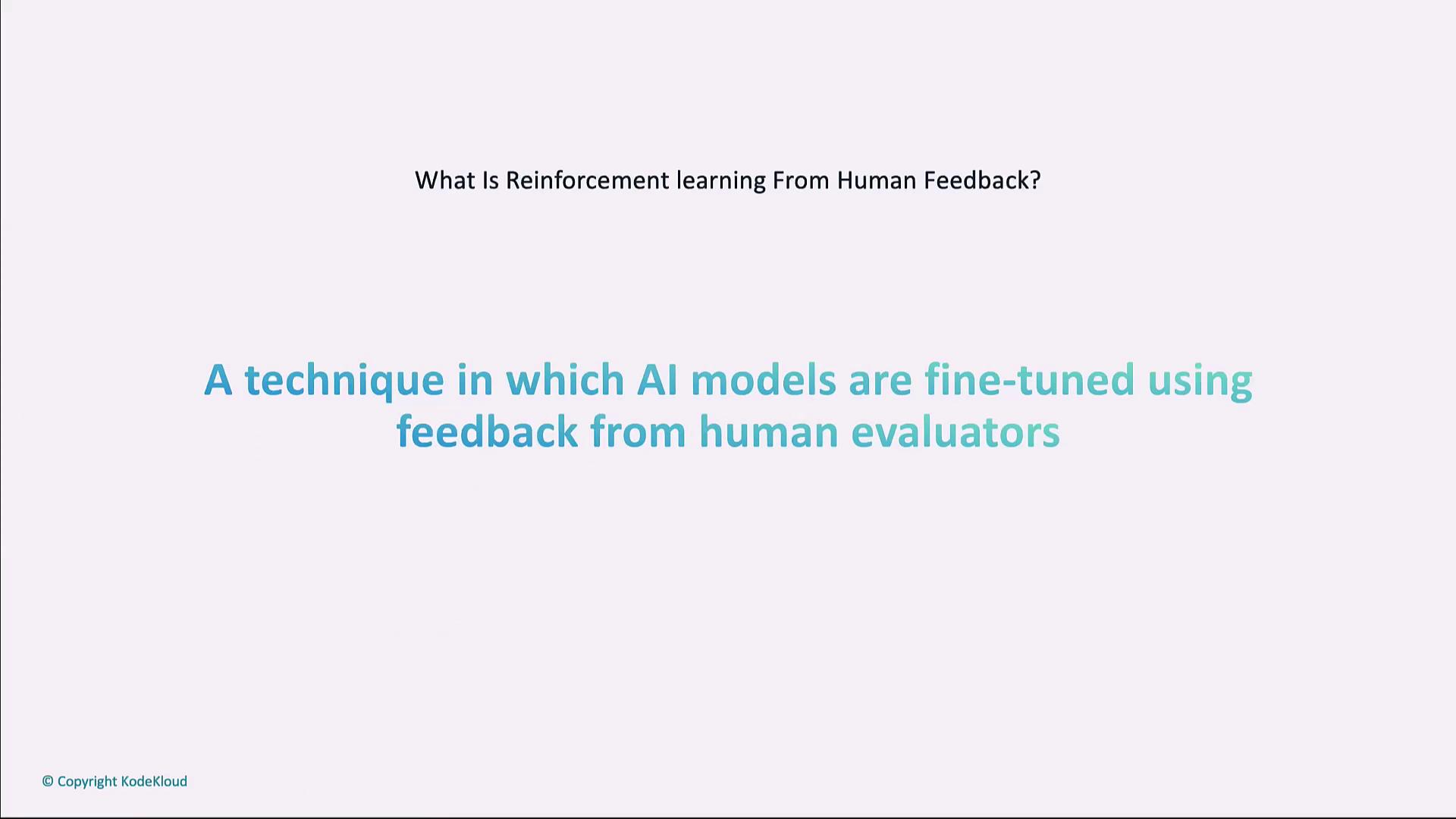
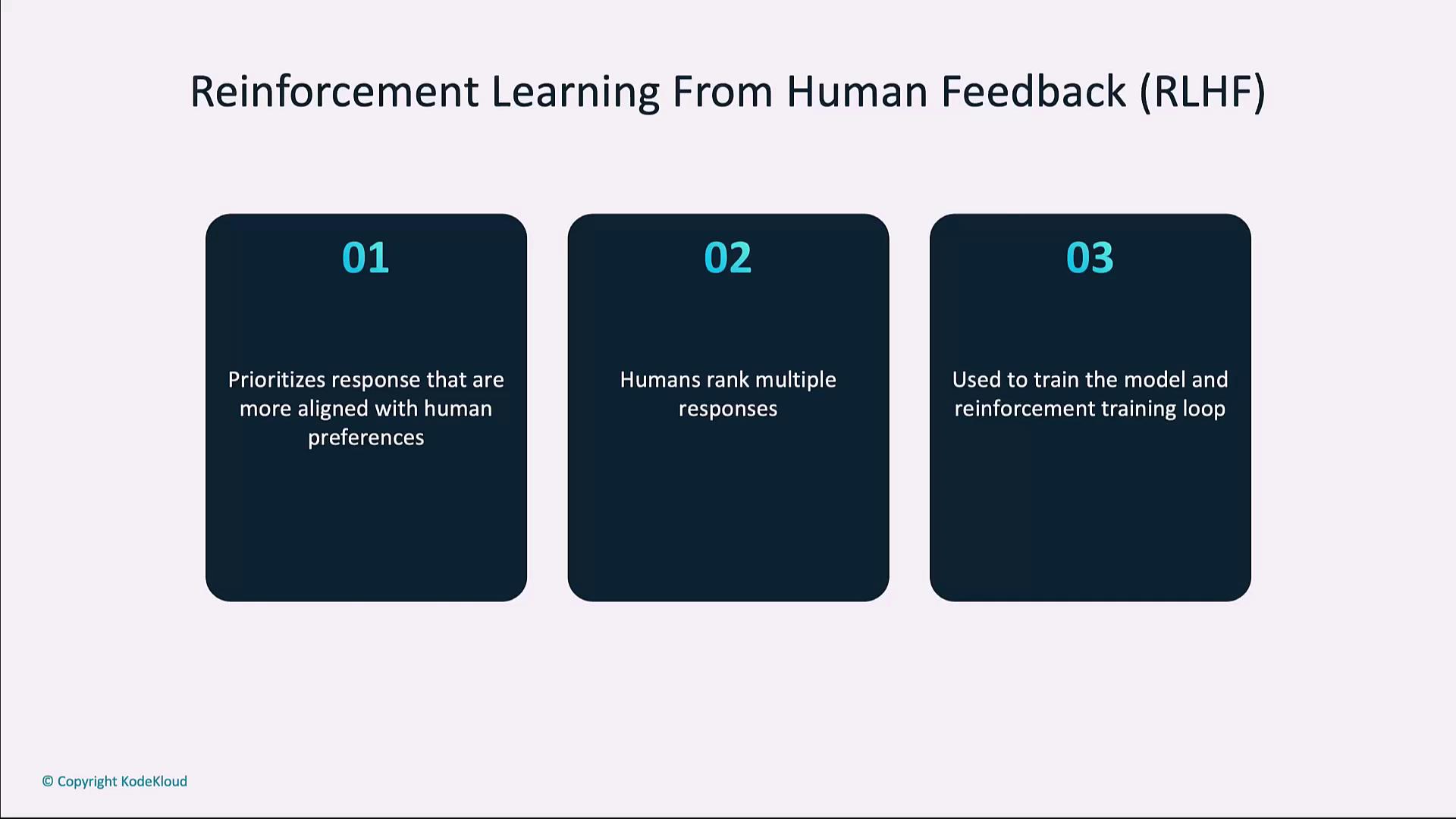
Reinforcement Learning from Human Feedback fine-tunes a base model by training a reward model on human rankings of model outputs. This alignment technique improves subjective tasks—like empathetic customer support or brand-safe content moderation—by incorporating real user preferences.
High-quality, diverse human feedback is critical for an effective reward model. Ensure your evaluators represent your end users’ perspectives.
**RLHF Workflow Steps**
1. Generate multiple responses for a prompt.
2. Have human evaluators rank or rate each response.
3. Train a reward model on those rankings.
4. Fine-tune the base model using reinforcement learning guided by the reward model.
```python theme={null}
# Simplified RLHF flow (conceptual)
import openai
# 1. Generate multiple responses
responses = [
openai.ChatCompletion.create(model="gpt-4", messages=[{"role": "user", "content": "Tell me a joke"}], max_tokens=50)
for _ in range(2)
]
# 2. Human evaluators rank the responses
rankings = {"response_1": 1, "response_2": 2} # Example feedback
# 3. Train reward model and fine-tune
reward_model = train_reward_model(rankings)
fine_tuned_model = reinforce_model(reward_model)
```
***
## External Data Sources
Integrate GPT-4 with external APIs or databases to retrieve up-to-the-minute information—ideal for financial dashboards, weather apps, or dynamic reporting tools.
Use case: build a financial assistant that fetches live stock prices, then generates an expert analysis.
```python theme={null}
import openai, requests
def get_stock_analysis(symbol):
# Fetch real-time stock quote
resp = requests.get(f"https://financialmodelingprep.com/api/v3/quote/{symbol}?apikey=YOUR_API_KEY")
data = resp.json()[0]
price = data['price']
# Generate AI analysis
chat = openai.ChatCompletion.create(
model="gpt-4",
messages=[{
"role": "user",
"content": f"The current price of {symbol} is ${price}. Provide a detailed analysis."
}],
max_tokens=150,
temperature=0.6
)
return chat.choices[0].message.content.strip()
print(get_stock_analysis("AAPL"))
```
***
## Multi-Turn Conversations
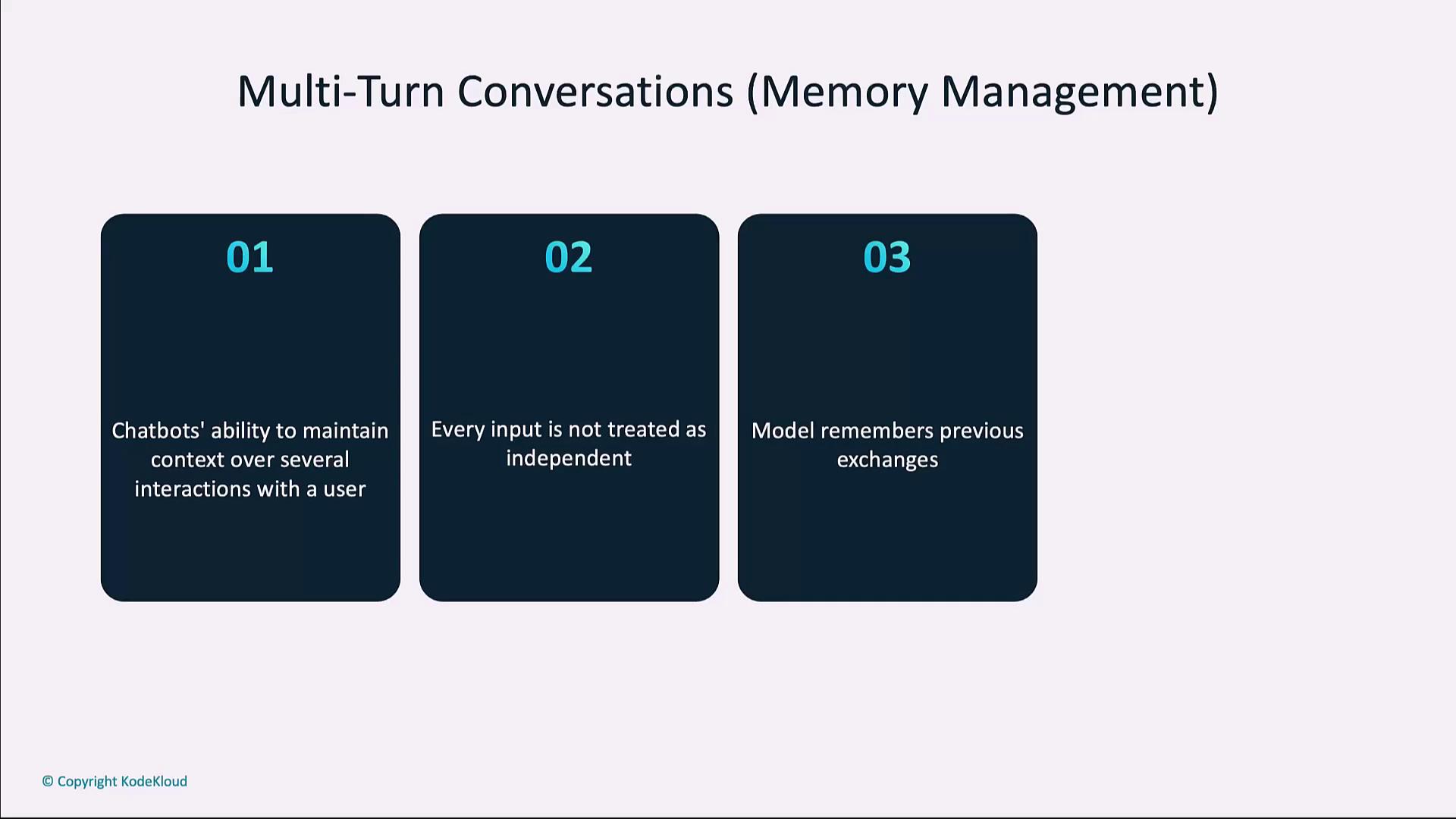
Maintain context across multiple user–AI exchanges to create natural, conversational experiences for virtual assistants, support bots, and educational tools.
```python theme={null}
import openai
history = []
def chat_with_ai(user_input):
history.append({"role": "user", "content": user_input})
response = openai.ChatCompletion.create(
model="gpt-4",
messages=history,
max_tokens=120,
temperature=0.7
)
ai_reply = response.choices[0].message.content
history.append({"role": "assistant", "content": ai_reply})
return ai_reply
# Example dialogue
print(chat_with_ai("Hi, I need help with my order."))
print(chat_with_ai("I didn't receive my package."))
print(chat_with_ai("It's been delayed by 2 days."))
```
***
## Multi-Step Function Calling
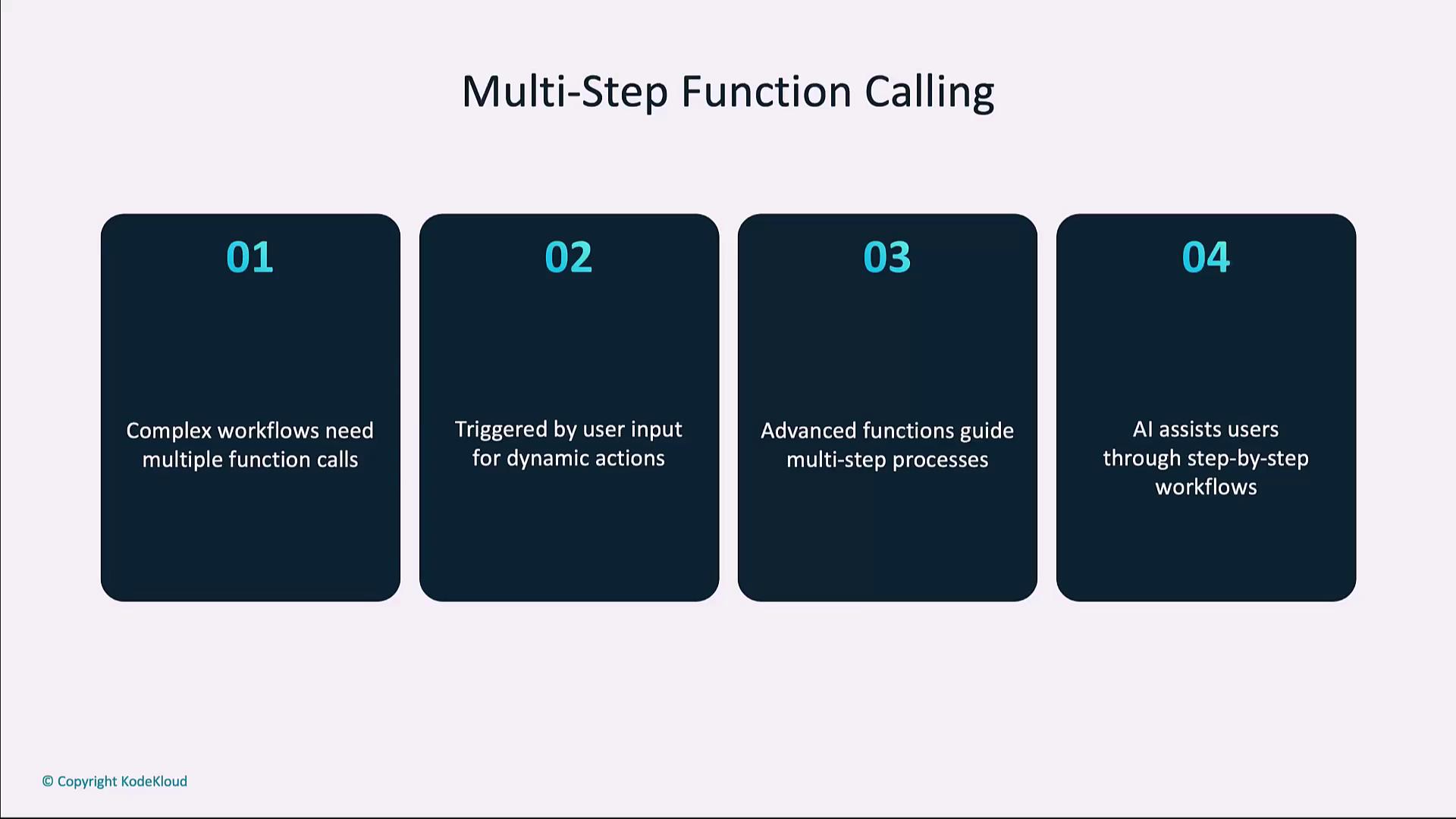
Enable GPT-4 to orchestrate complex workflows that involve multiple function calls, data validation, and conditional logic—perfect for booking systems, form wizards, or automated pipelines.
```python theme={null}
def step_one(user_info):
# Collect initial details
return f"Step 1: Received {user_info}. What's next?"
def step_two(user_info, extra):
# Finalize using additional data
return f"Step 2: Used {user_info} and {extra}. Workflow complete."
# Simulation
print(step_one("User data"))
print(step_two("User data", "Additional details"))
```
***
## Long-Form Content Generation with Planning
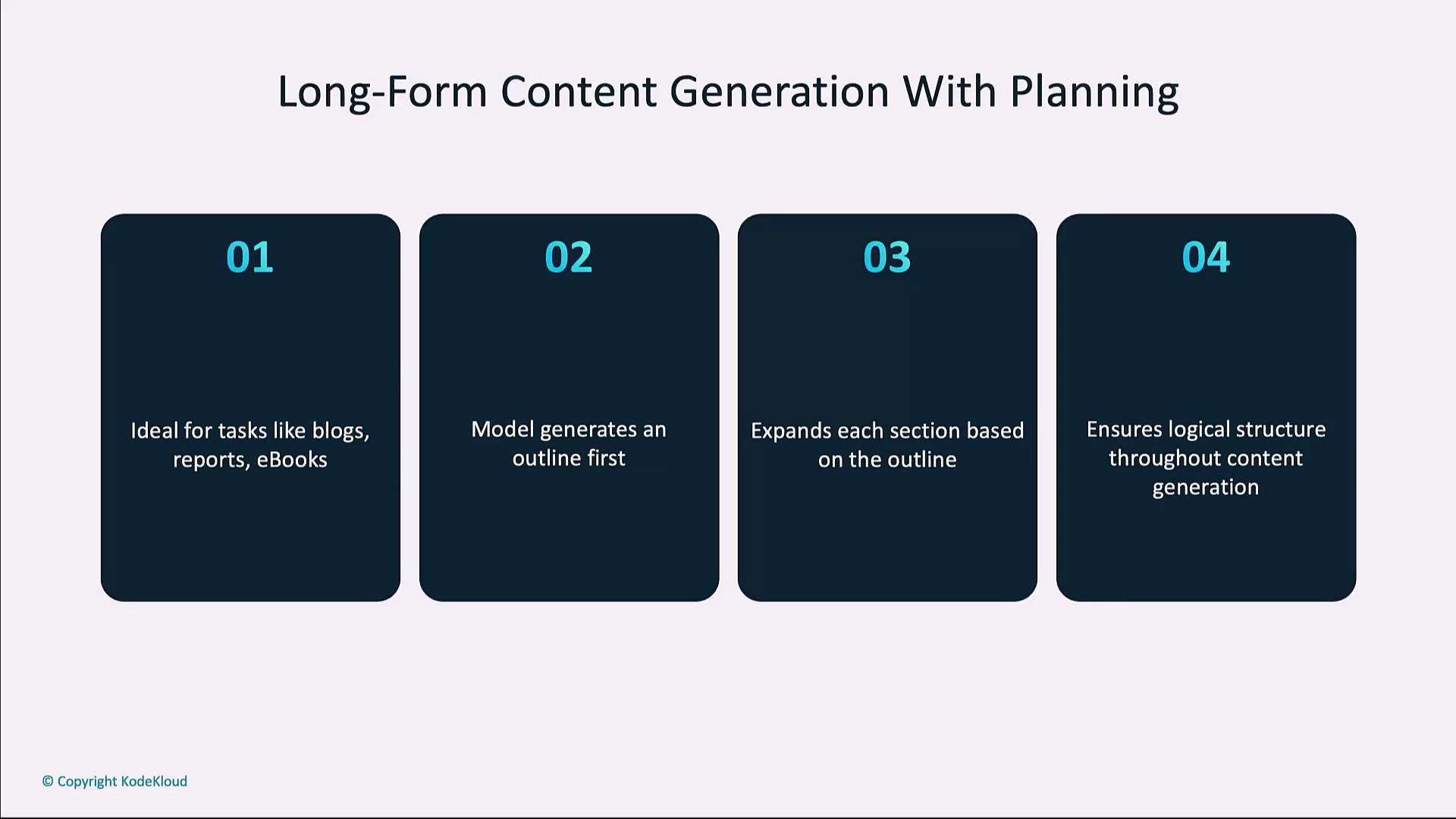
For in-depth articles, reports, or ebooks, start by generating an outline, then expand each section. This two-phase approach keeps your content structured and coherent.
```python theme={null}
import openai
# 1. Create an outline
outline_resp = openai.ChatCompletion.create(
model="gpt-4",
messages=[{"role": "user", "content": "Outline an article on AI applications in healthcare"}],
max_tokens=80
)
outline = outline_resp.choices[0].message.content.split("\n")
# 2. Expand each point
sections = []
for item in outline:
exp = openai.ChatCompletion.create(
model="gpt-4",
messages=[{"role": "user", "content": f"Expand on: {item}"}],
max_tokens=120
)
sections.append(exp.choices[0].message.content)
# 3. Combine into final draft
article = "\n\n".join(sections)
print(article)
```
***
## AI-Driven A/B Testing
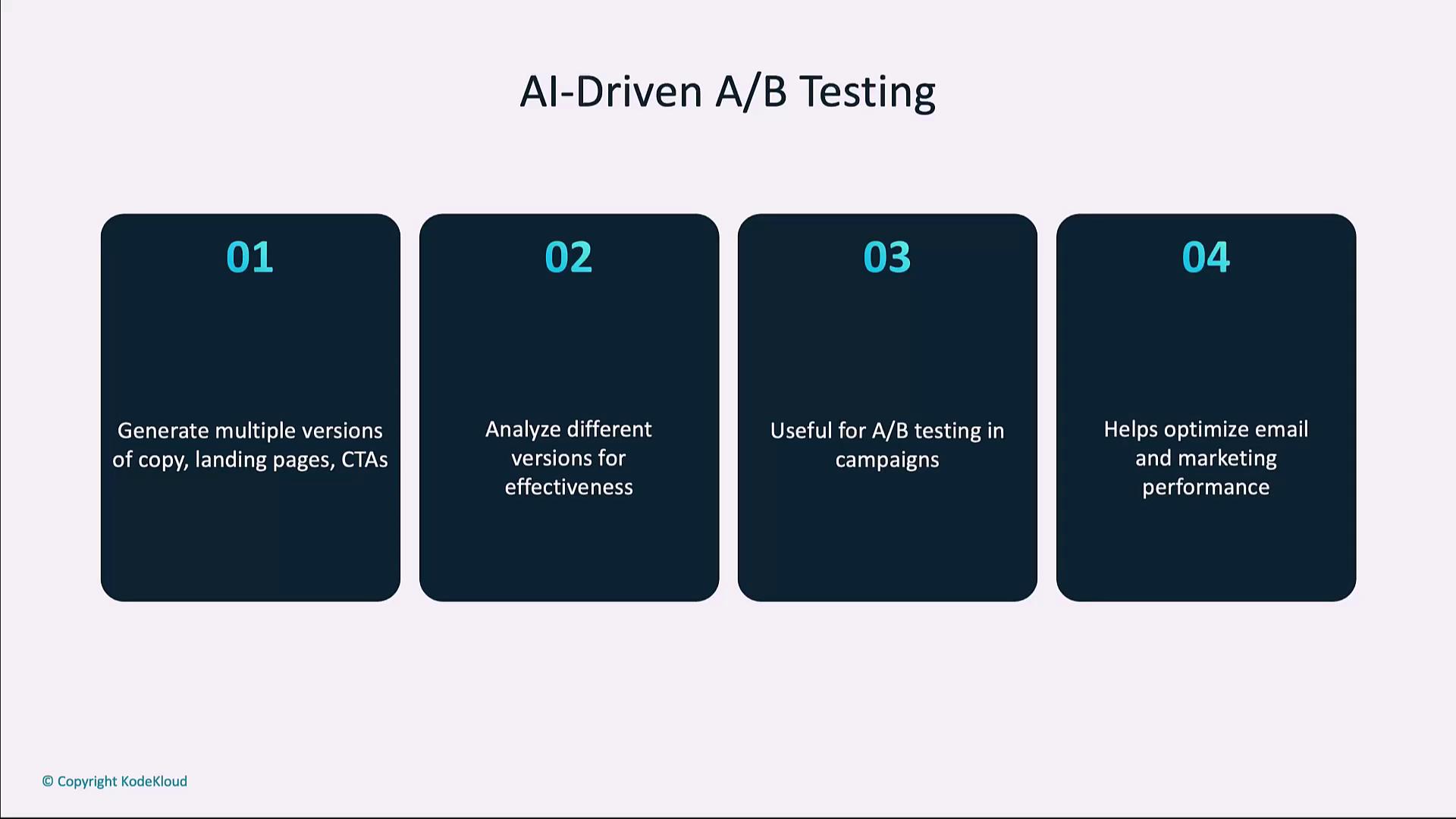
Generate multiple versions of marketing copy—emails, headlines, ads—and measure engagement metrics (click-through, conversions) to optimize performance.
```python theme={null}
import openai
variants = [
"Announce our new product in a friendly tone.",
"Announce our new product in a professional tone."
]
results = []
for idx, prompt in enumerate(variants, 1):
resp = openai.ChatCompletion.create(
model="gpt-4",
messages=[{"role": "user", "content": prompt}],
max_tokens=100,
temperature=0.7
)
results.append((f"Variant {idx}", resp.choices[0].message.content))
for title, text in results:
print(f"{title}:\n{text}\n")
```
***
## Chain of Thought Prompting
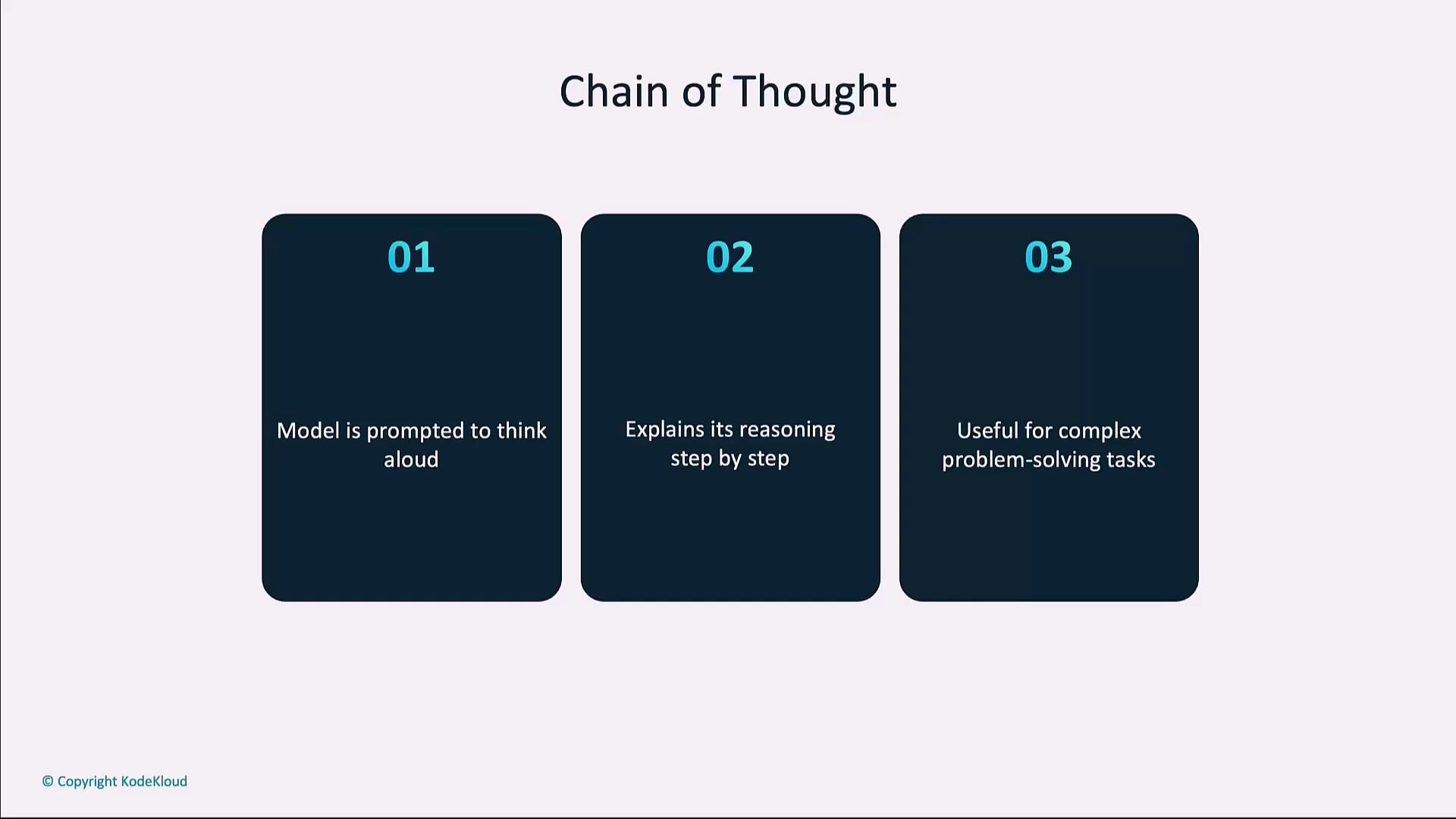
Encourage the model to “think aloud” by detailing intermediate reasoning steps. This is invaluable for solving math puzzles, logical challenges, or any task where transparency matters.
Chain of Thought prompts can increase token usage. Monitor your costs when enabling verbose reasoning.
```python theme={null}
import openai
response = openai.ChatCompletion.create(
model="gpt-4",
messages=[{"role": "user", "content": "Explain step by step how to solve 2x + 5 = 15."}],
max_tokens=150
)
print(response.choices[0].message.content)
```
***
## Hybrid Human–AI Workflows
Combine AI’s speed with human oversight to achieve both efficiency and quality. Automate routine tasks—like filtering or drafting—and have humans review edge cases or critical decisions.
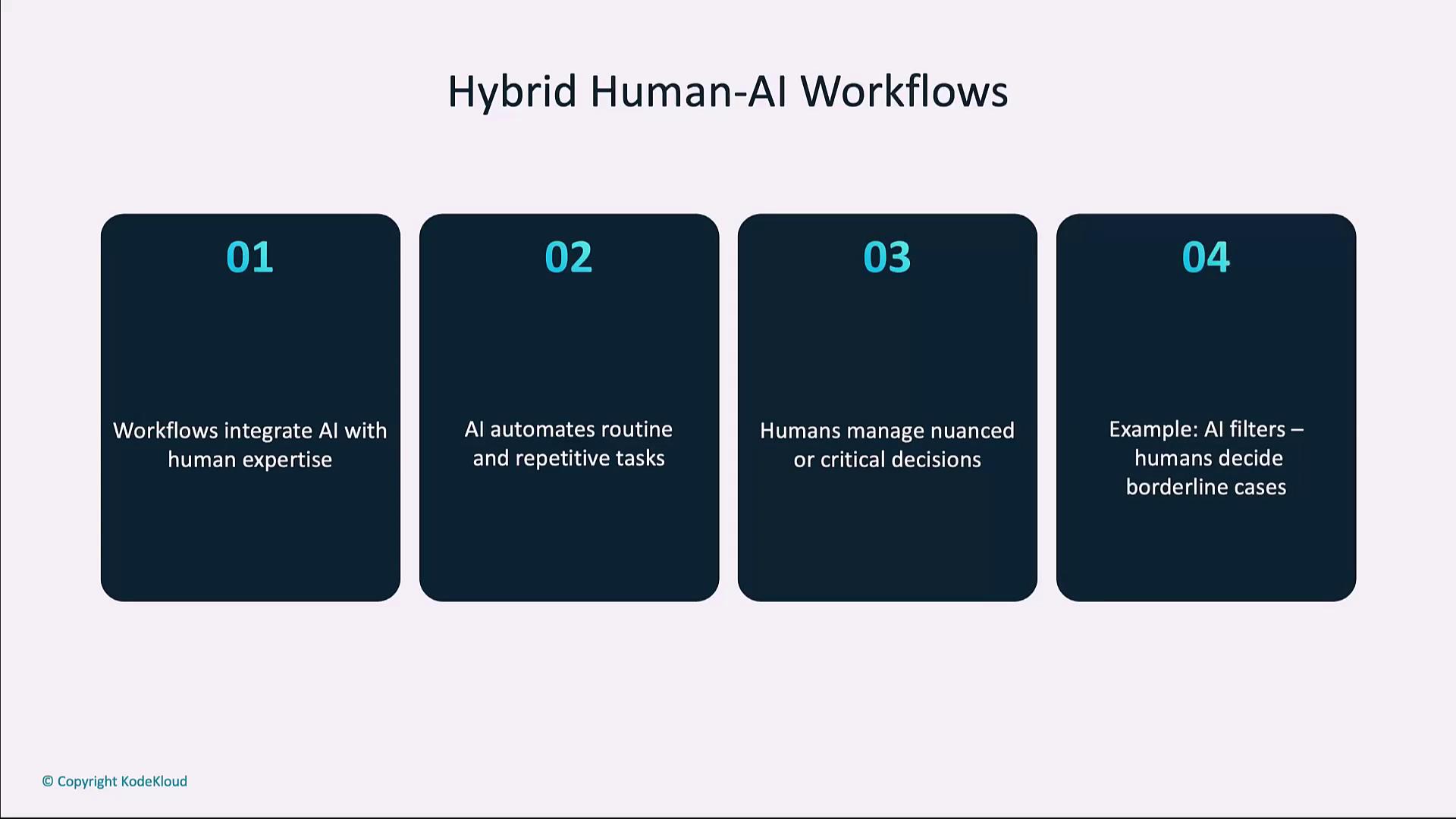
**Use case:** AI flags potentially inappropriate content; human moderators review and make final decisions.
***
## Links and References
* [OpenAI API Reference](https://platform.openai.com/docs/api-reference)
* [Reinforcement Learning Introduction](https://en.wikipedia.org/wiki/Reinforcement_learning)
* [Chain-of-Thought Prompting Paper](https://arxiv.org/abs/2201.11903)
* [Best Practices for Prompt Engineering](https://platform.openai.com/docs/guides/completions/prompt-design)