> ## Documentation Index
> Fetch the complete documentation index at: https://notes.kodekloud.com/llms.txt
> Use this file to discover all available pages before exploring further.
# OpenAI Changelogs
> This guide explores OpenAI’s changelogs, their importance, components, reading methods, and impact on existing projects.
In this guide, we explore OpenAI’s changelogs—what they are, why they matter, their key components, how to read them, and how they affect your existing projects.
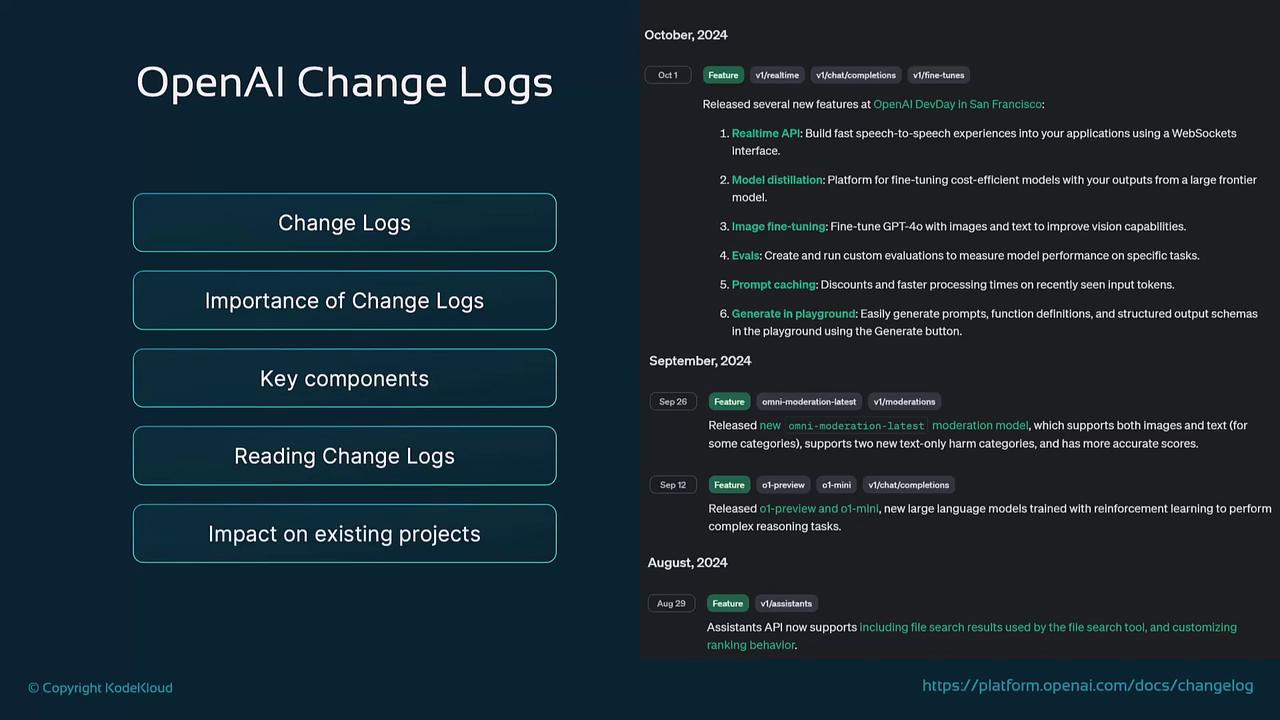
## What Is a Changelog?
A changelog is a chronological record of updates, changes, and improvements to a product, software, or API. OpenAI’s changelog typically covers:
* Model releases and updates
* API endpoint modifications
* Security patches
* Bug fixes
* New feature rollouts
By reviewing these entries, developers can see what changed, why it changed, and how those changes might affect their applications.
## Why Changelogs Matter
Keeping up with changelogs ensures you stay ahead of updates and avoid unexpected issues. Key benefits include:
* **Staying Informed:** Be the first to learn about new features, improvements, and fixes.
* **Preventing Breakages:** Spot API or model changes that could impact your codebase.
* **Enhancing Performance:** Discover optimizations such as lower latency or better token efficiency.
* **Ensuring Security:** Track security patches to maintain compliance and reduce vulnerabilities.
* **Reducing Technical Debt:** Integrate updates early to avoid complex future migrations.
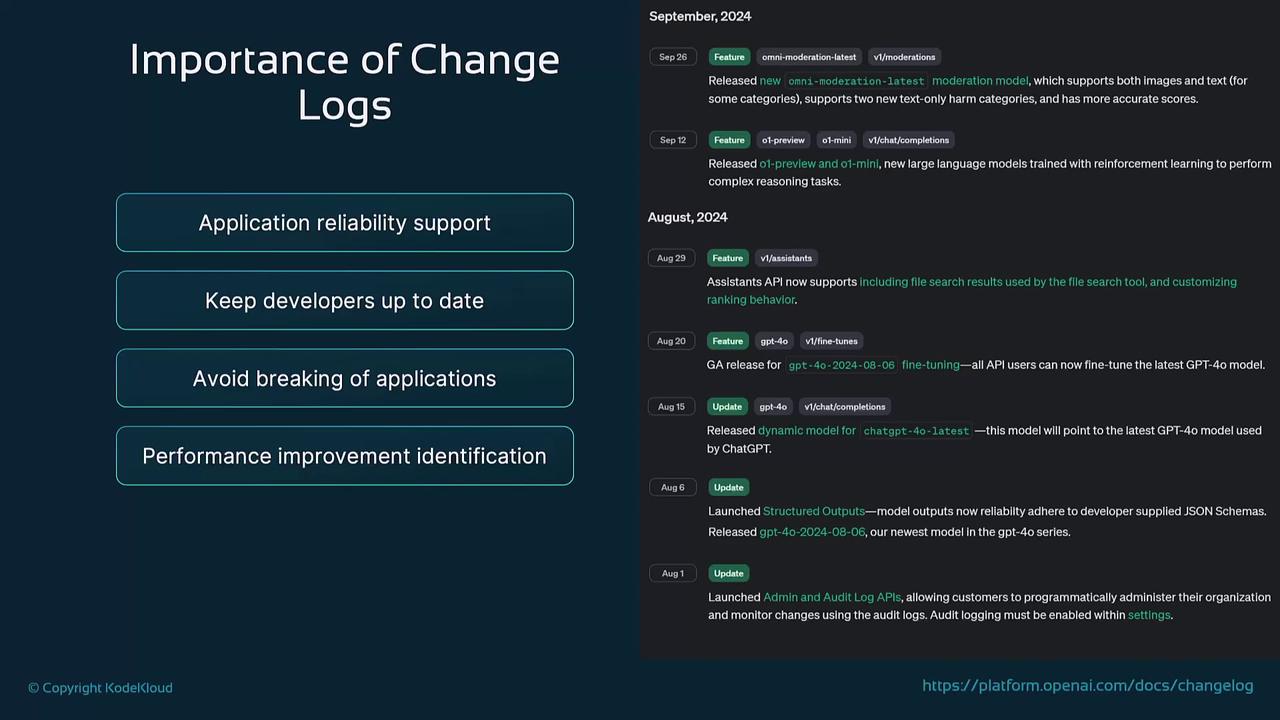
## Key Components of a Changelog
Use this table to understand each section of OpenAI’s changelogs:
| Component | Description |
| ------------------- | --------------------------------------------------------------------------------- |
| Versioning | Marks major/minor releases and compatibility guidance. |
| Feature Additions | Introduces new functionality in models or API endpoints. |
| Bug Fixes | Documents resolutions to known issues from previous versions. |
| Deprecation Notices | Announces retirements of features/endpoints, dates, and recommended alternatives. |
| Performance Updates | Lists enhancements such as reduced latency and improved token utilization. |
| Security Patches | Details fixes that strengthen model and API security against emerging threats. |
Review deprecation notices carefully—migrating early can save significant refactoring effort.
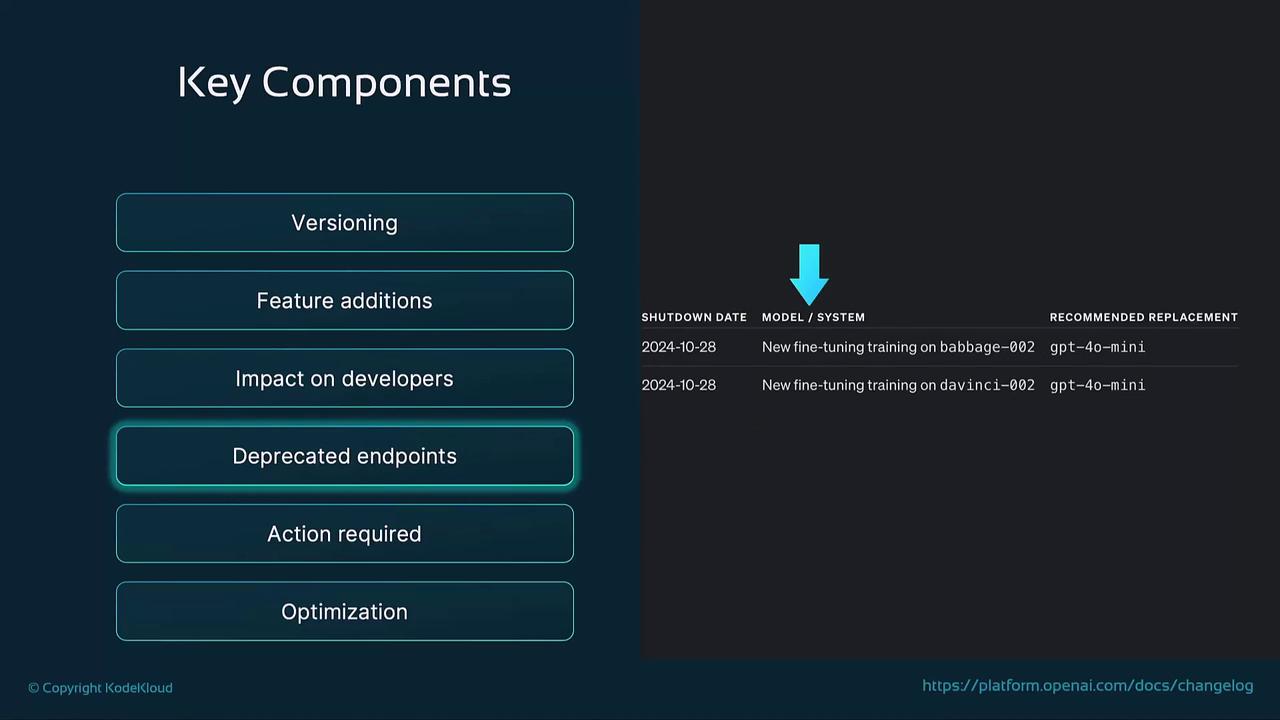
## How to Read a Changelog
Follow these steps when scanning OpenAI’s updates:
1. Identify Relevant Changes\
Focus on entries affecting the APIs or models your project uses.
2. Plan Next Steps\
Note required code adjustments for new features or deprecations.
3. Review Deprecations\
Determine how retired functionality impacts your workflows.
4. Note Bug Fixes\
Verify that fixes align with issues you’ve encountered in your environment.
5. Evaluate Performance Gains\
Benchmark improvements like faster responses or lower token counts.
6. Check Security Patches\
Confirm your integration remains protected against vulnerabilities.
Skipping changelog reviews can lead to unexpected downtime or security vulnerabilities. Always schedule regular checks.
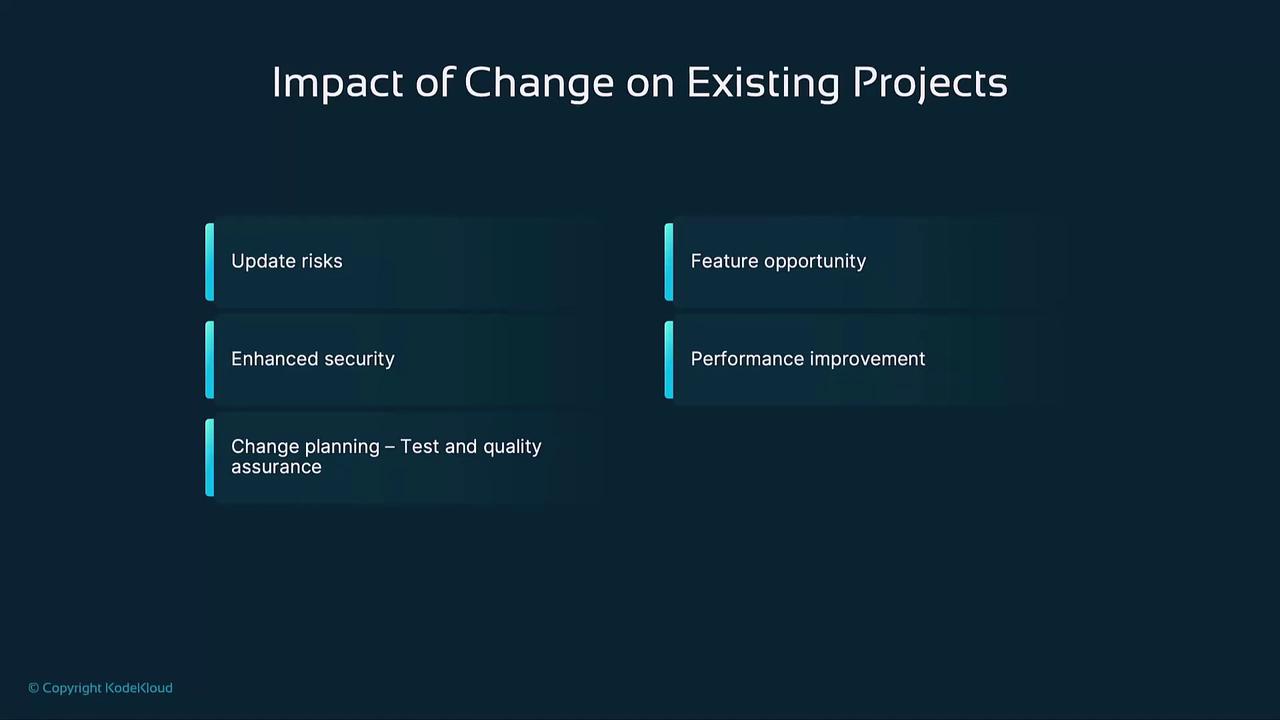
## Impact on Existing Projects
Changelog updates influence projects in various ways:
* **Backward Compatibility Risks:** Plan for code changes when breaking updates occur.
* **Deprecation Handling:** Migrate to recommended replacements before shutdown dates.
* **Subscription to Updates:** Sign up for OpenAI’s email alerts or RSS feeds to get notified instantly.
* **Regular Reviews:** Incorporate changelog checks into your development cycle.
* **Post-Update Testing:** After major releases, run comprehensive tests to catch regressions early.
## Links and References
* [OpenAI Documentation](https://platform.openai.com/docs/)
* [OpenAI API Reference](https://platform.openai.com/docs/api-reference)
* [OpenAI Changelog RSS Feed](https://platform.openai.com/docs/release-notes.rss)
* [Kubernetes Basics](https://kubernetes.io/docs/concepts/overview/what-is-kubernetes/)