> ## Documentation Index
> Fetch the complete documentation index at: https://notes.kodekloud.com/llms.txt
> Use this file to discover all available pages before exploring further.
# Understanding OpenAI Models
> Explore OpenAI’s AI models and their applications in content creation, design, accessibility, and safety, including architectures, features, and use cases.
Discover how OpenAI’s advanced AI models—GPT-4, DALL·E, Text-to-Speech, Whisper, Embeddings, and Moderation—power applications across content creation, design, accessibility, and safety. Explore their architectures, key features, and real-world use cases.
## GPT-4
GPT-4 is OpenAI’s most capable Generative Pre-Trained Transformer, excelling at long-form text and multimodal inputs. It leverages self-attention to generate coherent, context-aware language and can process both text and images.
### Key Features
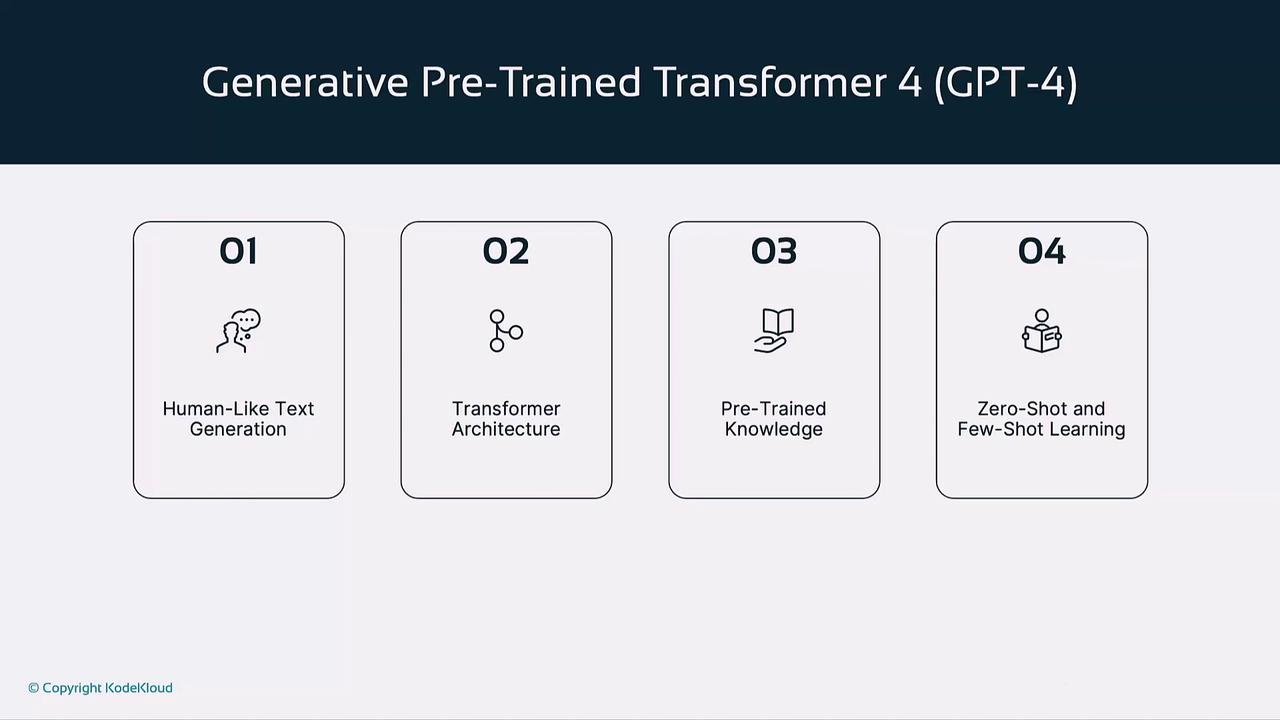
* **Human-Like Text Generation**: Produces fluent, contextually relevant prose.
* **Transformer Architecture**: Self-attention enables efficient sequence modeling.
* **Pre-Trained Knowledge**: Ingested vast datasets—books, articles, and websites.
* **Zero-Shot & Few-Shot Learning**: Tackles new tasks with minimal or no examples.
### Training Workflow
1. **Pretraining**\
Learns language patterns from massive text corpora.
2. **Fine-Tuning**\
Specializes in domains (e.g., legal, medical) for higher accuracy.
3. **Multimodal Input**\
Understands and generates combined text–image responses.
### Common Use Cases
* Chatbots & Virtual Assistants
* Automated Content Creation (articles, marketing copy)
* Educational Tutors & Interactive Learning
***
## DALL·E
DALL·E transforms text prompts into high-quality images using transformer and diffusion techniques. Trained on paired caption–image datasets, it balances photorealism with creative flair.
### Key Features
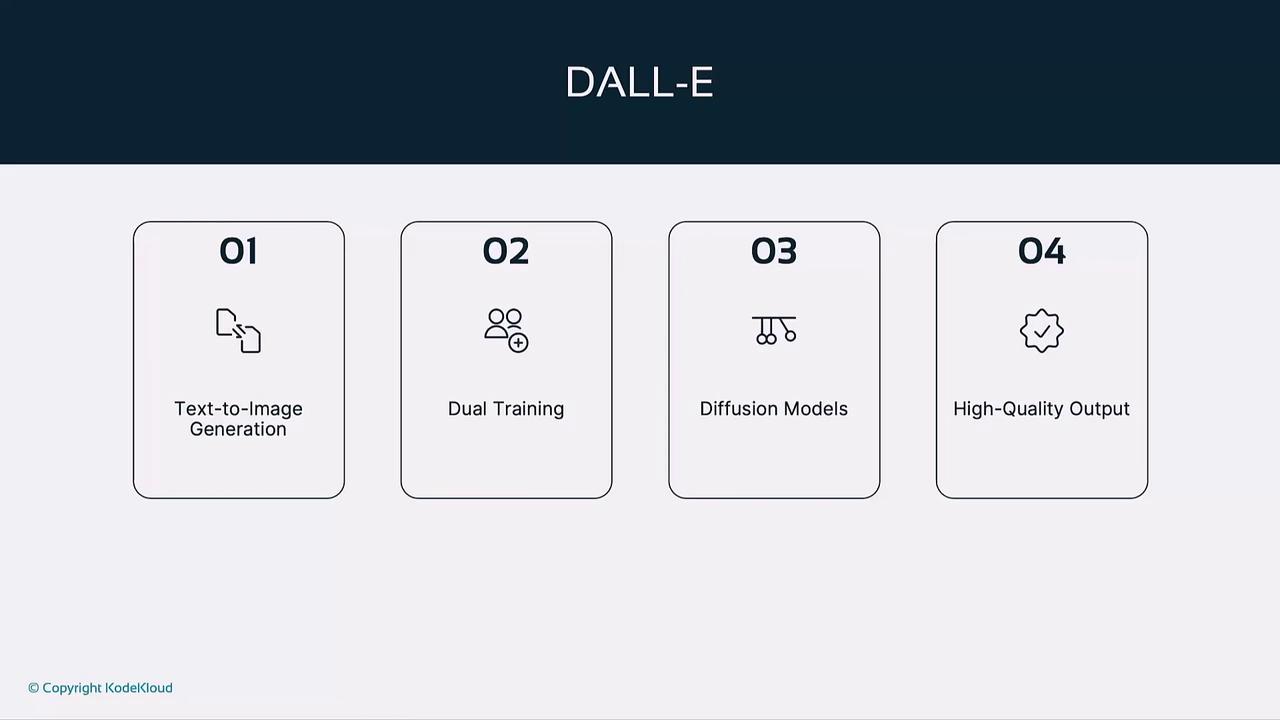
* **Text-to-Image Generation**: Converts written descriptions into visuals.
* **Dual Training**: Learns semantics from text–image pairs.
* **Diffusion Refinement**: Iteratively denoises to enhance detail.
* **High Resolution Output**: Delivers crisp, gallery-quality images.
### Popular Use Cases
| Use Case | Description |
| ----------------------- | ----------------------------------------------- |
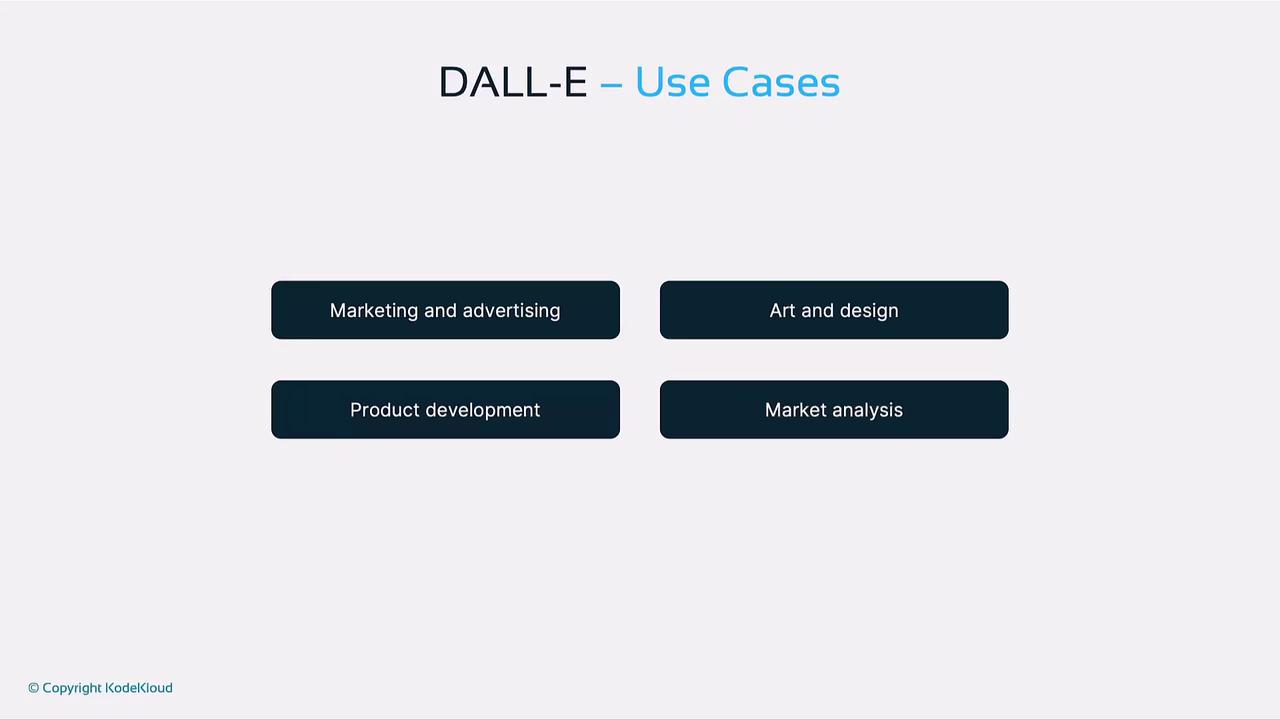
| Marketing & Advertising | Create campaign visuals without photoshoots. |
| Art & Design | Prototype illustrations, concept art, graphics. |
| Product Development | Visualize mock-ups before manufacturing. |
| Market Analysis | Generate trend visuals for strategy planning. |
***
## Text-to-Speech (TTS)
OpenAI’s TTS models deliver natural, expressive speech from text. Built on deep neural networks, they capture pitch, pace, and emotion for lifelike audio synthesis.
### Key Features
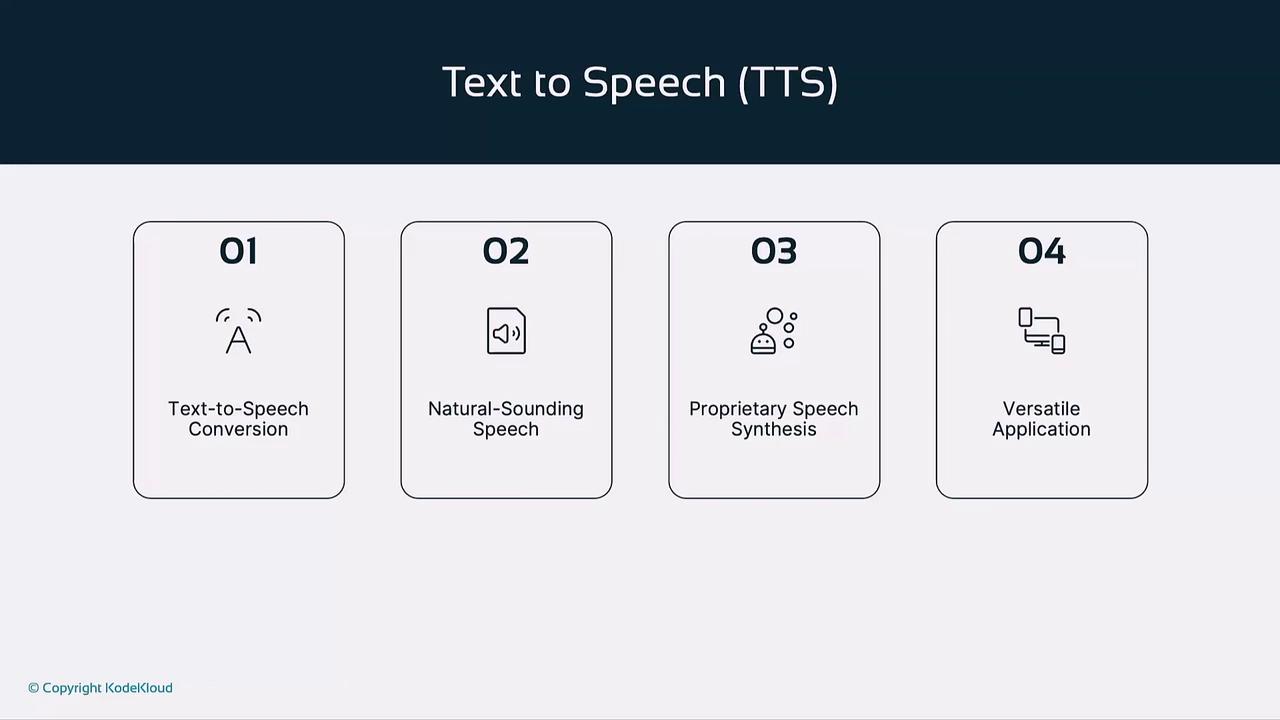
* **Natural-Sounding Speech**: Mimics human intonation and cadence.
* **Custom Voice Styles**: Adapts tone for narration, announcements, or character voices.
* **Low Latency**: Fast audio generation optimized for real-time use.
* **Emotion & Prosody Control**: Fine-tune expressiveness.
### Applications
* Voice Assistants & IVR Systems
* Audiobook & Podcast Narration
* Accessibility Tools for Visually Impaired Users
* Interactive E-Learning Platforms
***
## Whisper (Automatic Speech Recognition)
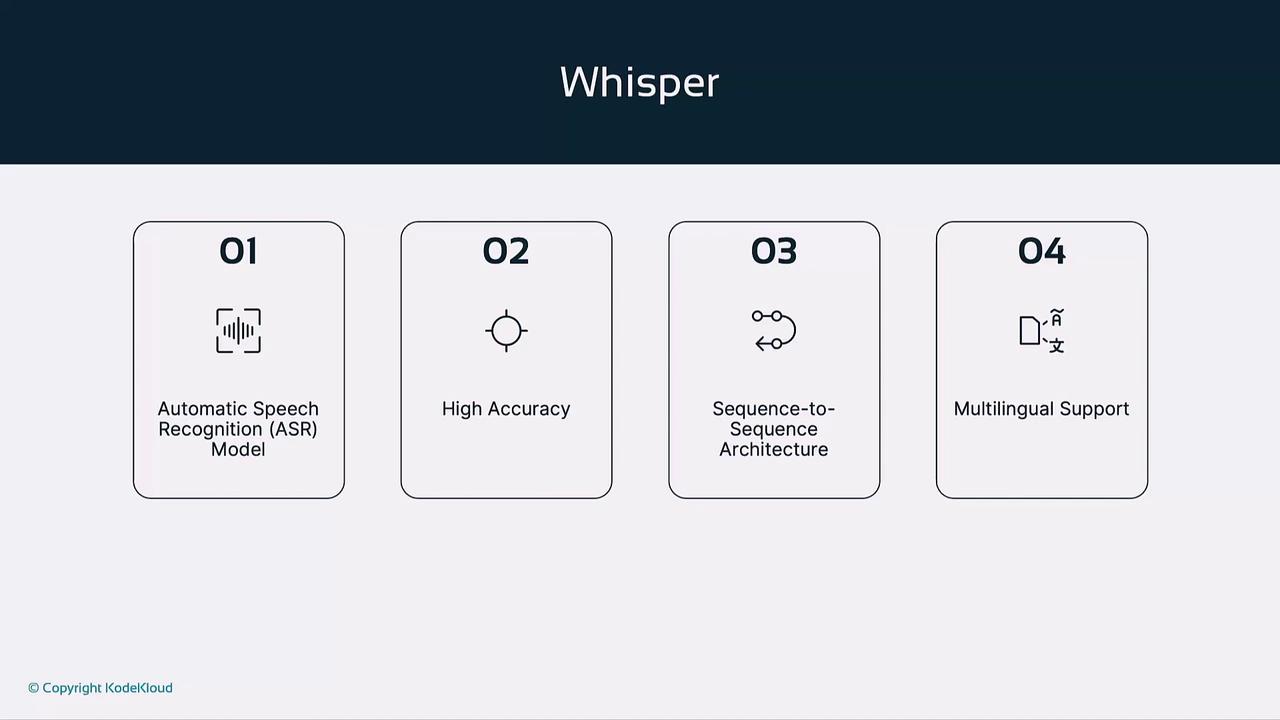
Whisper is an end-to-end ASR model that transcribes audio into text with robust performance across accents and languages.
### Key Features
* **Sequence-to-Sequence Architecture**: Directly maps audio waveforms to text.
* **End-to-End Learning**: Unifies acoustic, pronunciation, and language modeling.
* **Multilingual Transcription**: Supports dozens of languages and dialects.
* **High Accuracy**: Trained on diverse global speech datasets.
### Real-World Use Cases
* Transcription Services for meetings and interviews
* Live Captioning at events and broadcasts
* Language Learning Tools for listening comprehension
***
## Embeddings
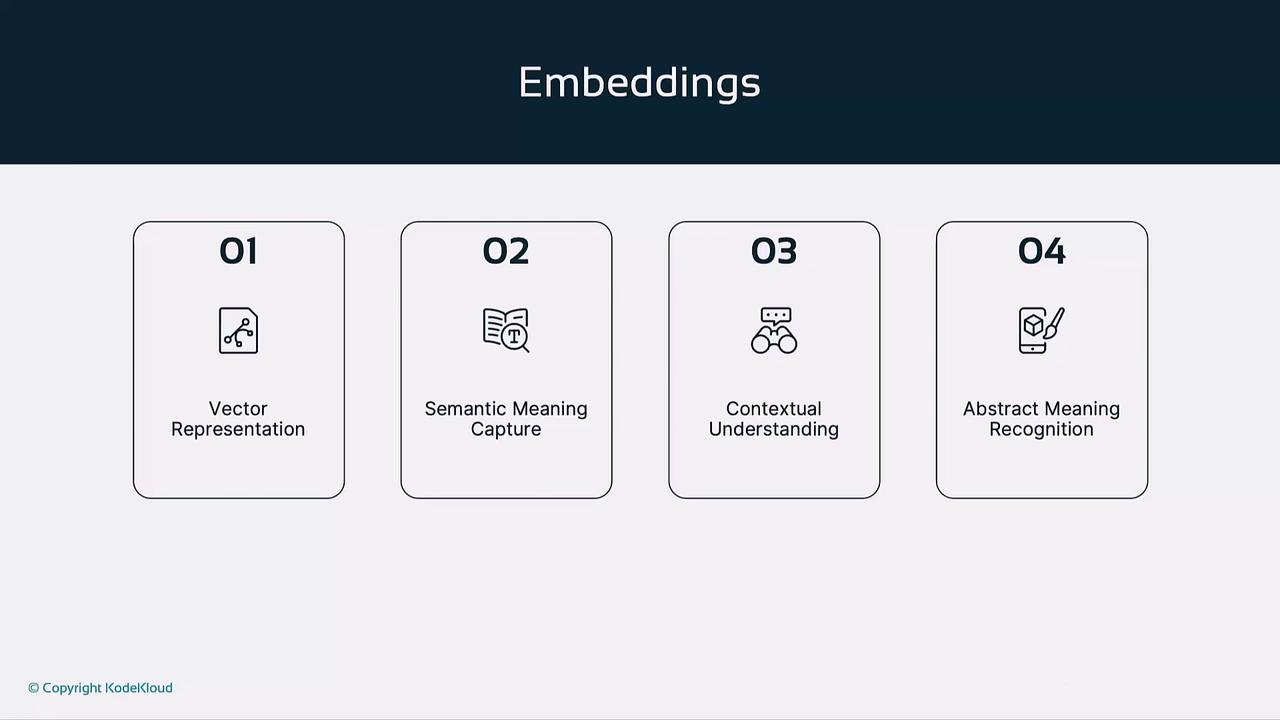
Embeddings encode text or images into high-dimensional vectors that capture semantic relationships, enabling powerful search and recommendation.
### How Embeddings Work
* **Vector Representation**: Converts tokens or images into numeric vectors.
* **Semantic Proximity**: Similar meanings map to nearby vectors.
* **Contextual Encoding**: Leverages surrounding text during pretraining.
* **Abstract Relationship Modeling**: Encodes synonyms and nuanced concepts.
Similarity is often computed with **cosine similarity**, measuring the angle between two vectors to gauge semantic closeness.
### Common Applications
* Semantic Search & Retrieval
* Recommendation Engines
* Document Clustering & Topic Modeling
* Enhanced UX through Intent Understanding
***
## Moderation
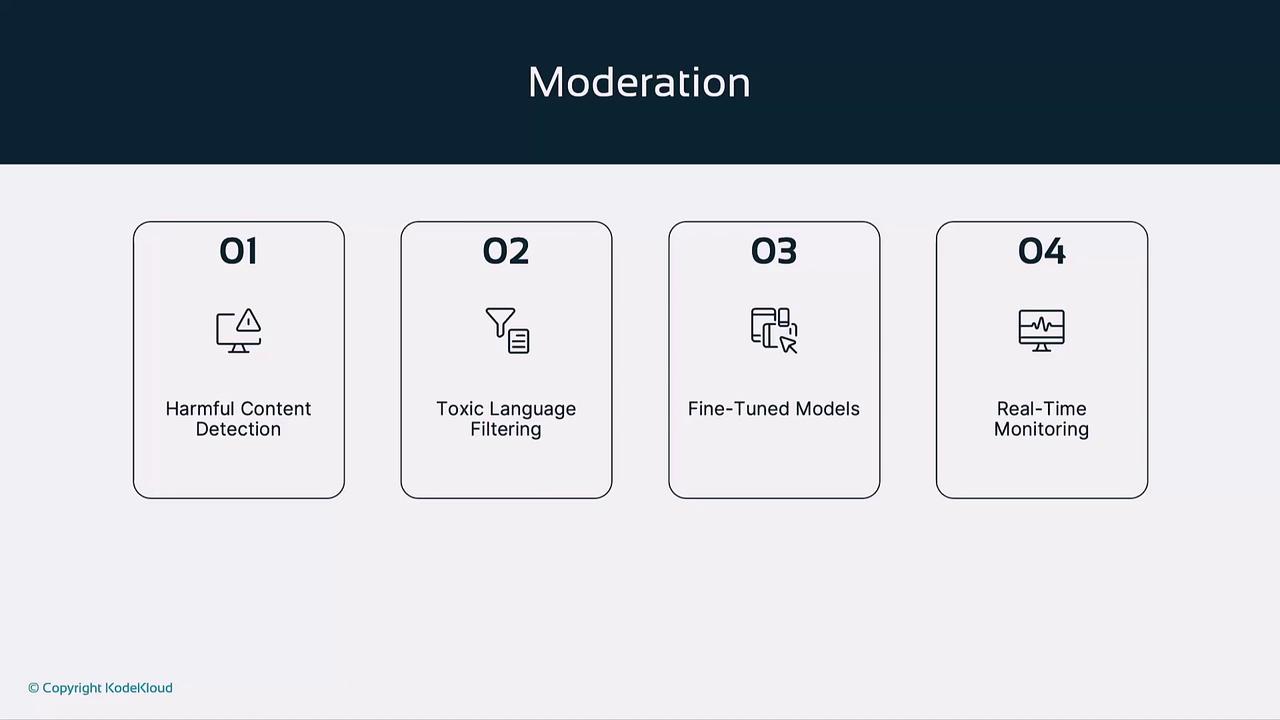
OpenAI’s Moderation model flags harmful content in real time, ensuring user safety and compliance with platform policies.
### Core Mechanisms
* **Fine-Tuned Classifiers**: Distinguish safe versus unsafe language.
* **Multi-Label Categories**: Labels text as toxic, violent, explicit, etc.
* **Real-Time Screening**: Intercepts unsafe content before delivery.
* **Continuous Learning**: Adapts to emerging harmful patterns.
Automated flags should be reviewed by human moderators to balance safety with freedom of expression.
### Deployment Scenarios
* Social Media Comment Filtering
* AI Chatbot Response Safeguarding
* Misinformation & Hate Speech Detection
* Community Forum Moderation
***
## Model Comparison
| Model | Function | Key Features | Typical Use Cases |
| -------------- | ---------------------------- | ------------------------------------------- | ------------------------------------------------- |
| GPT-4 | Text generation (multimodal) | Human-like text, zero/few-shot learning | Chatbots, content creation, education |
| DALL·E | Text-to-image synthesis | Diffusion, dual training, high resolution | Marketing, design, prototyping |
| Text-to-Speech | Speech synthesis | Natural prosody, custom voices, low latency | Voice assistants, audiobooks, accessibility |
| Whisper | Speech recognition | Seq2Seq ASR, multilingual, end-to-end | Transcription, live captioning, language learning |
| Embeddings | Semantic vector encoding | Contextual vectors, cosine similarity | Semantic search, recommendations, clustering |
| Moderation | Content safety | Real-time flags, multi-label classifier | Social media, chatbots, misinformation control |
***
## Links and References
* [OpenAI API Reference](https://beta.openai.com/docs/)
* [GPT-4 Overview](https://openai.com/research/gpt-4)
* [DALL·E Documentation](https://beta.openai.com/docs/guides/images)
* [Whisper GitHub Repository](https://github.com/openai/whisper)
* [Text-to-Speech Guide](https://beta.openai.com/docs/guides/tts)
* [Embeddings API](https://beta.openai.com/docs/guides/embeddings)
* [Moderation Endpoint](https://beta.openai.com/docs/guides/moderation)