> ## Documentation Index
> Fetch the complete documentation index at: https://notes.kodekloud.com/llms.txt
> Use this file to discover all available pages before exploring further.
# Fine Tuning
> Fine-tuning enhances pre-trained language models for specific tasks, improving relevance, accuracy, and efficiency without starting from scratch.
Fine-tuning teaches a pre-trained language model to excel on your specific tasks. By training on a domain-focused dataset, you improve relevance, accuracy, and cost efficiency without starting from scratch.
## Why Fine-Tune?
When a base model’s general-purpose knowledge falls short, fine-tuning bridges the gap. Key benefits include:
| Benefit | Description |
| -------------------- | ------------------------------------------------- |
| Enhanced Performance | Optimize for task-specific language patterns. |
| Custom Use Cases | Tailor outputs to your industry or application. |
| Improved Accuracy | Generate more precise and relevant responses. |
| Cost Efficiency | Save compute and time versus full-model training. |
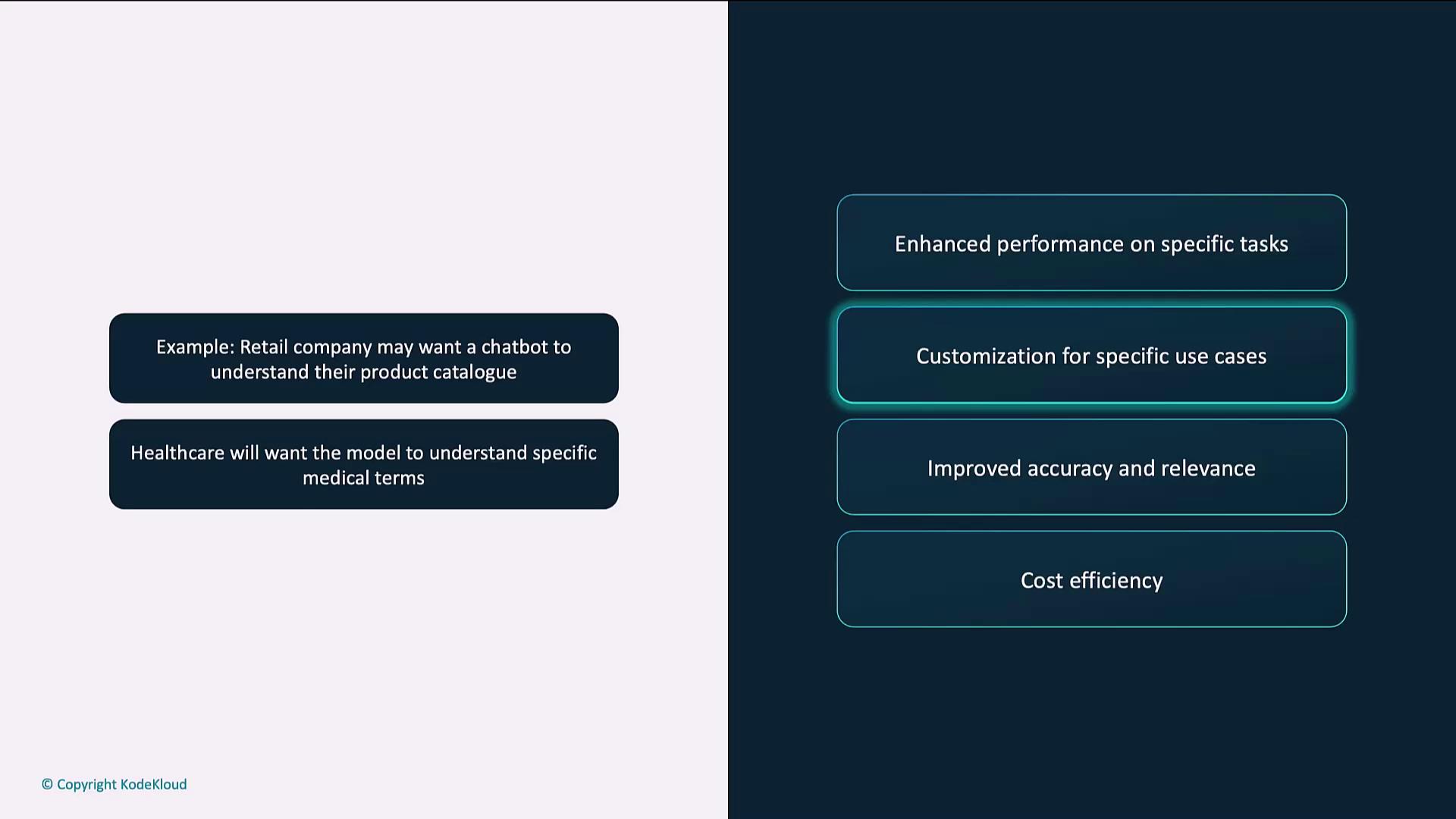
### Customization for Specific Use Cases
Fine-tuning adapts models like GPT-4 to handle domain terminology and workflows. For instance:
* A retail chatbot that understands product catalogs and return policies
* A healthcare assistant trained on medical language and compliance
## Accuracy vs. Precision
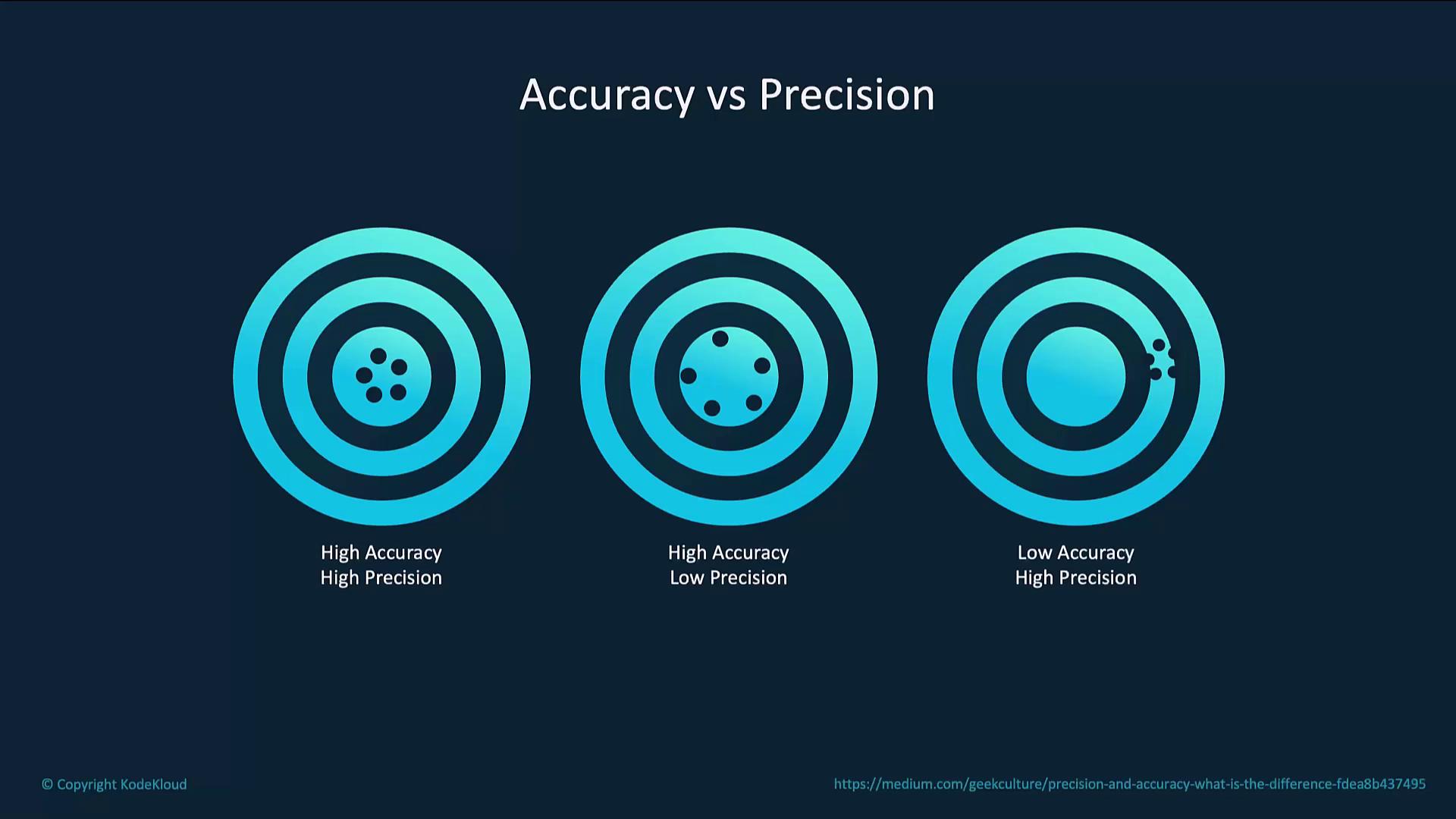
Balancing accuracy (closeness to the correct answer) with precision (consistency across runs) is crucial:
| Scenario | Accuracy | Precision | Outcome |
| ---------------------------------- | -------- | --------- | ------------------------------- |
| Consistently correct responses | High | High | Reliable and repeatable output |
| Generally correct but varied style | High | Low | Good answers, inconsistent form |
| Consistently wrong responses | Low | High | Repeated errors |
## Cost Efficiency
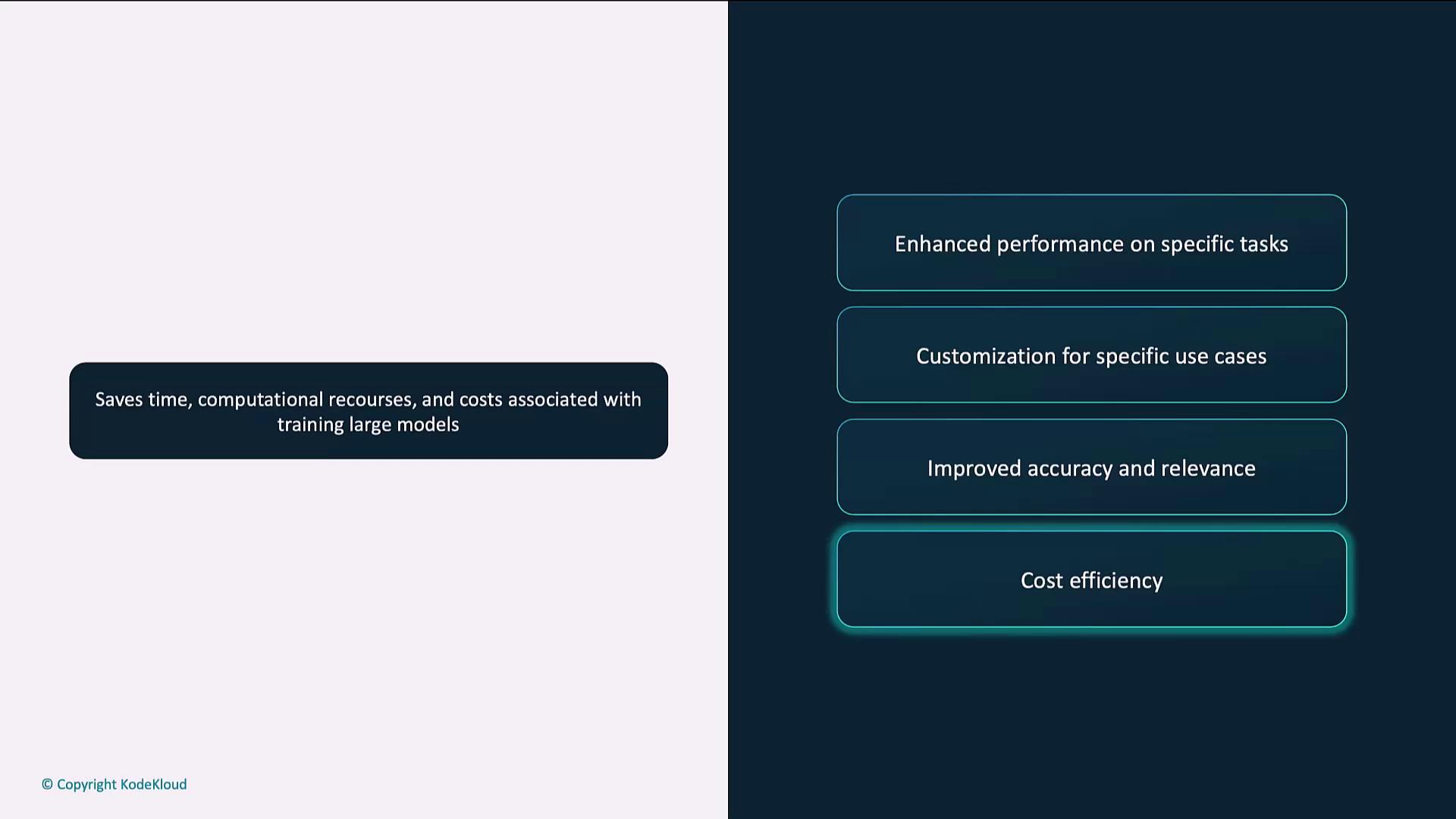
Fine-tuning reuses existing model weights, drastically reducing training time and compute costs:
* Leverage pre-trained parameters
* Shorter training cycles
* Lower resource consumption
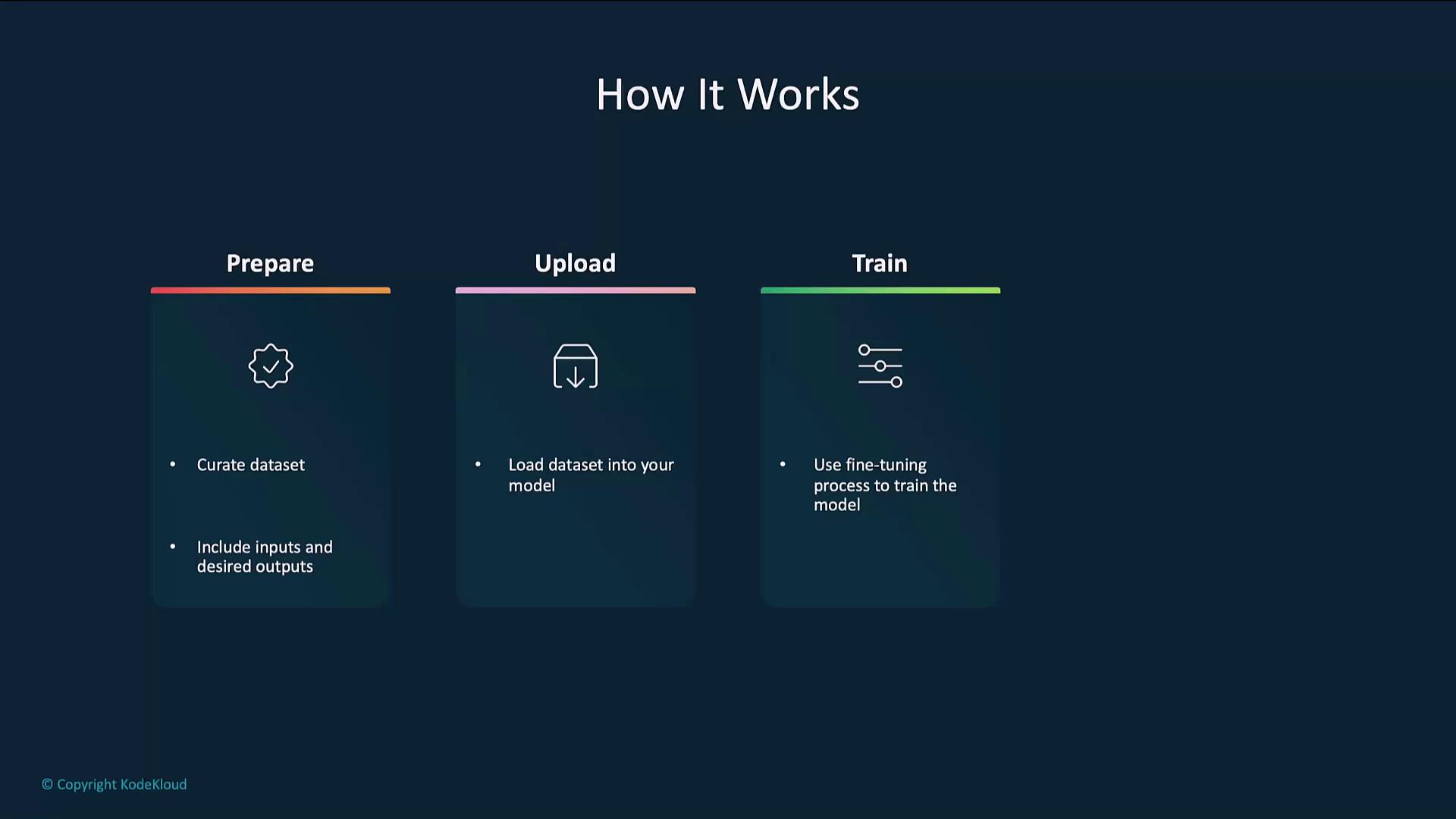
## How Fine-Tuning Works
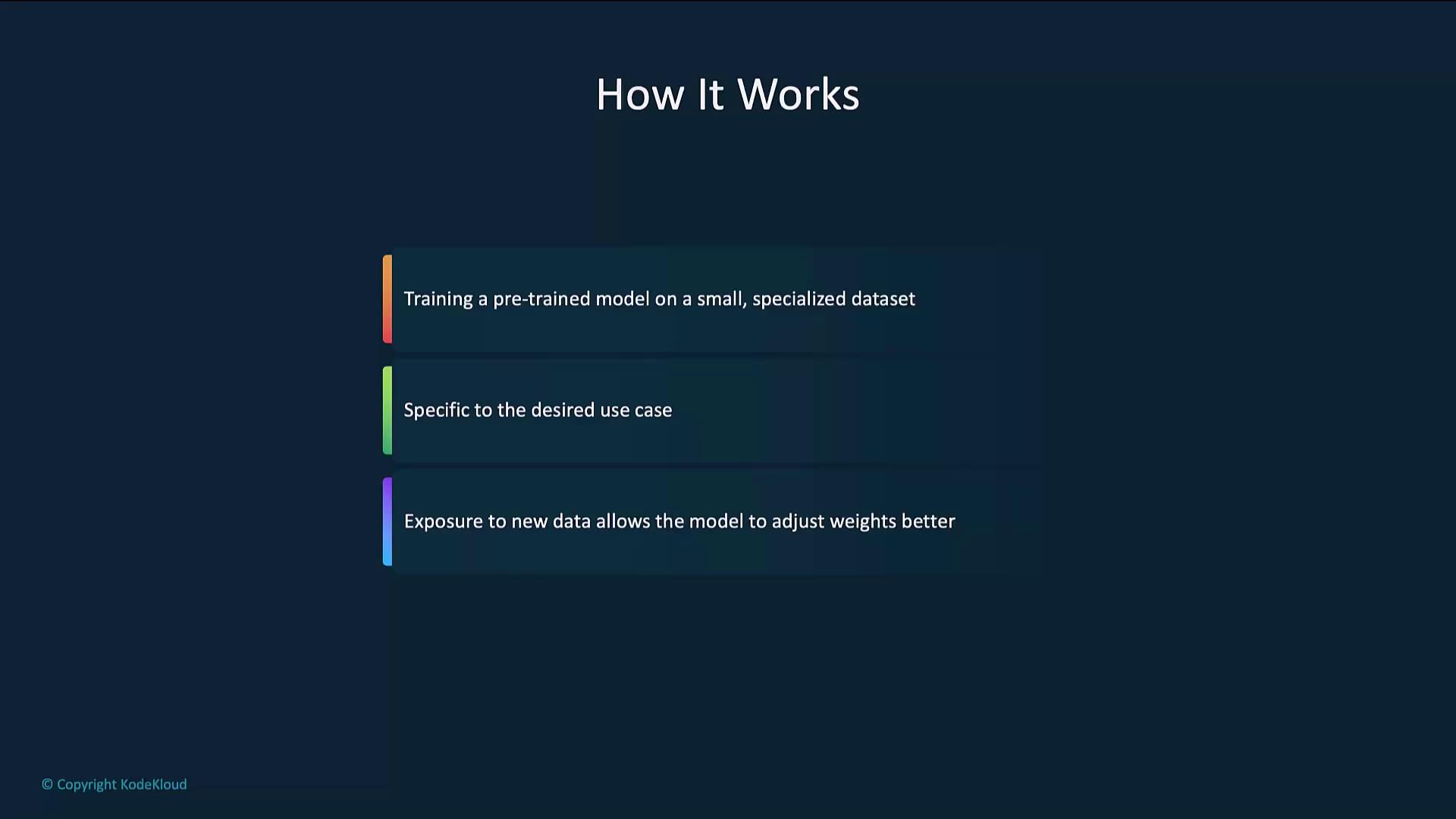
The process refines a pre-trained model on your labeled dataset while preserving its broad knowledge:
1. Prepare the dataset
2. Upload the dataset
3. Train the model
4. Evaluate the model
### High-Level Flow
## Example Code
Below is a step-by-step example using the OpenAI Python SDK.
### 1. Prepare the Dataset
Each line in a JSONL file should contain a `prompt` and `completion` object.
```json theme={null}
{"prompt": "Generate a confidentiality agreement clause:", "completion": "The Parties agree to keep all information confidential..."}
{"prompt": "Create a termination clause for a contract:", "completion": "This Agreement may be terminated by either party upon written notice..."}
```
Ensure your JSONL file follows the [JSONL specification](https://jsonlines.org/) and that prompts/completions accurately reflect your target style.
### 2. Upload the Dataset
Use the Files endpoint to register your dataset for fine-tuning.
```python theme={null}
from openai import OpenAI
client = OpenAI()
client.files.create(
file=open("mydata.jsonl", "rb"),
purpose="fine-tune"
)
```
### 3. Fine-Tune the Model
Start a fine-tuning job by specifying the training file, base model, and hyperparameters.
```python theme={null}
from openai import OpenAI
client = OpenAI()
client.fine_tuning.jobs.create(
training_file="file-abc123",
model="gpt-4o-mini-2024-07-18",
hyperparameters={
"n_epochs": 2
}
)
```
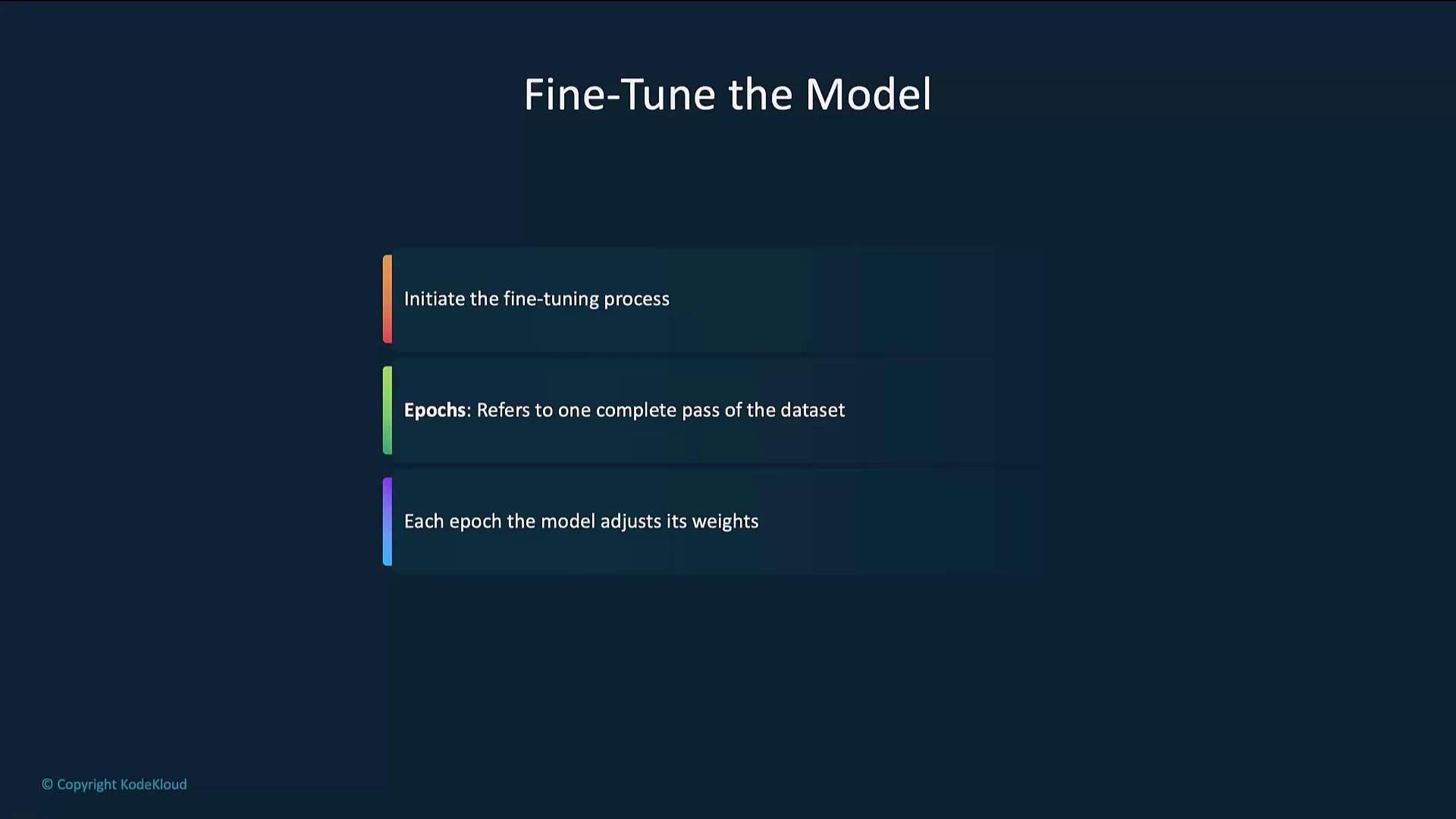
An **epoch** is one pass over the entire dataset. Multiple epochs let the model gradually refine its parameters.
### 4. Evaluate the Model
After fine-tuning, send test prompts to verify performance.
```python theme={null}
from openai import OpenAI
client = OpenAI()
completion = client.chat.completions.create(
model="your-fine-tuned-model-id",
messages=[
{"role": "system", "content": "You are a helpful assistant."},
{"role": "user", "content": "Write a haiku about recursion in programming."}
]
)
print(completion.choices[0].message.content)
```
## Best Practices
### Use High-Quality Data
High-quality, relevant data drives better models. Clean and validate entries before fine-tuning.
| Date | Price | Quantity Sold | City |
| ---------- | ----- | ------------- | ----------- |
| 2024-01-01 | 1.20 | 150 | New York |
| 2024-01-02 | 1.30 | 200 | Los Angeles |
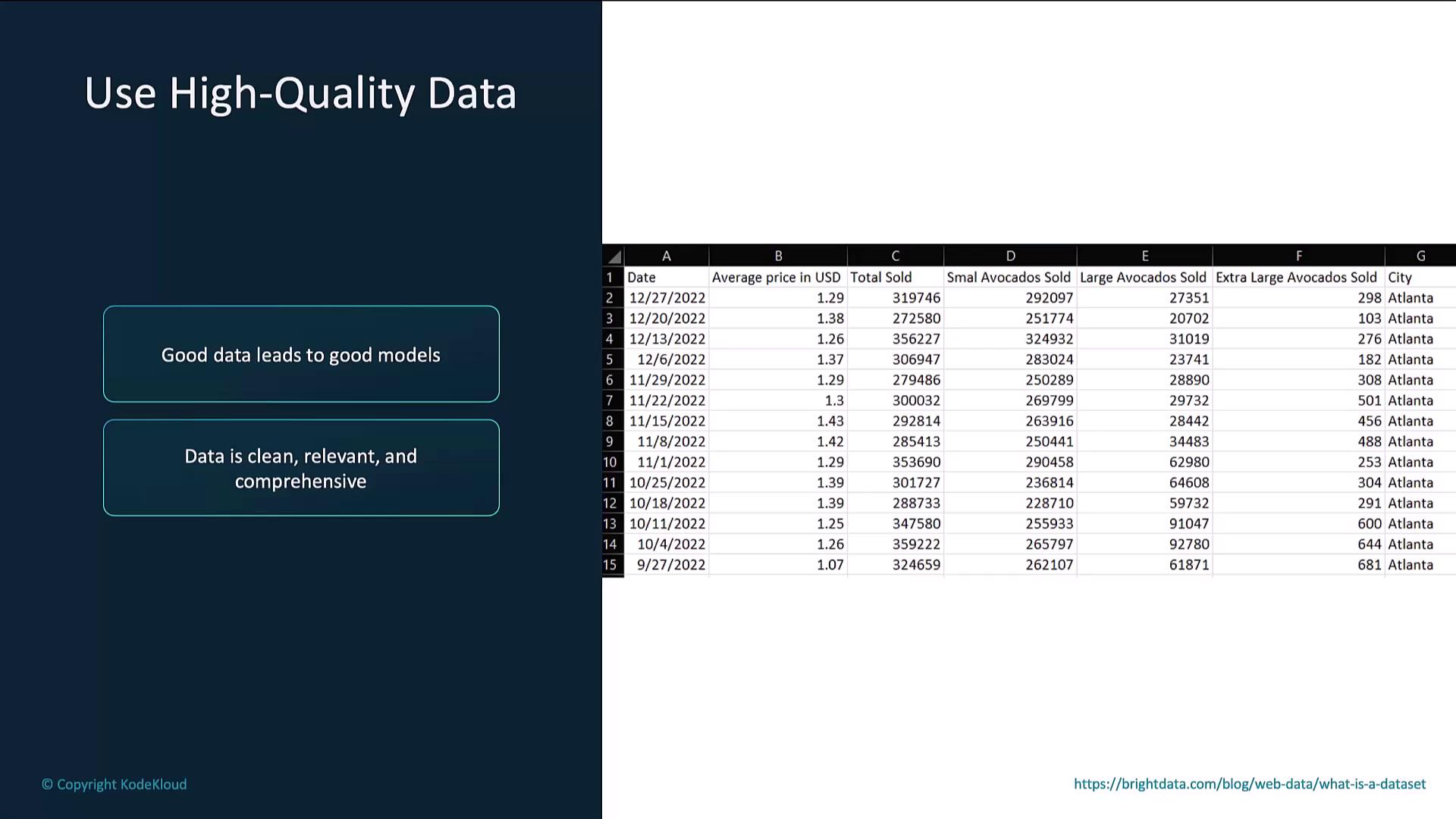
Manually review samples to ensure consistency and remove noisy entries.
### Start with a Small Dataset
Begin with a smaller dataset to gauge model behavior before scaling to larger volumes.
### Monitor the Fine-Tuning Process
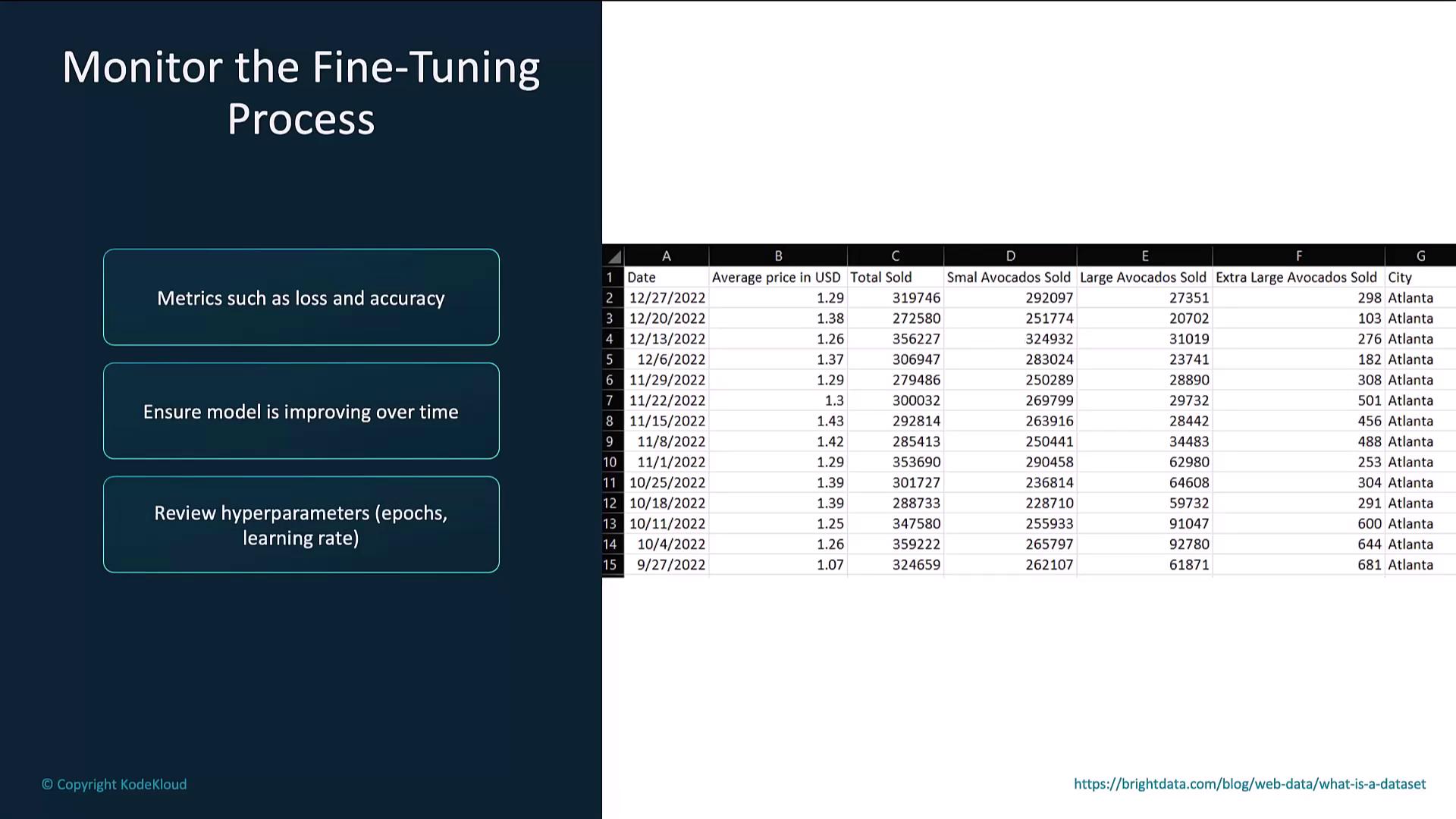
Track metrics such as loss and accuracy. If you see overfitting or stalled progress, adjust hyperparameters (e.g., learning rate, epochs).
## Links and References
* [OpenAI Fine-Tuning Guide](https://platform.openai.com/docs/guides/fine-tuning)
* [JSONL Format Specification](https://jsonlines.org/)
* [OpenAI Python SDK](https://github.com/openai/openai-python)