> ## Documentation Index
> Fetch the complete documentation index at: https://notes.kodekloud.com/llms.txt
> Use this file to discover all available pages before exploring further.
# Overview of Text Generation
> Overview of OpenAI’s GPT models for text generation, covering architecture, tokenization, model selection, and practical implementation techniques.
OpenAI’s GPT series—ranging from GPT-4 to lightweight variants—is built on a transformer architecture that excels at producing human-like text. Whether you need question answering, summaries, code snippets, or full articles, understanding the GPT text‐generation pipeline and its parameters will help you integrate AI-driven content into your applications efficiently.
***
## Generative Pre-trained Transformer (GPT)
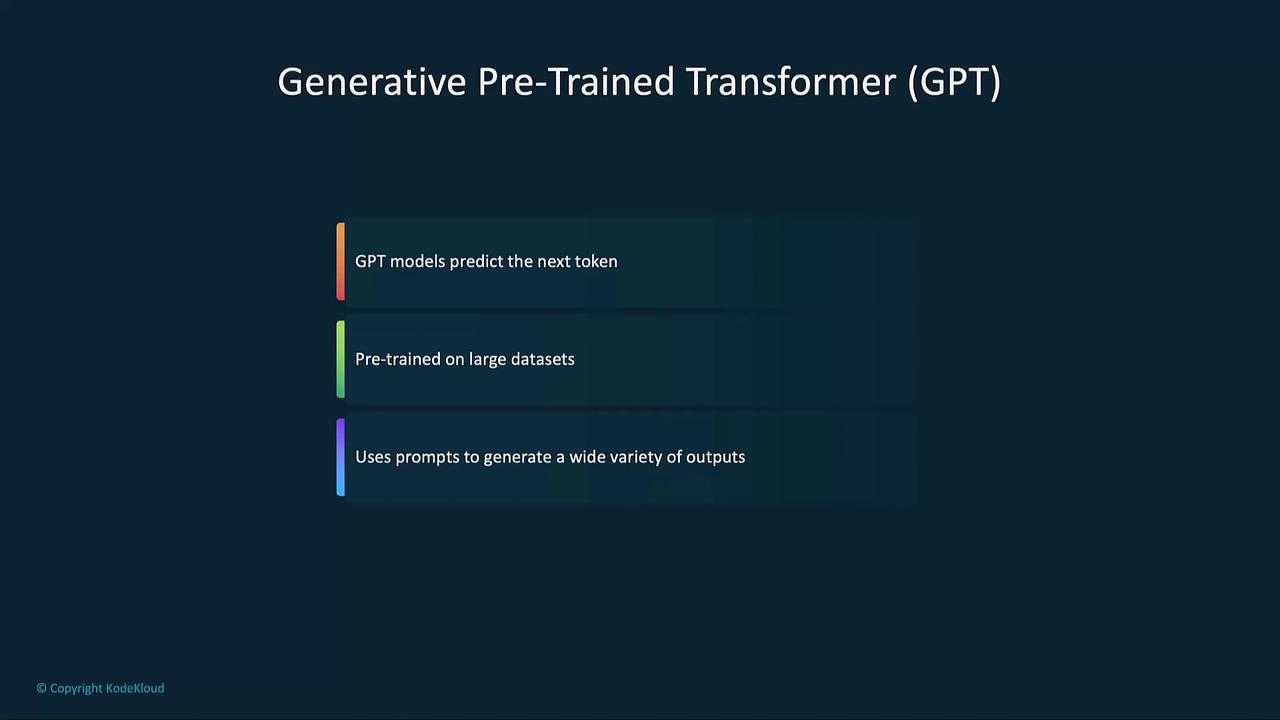
At its core, GPT predicts the next token (word or subword) in a sequence based on prior context. Pre-trained on massive corpora, it learns grammar, facts, and reasoning patterns. Using prompts, you can steer GPT to generate code, equations, creative writing, or structured data.
***
## Tokenization and Token Counts
GPT breaks text into tokens—units that include words, subwords, spaces, or punctuation. Token count influences both the model’s context window and your billing.
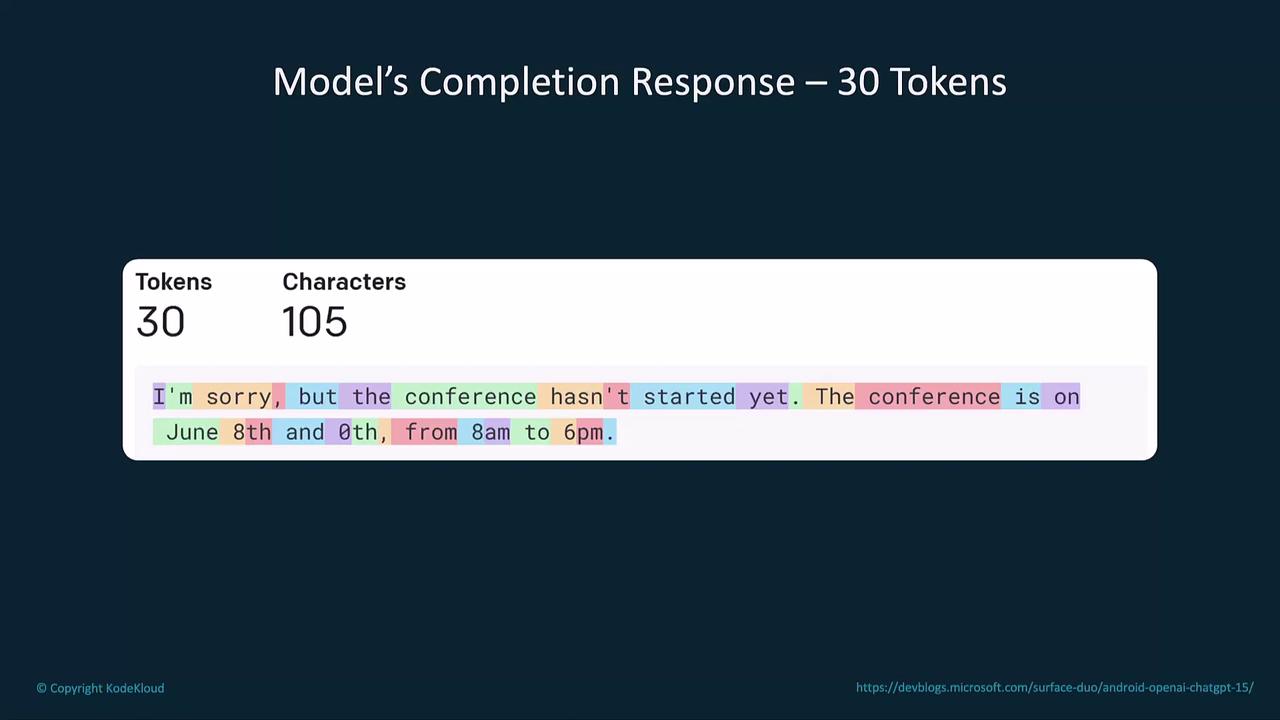
Each additional token adds to compute time and cost. Keep prompts concise to optimize performance and expenses.
***
## Model Selection
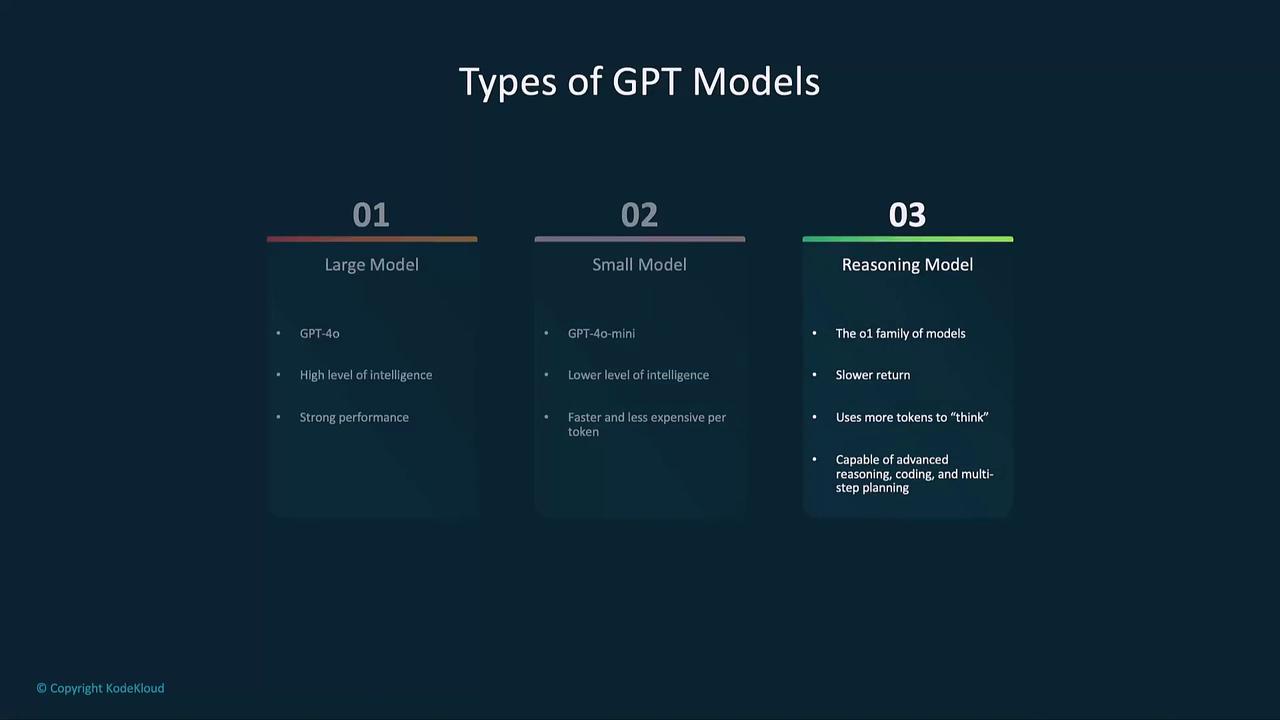
Selecting the right GPT variant balances cost, speed, and capability:
| Model Type | Use Case | Advantages | Considerations |
| ------------------ | ------------------------------- | ------------------ | ---------------------- |
| GPT-4 (Large) | Complex reasoning & analysis | Highest accuracy | Higher per-token cost |
| GPT-4 mini (Small) | Quick prototyping & low latency | Faster, lower cost | Limited output quality |
| Reasoning Model | Multi-step planning & coding | Advanced reasoning | Slower, more tokens |
***
## Key Components of Text Generation
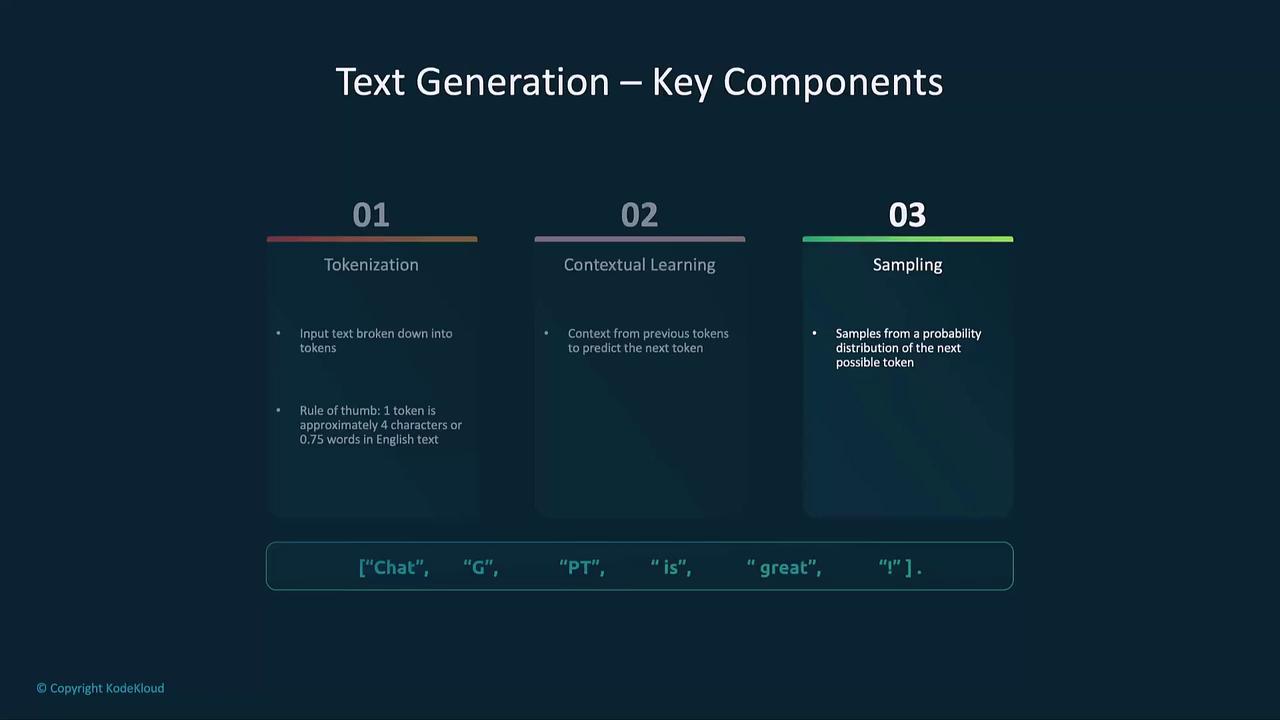
1. **Tokenization**\
Divide input and output into discrete tokens.
2. **Contextual Learning**\
Use all prior tokens to inform the next prediction.
3. **Sampling**\
Apply methods like greedy or temperature sampling for creativity.
***
## How GPT Generates Text
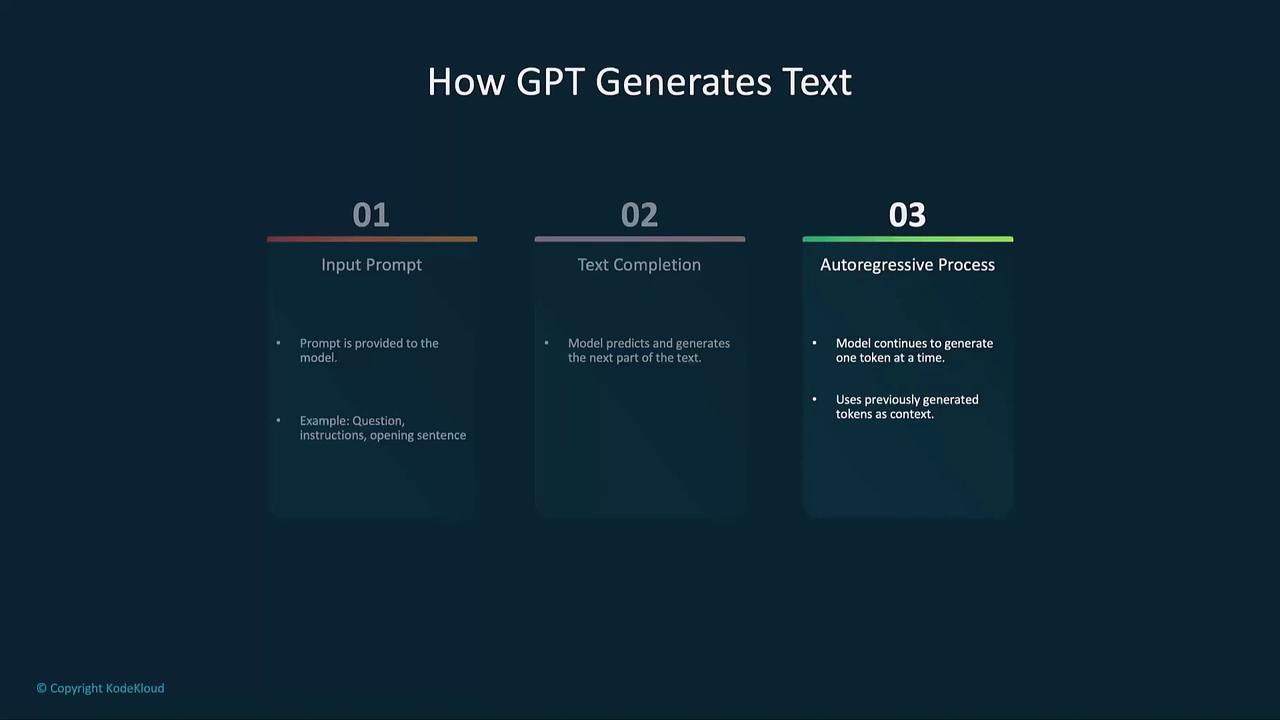
The autoregressive pipeline consists of:
1. **Input Prompt:** Your instruction or question.
2. **Text Completion:** Model predicts the next token.
3. **Autoregressive Loop:** Each new token feeds back until a stop condition or max tokens is reached.
***
## Example: Generating a Haiku
```python theme={null}
from openai import OpenAI
client = OpenAI()
completion = client.chat.completions.create(
model="gpt-4",
messages=[
{"role": "system", "content": "You are a helpful assistant."},
{"role": "user", "content": "Write a haiku about recursion in programming."}
]
)
print(completion.choices[0].message.content)
```
***
## Setup: Python, VS Code, and OpenAI
Install the Python package and set your API key securely:
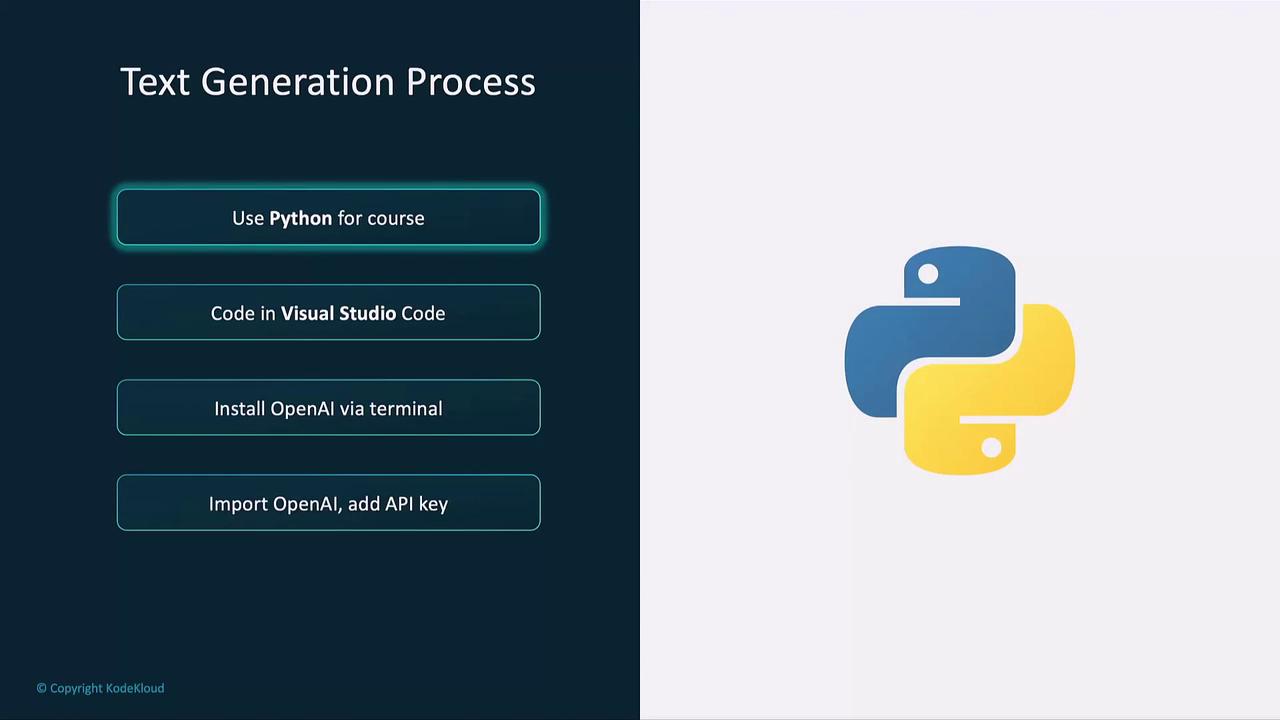
```bash theme={null}
pip install openai
```
Never hard-code your `openai.api_key` in public repositories. Use environment variables or a secret manager.
```python theme={null}
import openai
openai.api_key = "YOUR_API_KEY"
```
***
## Core Parameters
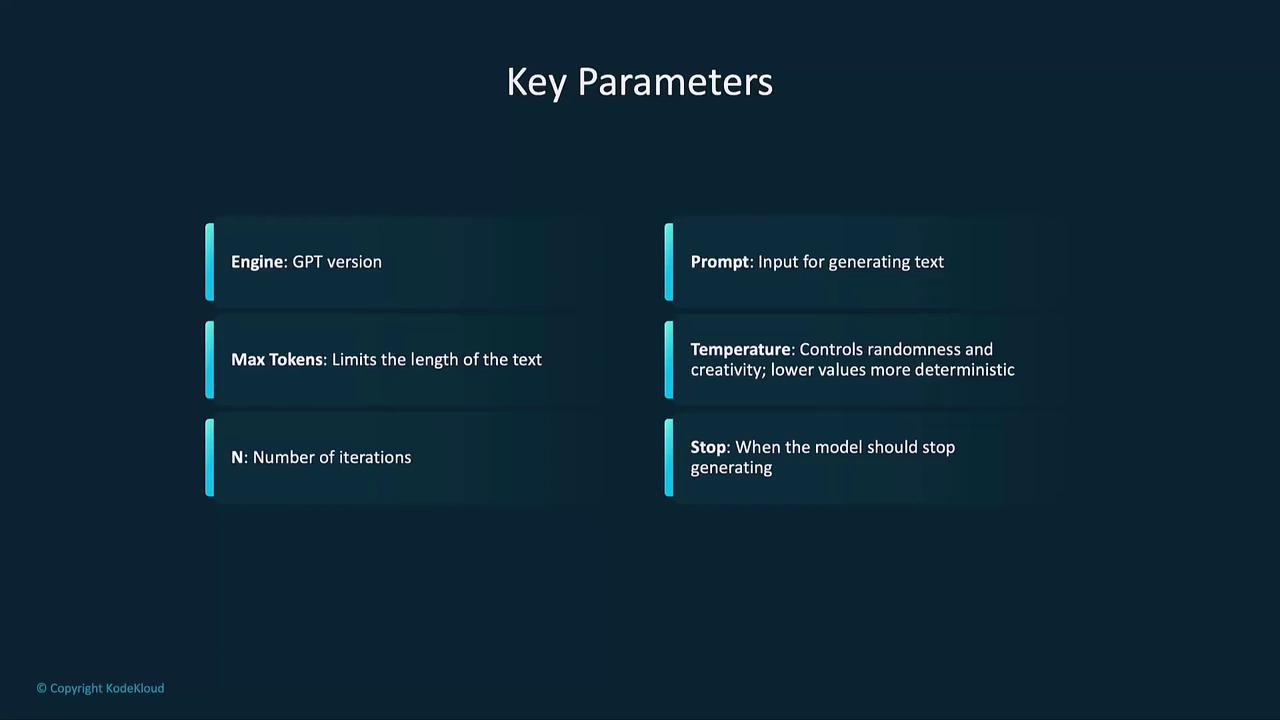
| Parameter | Description |
| ----------- | --------------------------------------------------------- |
| model | GPT version (e.g., `"gpt-4"`) |
| messages | List of chat messages or prompt strings |
| max\_tokens | Maximum number of tokens in the response |
| temperature | Sampling randomness (0.0 = deterministic, 1.0 = creative) |
| n | Number of completions to generate |
| stop | Optional sequences where generation halts |
| top\_p | Cumulative probability threshold for nucleus sampling |
***
## Example: Short Story Generator
```python theme={null}
def short_story_generator(prompt: str) -> str:
response = client.chat.completions.create(
model="gpt-4-mini",
messages=[{"role": "user", "content": prompt}],
max_tokens=100,
temperature=0.7,
n=2
)
return response.choices[0].message.content
print(short_story_generator("Write me a short fantasy story."))
```
***
## Auto-regressive Generation and Sampling
GPT’s output is built one token at a time, each influenced by the full sequence so far.
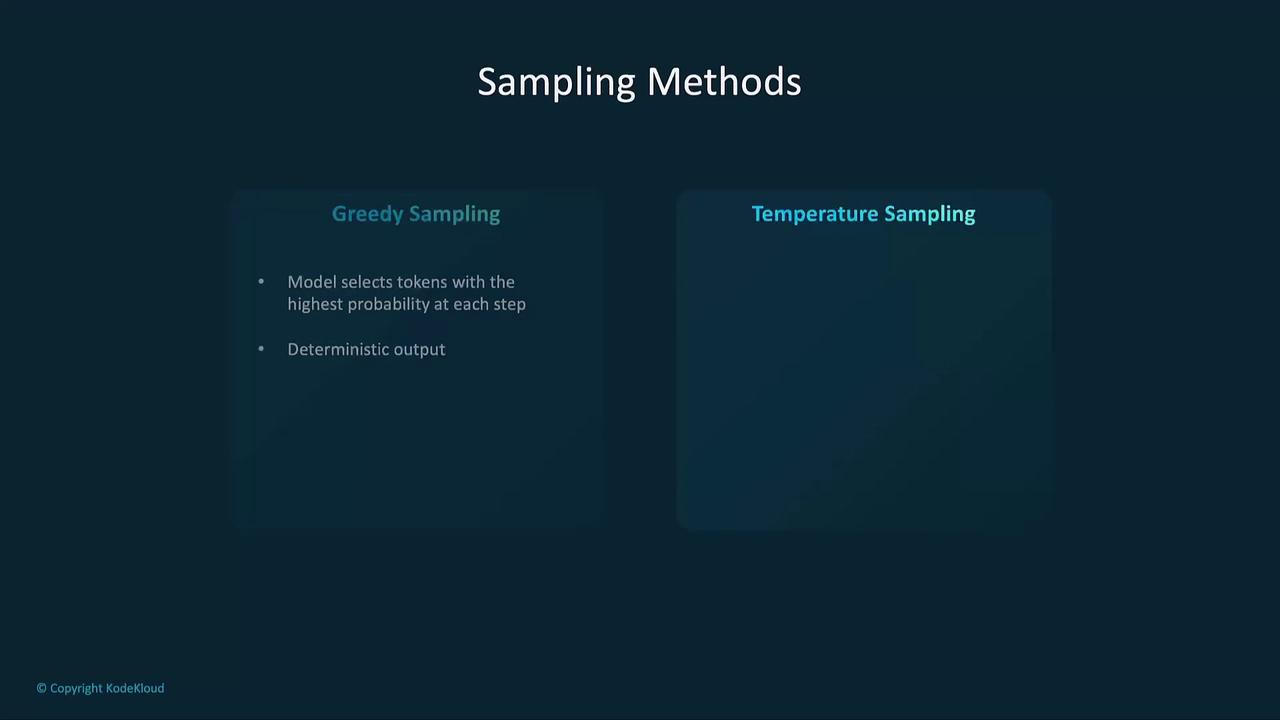
### Sampling Methods
* **Greedy Sampling:** Picks the highest-probability token each step (deterministic).
* **Temperature Sampling:** Scales logits to adjust randomness (`0.0–1.0`).
***
## Advanced Techniques: Temperature, Top-P, and Fine-Tuning
Customize model creativity and focus via parameters or fine-tuning.
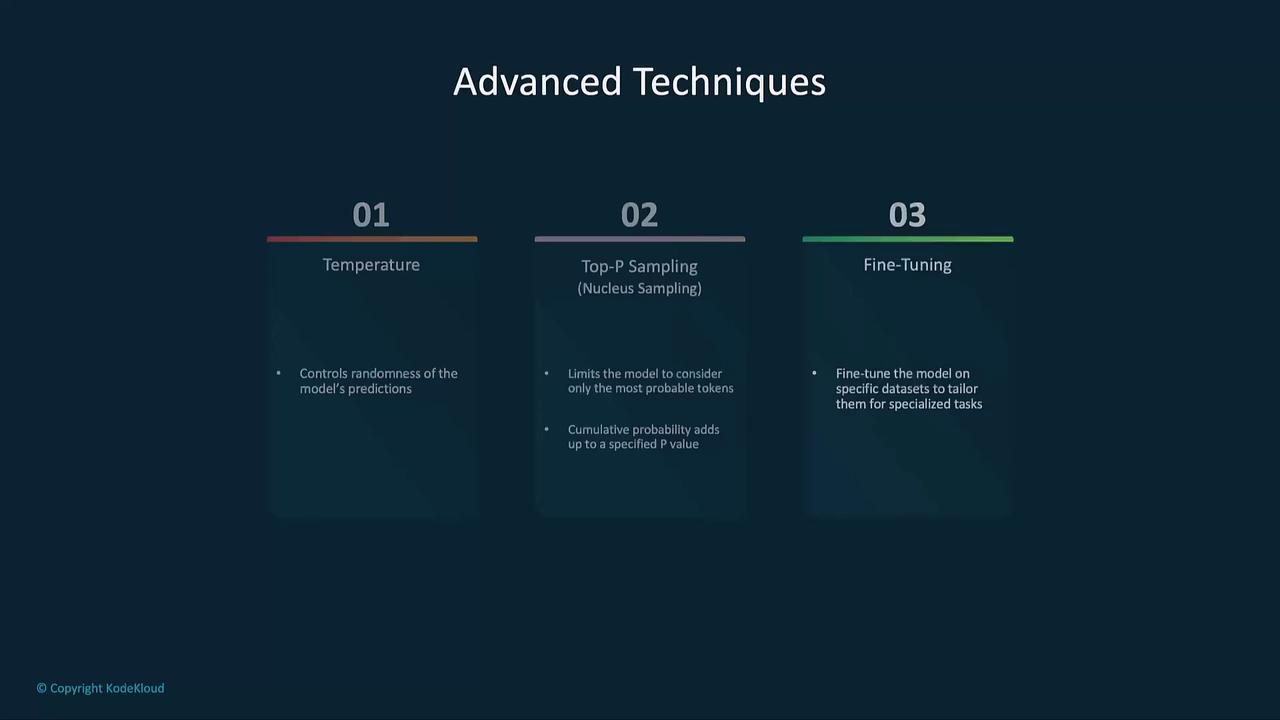
### Temperature Effects
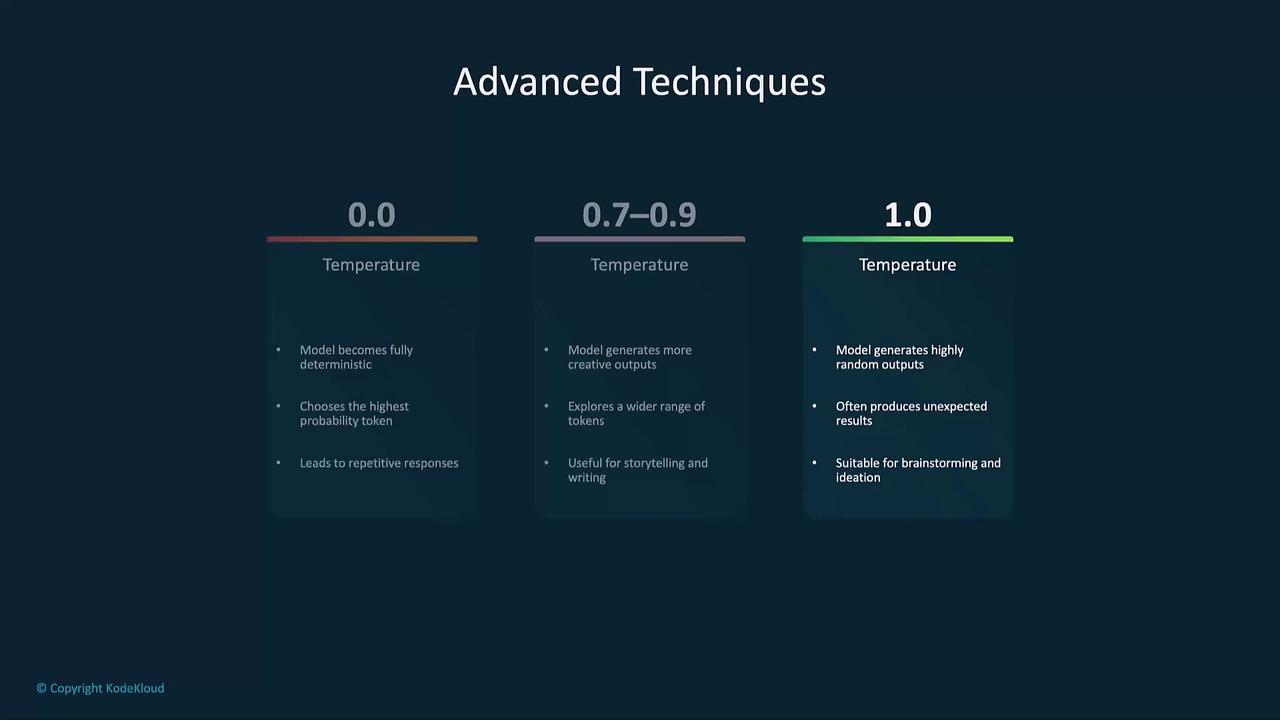
```python theme={null}
# Temperature = 0.0 (Deterministic)
completion = client.chat.completions.create(
model="gpt-4-mini",
messages=[{"role": "user", "content": "Explain how a solar panel works."}],
max_tokens=100,
temperature=0.0
)
print(completion.choices[0].message.content)
```
```python theme={null}
# Temperature = 0.5 (Balanced)
completion = client.chat.completions.create(
model="gpt-4-mini",
messages=[{"role": "user", "content": "Explain how a solar panel works."}],
max_tokens=100,
temperature=0.5
)
print(completion.choices[0].message.content)
```
```python theme={null}
# Temperature = 1.0 (Creative)
completion = client.chat.completions.create(
model="gpt-4-mini",
messages=[{"role": "user", "content": "Explain how a solar panel works."}],
max_tokens=100,
temperature=1.0
)
print(completion.choices[0].message.content)
```
### Top-P Sampling
Restricts choices to tokens whose cumulative probability ≤ p.
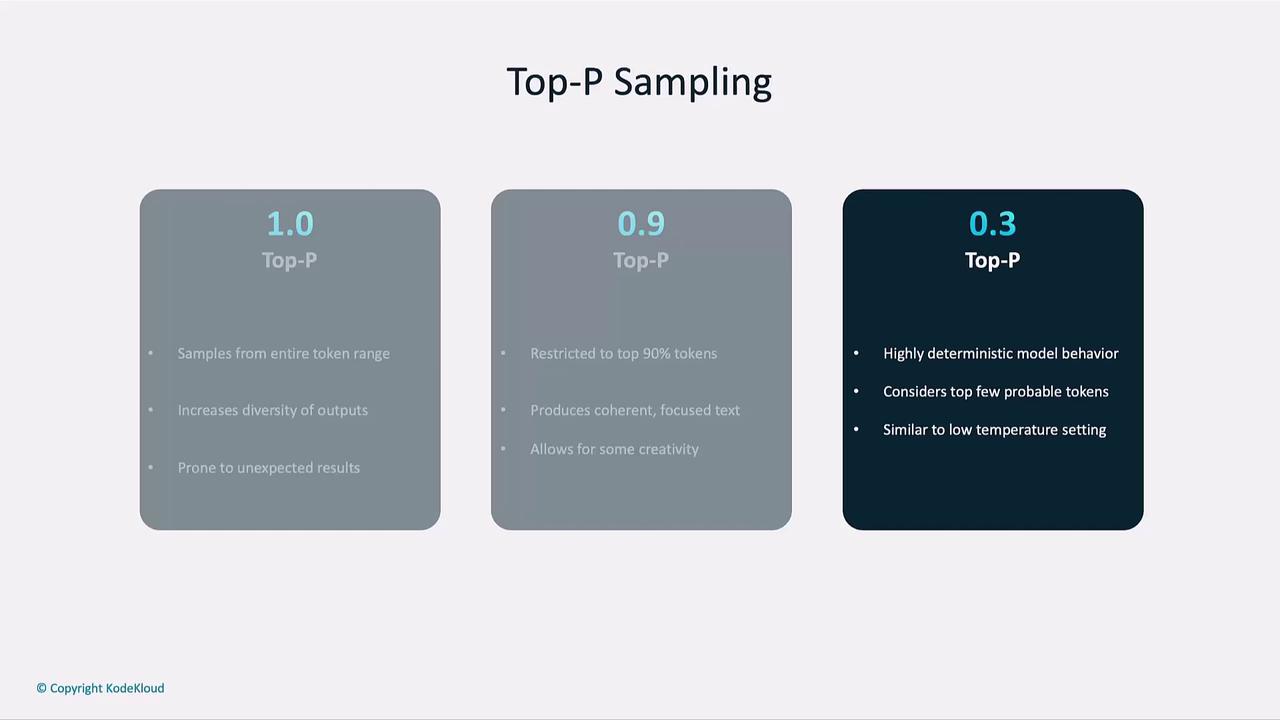
```python theme={null}
# top_p = 1.0 (All tokens)
completion = client.chat.completions.create(
model="gpt-4-mini",
messages=[{"role": "user", "content": "Explain how a solar panel works."}],
max_tokens=100,
temperature=0.5,
top_p=1.0
)
print(completion.choices[0].message.content)
```
```python theme={null}
# top_p = 0.9 (Top 90%)
completion = client.chat.completions.create(
model="gpt-4-mini",
messages=[{"role": "user", "content": "Explain how a solar panel works."}],
max_tokens=100,
temperature=0.5,
top_p=0.9
)
print(completion.choices[0].message.content)
```
```python theme={null}
# top_p = 0.3 (Highly deterministic)
completion = client.chat.completions.create(
model="gpt-4-mini",
messages=[{"role": "user", "content": "Explain how a solar panel works."}],
max_tokens=100,
temperature=0.5,
top_p=0.3
)
print(completion.choices[0].message.content)
```
***
## Fine-Tuning Custom Models
Fine-tuning adapts a GPT model to domain-specific tasks:
1. Prepare a JSONL dataset with input-output pairs.
2. Upload via the OpenAI API.
3. Initiate the fine-tuning job.
4. Call your specialized model just like any other.
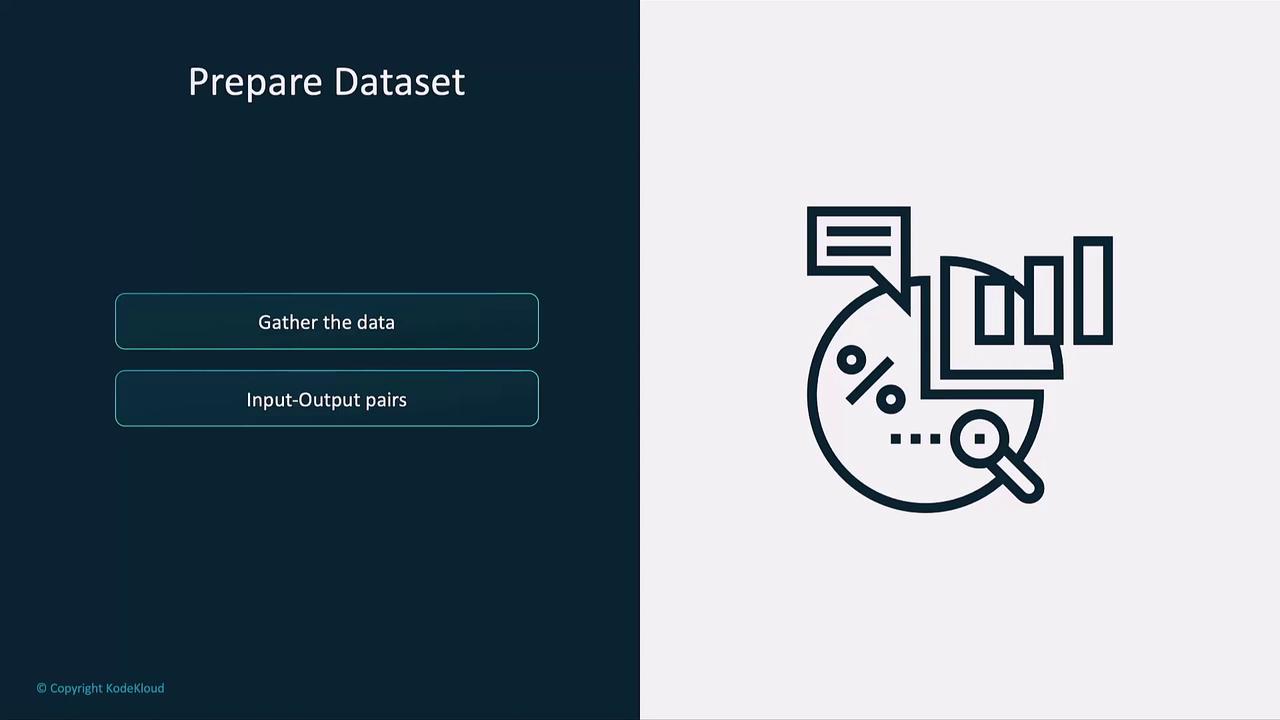
```json theme={null}
[
{"prompt": "Generate a confidentiality clause:", "completion": "This Confidentiality Clause ..."},
{"prompt": "Generate a non-compete clause:", "completion": "This Non-Compete Clause ..."},
{"prompt": "Generate a termination clause:", "completion": "This Termination Clause ..."}
]
```
***
## Tokenization Details
GPT uses byte-pair encoding (BPE) to efficiently split text into subword tokens.
```python theme={null}
prompt = "Is LeBron better than Jordan?"
response = client.chat.completions.create(
model="gpt-4-mini",
messages=[{"role": "user", "content": prompt}],
max_tokens=100,
temperature=0.5,
top_p=0.3,
)
# Print each token in the response
for token in response.choices[0].message.content:
print(f"Token: {token}")
```
***
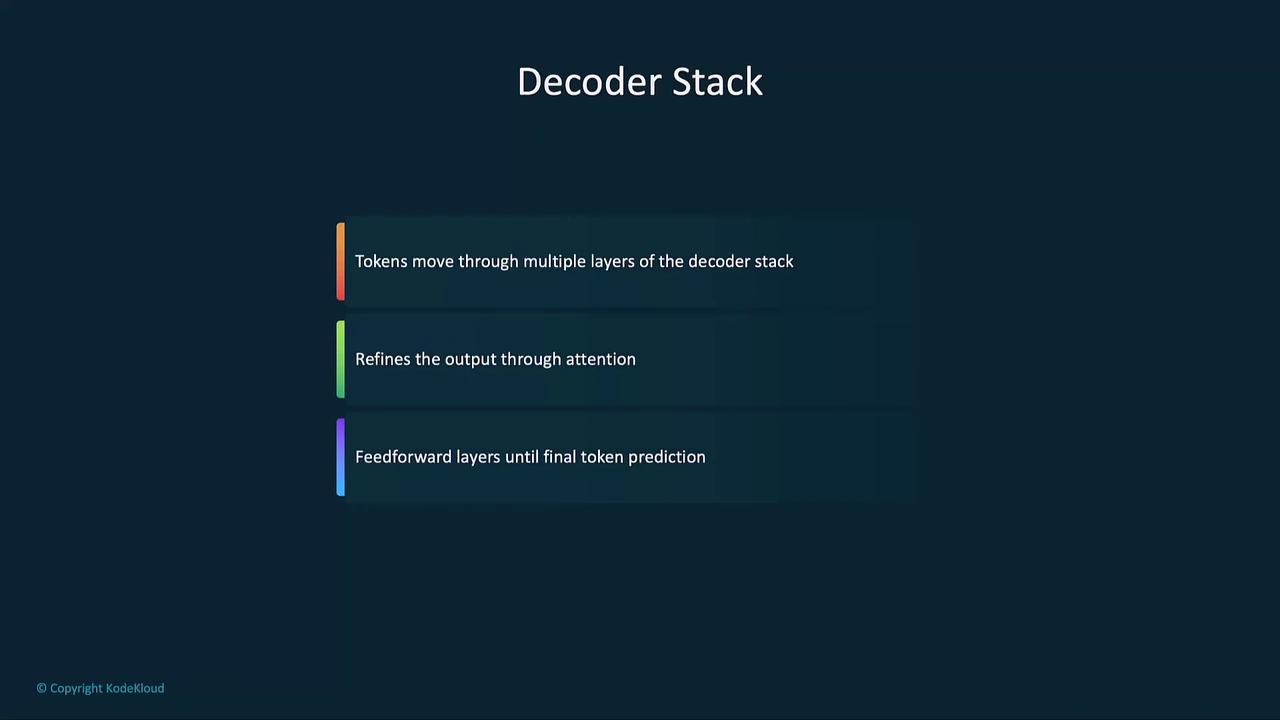
## Transformer and Decoder Stack
After tokenization, text passes through:
1. Embedding Layer
2. Positional Encoding
3. Self-Attention Mechanism
4. Feedforward & Decoder Blocks
***
## Best Practices
* Prompt Engineering: Craft clear, specific instructions.
* Review Outputs: Check for bias, factual accuracy, and coherence.
* Iterate Parameters: Experiment with `temperature`, `max_tokens`, and `top_p`.
* Responsible Usage: Always combine AI-generated content with human oversight, especially in sensitive domains.
***
## Links and References
* OpenAI API Documentation: [https://platform.openai.com/docs](https://platform.openai.com/docs)
* OpenAI Python SDK on PyPI: [https://pypi.org/project/openai](https://pypi.org/project/openai)
* Nucleus Sampling (Top-P) Paper: [https://arxiv.org/abs/1904.09751](https://arxiv.org/abs/1904.09751)