> ## Documentation Index
> Fetch the complete documentation index at: https://notes.kodekloud.com/llms.txt
> Use this file to discover all available pages before exploring further.
# Prompt Engineering
> This guide teaches how to create effective prompts for generative AI models to enhance output quality and task-specific performance.
In this guide, you’ll learn how to craft effective prompts that steer generative models—like OpenAI’s GPT-4—to deliver clear, accurate, and relevant outputs. Well-designed prompts minimize ambiguity, speed up iteration, and improve task-specific performance.
## Why Prompt Engineering Matters
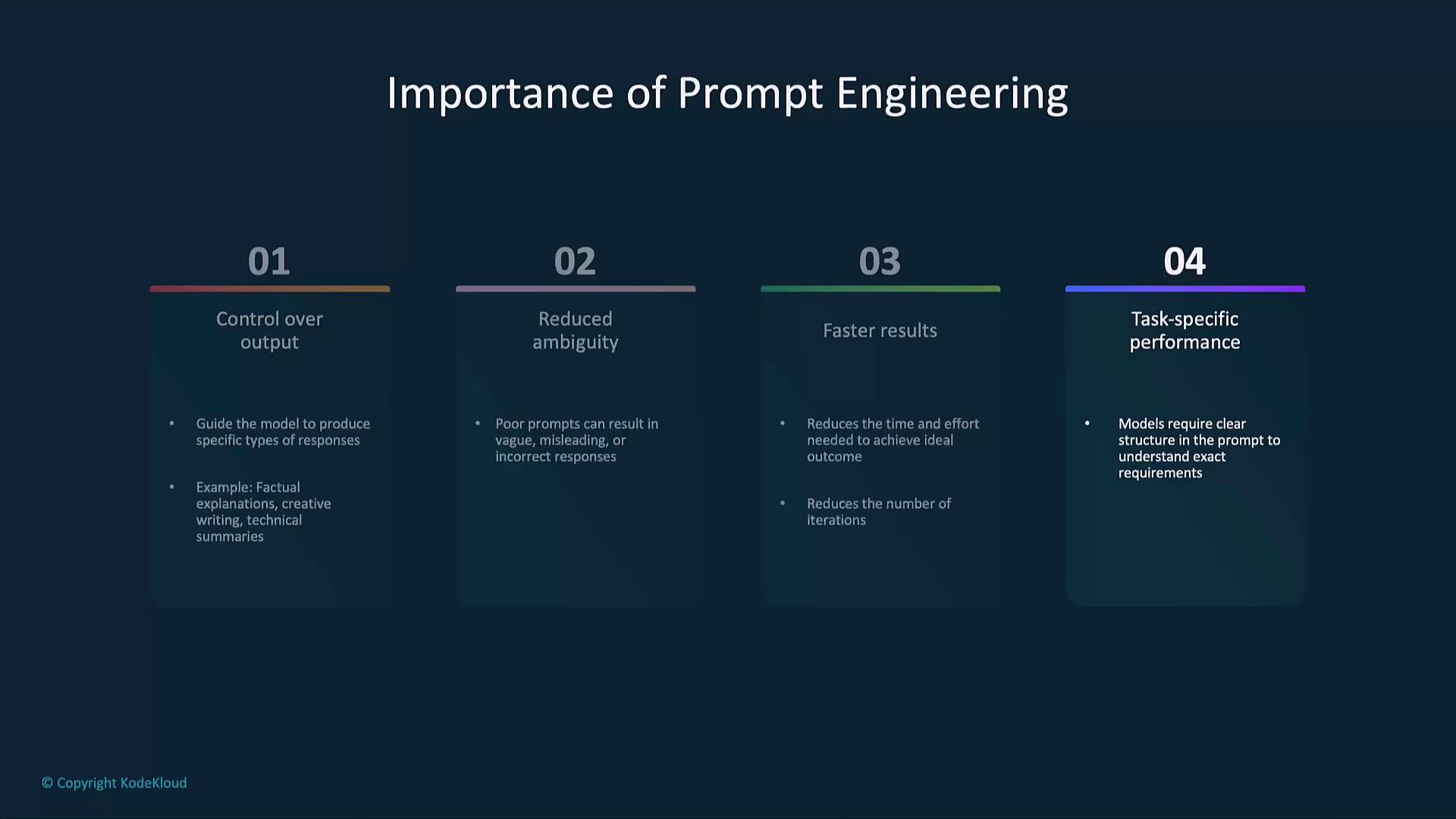
Generative AI can tackle diverse tasks, but the clarity and structure of your prompt determine the quality of the response:
* Control over tone and format
* Precision to reduce vague answers
* Faster convergence on desired results
* Enhanced performance in specialized domains (e.g., legal, technical)
## Core Principles
### Clarity & Specificity
Make requests explicit to avoid off-target or incomplete answers.
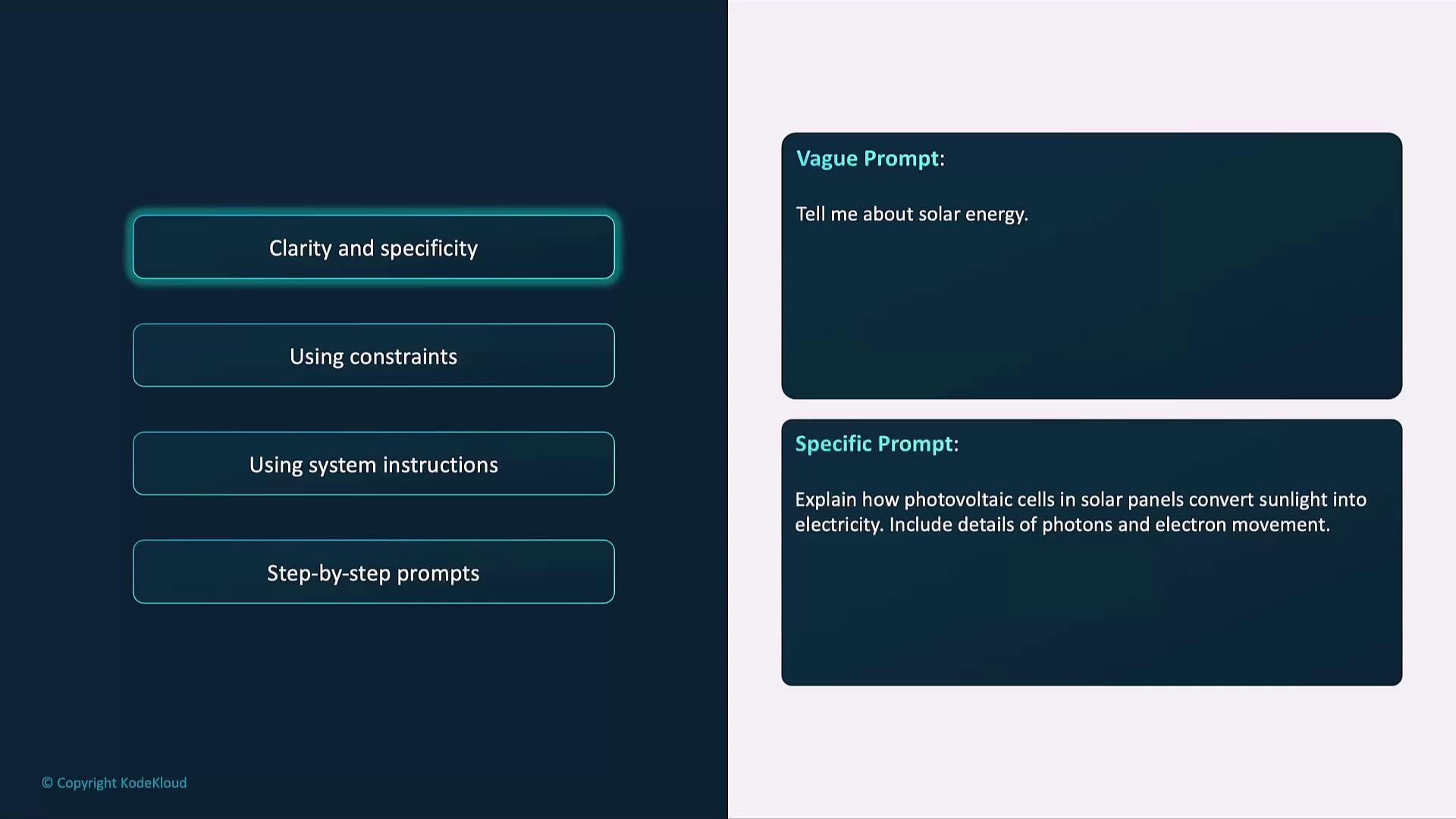
Example of a precise prompt:
```python theme={null}
prompt = (
"Explain how photovoltaic cells in solar panels convert sunlight "
"into electricity. Include details about photons and electron movement."
)
```
### Using Constraints
Define style, length, or format to shape output consistency.
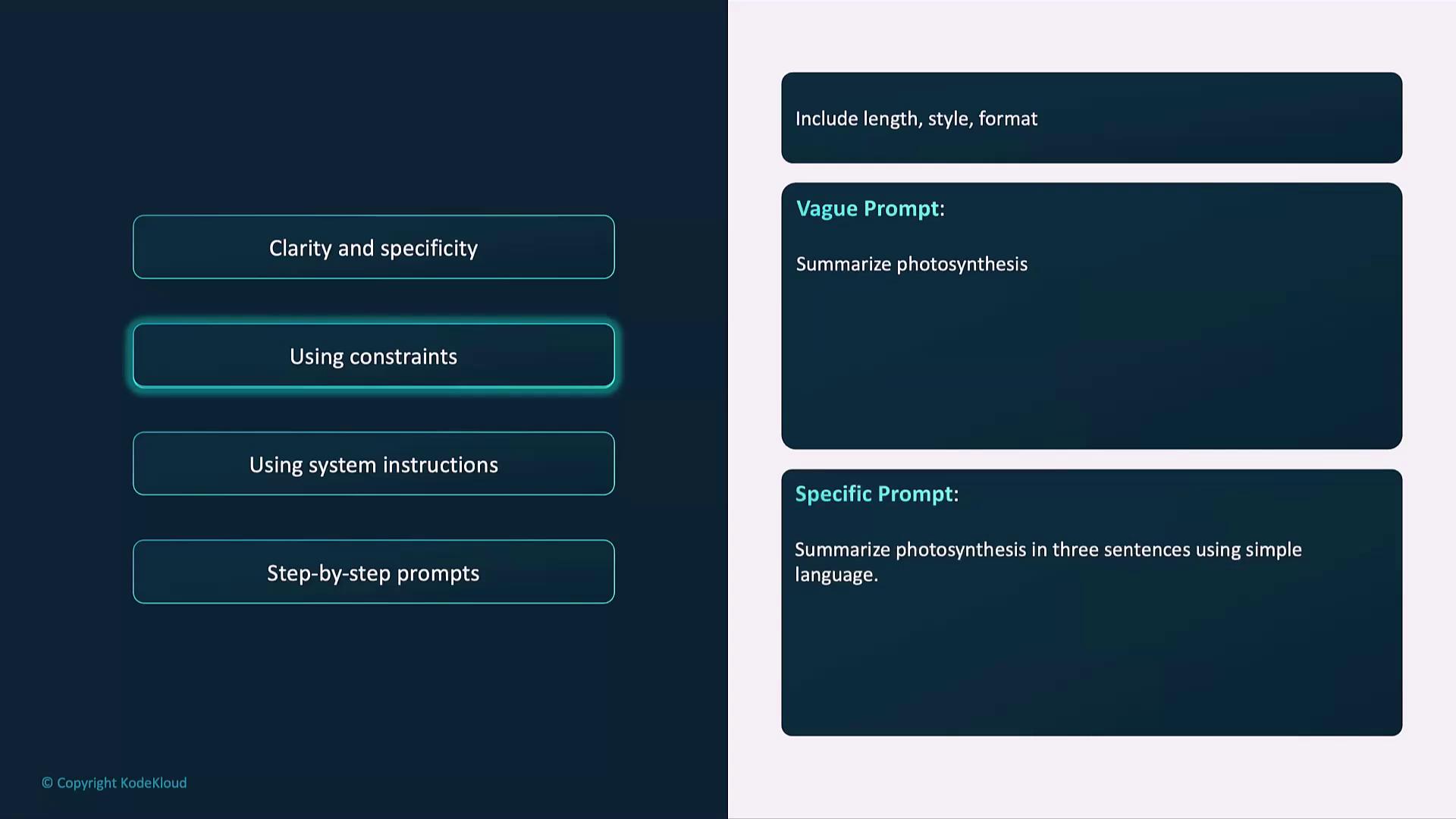
Example with formatting constraints:
```python theme={null}
prompt = (
"Summarize how photosynthesis works in three sentences "
"using simple language and bullet points."
)
```
Use bullet points, word limits, or tone specifications (e.g., formal vs. conversational) to guide the model’s style.
### System Messages
In chat-based setups, system instructions define the model’s role and behavior before user input.
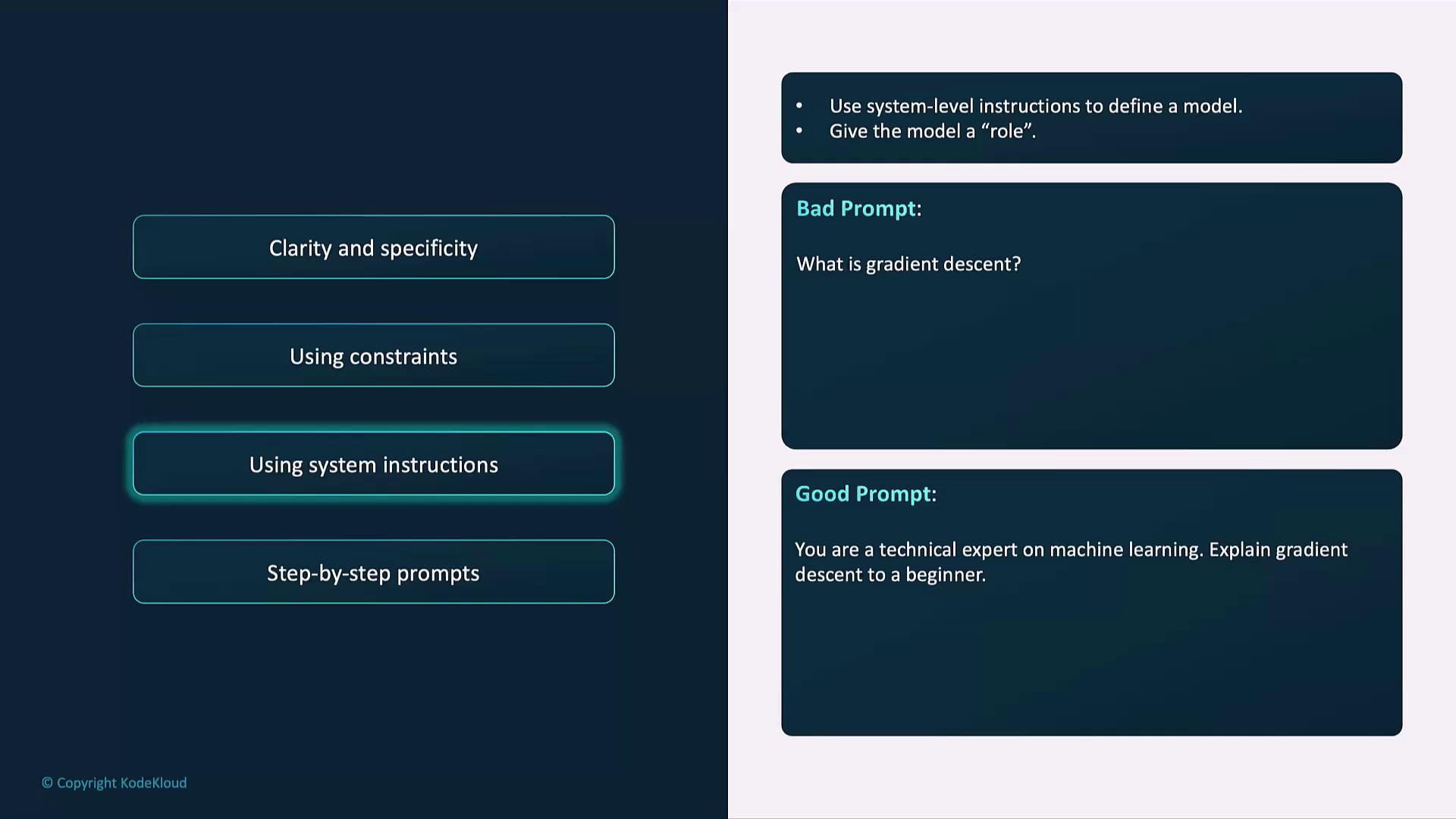
Example of a system-level prompt:
```text theme={null}
System: You are a technical expert in machine learning.
User: Explain gradient descent in simple terms, using an analogy.
```
### Step-by-Step Prompts
Break down complex tasks into sequential steps for transparency and logical flow.
Example:
```python theme={null}
prompt = (
"Explain the process of solving a linear equation step by step. "
"Include a simple example."
)
```
## Advanced Techniques
### Few-Shot Learning
Provide annotated examples within the prompt to demonstrate desired format and style.
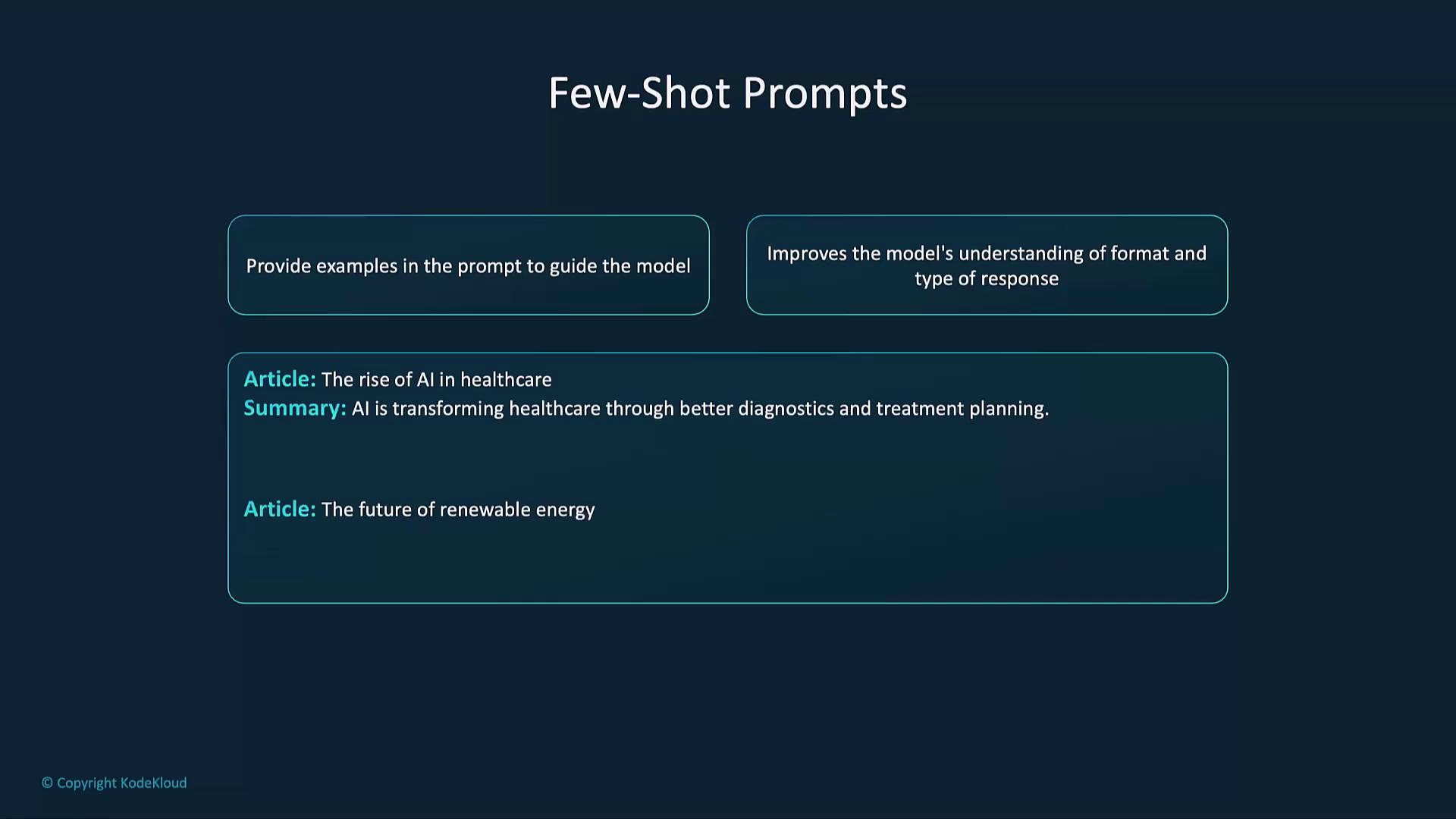
Example few-shot prompt:
```python theme={null}
prompt = """
Summarize the following articles.
Example 1:
Article: "AI in Healthcare..."
Summary: "Artificial intelligence is transforming patient diagnostics..."
Example 2:
Article: "Renewable Energy Trends..."
Summary: "Solar and wind power are growing at..."
Now summarize the article: "The impact of blockchain on finance."
"""
```
### Zero-Shot Prompts
Rely on explicit instructions without examples—best for straightforward tasks.
Example:
```python theme={null}
prompt = "Summarize the article 'The future of renewable energy.'"
```
### Chain-of-Thought Prompting
Encourage the model to “think aloud,” revealing intermediate reasoning steps for complex queries.
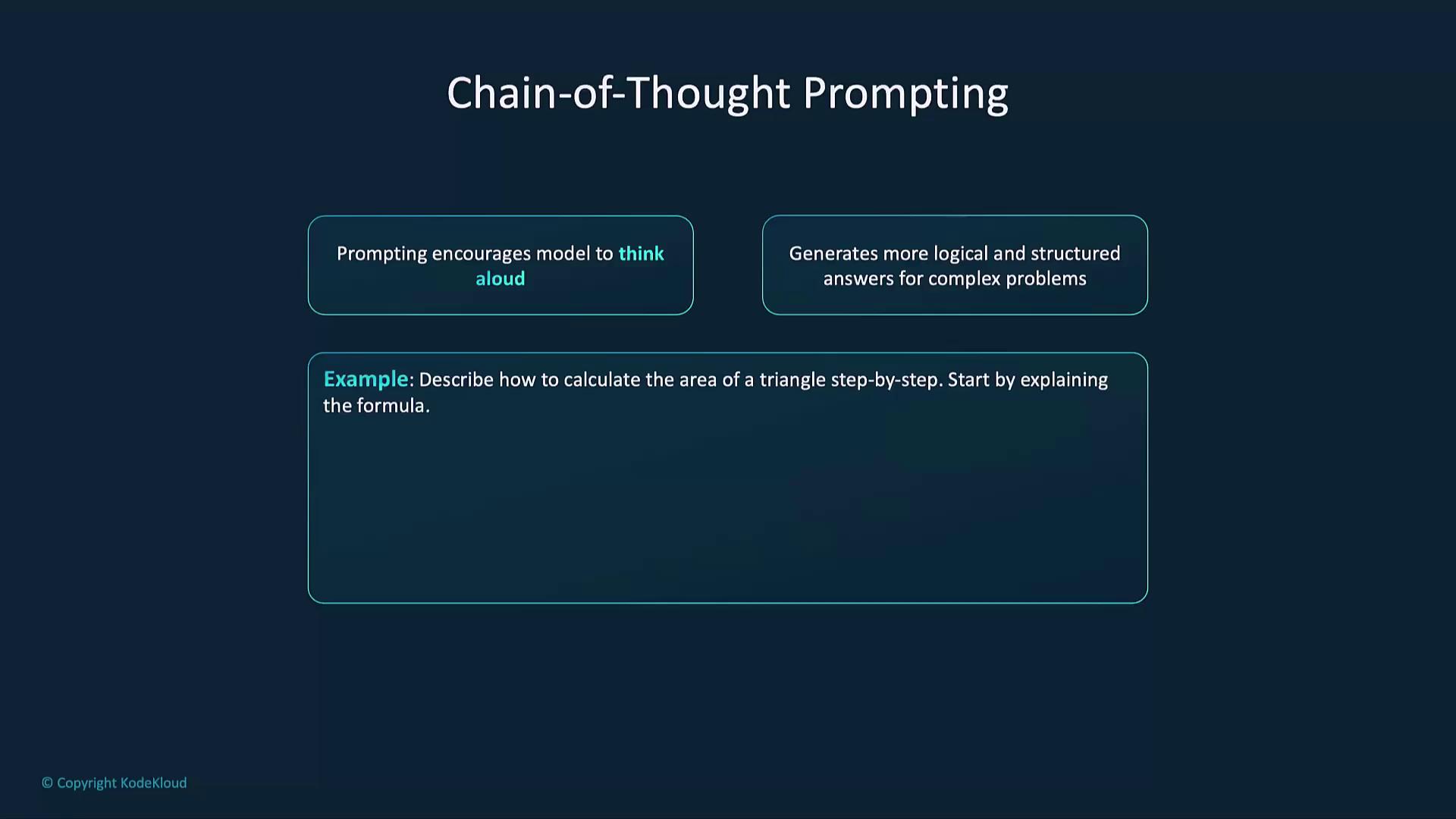
Example:
```python theme={null}
prompt = (
"Describe how to calculate the area of a triangle step by step. "
"Start by explaining the formula clearly."
)
```
## Common Pitfalls & Solutions
Avoid these mistakes to get the most reliable and focused outputs.
| Mistake | Why It Happens | How to Fix |
| ------------------- | -------------------------------------------------------- | --------------------------------------------------------------------- |
| Vague prompts | Too broad or unspecific | Specify topic, audience, and depth requirements |
| Missing constraints | No length, tone, or format guidelines | Add word limits, bullet points, or style instructions |
| Untested parameters | Default settings (temperature, top\_p) may not suit task | Experiment with lower temperature for accuracy, higher for creativity |
| Ignoring context | Critical details left out | Provide background: audience, purpose, format, and relevant data |
## Further Reading & Resources
* [OpenAI Prompt Design Guide](https://platform.openai.com/docs/guides/prompt-design)
* [Kubernetes Basics](https://kubernetes.io/docs/concepts/overview/what-is-kubernetes/)
* [Terraform Registry](https://registry.terraform.io/)
By applying these strategies—clarity, constraints, structured examples, and iterative testing—you’ll consistently produce high-quality, relevant responses from generative AI models.